Key Takeaways
Native survey tools support incentives but route through third-party marketplace add-ons, not built-in automation.
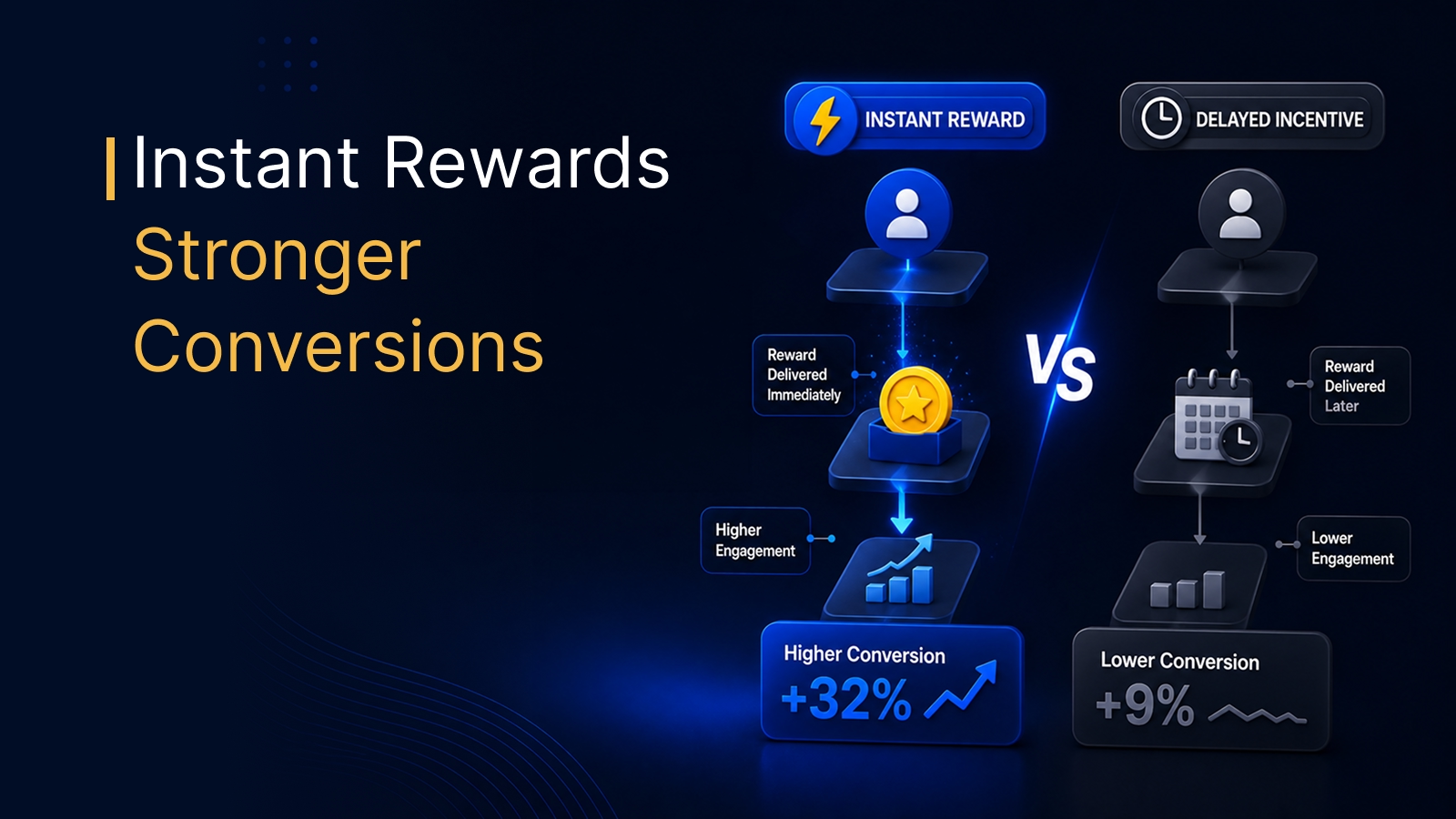
Reward type, timing, and trigger rules matter more than reward value for response quality.
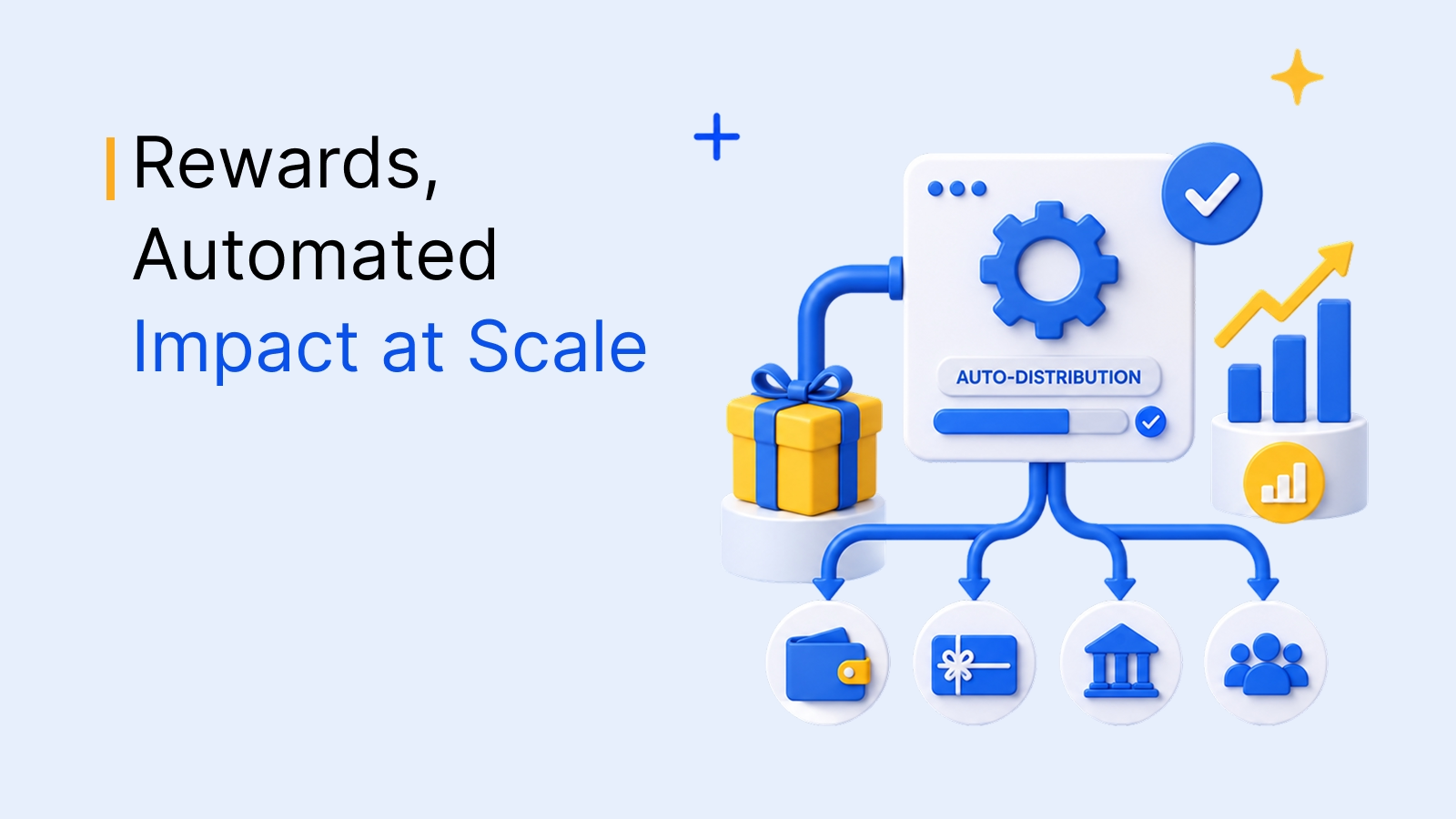
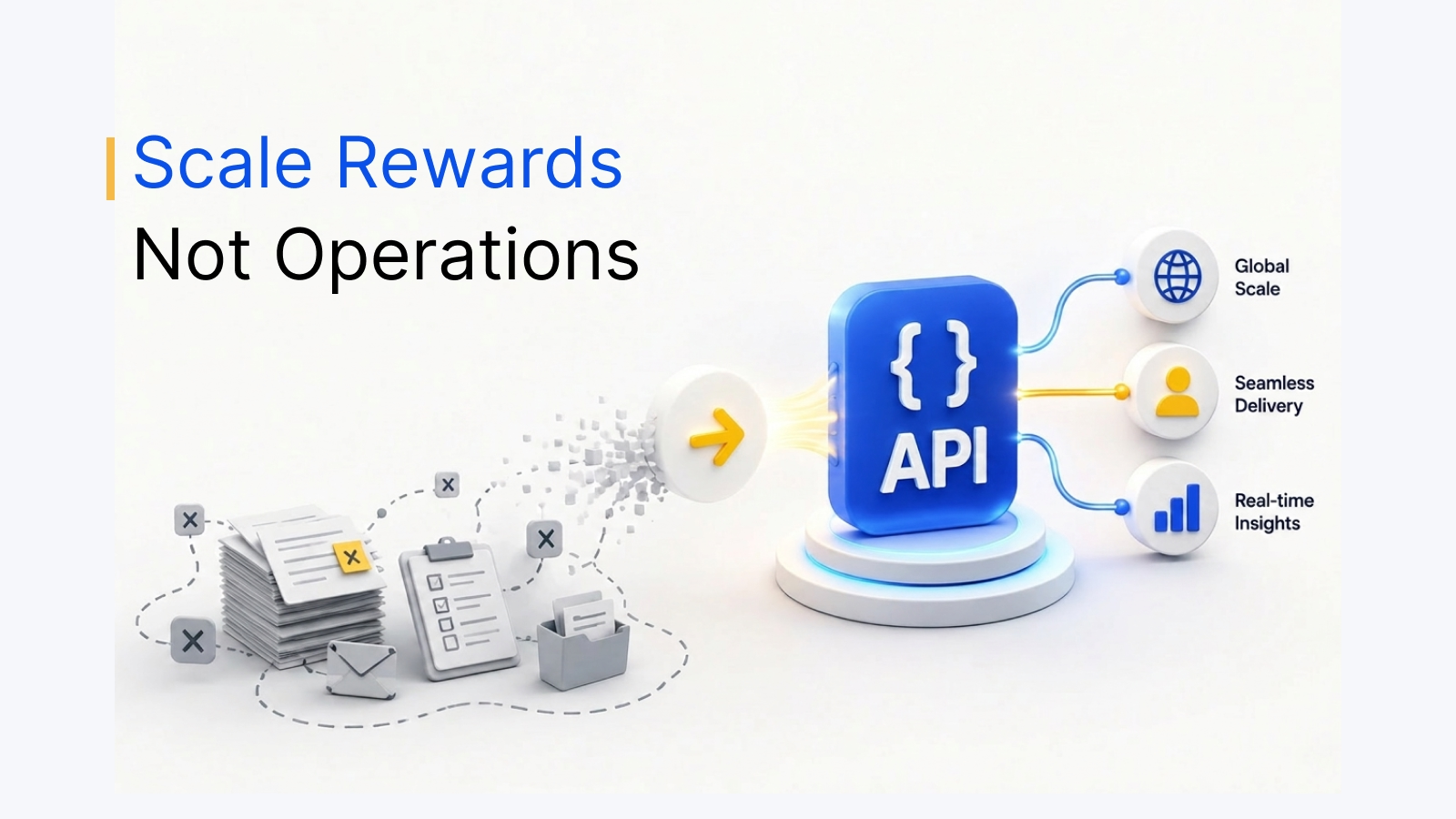
API-based integration turns incentive fulfillment from a manual task into a background process.
A market research team sends 5,000 survey invites and gets back 190 responses. Someone on the team spends the next two days manually emailing gift card codes to the people who finished. By the time the last code goes out, the first few respondents have already forgotten they took the survey.
This is still how most teams run survey reward programs: a spreadsheet, a gift card vendor's dashboard, and a person doing the matching by hand. It works at 50 respondents. It breaks at 5,000.
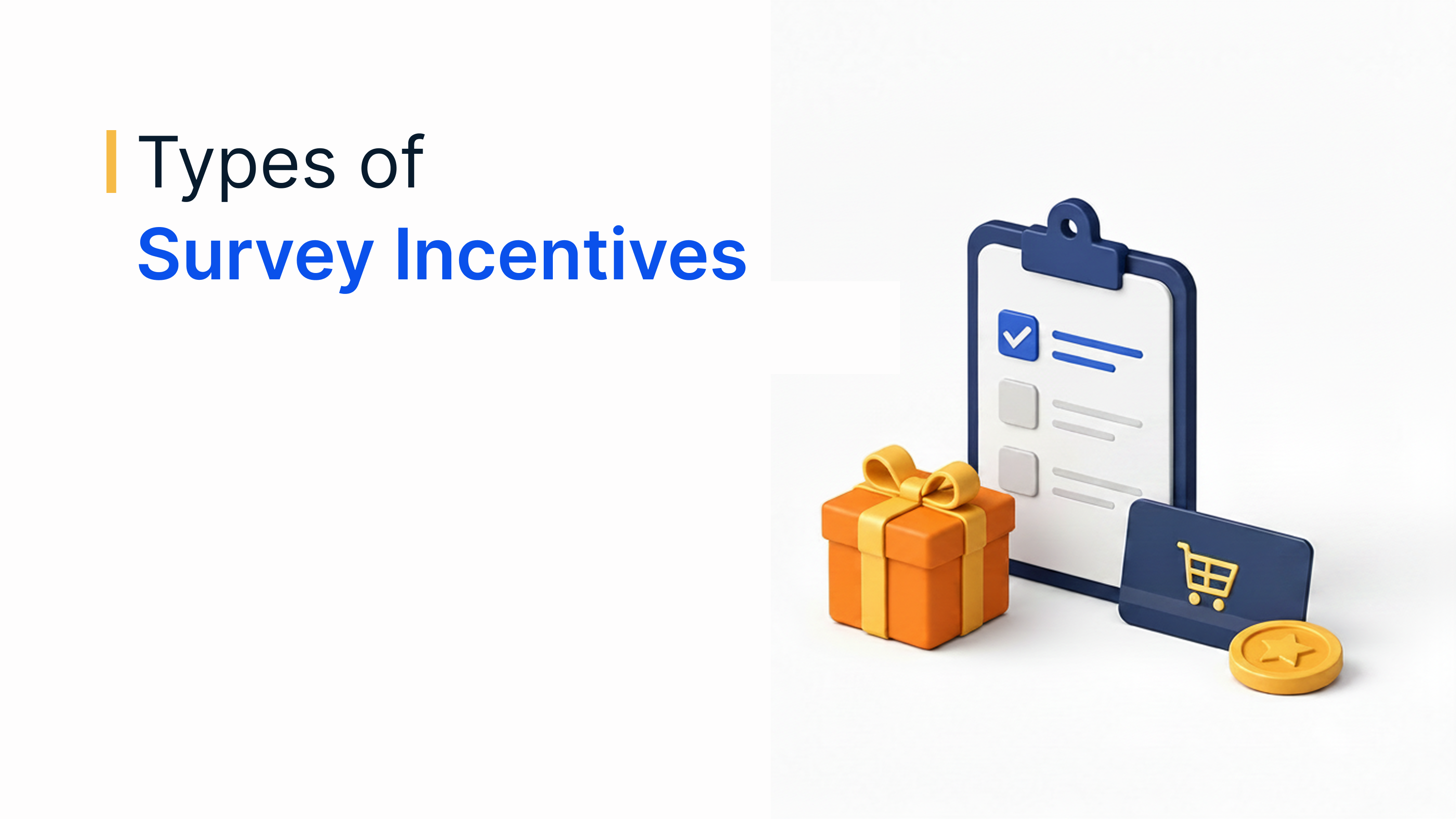
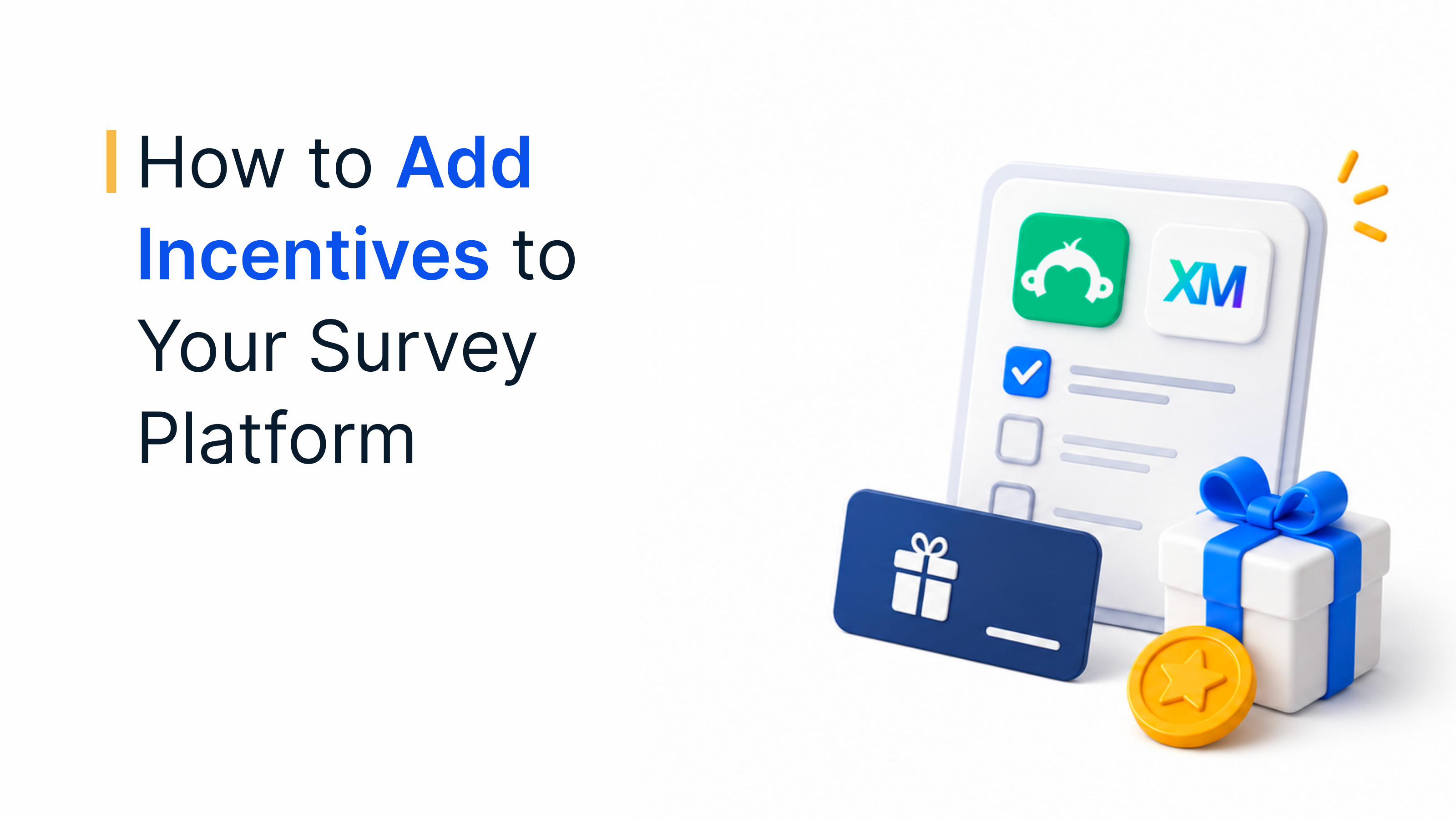
The good news: neither SurveyMonkey nor Qualtrics requires this. Both platforms support reward automation. The gap is that most teams don't know what's native, what needs an integration, and what to check before choosing either path. For the incentive types and wording that make any of this worth automating, see types of survey incentives.
Why native survey platforms fall short on reward delivery
The median survey response rate across industries sits under 10%. Teams that treat incentives as a bolt-on afterthought instead of a designed workflow step tend to land at the low end of that range.
<10%
Median response rate
across industries
Source: Survicate, 2025 Benchmark Report.
Neither SurveyMonkey nor Qualtrics processes reward fulfillment as a first-party feature. Both route incentive delivery through marketplace-listed third-party extensions - a workflow step, not a built-in setting.
That distinction matters operationally. A native survey feature lives inside the platform's own infrastructure. An incentive extension is a connector to an outside reward vendor, which means setup, support, and reward catalog depth all depend on which vendor sits behind the connector.
Connect Plum to your survey platform
See how Plum automates reward delivery for SurveyMonkey and Qualtrics.
Book a demoTrusted by 5,000+ companies
SurveyMonkey rewards: what's possible natively vs. with integrations
SurveyMonkey's own incentive guidance points teams toward its rewards marketplace rather than a built-in payout tool. Setup means connecting an external reward provider, mapping the completion trigger, and choosing a catalog.
What this gets you natively: end-of-survey redirect logic, basic completion tracking, and standard reward types via the connected provider. What it doesn't get you: reward-value logic based on response quality, multi-country currency handling without extra configuration, or a unified dashboard.
A one-time cash incentive as small as $1 pushed response rates from 11.8% to 26.3% in one cited study; monetary rewards outperformed non-monetary ones by roughly 19% to 8%.
11.8% → 26.3%
Response rate
with a $1 cash incentive
19% vs. 8%
Monetary vs. non-monetary
incentive response rate
Source: SurveySparrow.
Qualtrics rewards: built-in options and their limitations
Qualtrics's Actions module supports a rewards task that connects to an external incentive provider. The built-in strength is conditional logic - gating the reward step behind specific answer conditions. The limitation: catalog, currency, and fulfillment speed depend on the connected provider, not Qualtrics itself.
| Capability | SurveyMonkey Native | Qualtrics Native | With Plum |
|---|---|---|---|
| Reward trigger | Marketplace connector | Actions module task | Native-feeling API trigger |
| Response quality gating | Not built in | Yes, via branch logic | Inherits platform logic + reward rules |
| Currency/country coverage | Depends on connected vendor | Depends on connected vendor | 150+ countries, 50+ currencies |
| Redemption dashboard | Separate from survey data | Separate from survey data | Unified with reward analytics |
| Anonymous delivery | Vendor-dependent | Vendor-dependent | Reward links, no PII required |
How Plum integrates with SurveyMonkey in 3 steps
Connect your Plum account, map the survey-completion trigger to a reward rule, select the reward catalog. A US market research firm replaced a manual, five-to-ten-minute-per-respondent reward process with this setup, moving delivery from days to instant with a 98% fulfillment rate.
How Plum integrates with Qualtrics (trigger setup walkthrough)
Add a Plum reward task at the workflow point where completion should trigger payout, configured against existing branch logic and response-quality conditions. This kind of API-based reward trigger removes the manual matching step entirely.
Setting reward rules: completion %, response quality gates, quotas
Completion percentage, response quality gates (screening speeders and straight-liners), and quotas are the three settings that determine whether incentives attract honest respondents or reward-seekers.
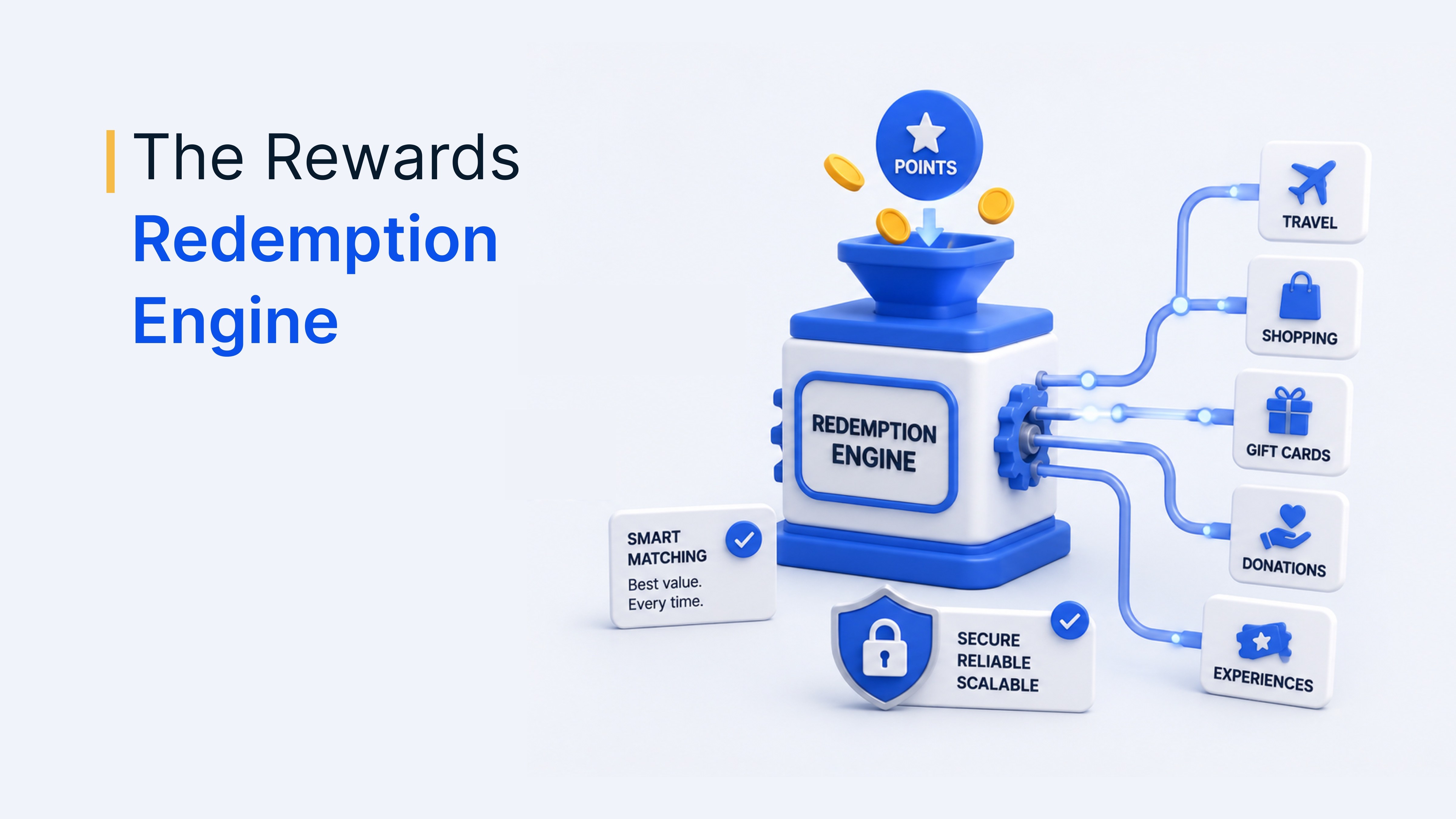
Delivering rewards instantly via email, SMS, or link
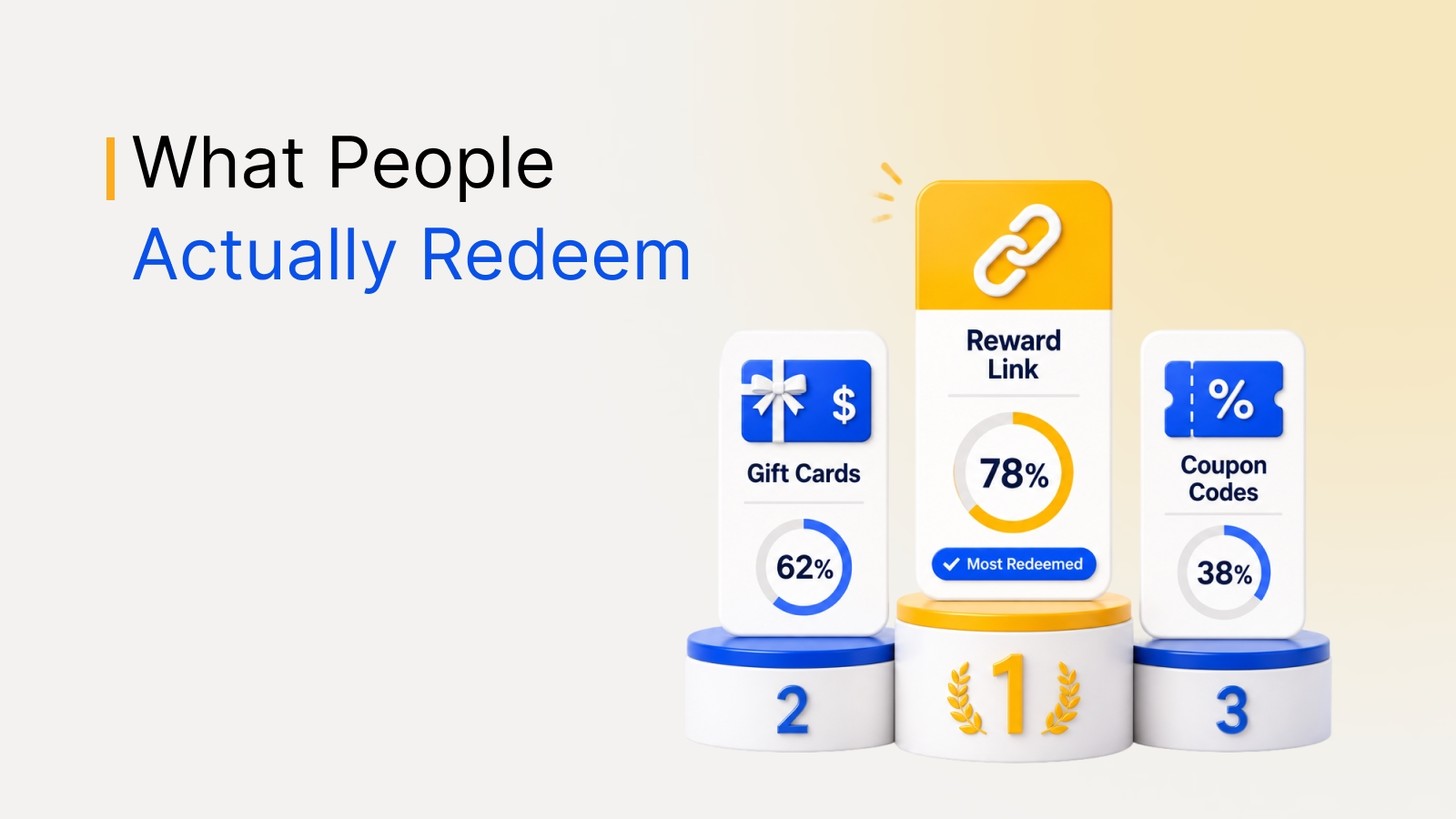
Plum supports delivery via email, SMS, or a standalone reward link requiring no personal details at send time - useful for anonymous research panels. See how reward links, gift cards, and coupon codes fit different distribution needs.
Tracking redemption rates inside your survey dashboard
Typically 10% to 20% of incentives go unclaimed, per Qualtrics research guidance. A global market research firm consolidated 16 reward vendors into one platform, distributing 90,000-plus vouchers across 31 countries with 99% fulfillment.
How Plum approaches survey and research rewards
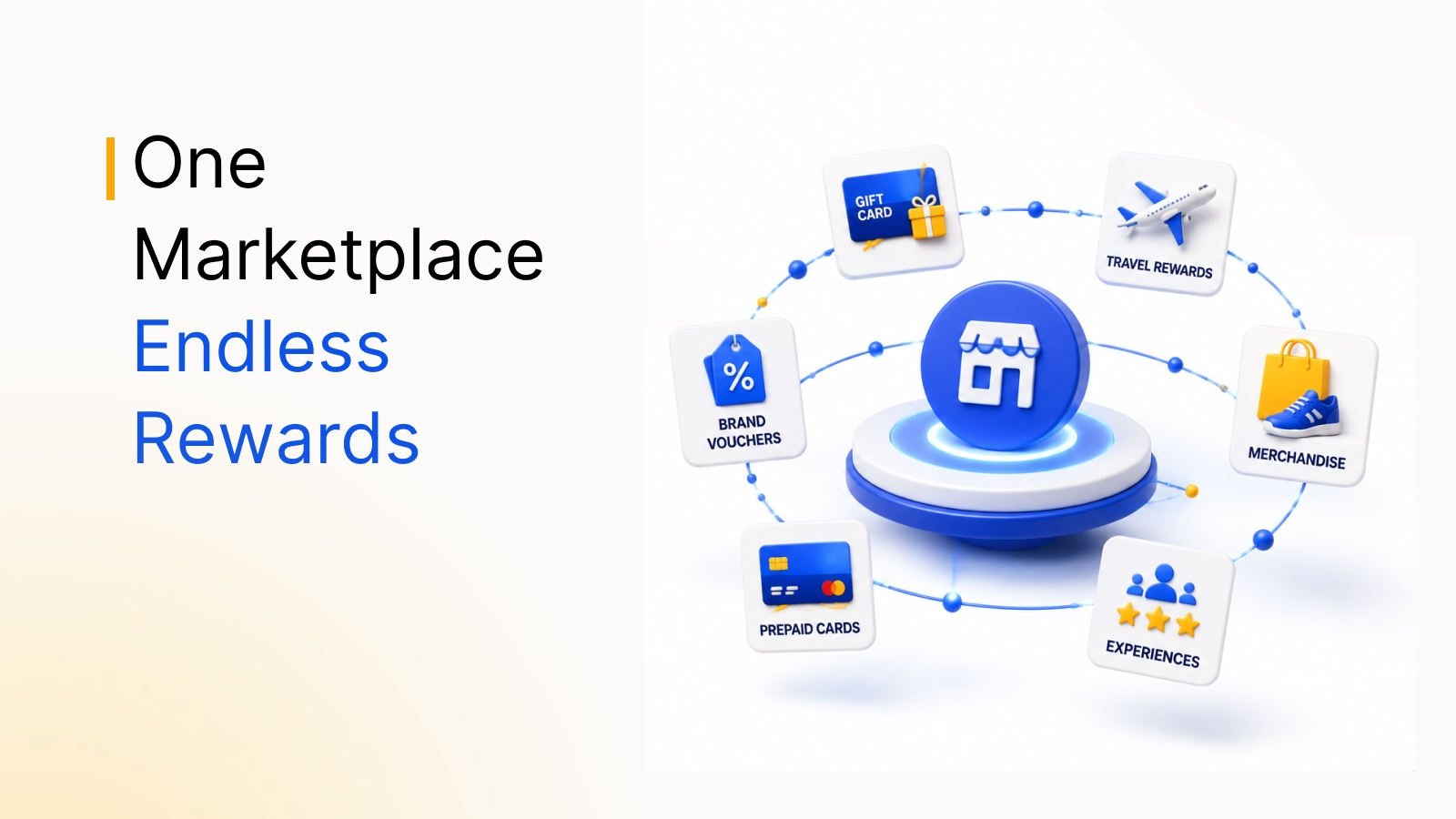
Plum sends the reward the moment a respondent finishes - no export, no manual matching. Research teams reach a catalog of 10M+ reward options in 150+ countries from one connection. For the broader case on why this beats manual fulfillment, see survey incentive ideas that boost participation.