Key Takeaways
The Xoxoday Plum app on the HubSpot App Marketplace lets you send rewards from inside HubSpot.
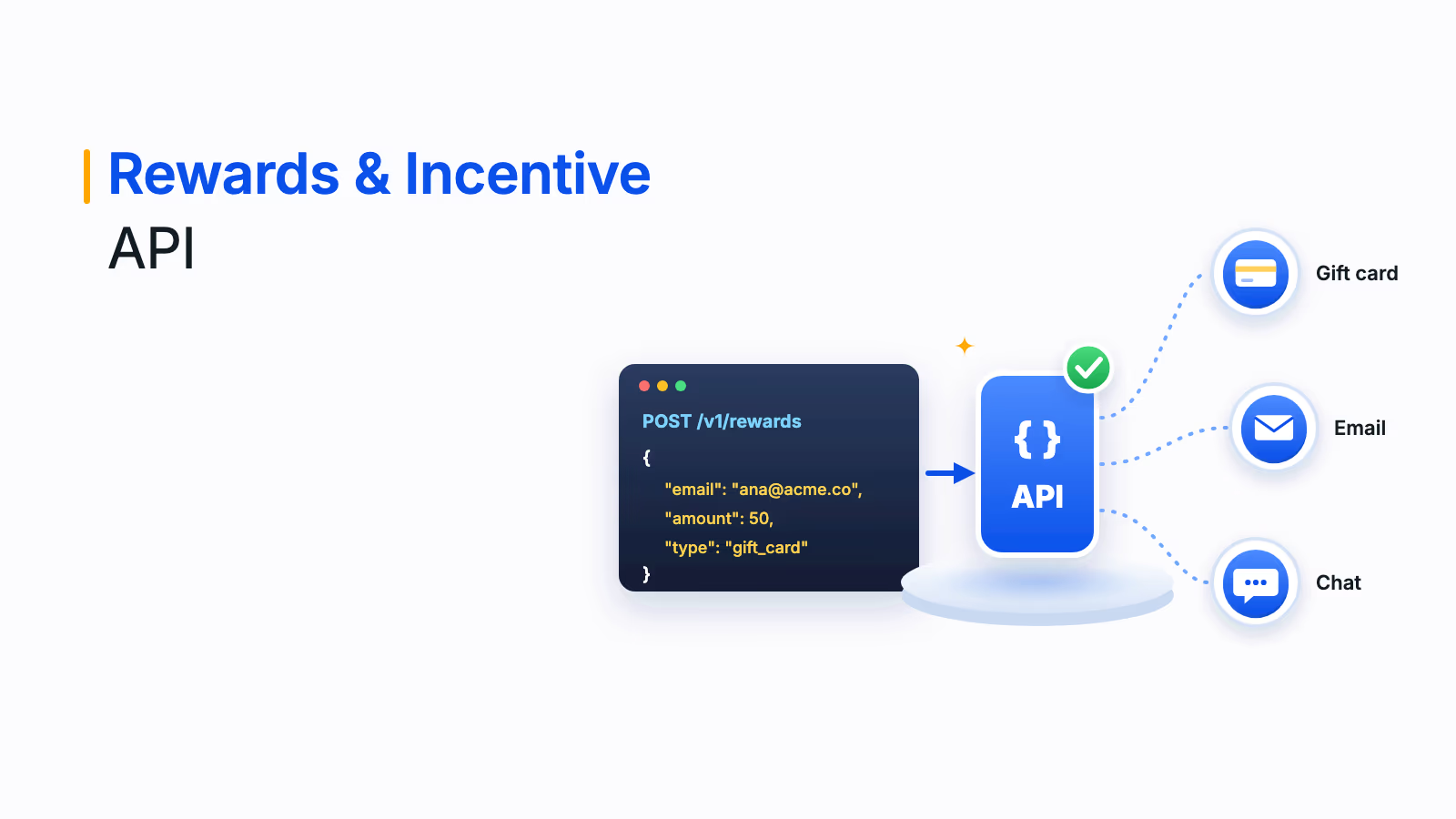
Rewards can fire from contact-, company- or deal-based workflows, a contact record widget or gift links in emails.
Approval options, time ranges and maximum reward counts keep automated rewards under control.
Common uses include demos, webinars, referrals, surveys, ABM and customer advocacy.
Most sales and marketing teams share the same goals: better campaign response rates, more meetings, higher webinar attendance, happier customers and more conversions. The Xoxoday Plum HubSpot rewards integration helps with all of them by letting you send gift cards and other incentives straight from the HubSpot workflows, contact records and emails you already use.
This guide explains what the Plum HubSpot integration does, how to set it up and the most common ways sales and marketing teams use it to automate HubSpot rewards.
What is a HubSpot integration?
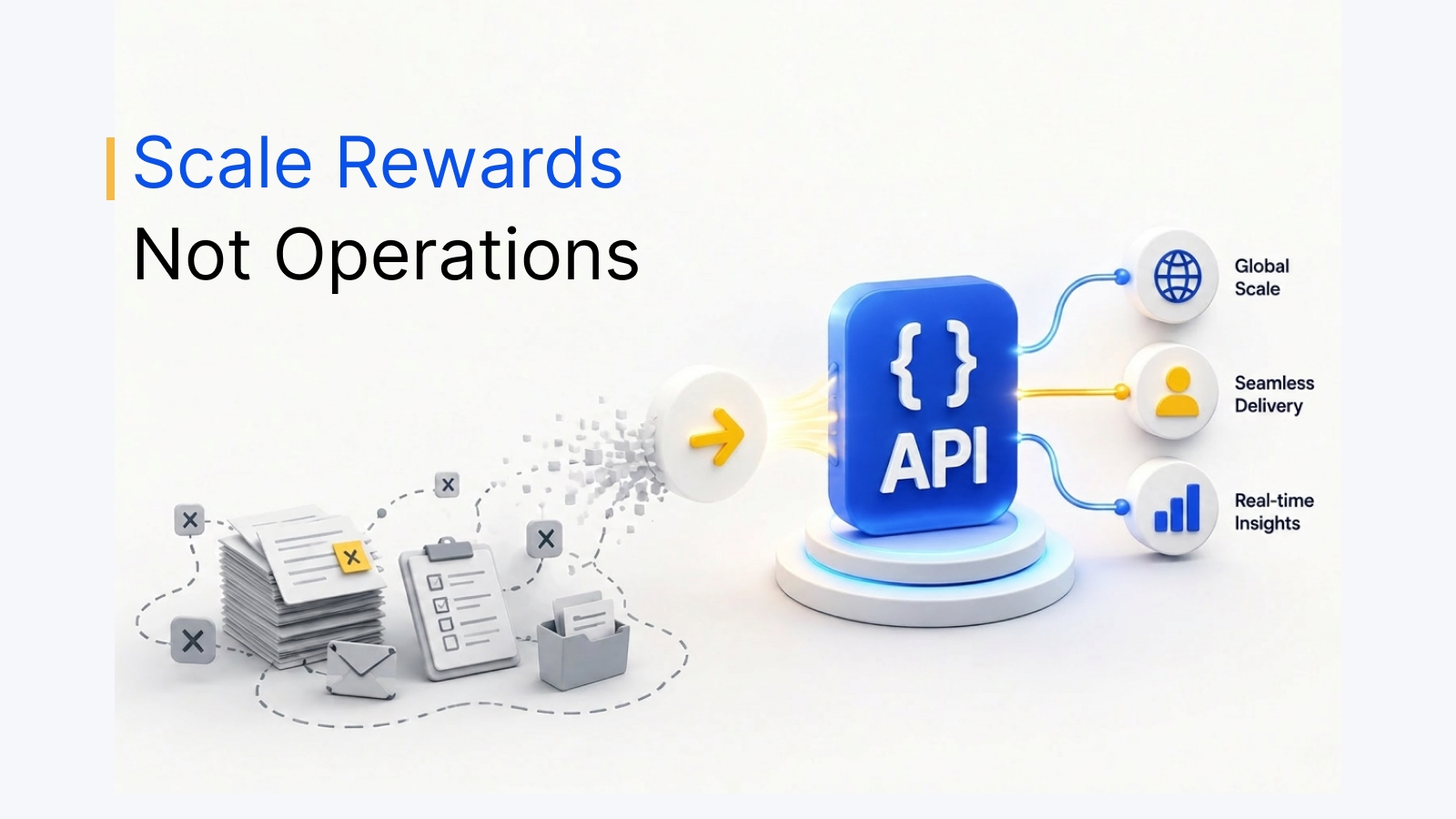
A HubSpot integration connects HubSpot to another application so data and actions flow between them. Teams integrate HubSpot with other tools to streamline workflows, cut manual data entry and give marketing, sales and service teams one place to work.
A HubSpot rewards integration, often called a HubSpot gift card integration, adds incentives to that mix. Instead of buying gift cards separately and emailing codes by hand, you send rewards as a step in a HubSpot workflow or from a contact record, and the reward activity is tracked alongside the rest of the customer's history.
How the Plum HubSpot rewards integration works
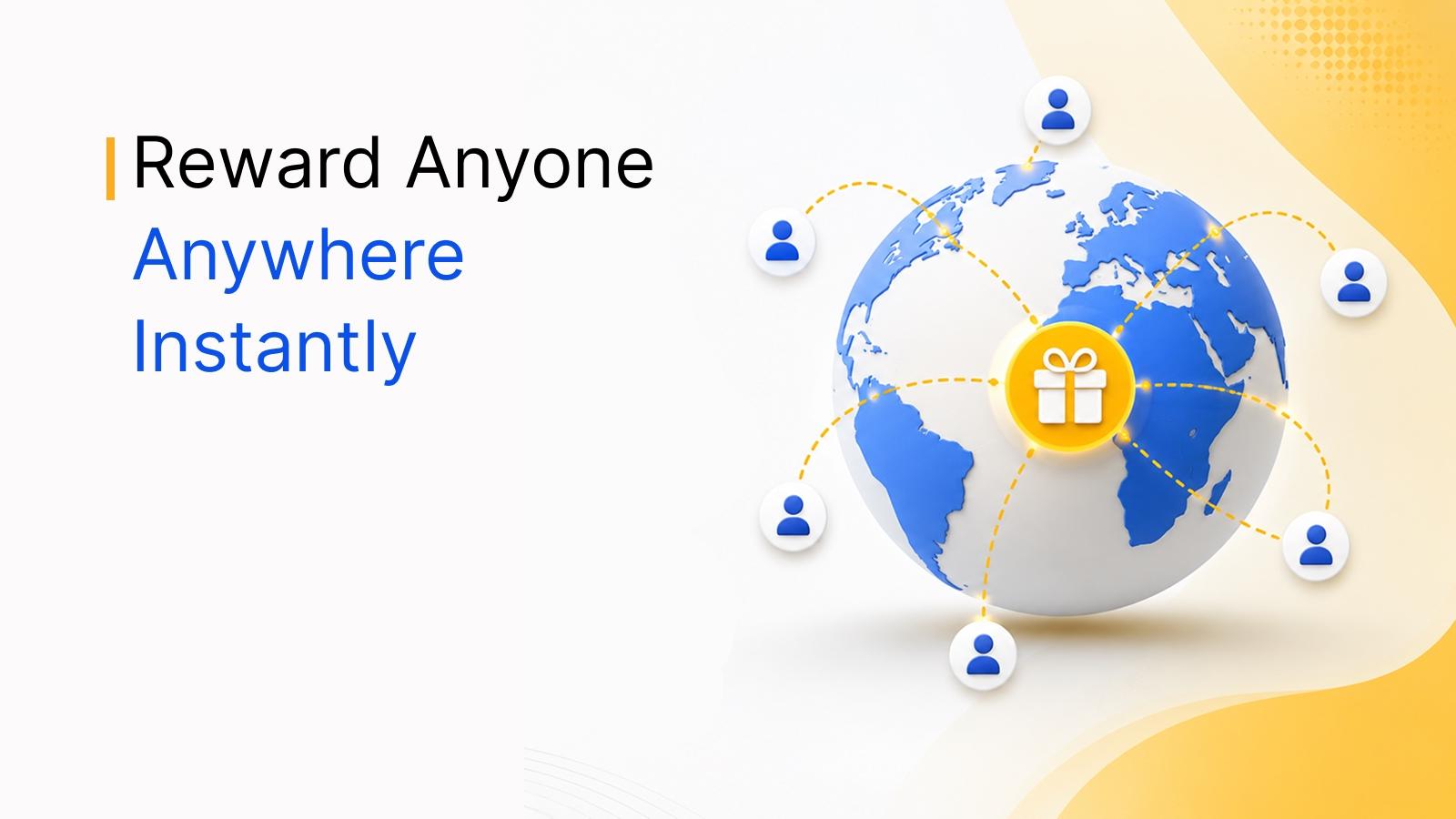
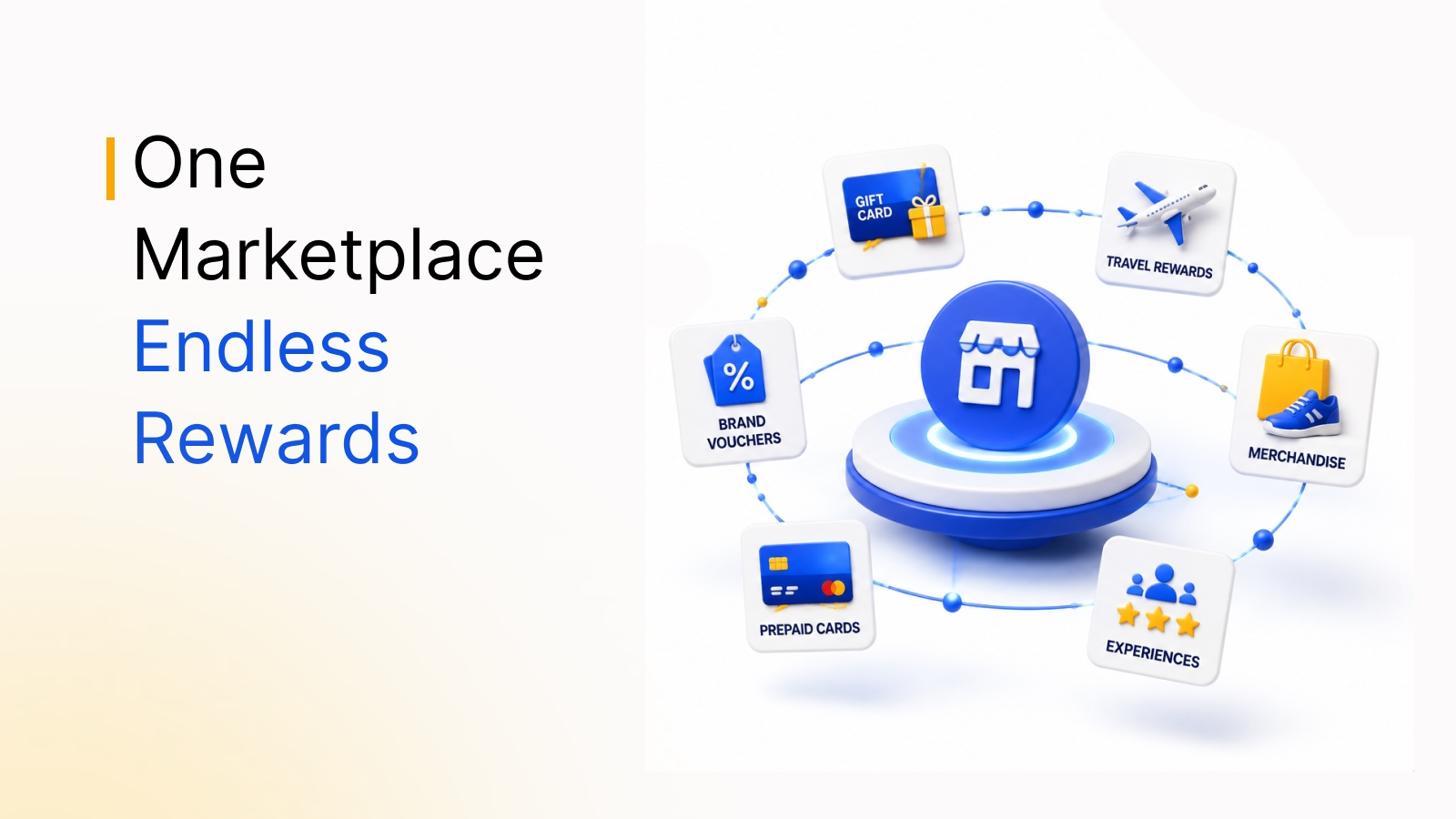
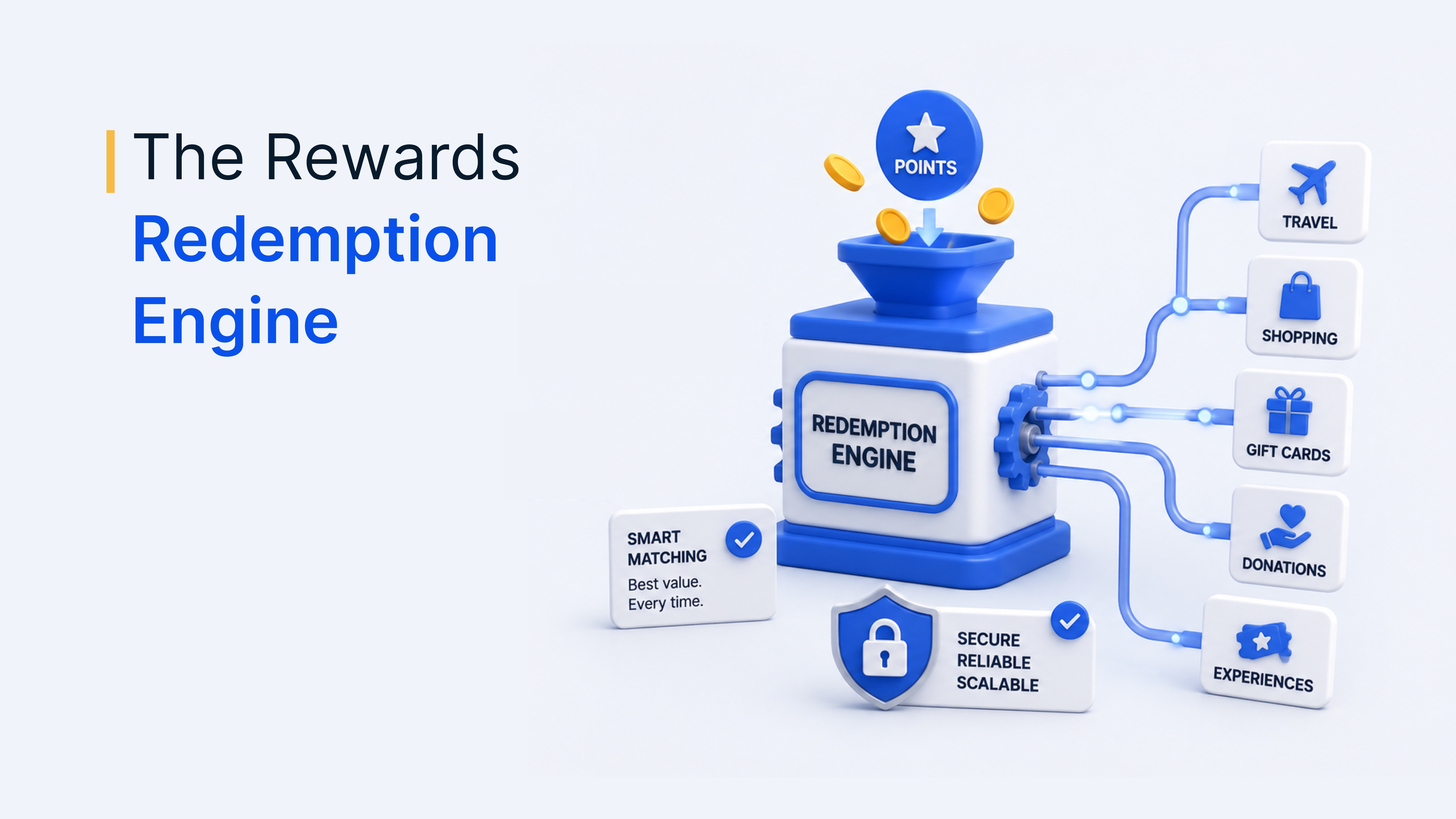
Xoxoday Plum is a rewards platform that lets businesses add gift cards, prepaid cards, experiences and other rewards to their campaigns, with 10M+ reward options across 150+ countries. The integration is available as an app on the HubSpot App Marketplace, which describes it as a way to automate gifting, rewards and incentives directly inside HubSpot.
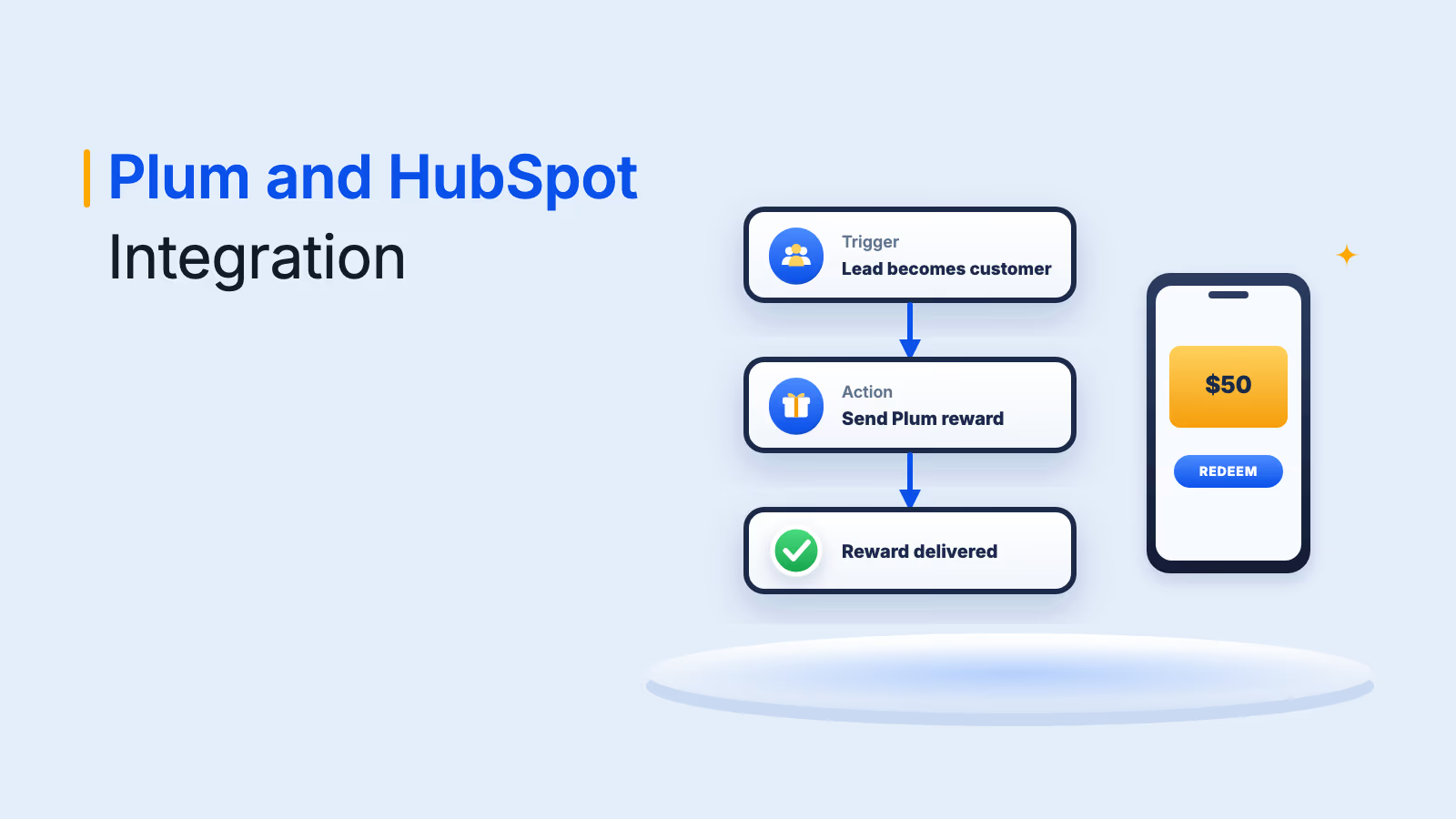
Once installed, Plum appears as an action you can add to HubSpot workflows and as a widget on HubSpot records. You fund your Plum account, set up a reward campaign in Plum, then choose where in HubSpot that campaign should fire. Using the integration requires both a HubSpot account and a Xoxoday Plum subscription.
Plum HubSpot integration features
According to the HubSpot Marketplace listing and Plum's own documentation, the integration covers four main ways to reward contacts:
1. Workflow-based reward automation
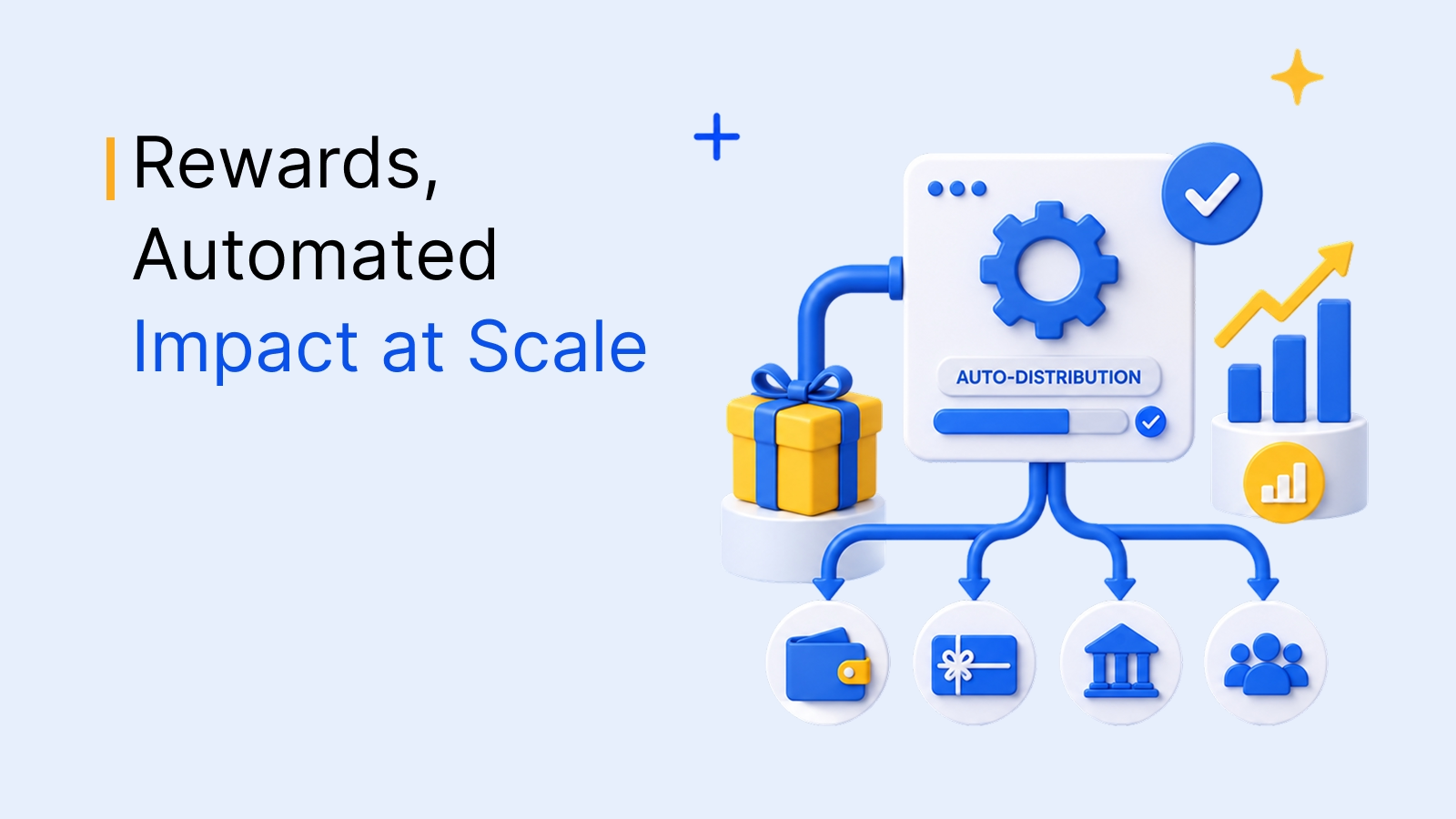
Add Xoxoday Plum as an action in a contact-, company- or deal-based HubSpot workflow. When a record meets your enrollment criteria, such as a lead becoming a customer, Plum sends the reward automatically. You can choose whether rewards go out automatically or wait for manual approval, and limit distribution by time range or a maximum number of rewards.
2. One-to-one rewards from the contact record
Embed the Plum widget inside HubSpot so sales reps and account managers can send a personal reward to a key prospect or customer in a few clicks, without leaving the record.
3. One-to-many gift links for email campaigns
Add a gift link to HubSpot marketing emails so a whole list can claim a reward, which is useful for webinar invites, surveys and promotional campaigns.
4. Reward data in HubSpot and Plum
Track reward activity in both HubSpot and Plum, so your team can see reward history next to each contact and measure how incentives affect engagement and pipeline.
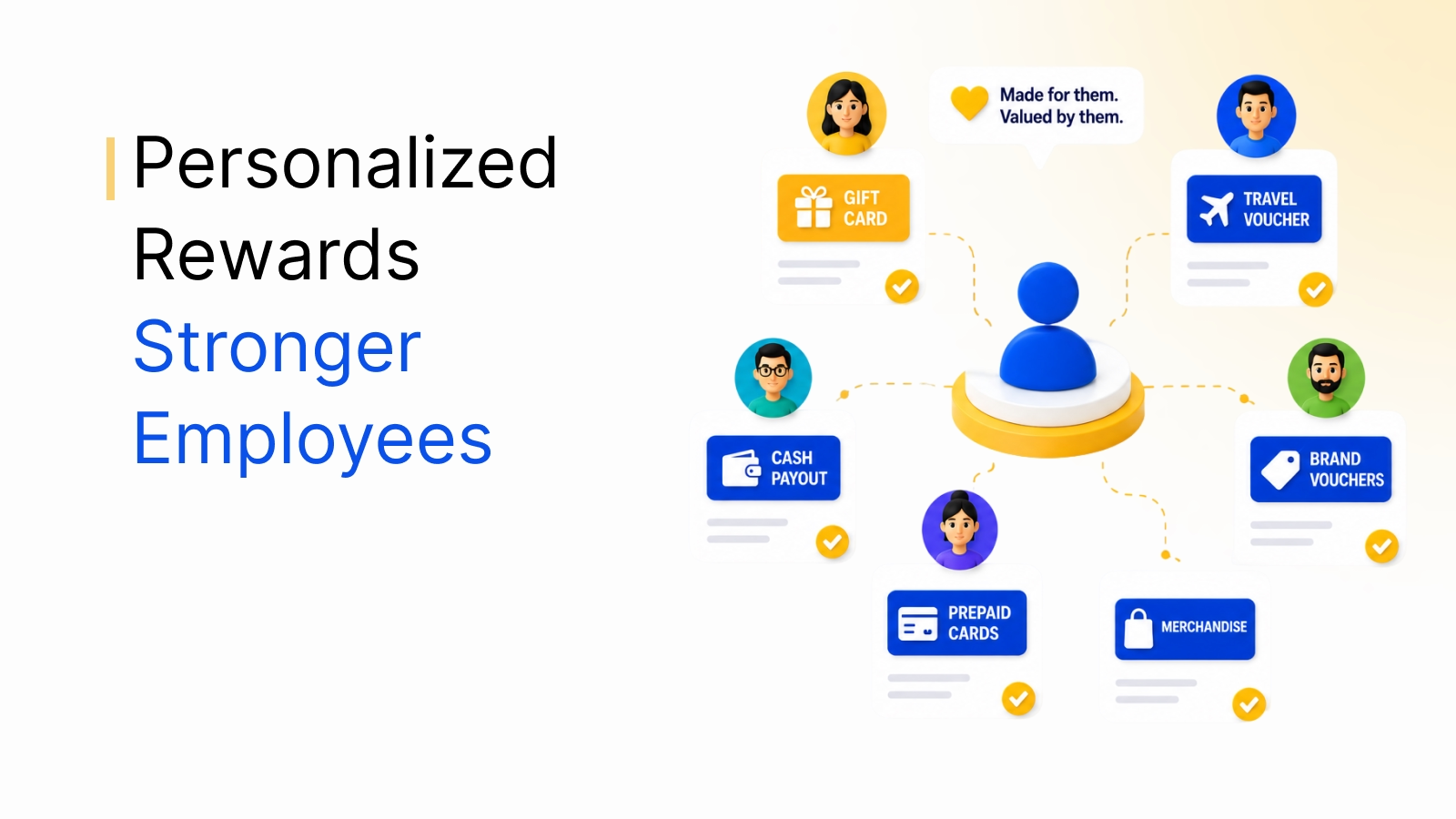
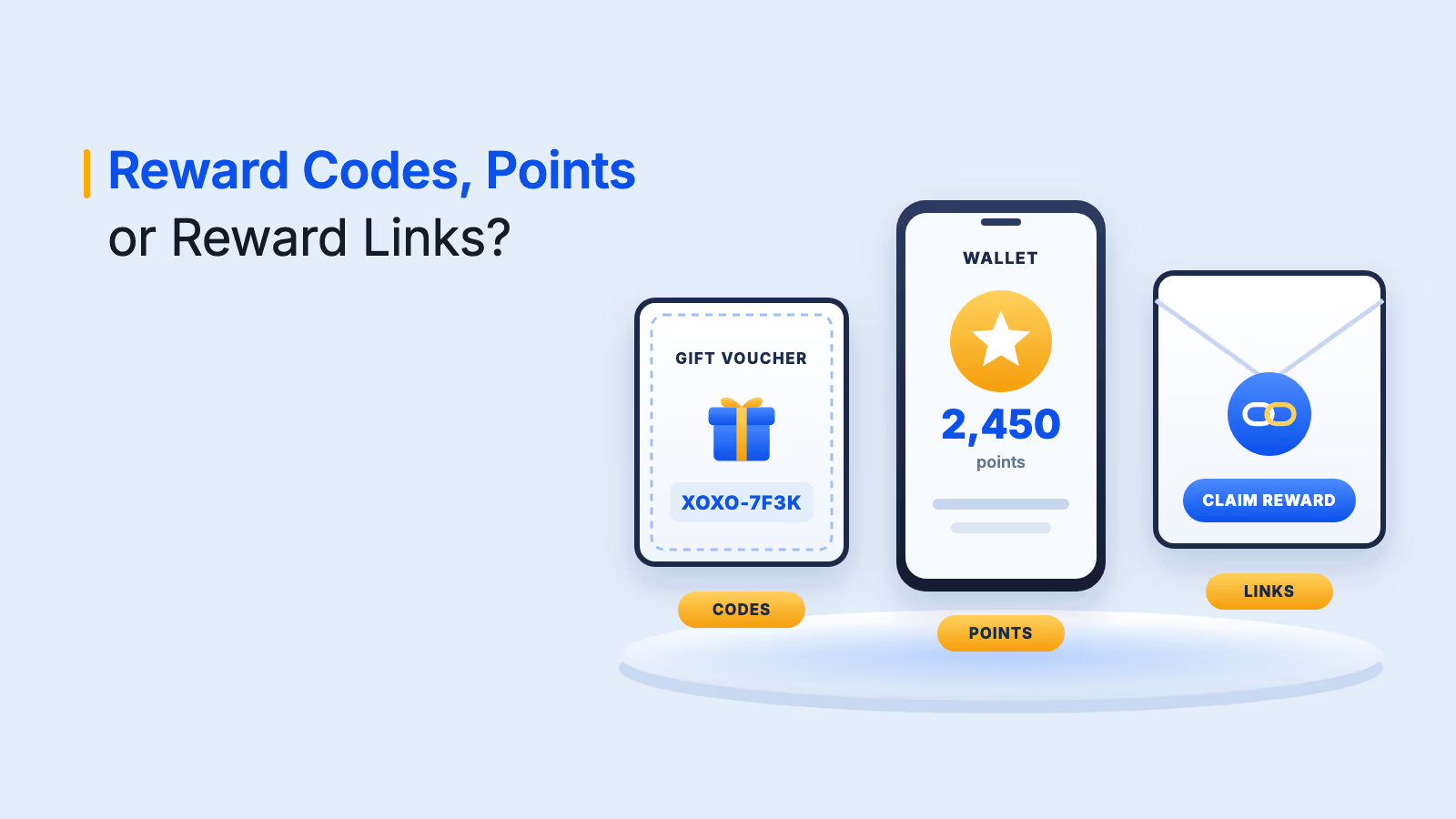
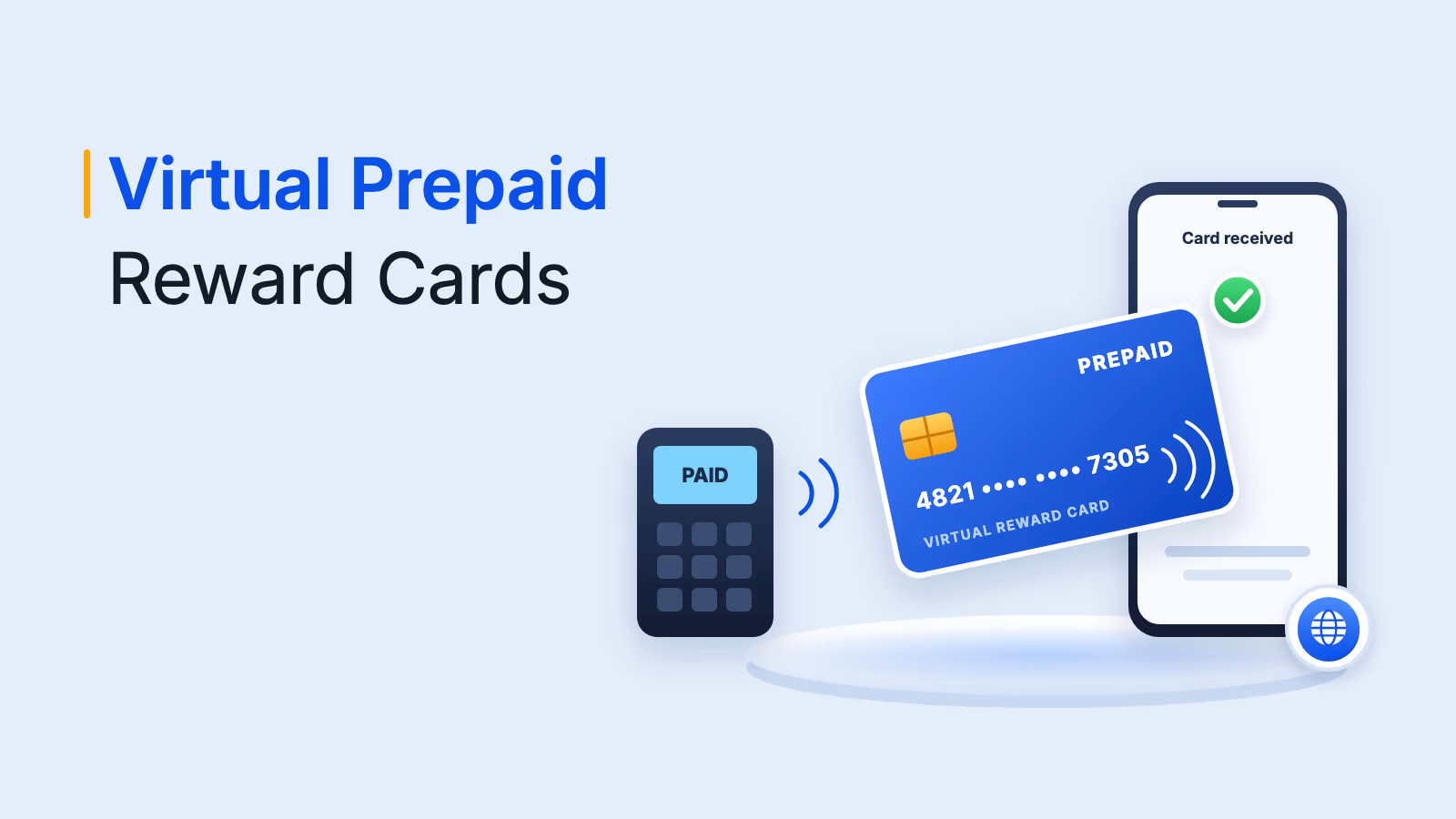
Every reward is delivered digitally by email, SMS or a reward link. Recipients open the link and choose from a catalog of gift cards and other rewards in their own country and currency, with no sign-up or login.
Send rewards from HubSpot
Trigger gift cards and other rewards from HubSpot workflows and deliver them in 150+ countries.
Talk to our ExpertTrusted by 5,000+ companies
How to set up the HubSpot integration
Plum's workflow automation guide walks through the setup. In short:
- Install the app: Open the HubSpot App Marketplace, find Xoxoday Plum and click Install.
- Sign in to Plum: Sign up or sign in, ideally with the same email address you use for HubSpot.
- Fund your account: Add funds to your Plum account so rewards can be sent.
- Create a reward automation in Plum: Choose a campaign, customize the reward email and decide whether rewards send automatically or need approval. Optionally set a time range or a maximum reward count.
- Build the HubSpot workflow: In HubSpot, create a contact-, company- or deal-based workflow, set the enrollment trigger and add Xoxoday Plum as the action.
- Select the automation and turn it on: Pick the reward automation and campaign you created, check enrollment and timing settings, then switch the workflow on.
Benefits of automating HubSpot rewards
Many rewards programs are slow to run because every reward needs one-to-one attention. Connecting rewards to HubSpot removes most of that work.
| Benefit | What it means for your team |
|---|---|
| Rewards run inside existing workflows | Incentives fire from the workflows, lists and emails your team already manages, with no separate tool to check |
| Global catalog | Recipients choose from 10M+ reward options across 150+ countries and redeem in their local currency |
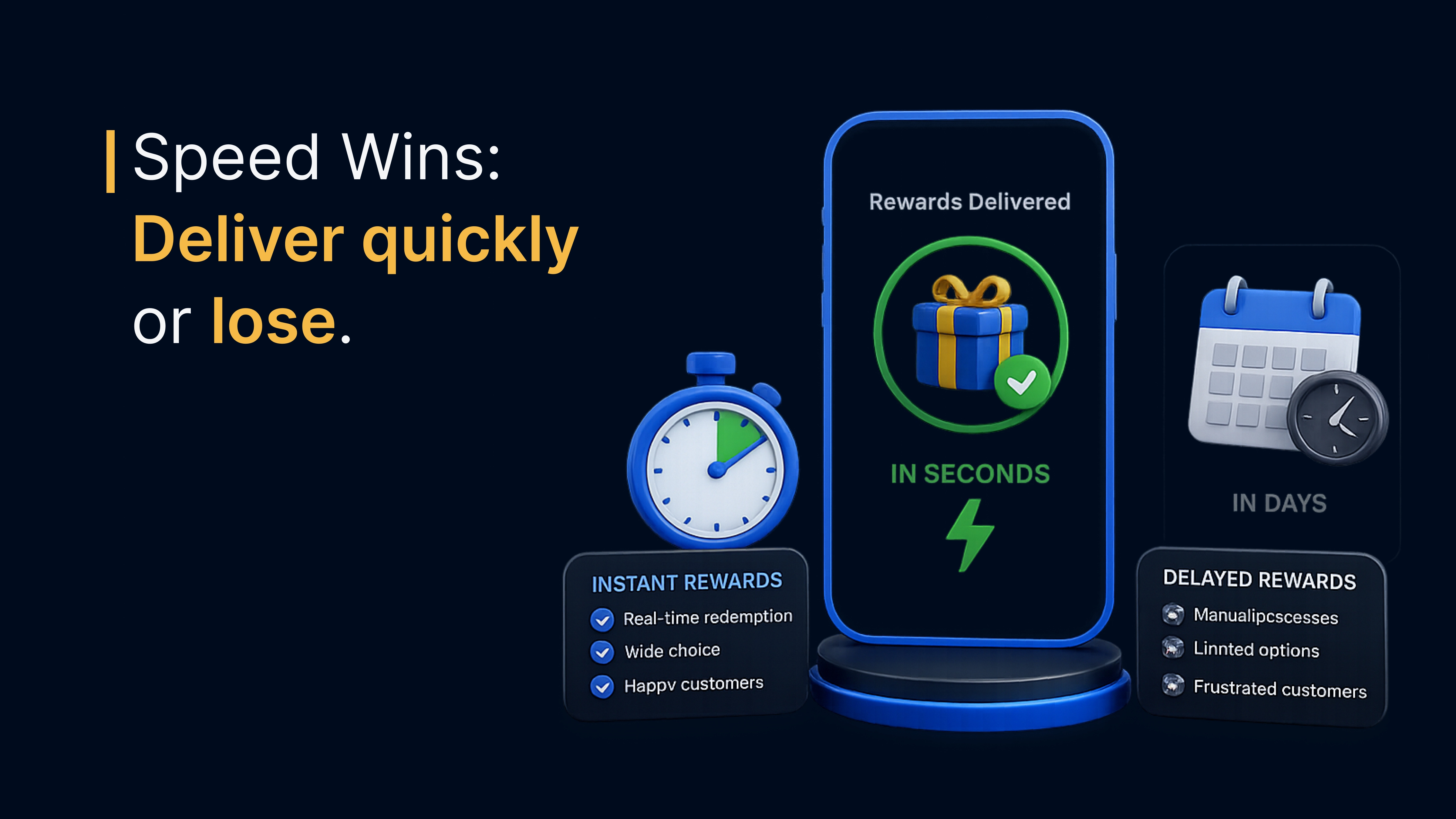
| Digital delivery | Rewards arrive instantly by email, SMS or link, with no shipping or address collection |
| Approval control | High-value rewards can wait for an admin's approval, while routine rewards send automatically |
| Budget limits | Time ranges and maximum reward counts keep each campaign within budget |
| Visibility | Reward activity is tracked in HubSpot and Plum, so you can tie incentives to engagement and pipeline |
HubSpot workflow incentives: 8 ways to use the integration
HubSpot workflow incentives work best when each reward is tied to a specific action. Here are the most common use cases for sales and marketing teams.
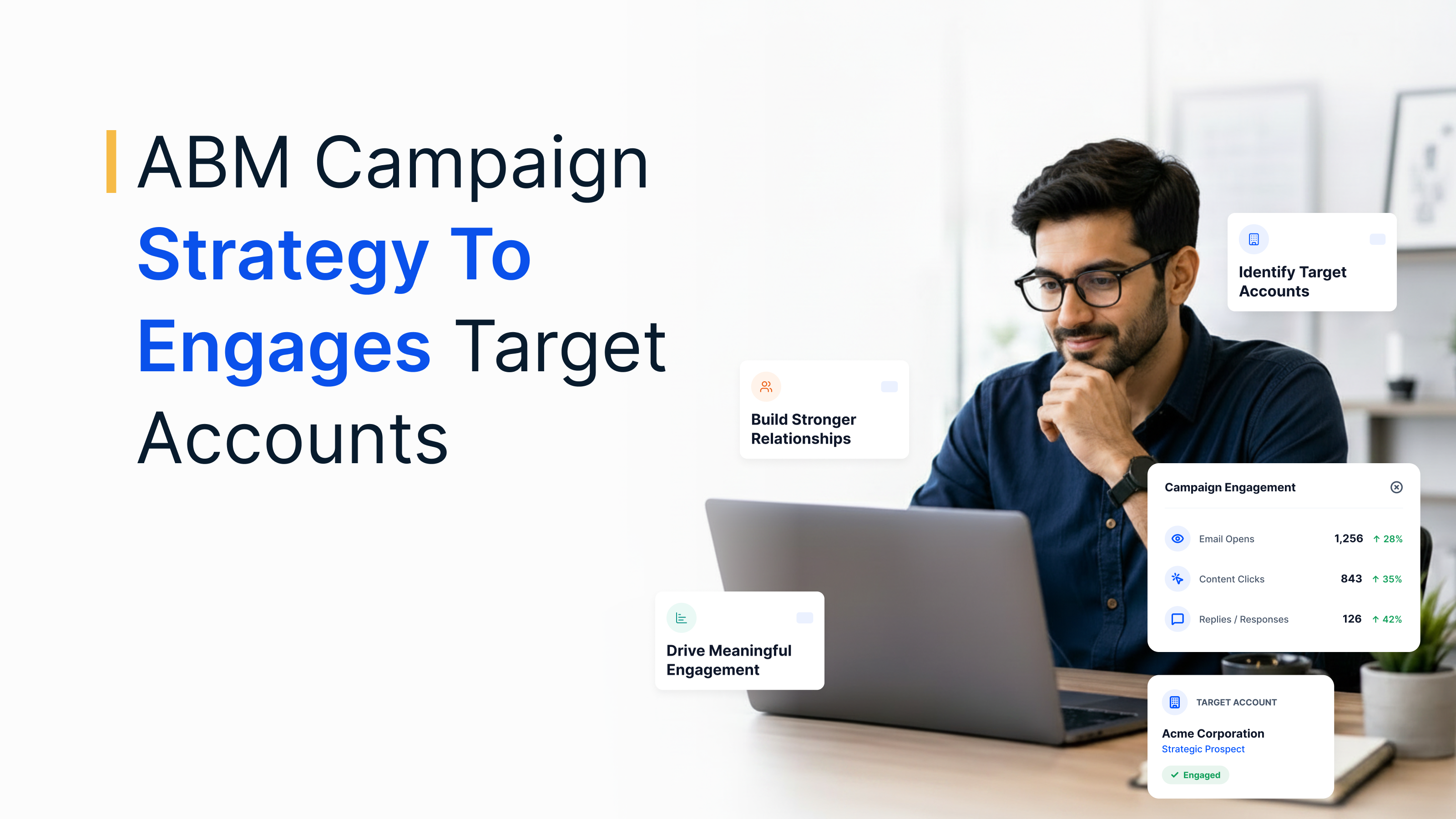
1. Accelerate sales pipelines
Reward prospects for booking a meeting or attending a demo, and make follow-ups more memorable with a coffee or lunch voucher. Plum's sales solution shows how teams trigger delivery automatically when a meeting is confirmed.
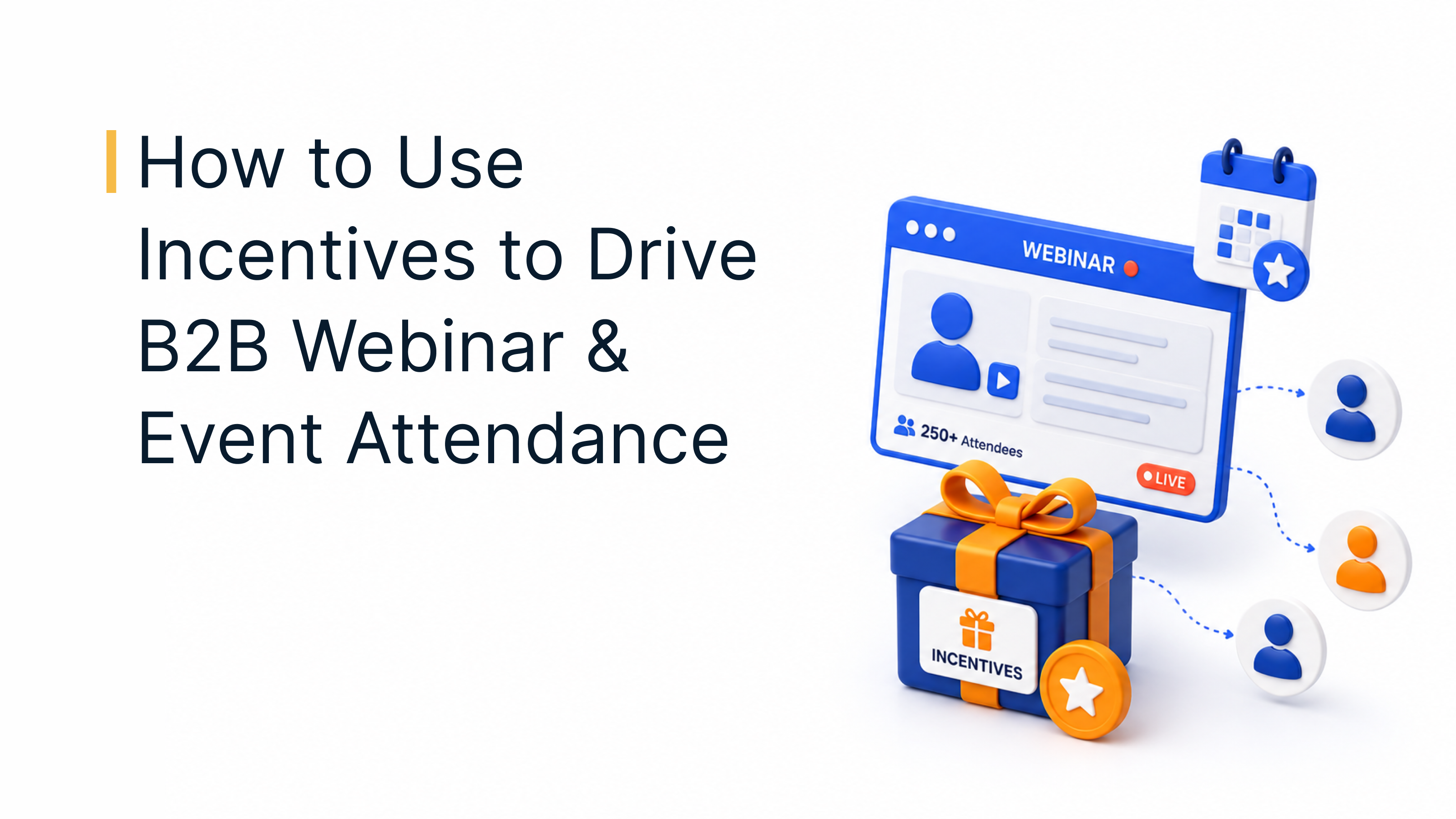
2. Lift webinar and event attendance
Use HubSpot workflows to send a small reward to registrants who attend, stay until the end or answer a post-event survey. A reward gives registrants one more reason to show up and stay engaged. See more webinar attendance incentives.
3. Drive more referrals
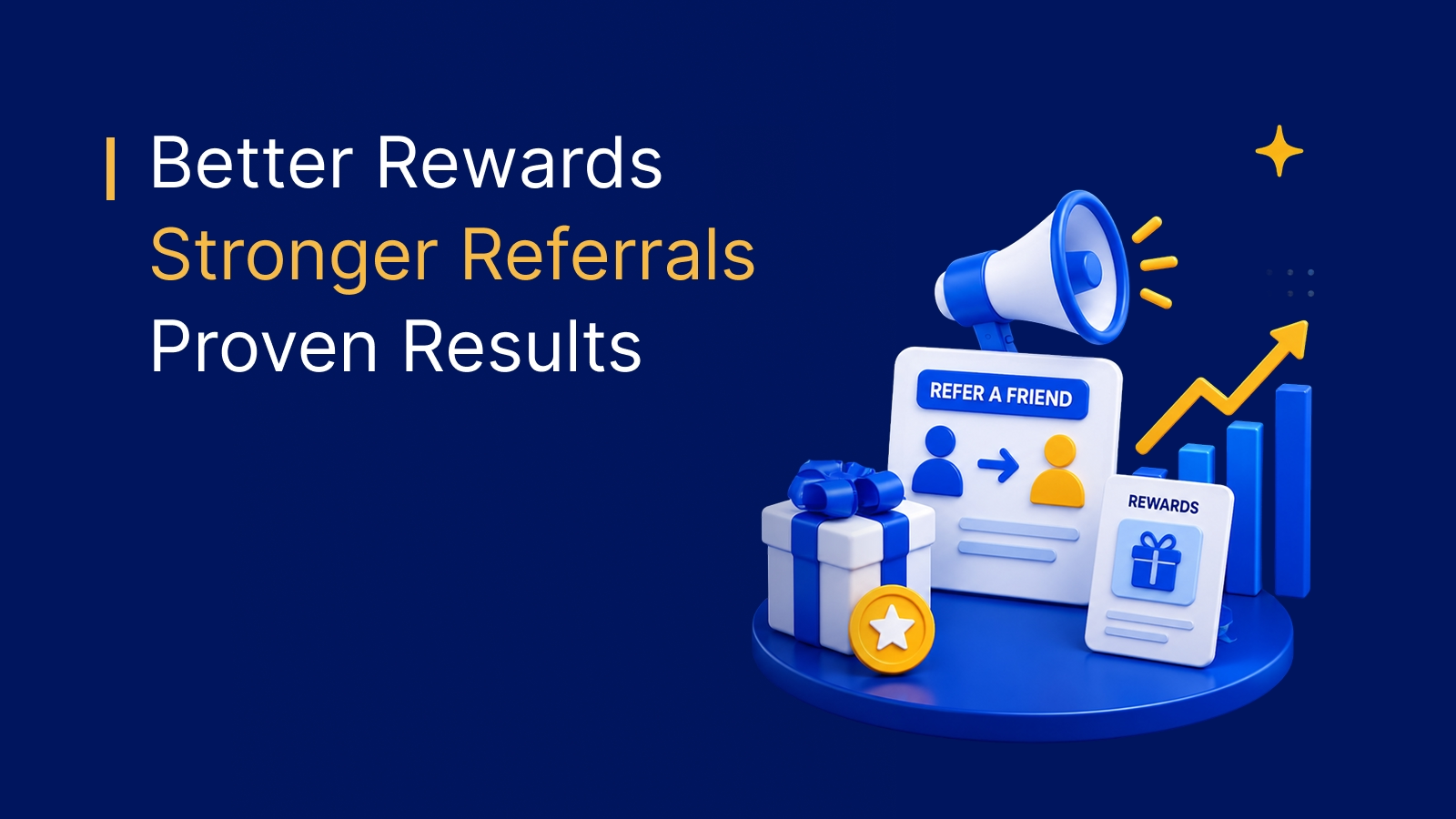
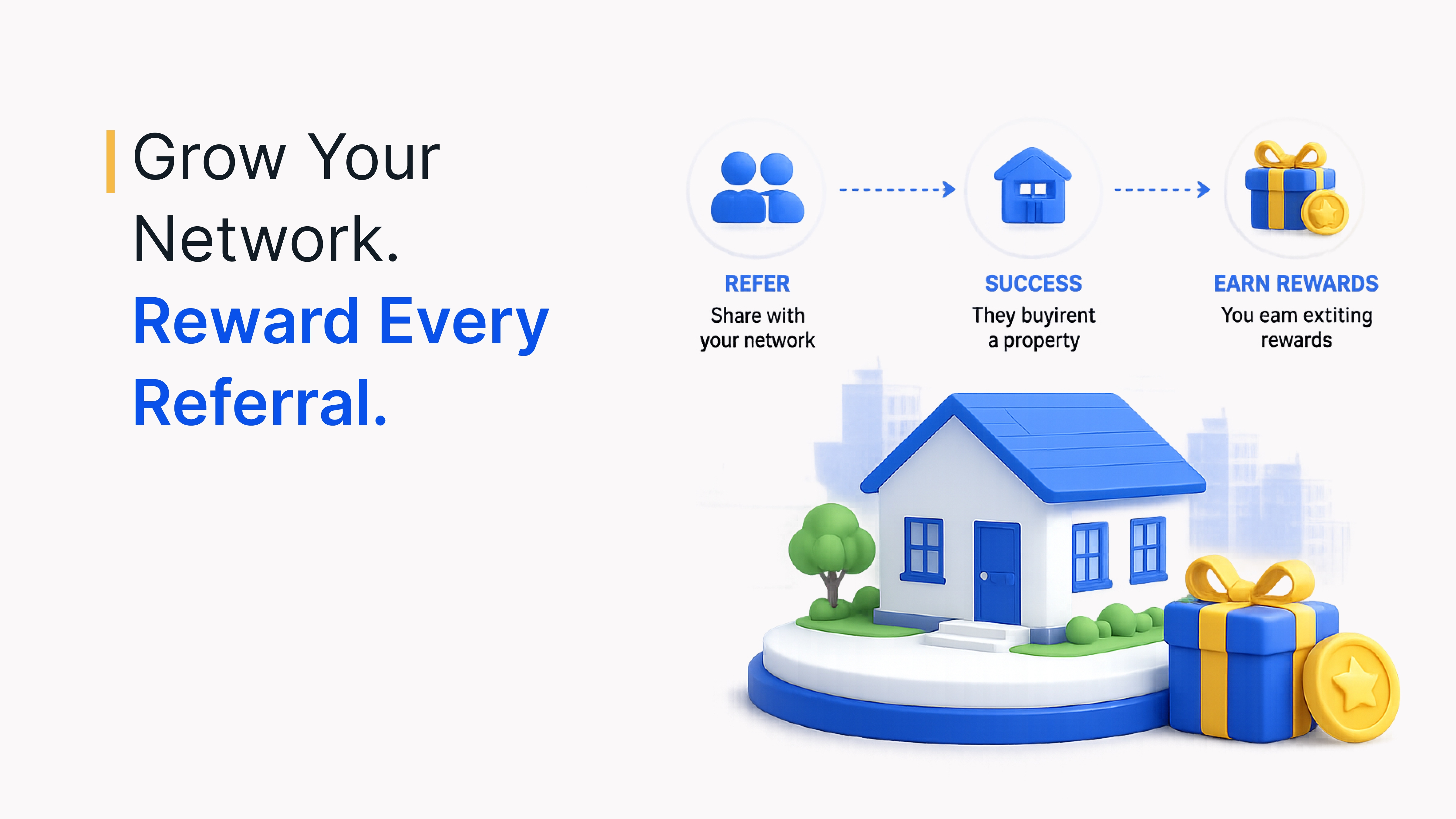
Reward existing customers when a referred contact becomes a customer, using a deal-based or contact-based workflow. You can run tiered rewards that grow with each successful referral. For program design ideas, see these referral program examples.
4. Reward influencers and advocates
Send rewards to micro-influencers, brand advocates and ambassadors when they complete a task, such as publishing a post, writing a review or hosting a session. Vary the reward by campaign size or engagement.
5. Increase survey and NPS responses
Trigger a reward when a contact completes an NPS survey, product feedback form or contest entry. Immediate incentives encourage faster, more genuine participation and better-quality data.
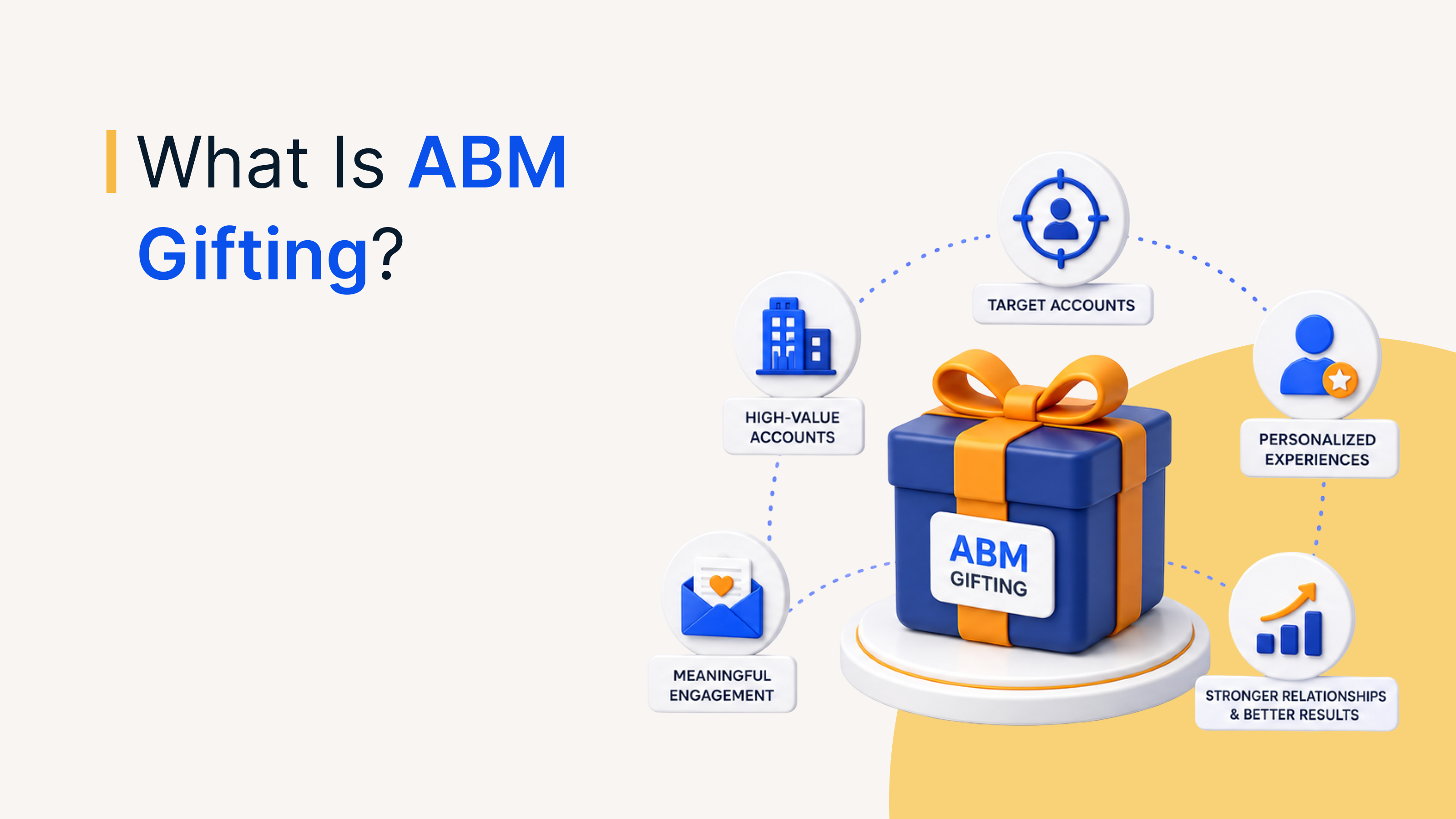
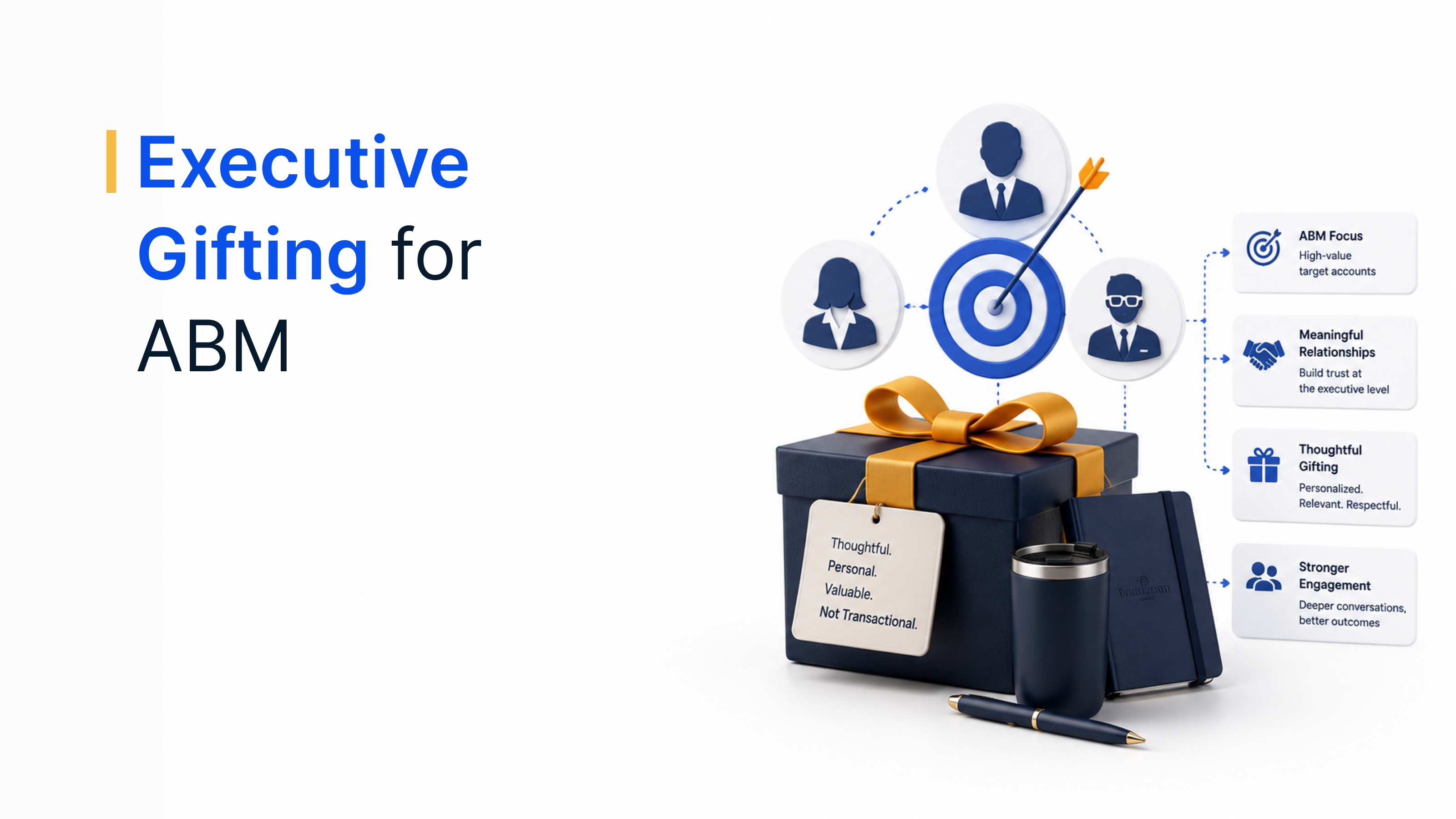
6. Run account-based marketing campaigns
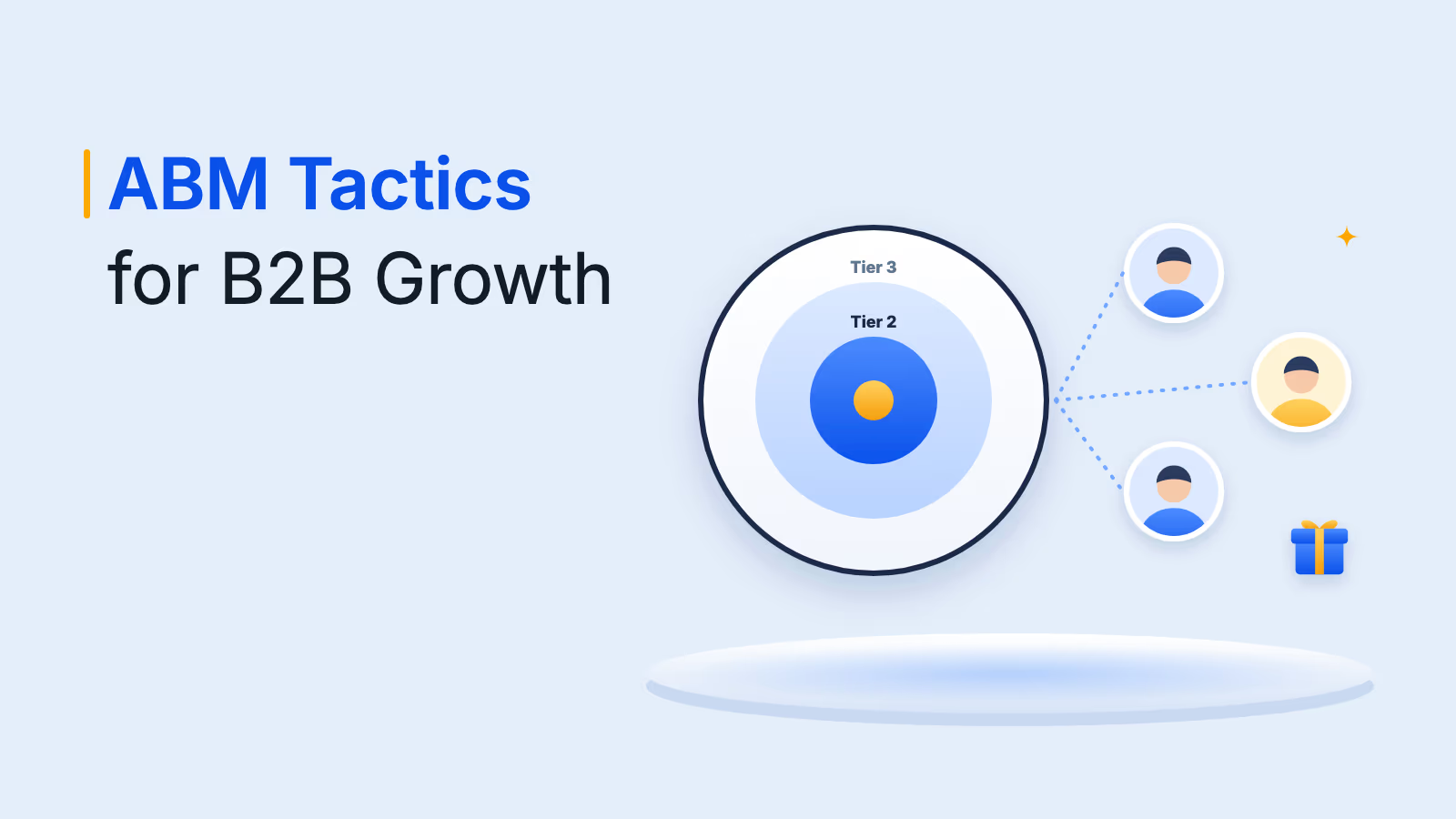
Send personalized rewards to decision-makers at target accounts after they engage with content, complete a call or attend a demo. Automating delivery from HubSpot means no touchpoint is missed. See this guide to ABM rewards.
7. Build customer advocacy
Recognize customers who leave a review, give a testimonial, speak at an event or join a case study. Rewards such as gift cards, prepaid cards or experiences keep advocates feeling valued.
8. Make email campaigns stand out
Add a one-to-many gift link to HubSpot emails that rewards recipients for a specific action, such as booking a meeting, upgrading a plan or referring a friend. Tying a reward to the call to action gives contacts a clear reason to act.
Plum beyond HubSpot
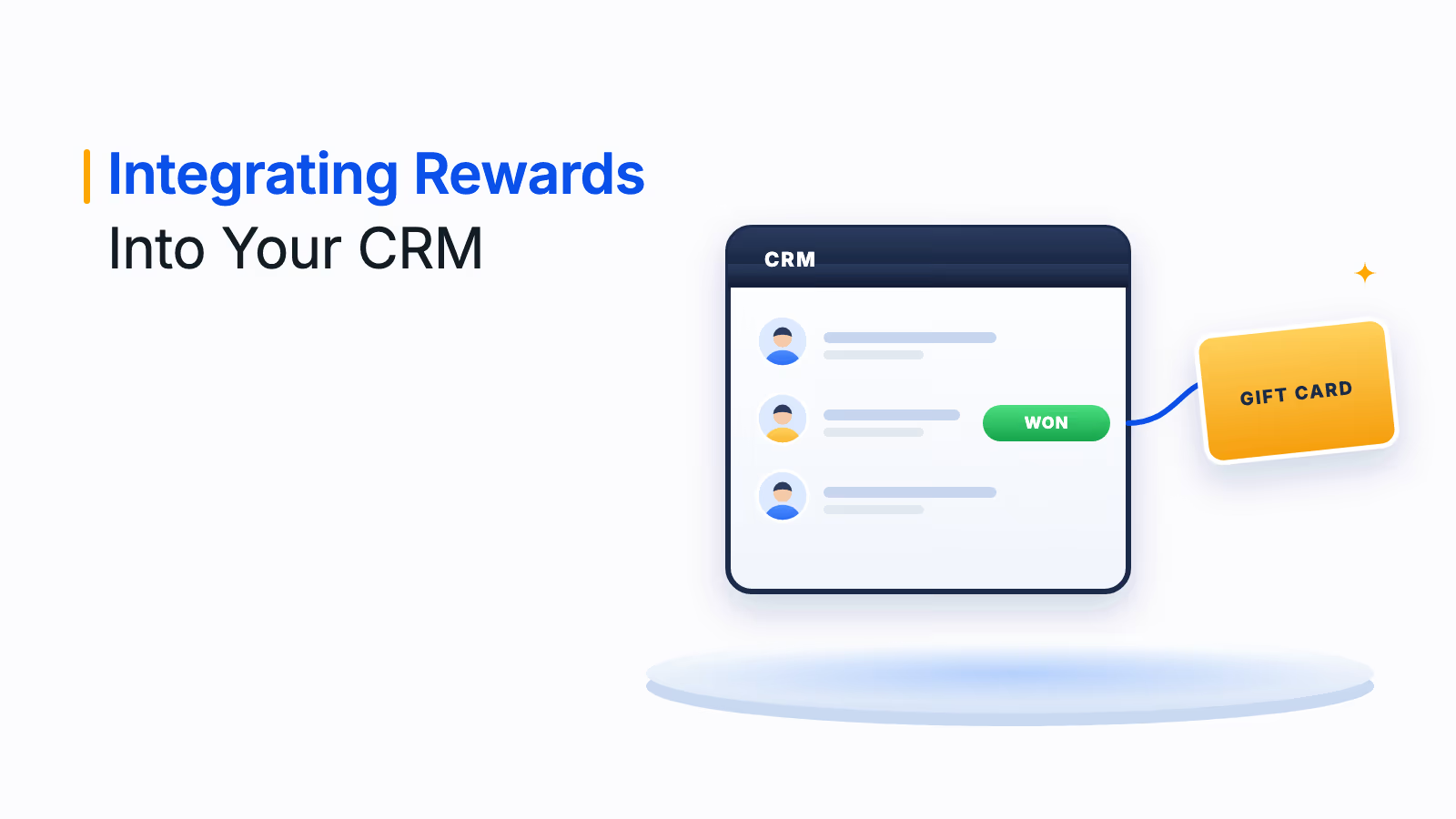
HubSpot is one of several CRMs Plum connects to. Plum also offers native connectors for Salesforce, Zoho and Pipedrive, 250+ native connectors overall and three REST APIs with a sandbox for custom systems. To compare approaches across CRMs, read this guide to integrating rewards into your CRM.
Conclusion
A HubSpot rewards integration turns everyday sales and marketing moments into reasons for prospects and customers to act. With Xoxoday Plum, you can trigger rewards from HubSpot workflows, send one-to-one rewards from contact records and add gift links to emails, while recipients choose rewards that work in their own country.
Ready to automate HubSpot rewards? Book a demo with the Xoxoday Plum team.
Book your Plum demo
Frequently asked questions
Yes. Xoxoday Plum is available as an app on the HubSpot App Marketplace. It lets you trigger rewards from HubSpot workflows, send rewards from a widget inside HubSpot, add one-to-many gift links to emails and track reward data in both HubSpot and Plum.
Install the Xoxoday Plum app from the HubSpot App Marketplace, sign in to Plum and fund your account. Create a reward automation in Plum, then add Xoxoday Plum as an action in a HubSpot workflow, or send a one-off reward from the Plum widget inside HubSpot. Recipients get a link to choose their gift card.
According to Plum's documentation, Xoxoday Plum can be added as an action in contact-based, company-based or deal-based HubSpot workflows. The reward fires when a record meets your enrollment criteria, such as a lead becoming a customer.
Yes. When you create a workflow-based reward automation in Plum, you can choose to send rewards automatically or require manual approval. You can also limit distribution to a time range or a maximum number of rewards.
You need a HubSpot account on a compatible plan, the required account permissions and a Xoxoday Plum subscription. The HubSpot Marketplace listing links to the compatible HubSpot plans and required account permissions.
Yes. Plum rewards are delivered digitally by email, SMS or link, and recipients choose from 10M+ reward options across 150+ countries, redeemed in their local currency.