Key Takeaways
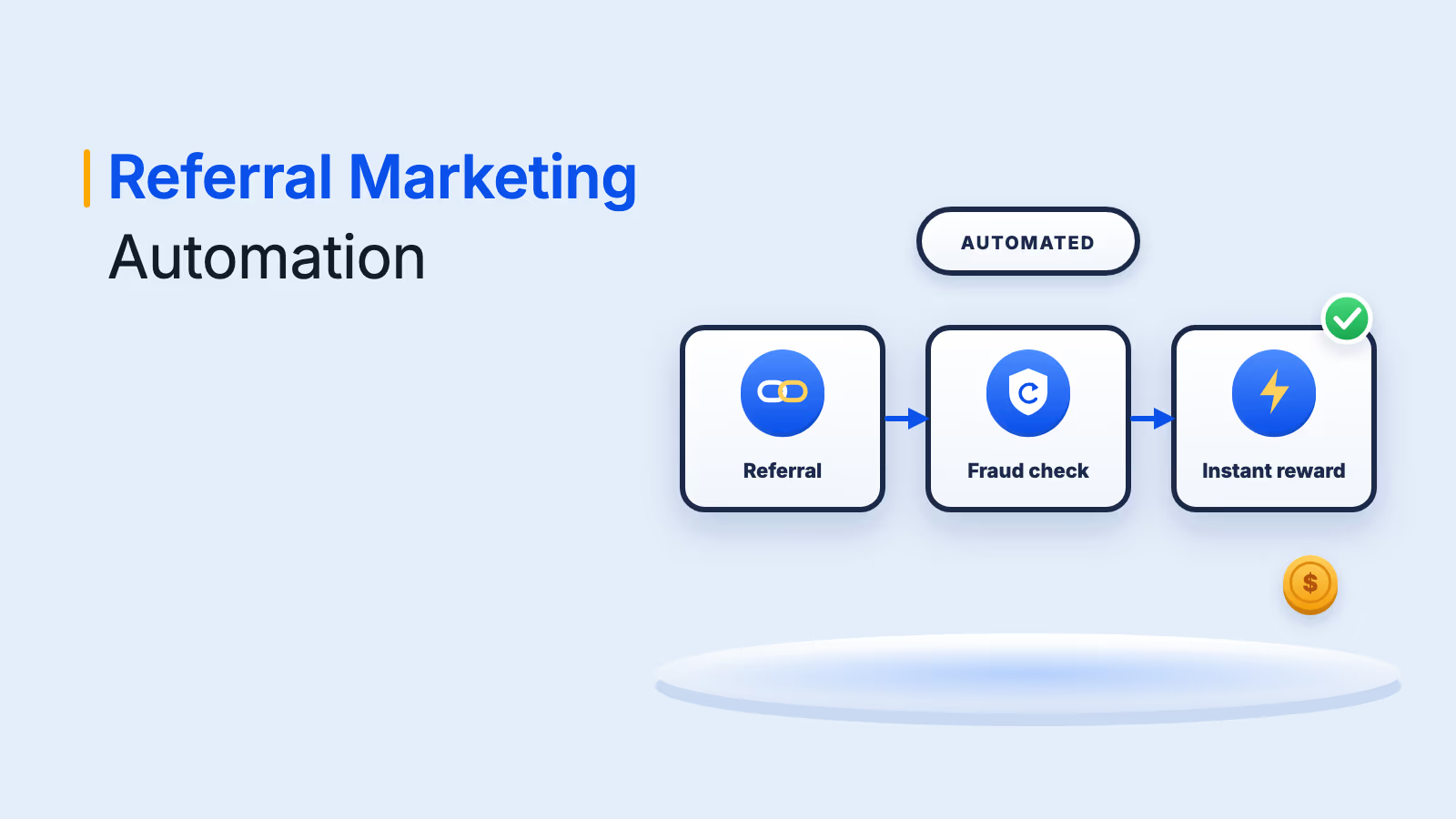
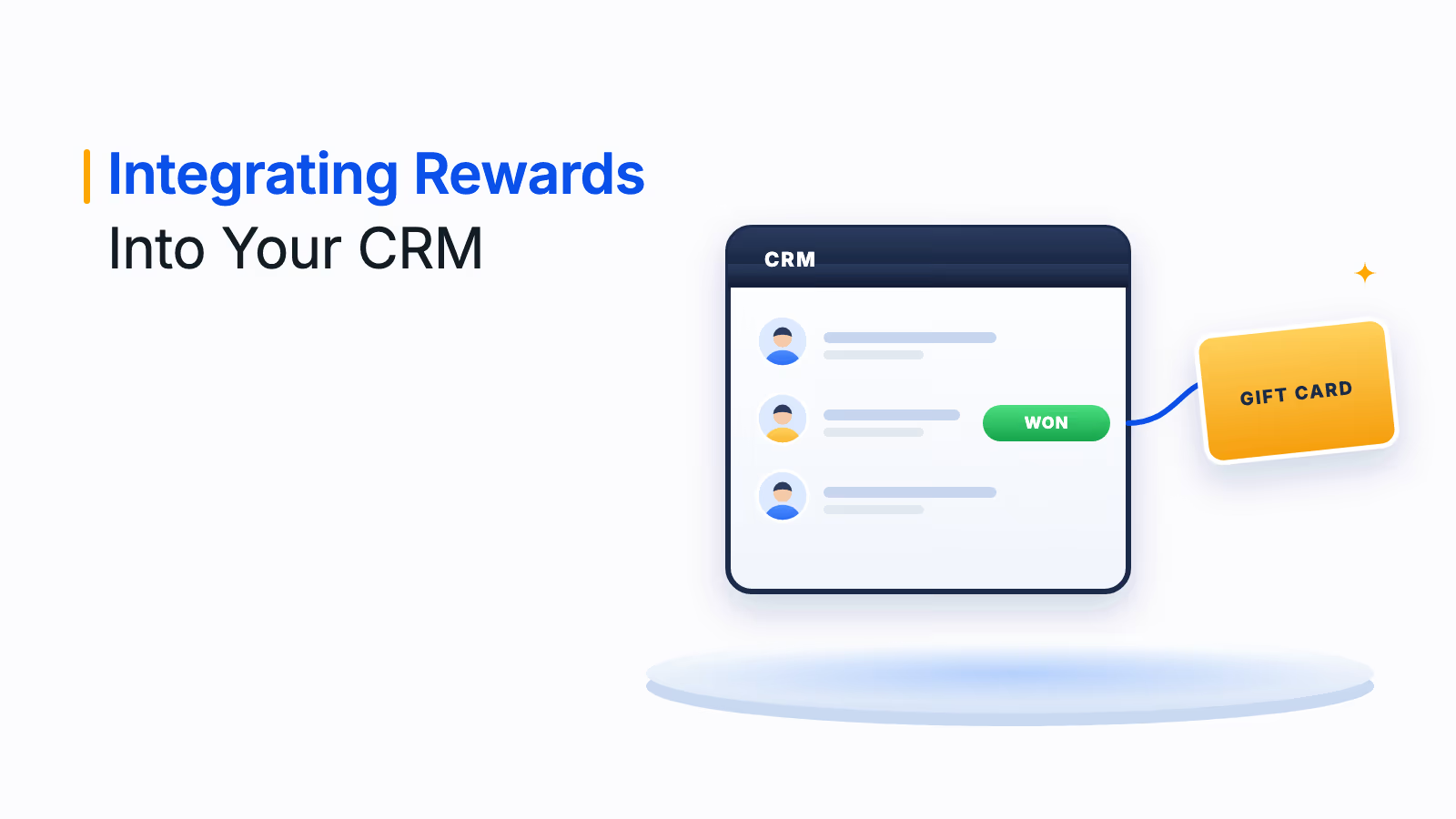
A rewards CRM integration sends incentives the moment a CRM event happens, such as a demo, renewal or referral.
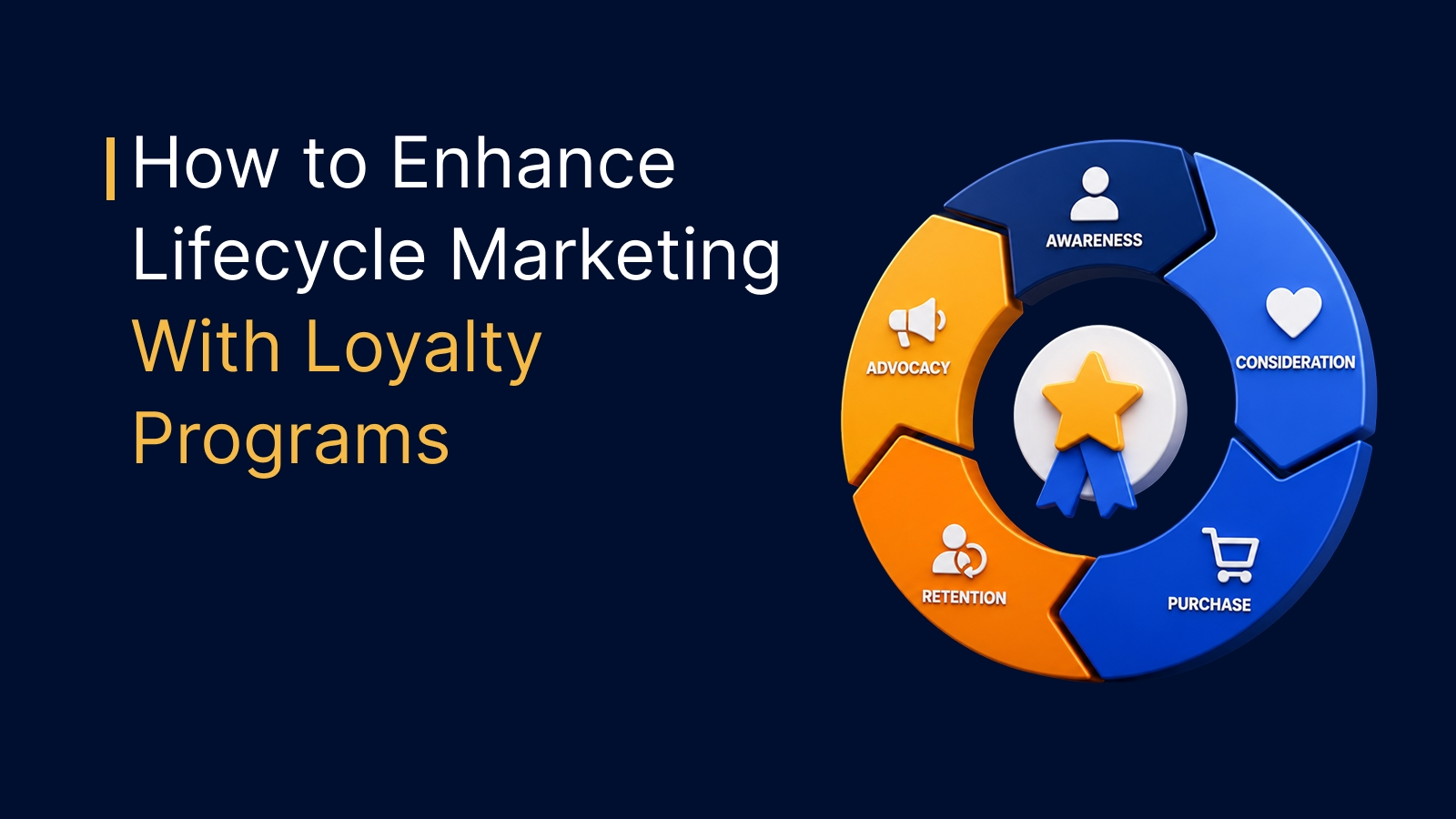
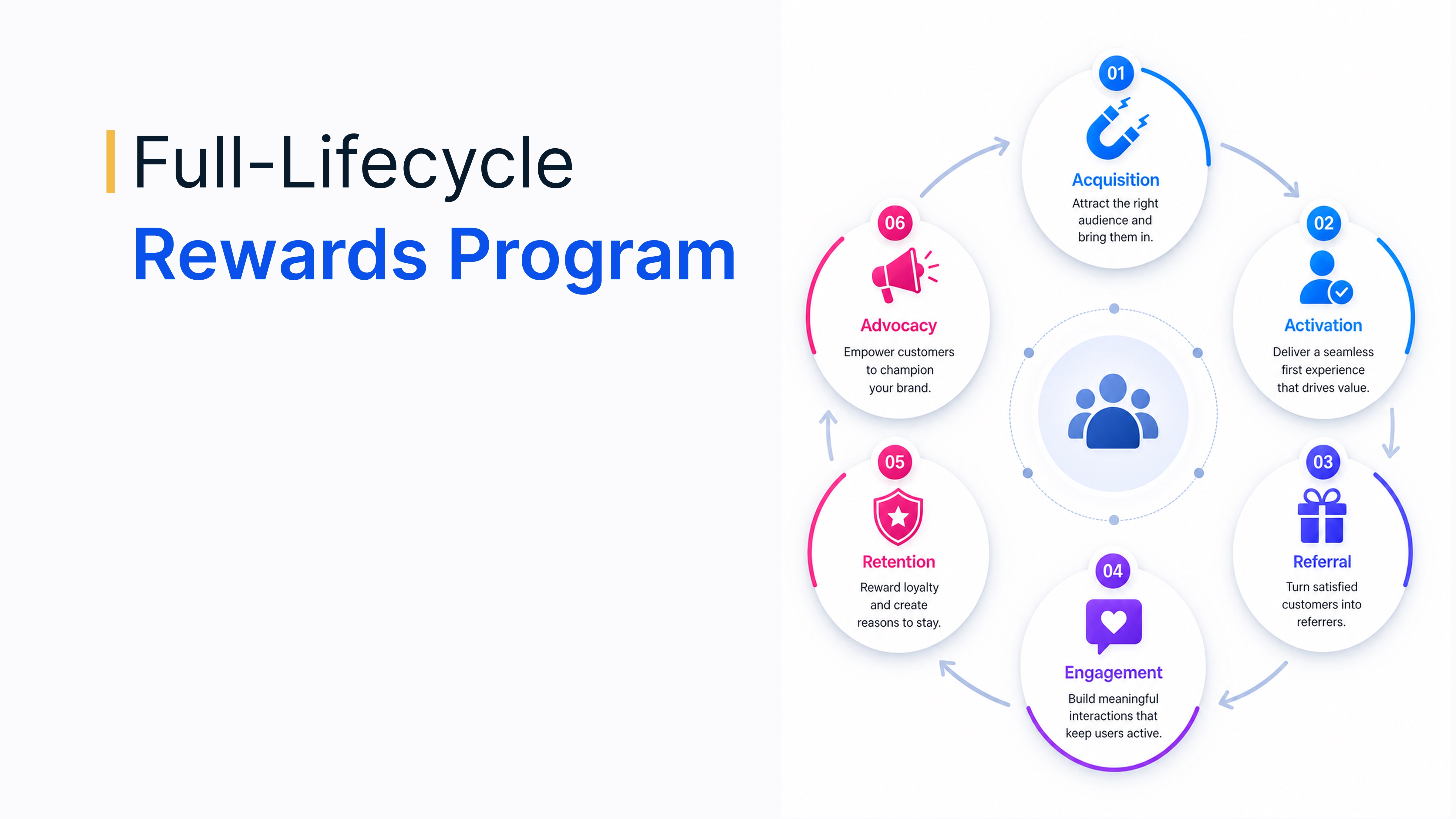
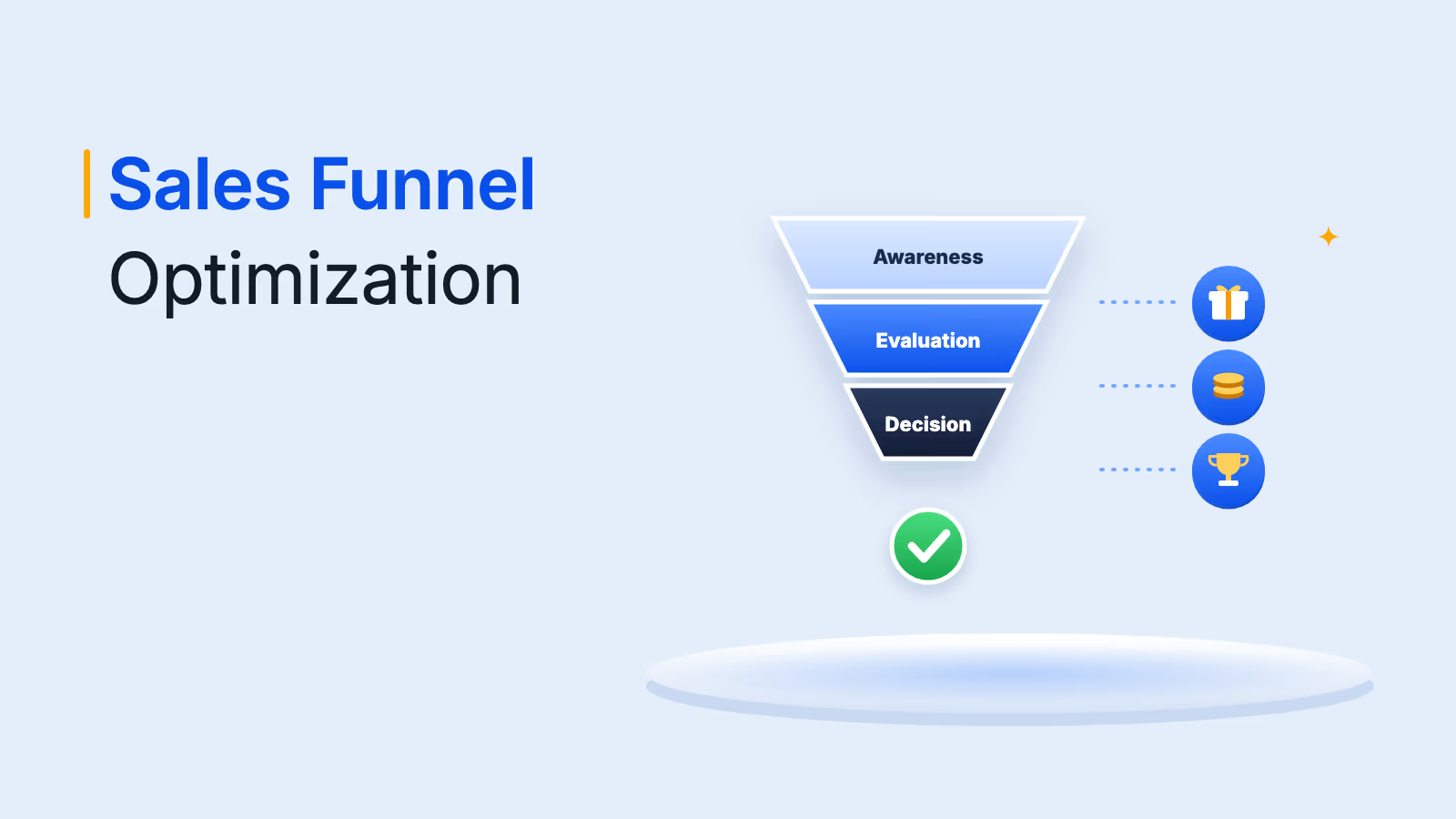
Map rewards to journey stages: awareness, consideration, welcome, evaluation, advocacy and support.
Connect through native CRM connectors, workflow tools or a rewards API, and test in a sandbox first.
AI agents can now browse catalogs and place reward orders through an MCP server, with approvals kept in place.
Your CRM already knows when a prospect books a demo, a customer renews or a support ticket closes. A rewards CRM integration lets you act on those moments instantly, by sending a gift card, points or another incentive the second the event is logged, without anyone exporting a list or placing an order.
This guide covers why integrating rewards into your CRM pays off, CRM rewards use cases across the customer journey, the reward types that work best, common challenges and how to automate rewards from your CRM step by step, including newer AI agent workflows.
Why integrate rewards into your CRM
Integrating rewards into your CRM turns customer data into action. Instead of only tracking interactions, you trigger personalized rewards based on key behaviors, such as purchases, referrals or demo completions, which lifts engagement, loyalty and retention.
1. Boost retention and loyalty
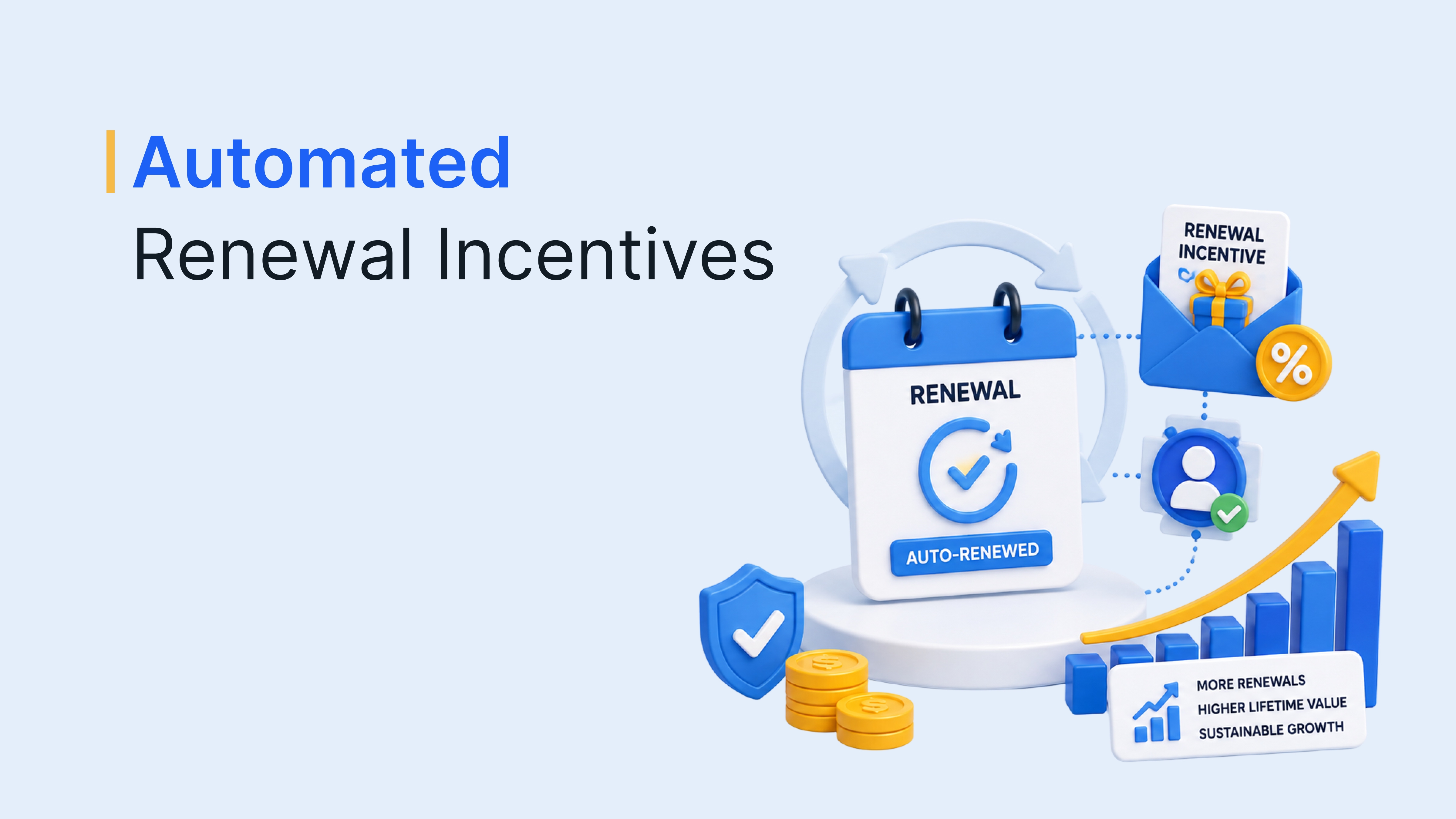
Rewards for repeat purchases, renewals and milestones show customers their loyalty is noticed. Because the CRM knows each customer's history, rewards arrive at the moments that matter most, which strengthens long-term relationships.
2. Personalize every incentive
CRM data lets you tailor rewards to each person's preferences, location, lifecycle stage or account milestones. A reward that fits the recipient feels like recognition rather than a generic promotion.
3. Make account-based marketing more effective
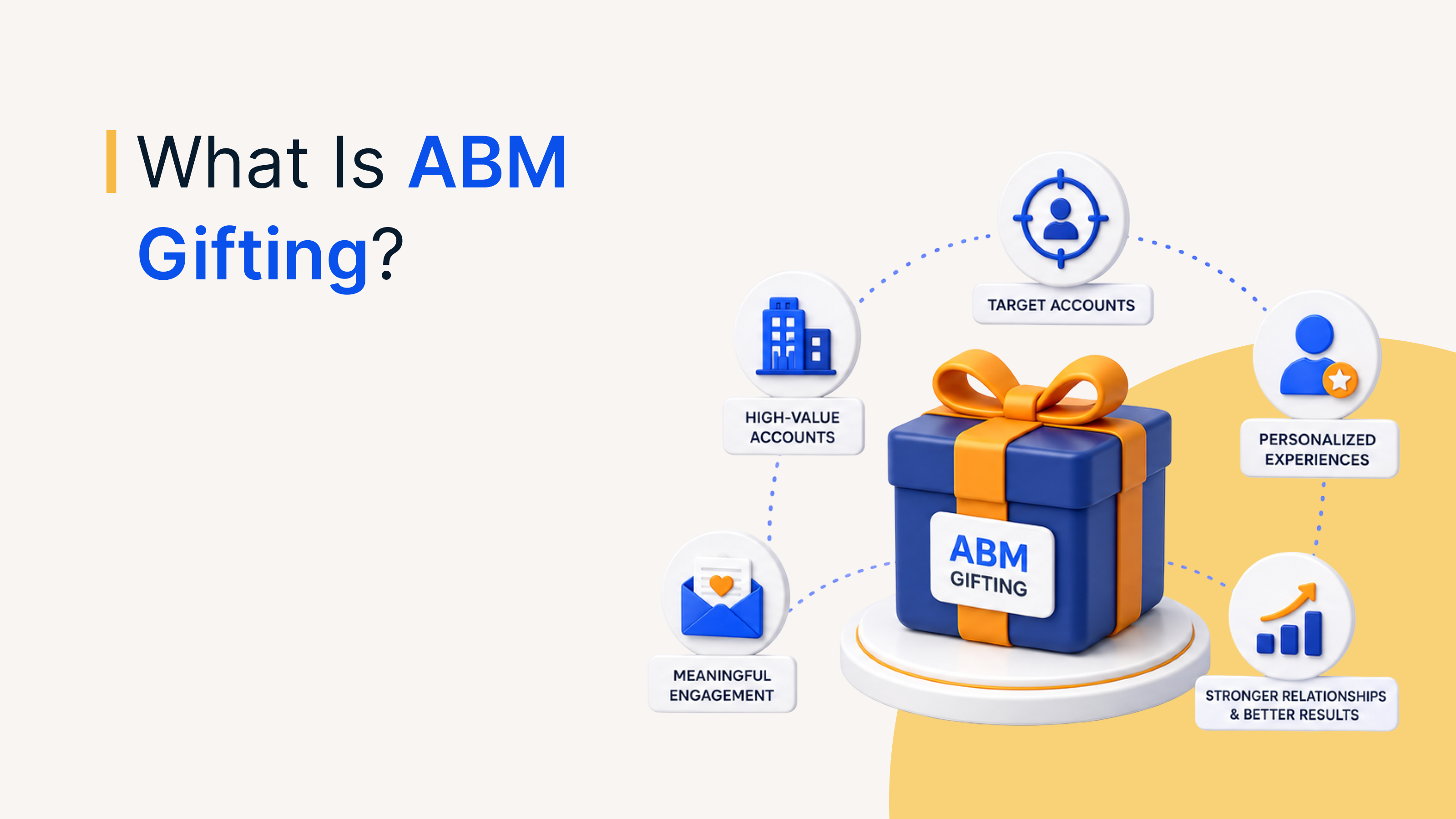
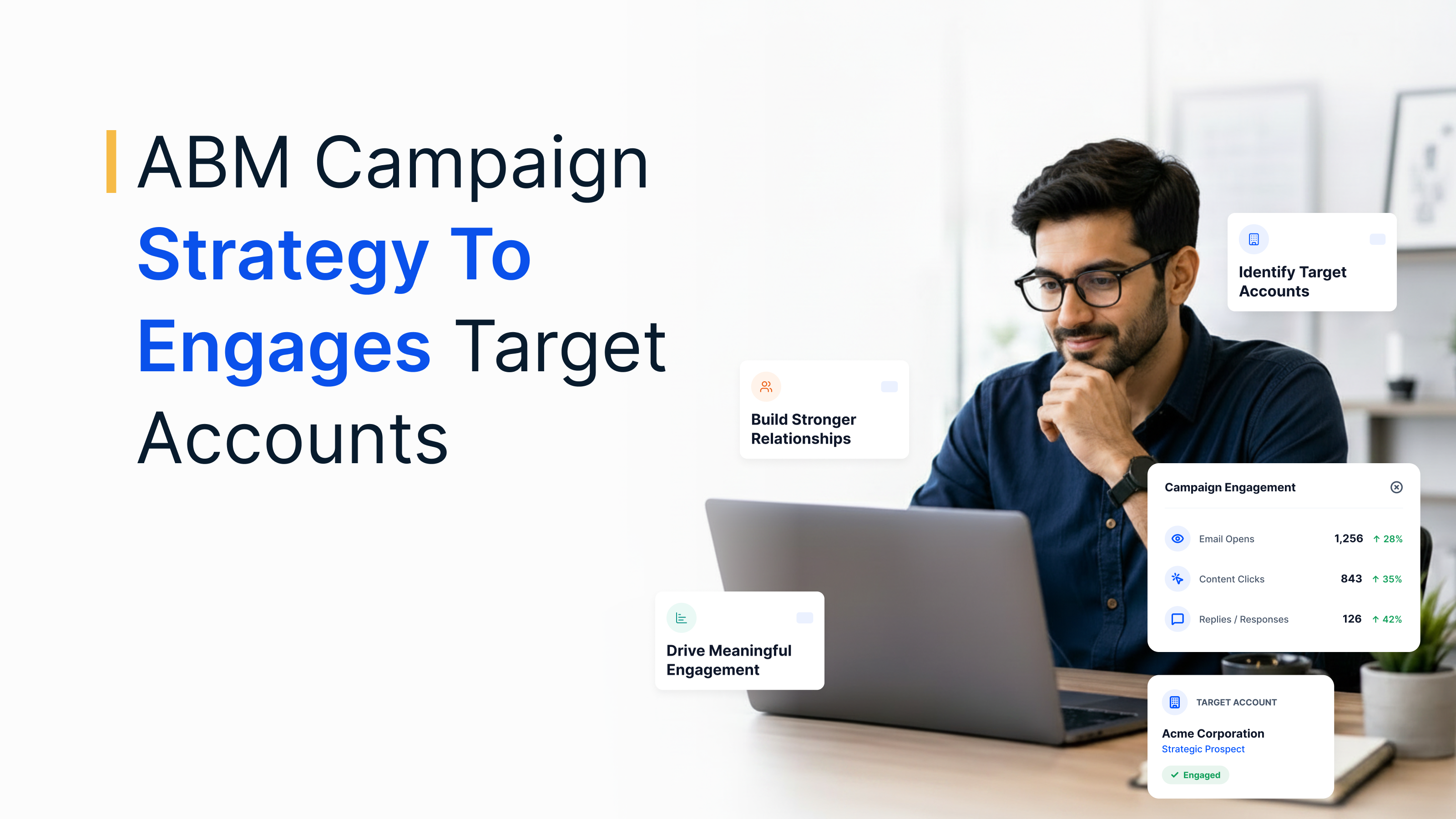
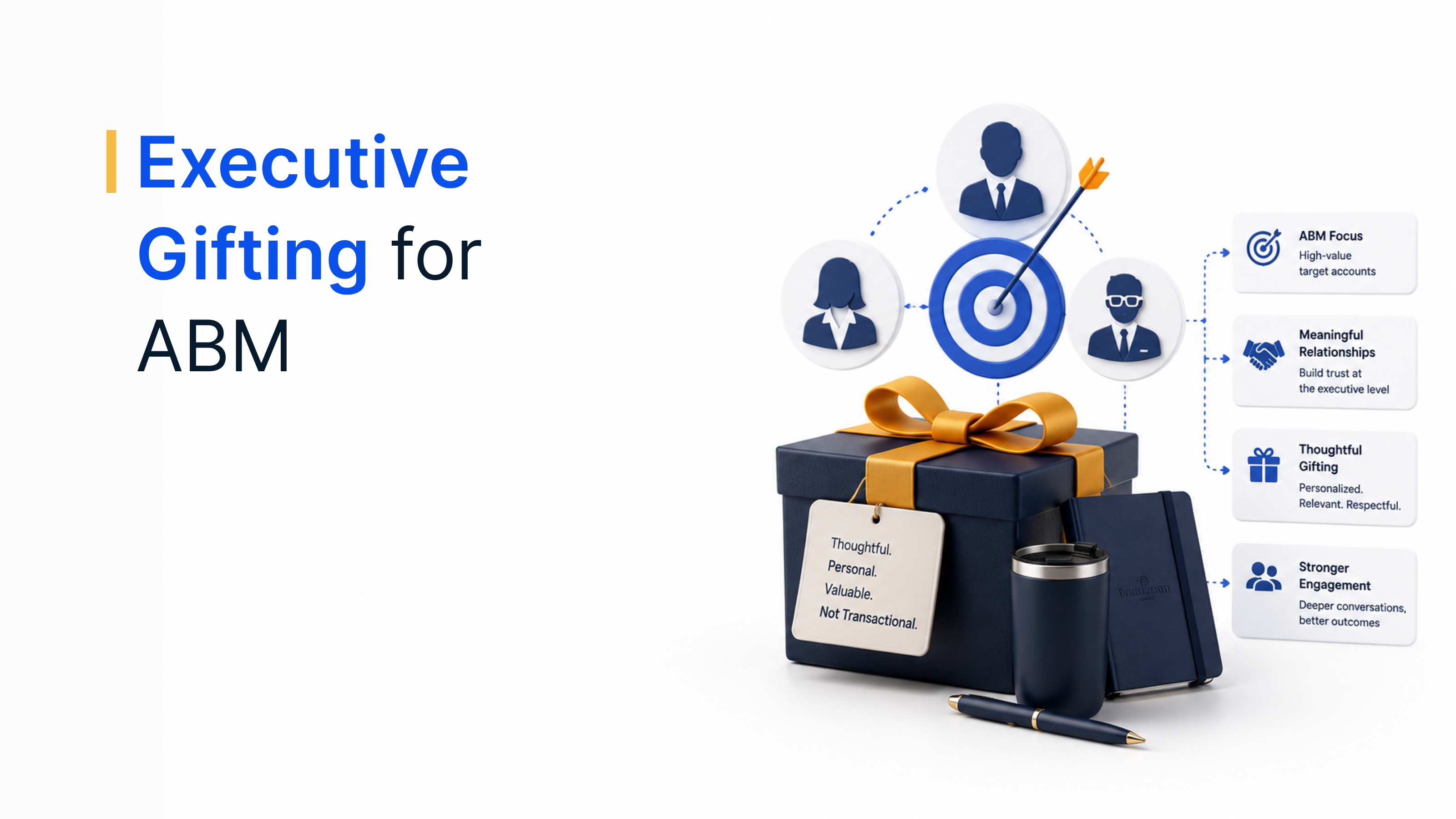
In account-based marketing (ABM), CRM-triggered incentives help you engage several stakeholders within a target account. Send a gift to a champion after a demo or recognize the buying committee after a proposal review, all tied to deal stages you already track. See this guide to ABM rewards for campaign ideas.
4. Improve data and insights
When rewards live in the CRM, you can see which incentives move deals, which customers redeem and which accounts go quiet. That data helps you refine campaigns and spot at-risk customers early.
5. Recognize internal teams in real time
Rewards are not only for customers. Analyze CRM KPIs to find gaps, such as slow follow-ups or stale pipeline, then reward sales and support teams for the behaviors that fix them, right when they happen.
6. Create a consistent experience
A CRM-connected rewards program keeps incentives consistent across email, web, mobile and in-person touchpoints, so customers always know what they earned and how to redeem it.
Trigger rewards from your CRM
Send gift cards, prepaid cards and more in 150+ countries the moment a deal, renewal or referral is logged.
Talk to our ExpertTrusted by 5,000+ companies
CRM rewards use cases across the customer journey
CRM-triggered incentives work best when each one is tied to a specific stage of the journey. Here is how teams use them from first touch to support:
| Stage | CRM trigger | Reward example |
|---|---|---|
| Awareness | Prospect attends a webinar, answers a poll or completes a survey | Coffee or lunch voucher for the first interaction |
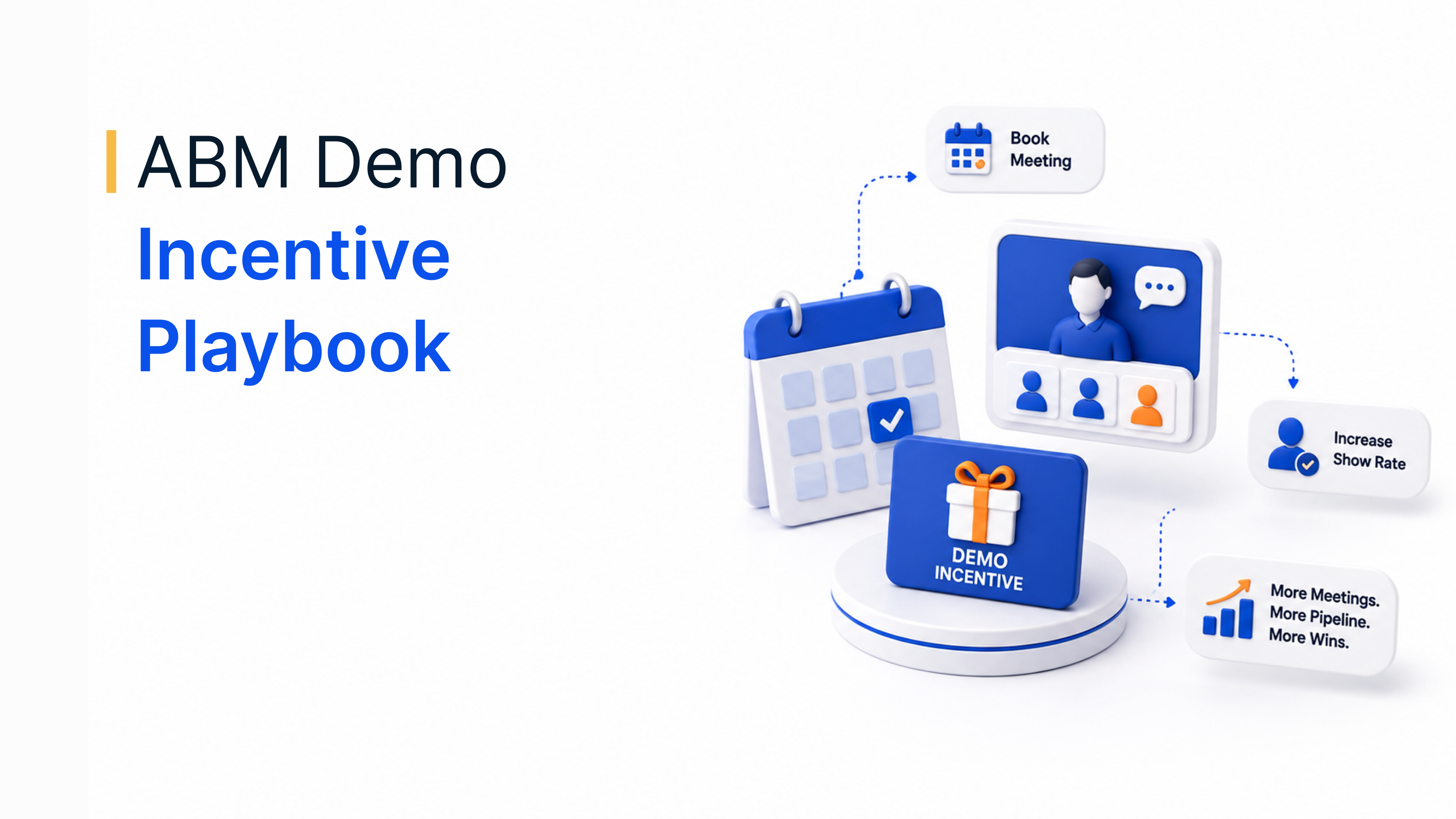
| Consideration | Demo or discovery call is completed | Thank-you gift card to keep momentum after the call |
| Welcome | Deal is marked closed-won | Welcome gift that confirms the customer made the right choice |
| Evaluation | Customer completes an NPS or feedback survey | Small reward that thanks them for their time |
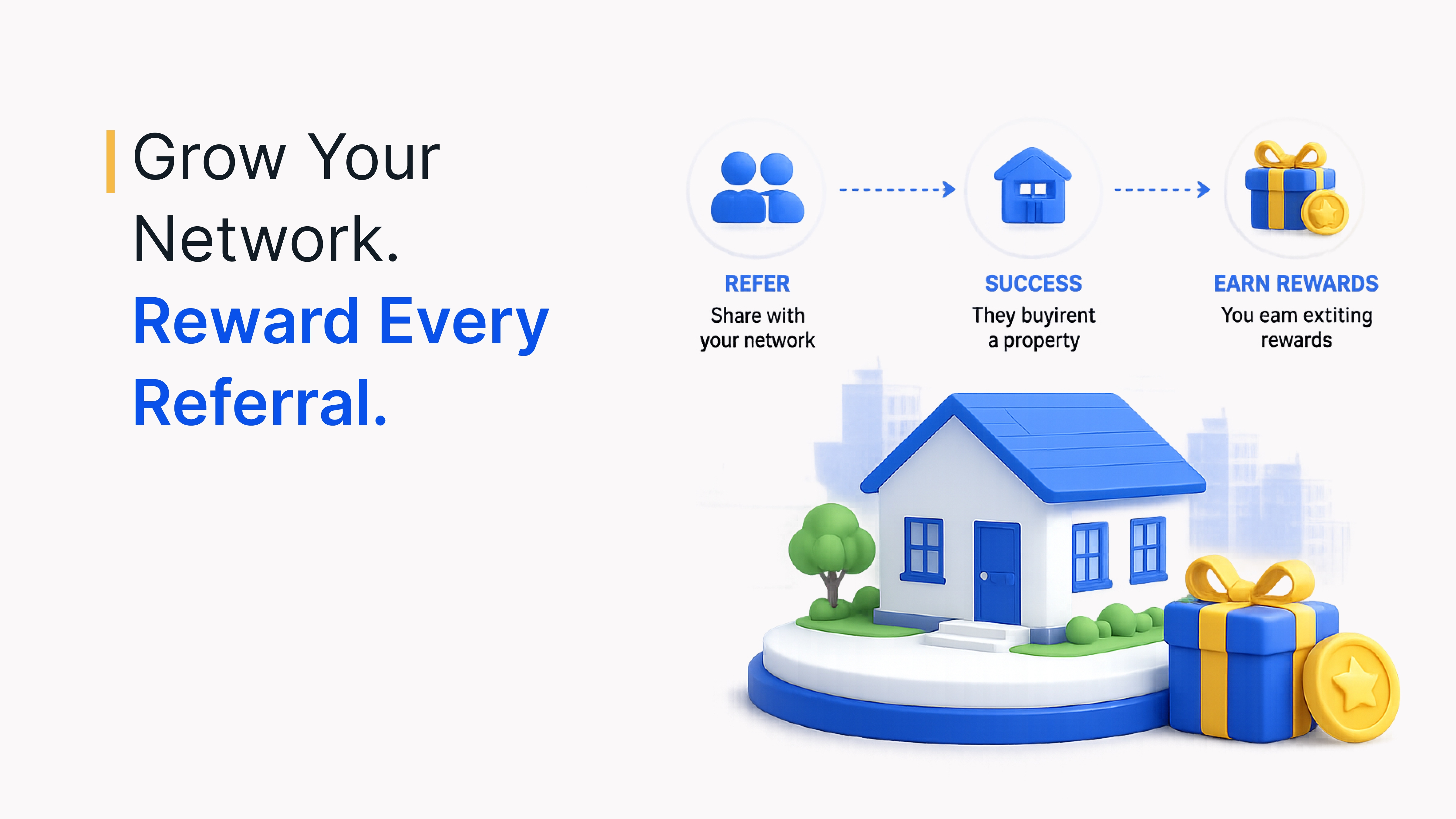
| Advocacy | Customer refers a friend or leaves a review | Referral reward or a choice of gift cards |
| Support | Ticket is resolved after a long wait or an escalation | Apology or appreciation gift sent by the support agent |
For more ideas on event and survey incentives, see these guides to webinar attendance incentives and survey incentive ideas.
Reward types that work with CRM-triggered incentives
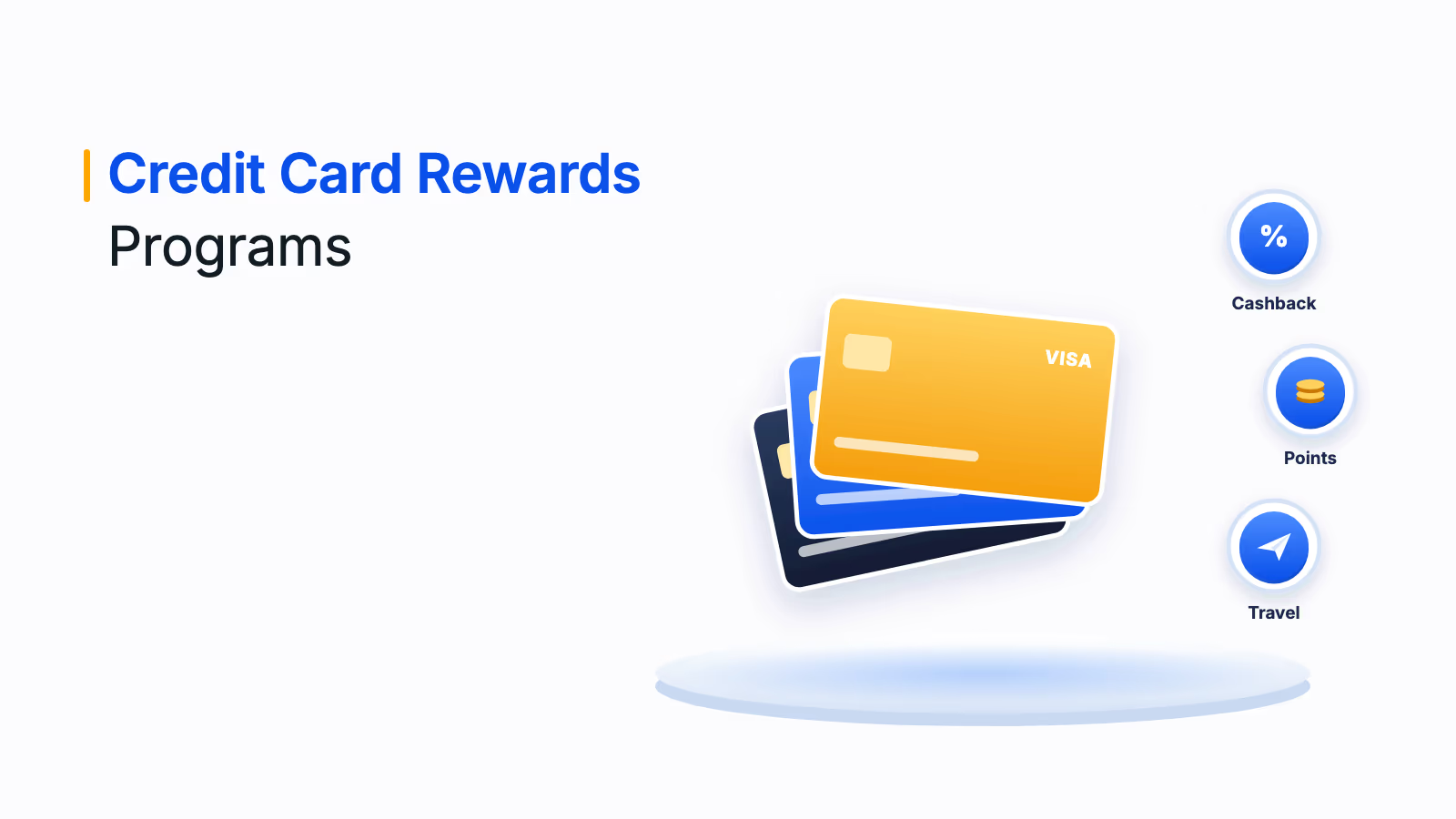
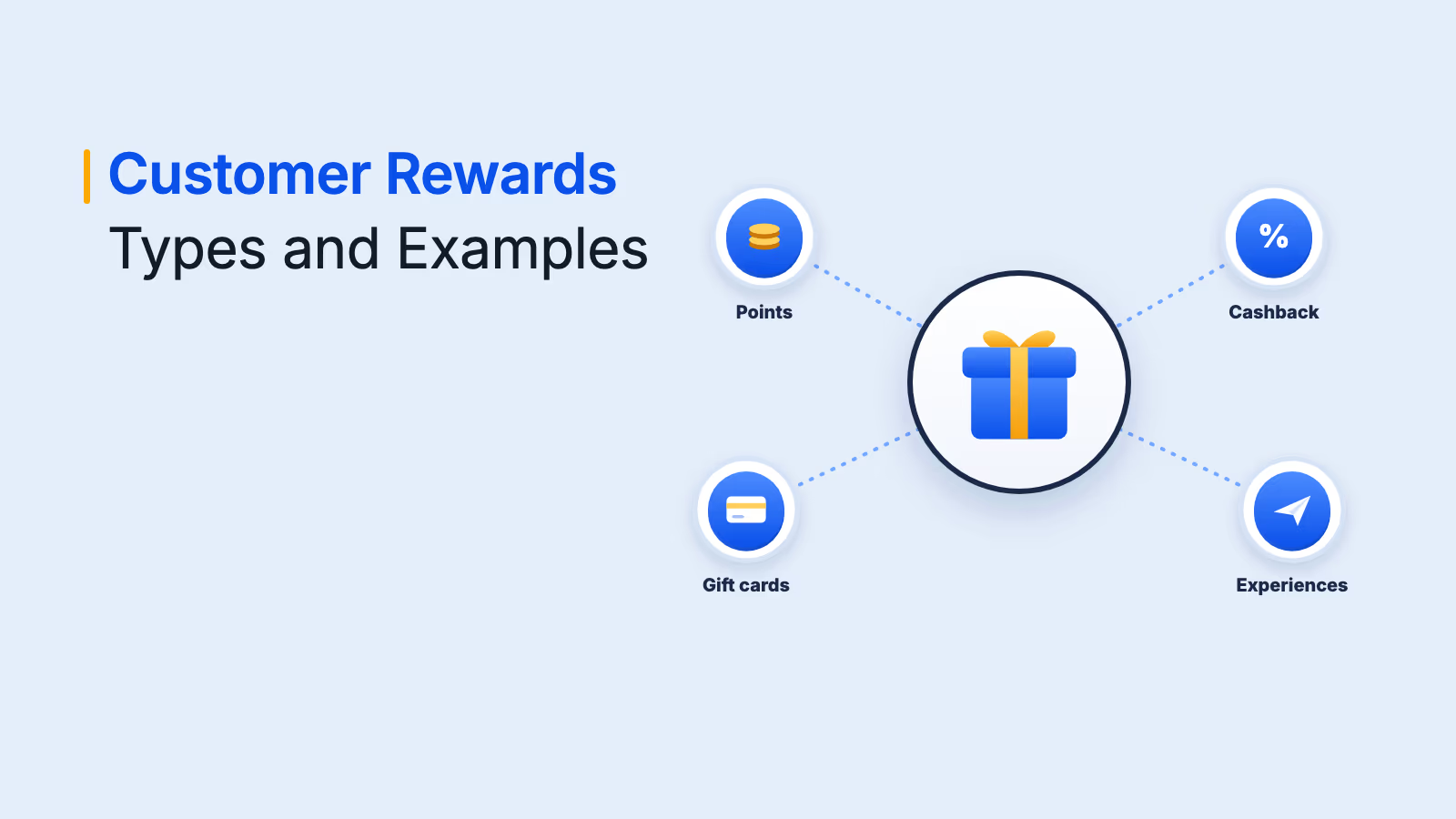
The right reward depends on your goal, whether that is acquisition, retention or advocacy. These reward types work well when triggered from a CRM, including in ABM programs:
| Reward type | Best for | ABM use case |
|---|---|---|
| Loyalty points | B2C retail, e-commerce, hospitality | Encourage ongoing engagement with multi-touch content journeys |
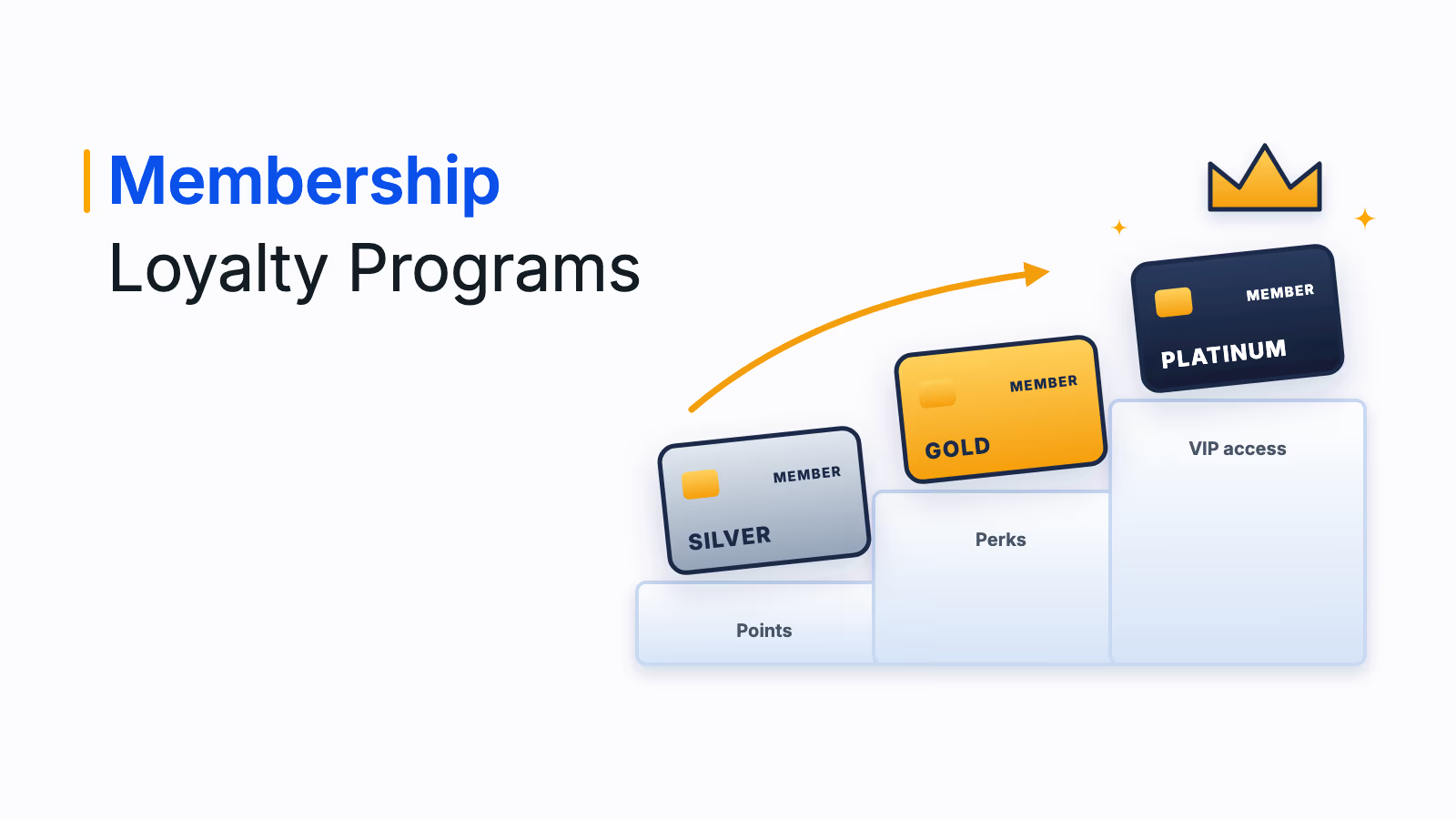
| Tier-based perks | Subscriptions, travel, lifestyle brands | Offer elevated experiences to key accounts by engagement or deal size |
| Digital gift cards | Both B2B and B2C | Send curated gift cards after demos, discovery calls or sign-offs |
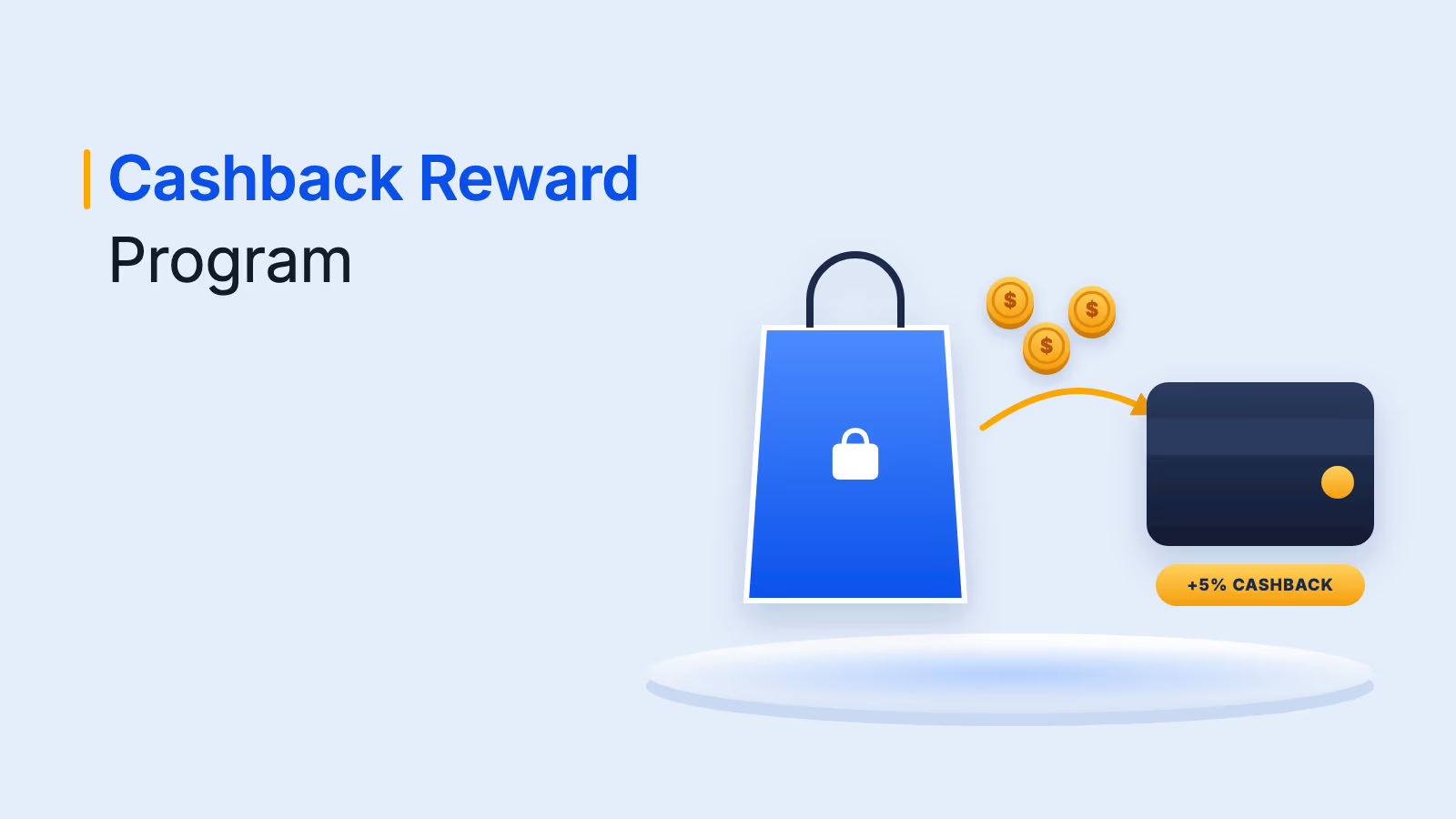
| Cashback or discount coupons | E-commerce, D2C, online services | Offer exclusive savings during upsell or renewal conversations |
| Experiences | High-value B2C, B2B loyalty, employee engagement | Delight champions and executives with tailored experiences |
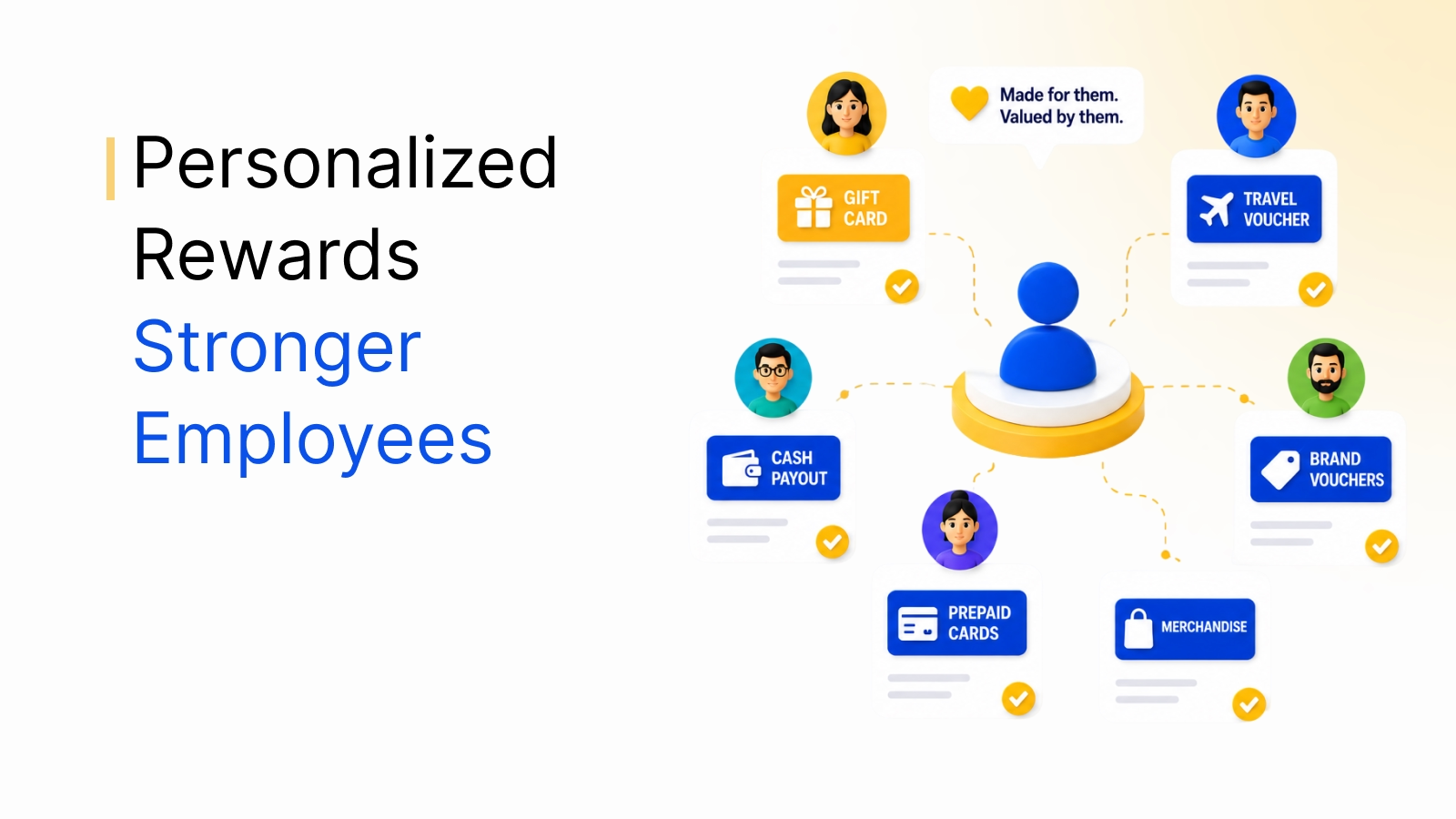
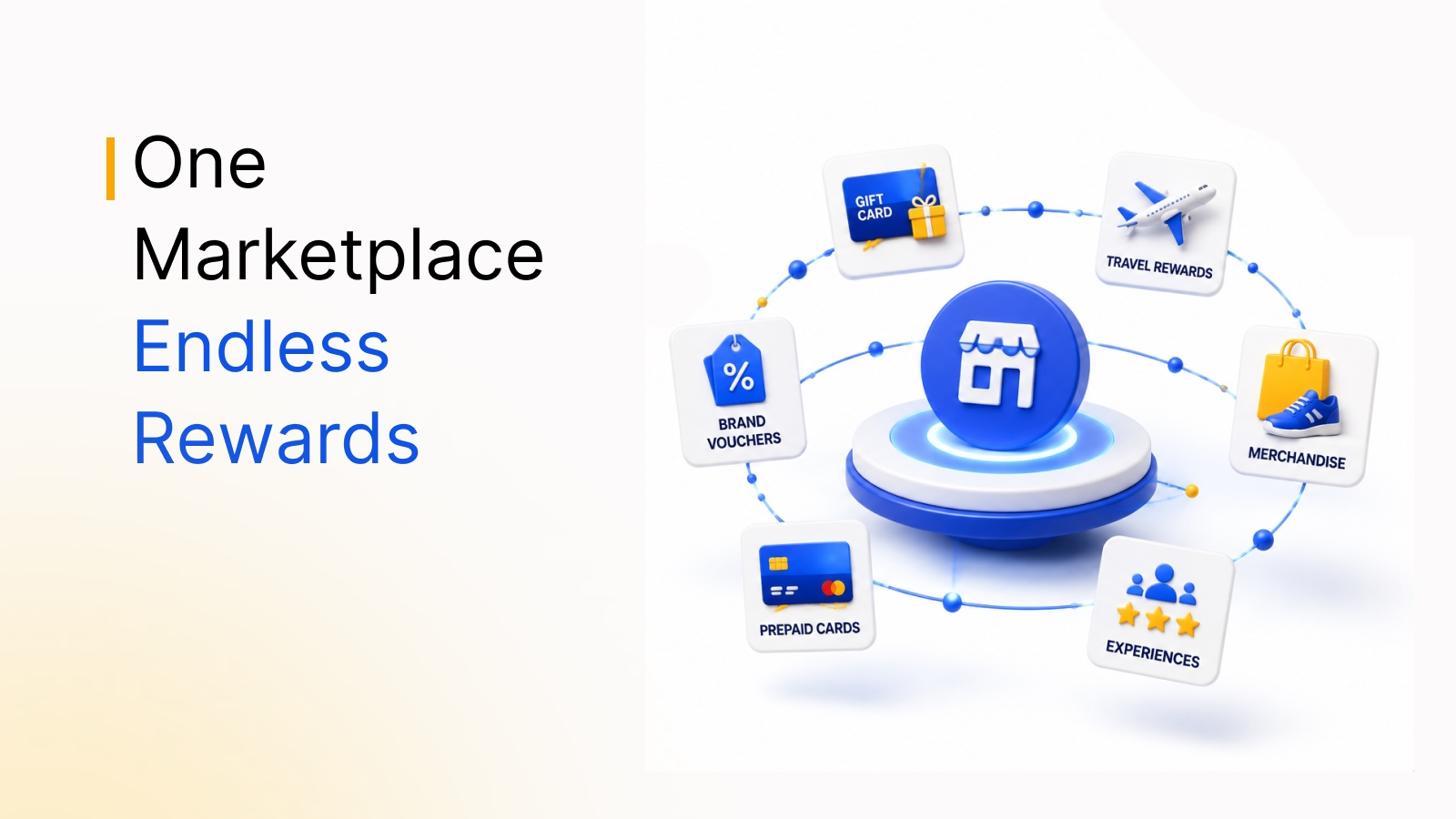
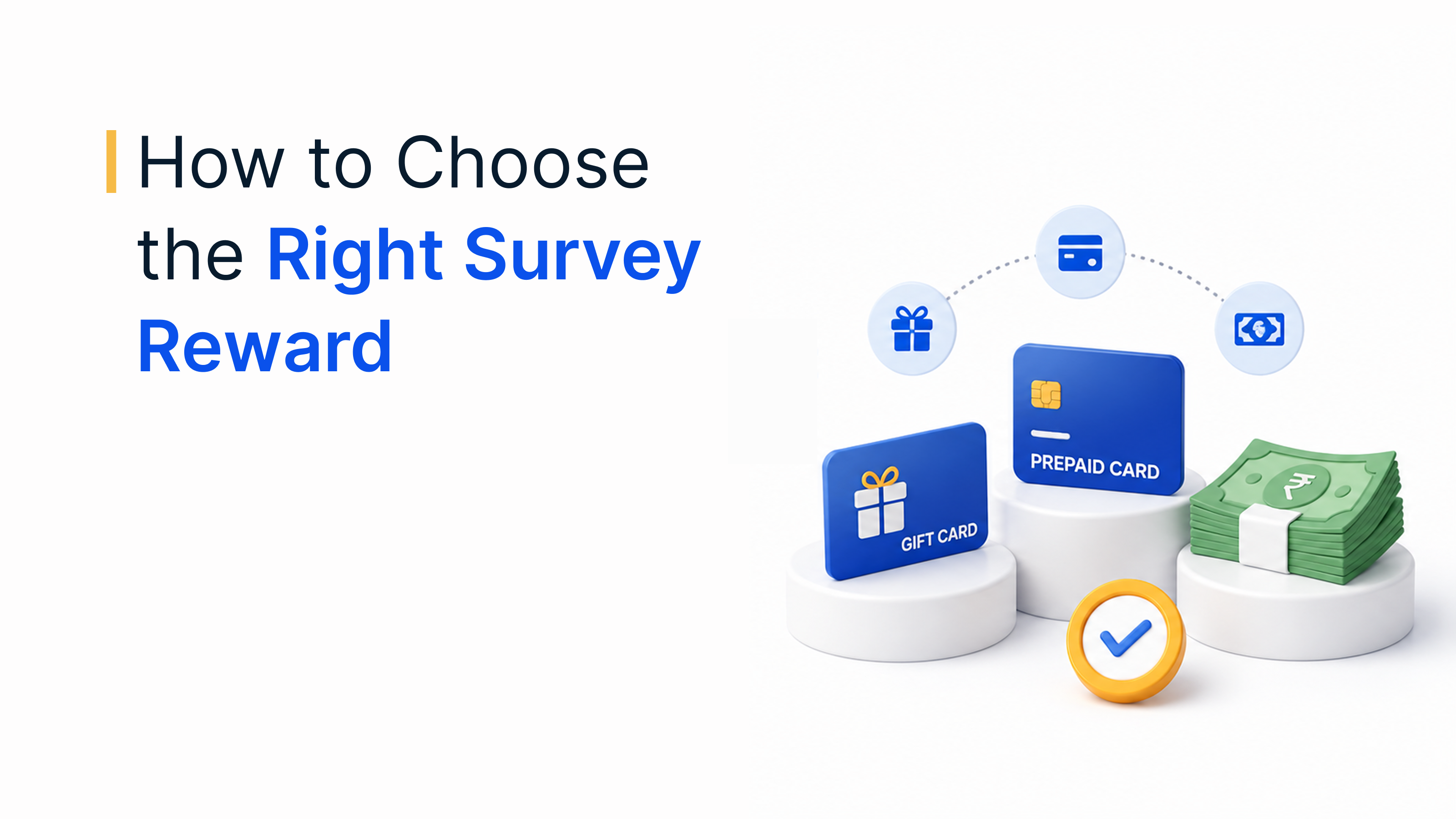
| Prepaid cards | Global audiences and flexible incentives | Give stakeholders a reward they can spend almost anywhere |
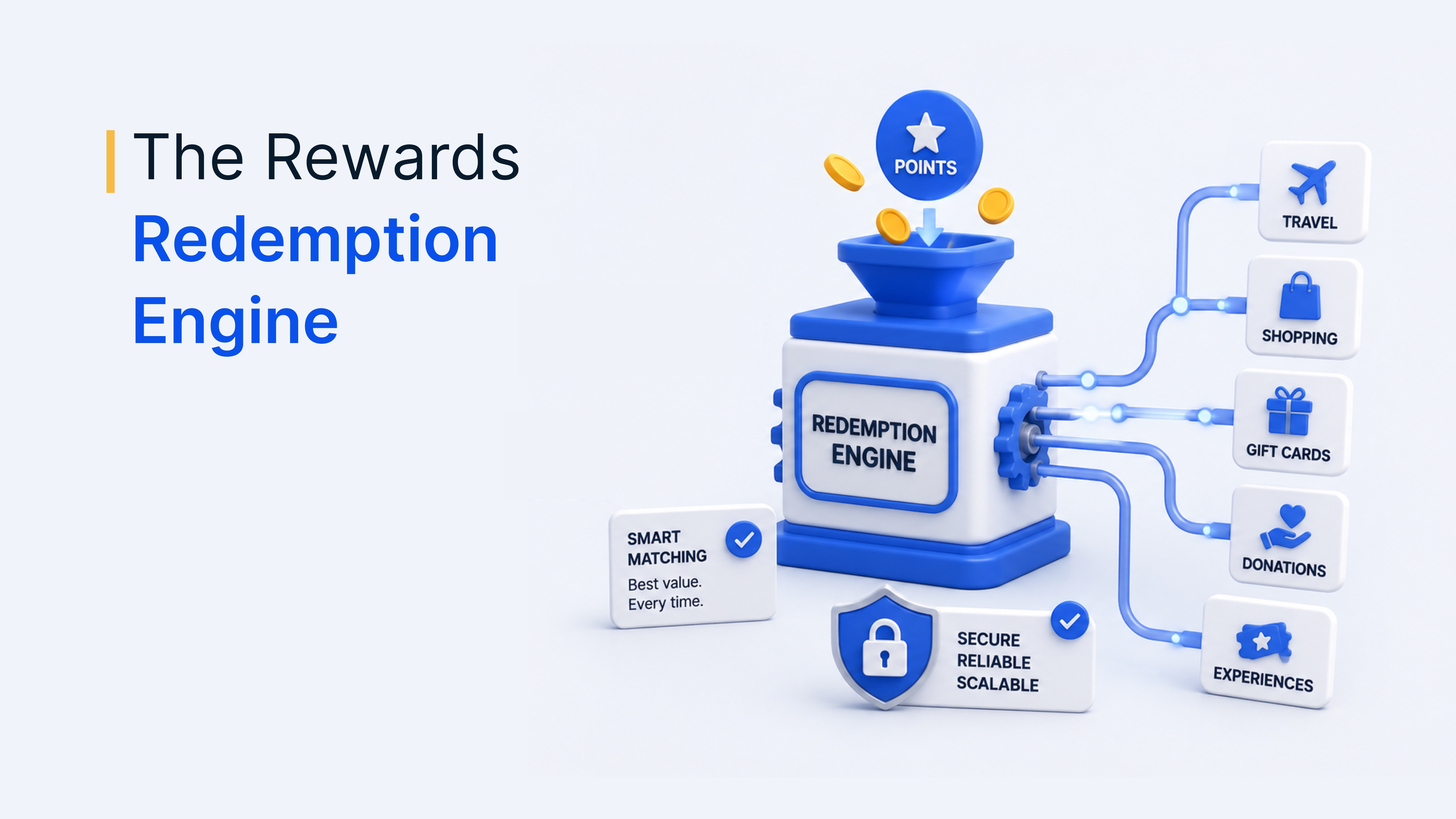
A global reward marketplace lets each recipient choose a reward that works in their own country and currency, which is important when your CRM holds contacts in many markets.
How to automate rewards from your CRM
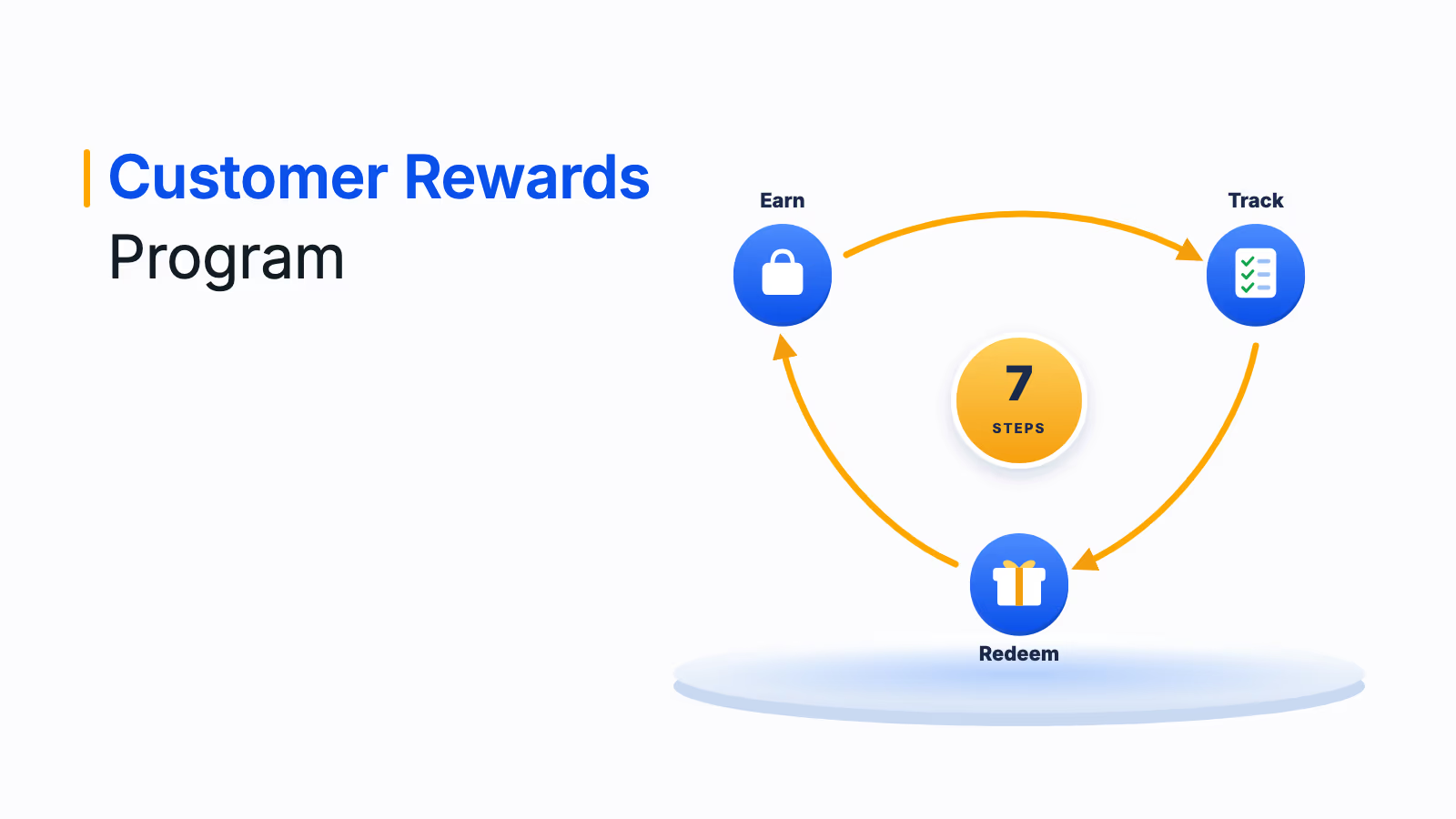
To automate rewards from your CRM, connect a rewards platform to it, define the events that trigger a reward and let the workflow send, track and report on each one. Here is the setup in seven steps:
- Pick the moments that matter: List the CRM events you want to reward, such as demo booked, deal closed, renewal, referral or survey completed.
- Define eligibility and amounts: Decide who qualifies, how much each reward is worth and any caps per contact or account.
- Choose rewards and delivery: Select a reward type for each trigger and how it arrives, such as a reward link by email or SMS.
- Add budget and approval rules: Set campaign budgets and require approval for high-value rewards, while letting routine rewards send automatically.
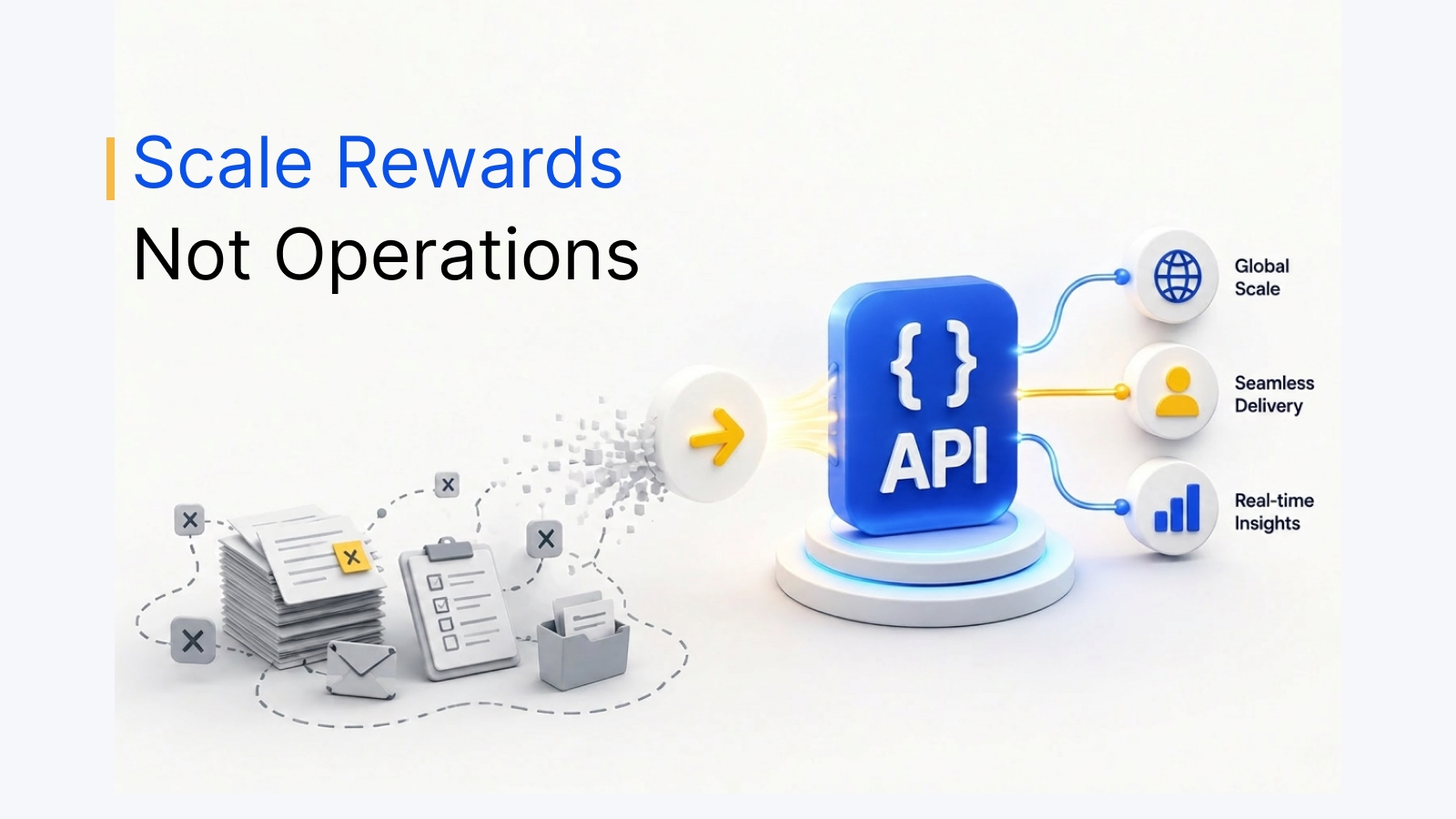
- Connect the systems: Use a native connector for your CRM, a workflow tool such as Zapier, or the rewards API and webhooks for custom systems.
- Test in a sandbox: Run the full workflow with test data before going live.
- Measure and refine: Sync redemption data back to the CRM and compare pipeline, conversion and retention for rewarded and non-rewarded contacts.
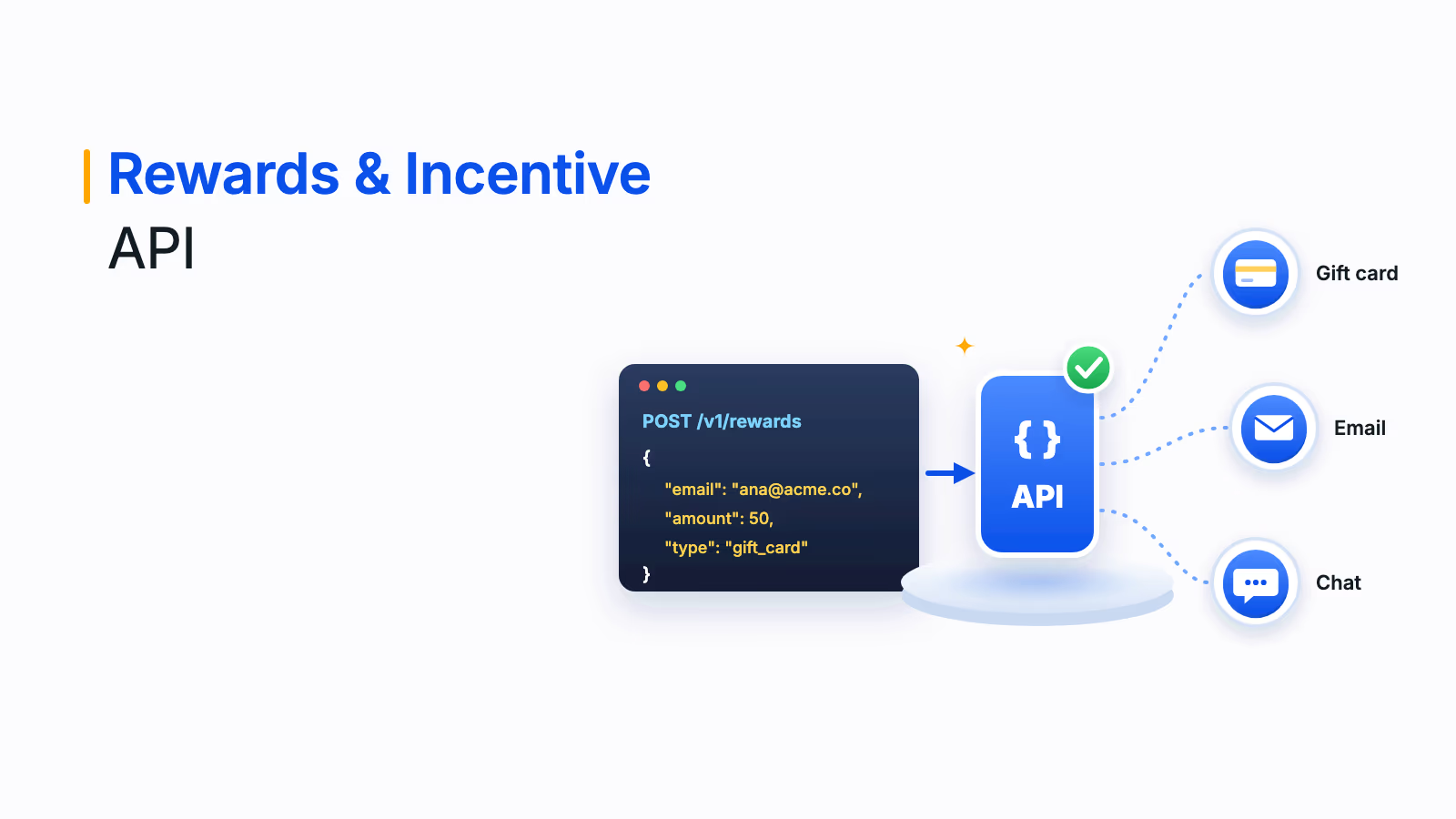
If your team plans to build the integration itself, this guide to the rewards and incentive API explains how API-based rewards work.
Salesforce rewards automation and other CRM examples
Plum connects to the CRMs most sales and marketing teams use, with native connectors for Salesforce, HubSpot, Zoho and Pipedrive, plus 250+ native connectors overall and three REST APIs with a sandbox for anything custom.
Salesforce
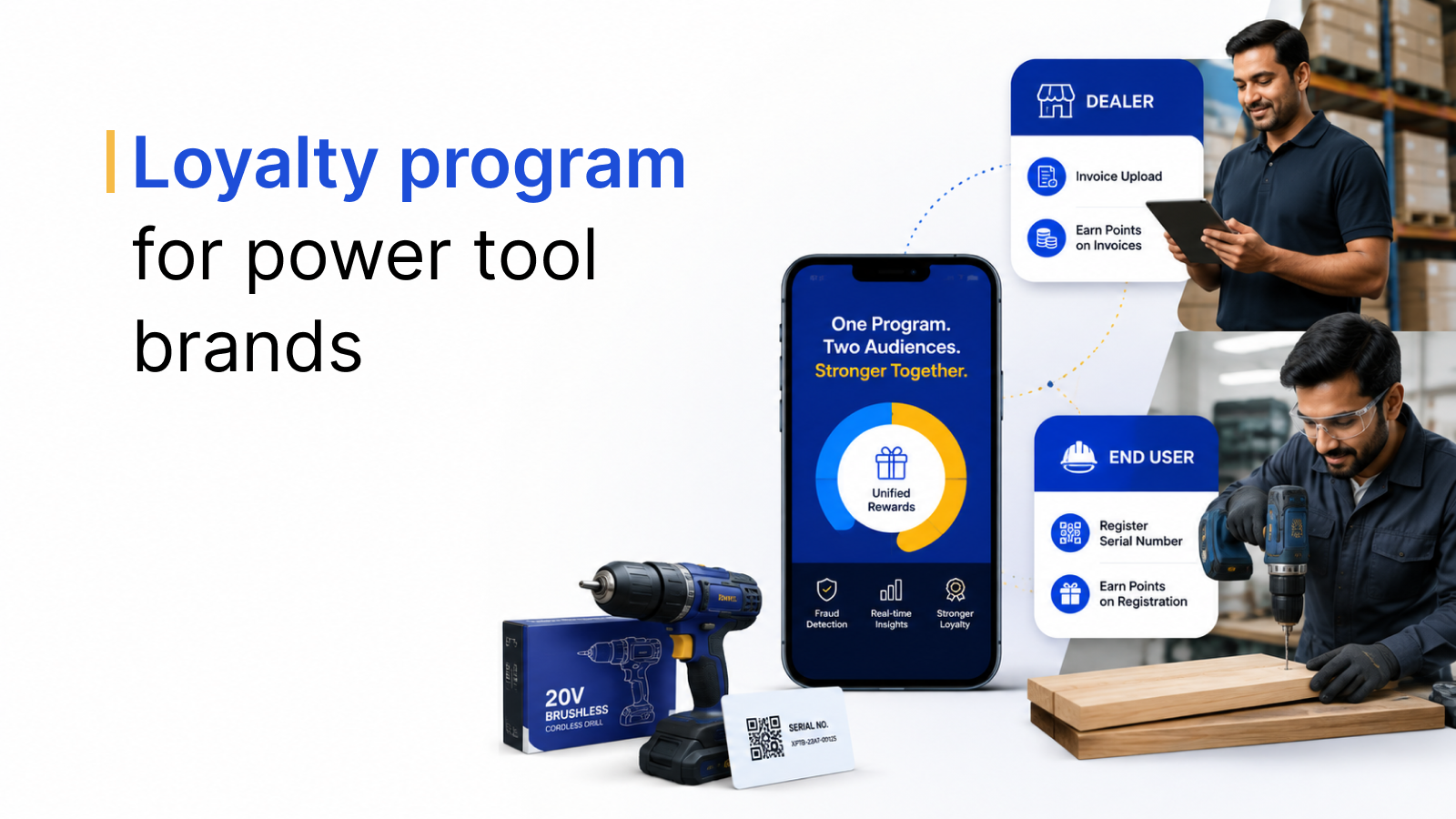
Salesforce rewards automation lets you send incentives from opportunity stages, campaign responses or loyalty activity. For example, a large US paint manufacturer connected its Salesforce Loyalty Cloud program to a white-labeled Plum marketplace, so painting professionals earn points on purchases and redeem them through single sign-on. Read the paint brand case study.
HubSpot
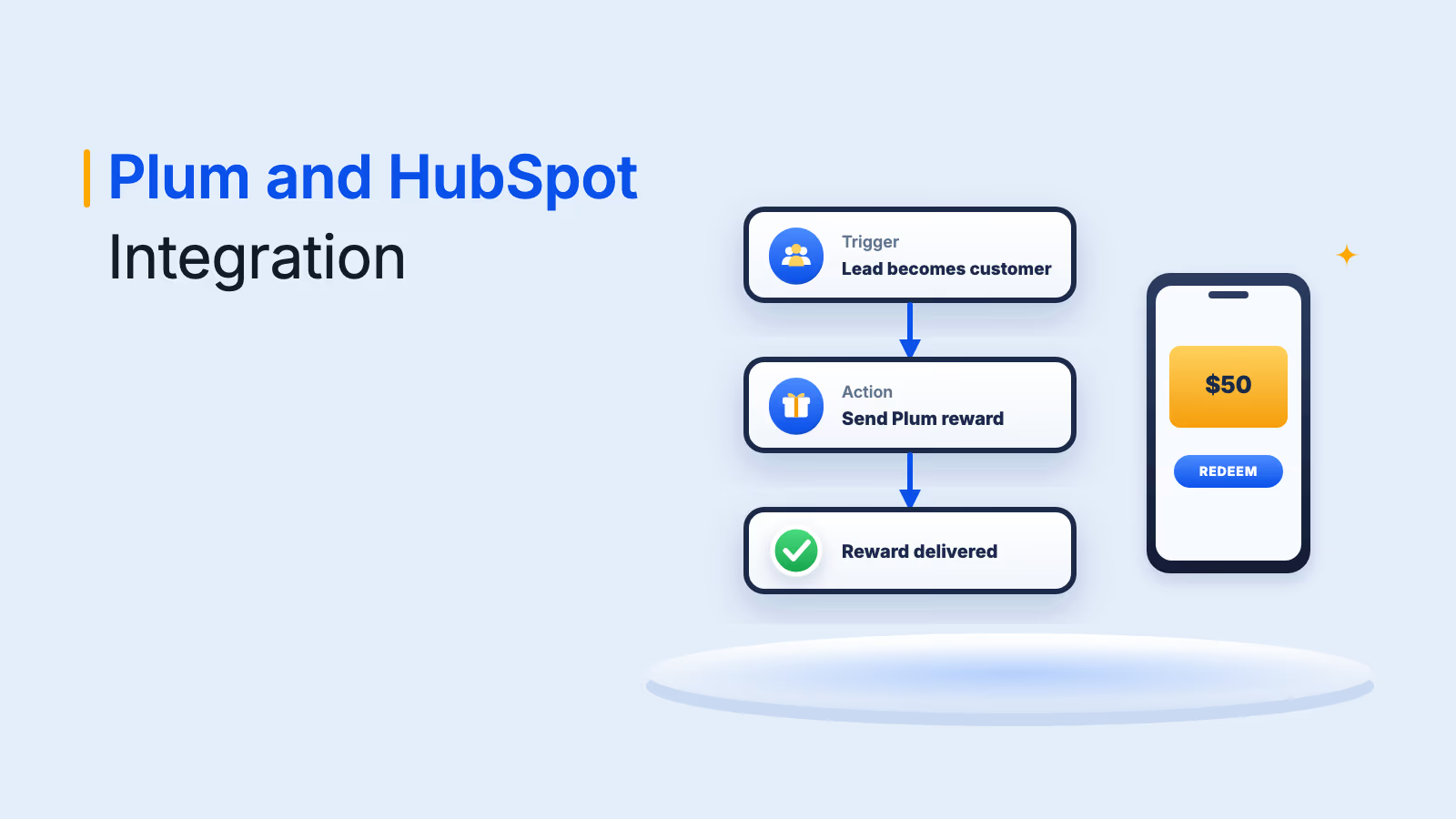
HubSpot users can trigger rewards from workflows, send one-off rewards from a contact record and add reward links to marketing emails. Read how the Plum HubSpot integration works.
Workflow tools and custom systems
When a CRM or internal tool has no native connector, workflow tools and APIs fill the gap. Freshworks' field marketing team, for example, used custom Zapier workflows to connect Plum to its marketing and CRM stack, triggering localized rewards across the Middle East and APAC on campaign events, referrals and meeting completions. Read the Freshworks case study.
AI agent workflows: rewards through MCP
AI agents are a newer way to automate rewards. Through the Model Context Protocol (MCP), an open standard that lets AI assistants use external tools, an agent can browse a reward catalog, place an order or check a balance on request.
The Plum MCP server exposes nine tools to MCP-compatible clients such as Claude Desktop, Cursor and VS Code with GitHub Copilot. It uses OAuth 2.0 authentication and connects to the same Xoxoday APIs enterprise customers use. Gift cards from 10,000+ brands across 150+ countries are available through it today, with more reward categories planned.
For CRM teams, this means an agent working alongside your CRM data could, for example, find accounts that just closed and draft a reward order for approval, while budgets, approvals and audit trails stay in the rewards platform.
Common challenges in rewards CRM integration
Integrating rewards into a CRM is powerful, but a few common problems can hold results back. Here is how to fix them:
| Challenge | What goes wrong | How to fix it |
|---|---|---|
| Poor segmentation | Generic rewards miss the mark and fail to motivate | Use CRM behavior and demographic data to segment and target rewards |
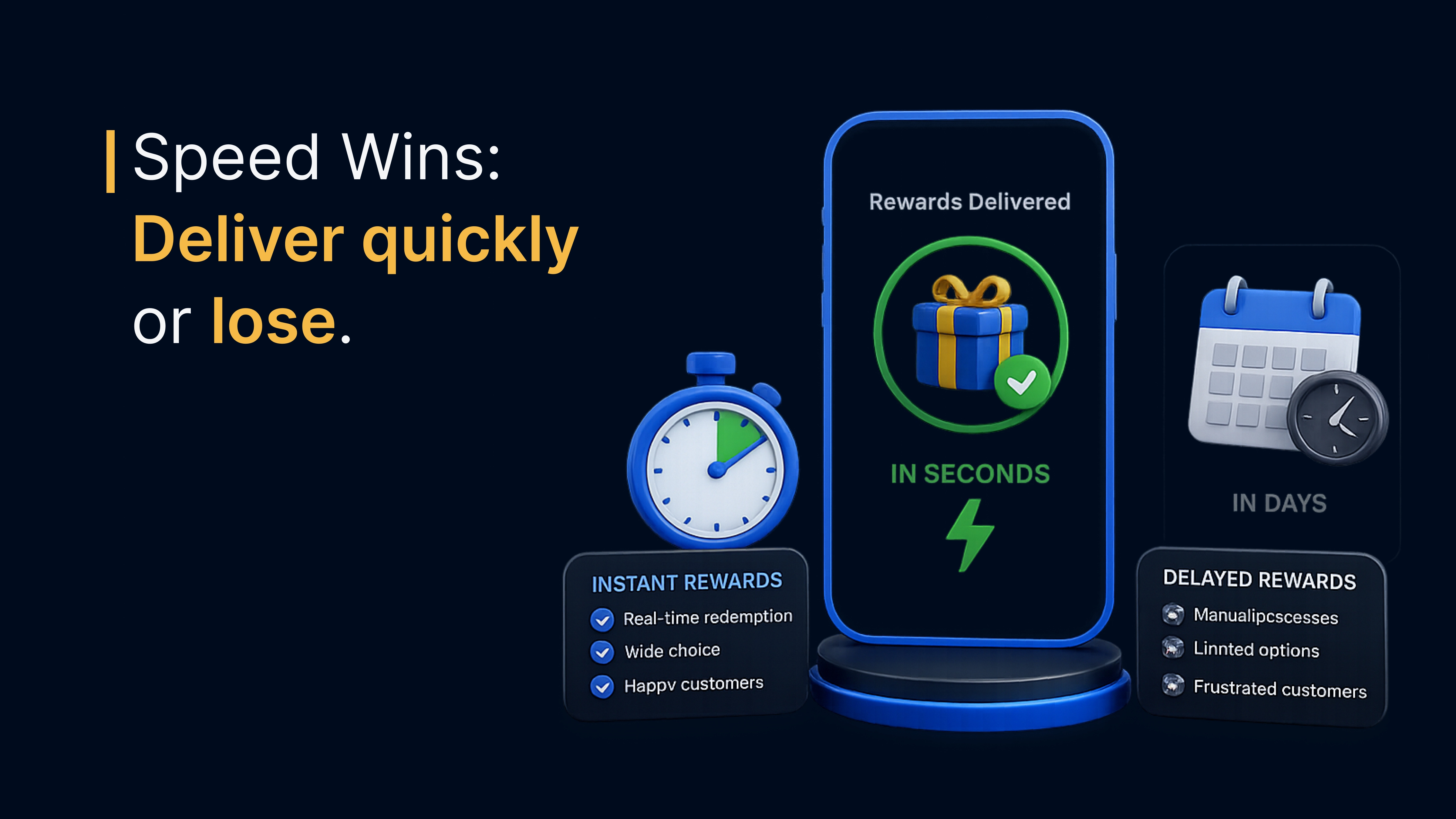
| Delayed delivery | Rewards arrive late and lose their impact | Trigger rewards automatically from CRM events and deliver them instantly by email or SMS |
| Lack of personalization | One-size-fits-all incentives don't build loyalty | Use location, preferences and engagement level to choose the reward and message |
| Technical sync issues | CRM and rewards data drift apart and create a disjointed experience | Use native connectors or an API with webhooks so status syncs both ways |
| Budget leaks | Duplicate or unapproved rewards go out | Set caps, approval rules and fraud checks before rewards are released |
Turn your CRM into a rewards engine
Your CRM is more than a database. A rewards CRM integration turns it into a system that recognizes customers, prospects and teams at exactly the right moment. Start with a few high-value triggers, automate delivery and measure the effect on pipeline and retention.
Xoxoday Plum connects to leading CRMs and gives you 10M+ reward options across 150+ countries, with redemption in local currency. Book a demo to see CRM-triggered incentives in action.
Book your Plum demo
Frequently asked questions
A rewards CRM integration connects a rewards platform to your CRM so incentives are sent automatically when something happens in the CRM, such as a demo being booked, a deal closing or a customer renewing. Reward status and redemption data can sync back to the contact or account record.
Choose the CRM events you want to reward, define eligibility and amounts, pick reward types and delivery channels, then connect a rewards platform through a native connector, a workflow tool or an API. Add budget and approval rules, test the workflow in a sandbox and track redemption and pipeline results.
Plum offers native connectors for CRMs including Salesforce, HubSpot, Zoho and Pipedrive, along with 250+ native connectors overall. Custom or in-house systems can connect through three REST APIs with a sandbox, webhooks or workflow tools such as Zapier.
Common CRM rewards use cases include thanking prospects for attending webinars or demos, welcoming new customers when a deal closes, rewarding survey and NPS responses, paying referral rewards, recognizing customers on renewal and sending apology or appreciation gifts from support.
Yes. Salesforce rewards automation can trigger incentives from opportunity stages, campaign responses or loyalty activity. Plum offers a native Salesforce connector, and a large US paint manufacturer connected its Salesforce Loyalty Cloud program to a white-labeled Plum marketplace for points redemption.
AI agents can send rewards through an MCP server, which exposes reward tools to MCP-compatible assistants such as Claude Desktop, Cursor and VS Code with GitHub Copilot. The Plum MCP server lets an agent browse the catalog, place orders and check balances using the same APIs enterprise customers use.