Key Takeaways
BambooHR integrations connect your HR records to payroll, accounting, hiring, scheduling and engagement tools so employee data is entered once and flows automatically.
BambooHR's marketplace offers more than 150 integrations; small businesses should start with the one that fixes their biggest manual process.
For payroll, US teams can use native BambooHR Payroll, single-country teams can use local integrations such as Xero or PayFit, and global teams can use Deel or Remote.
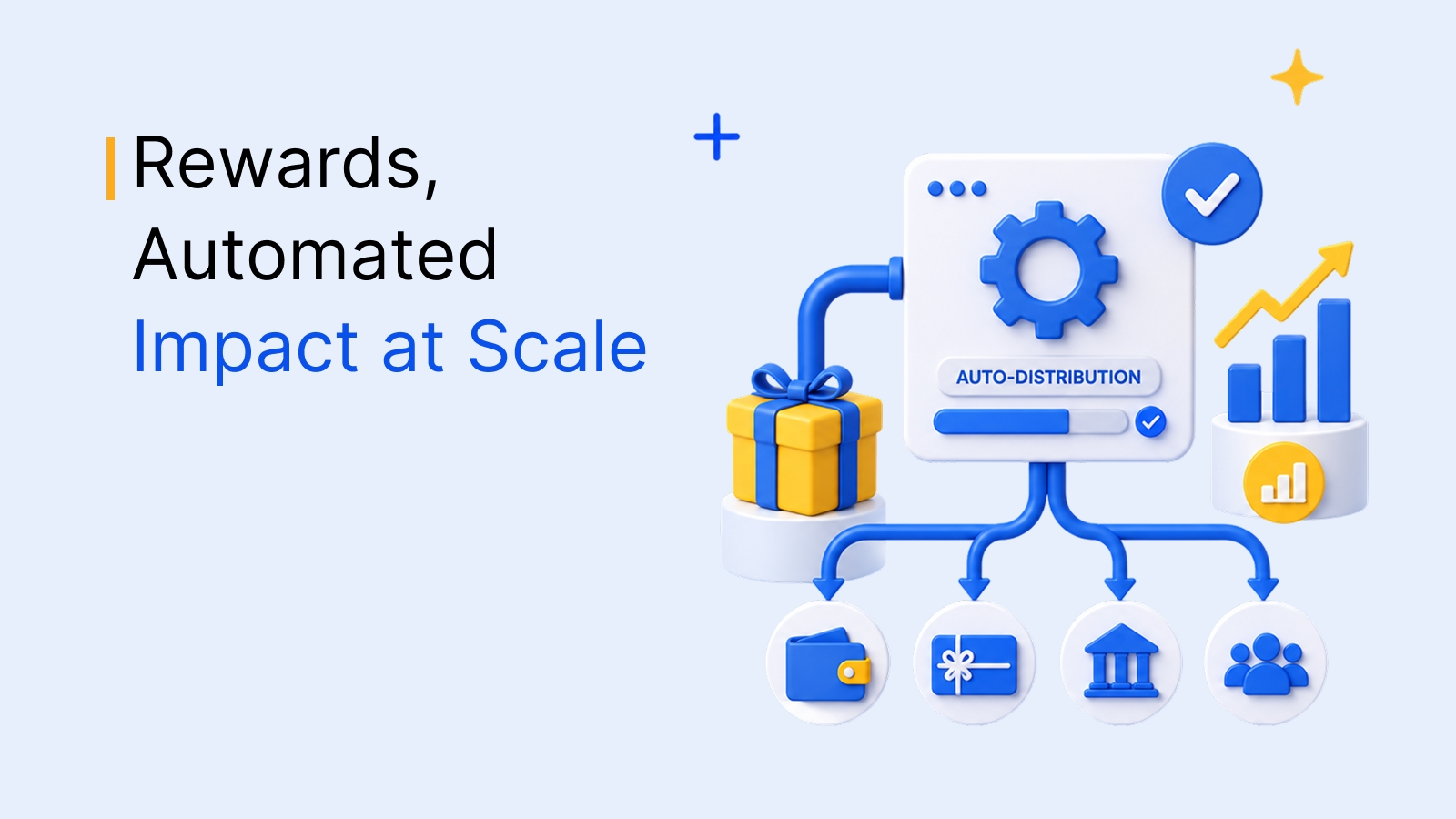
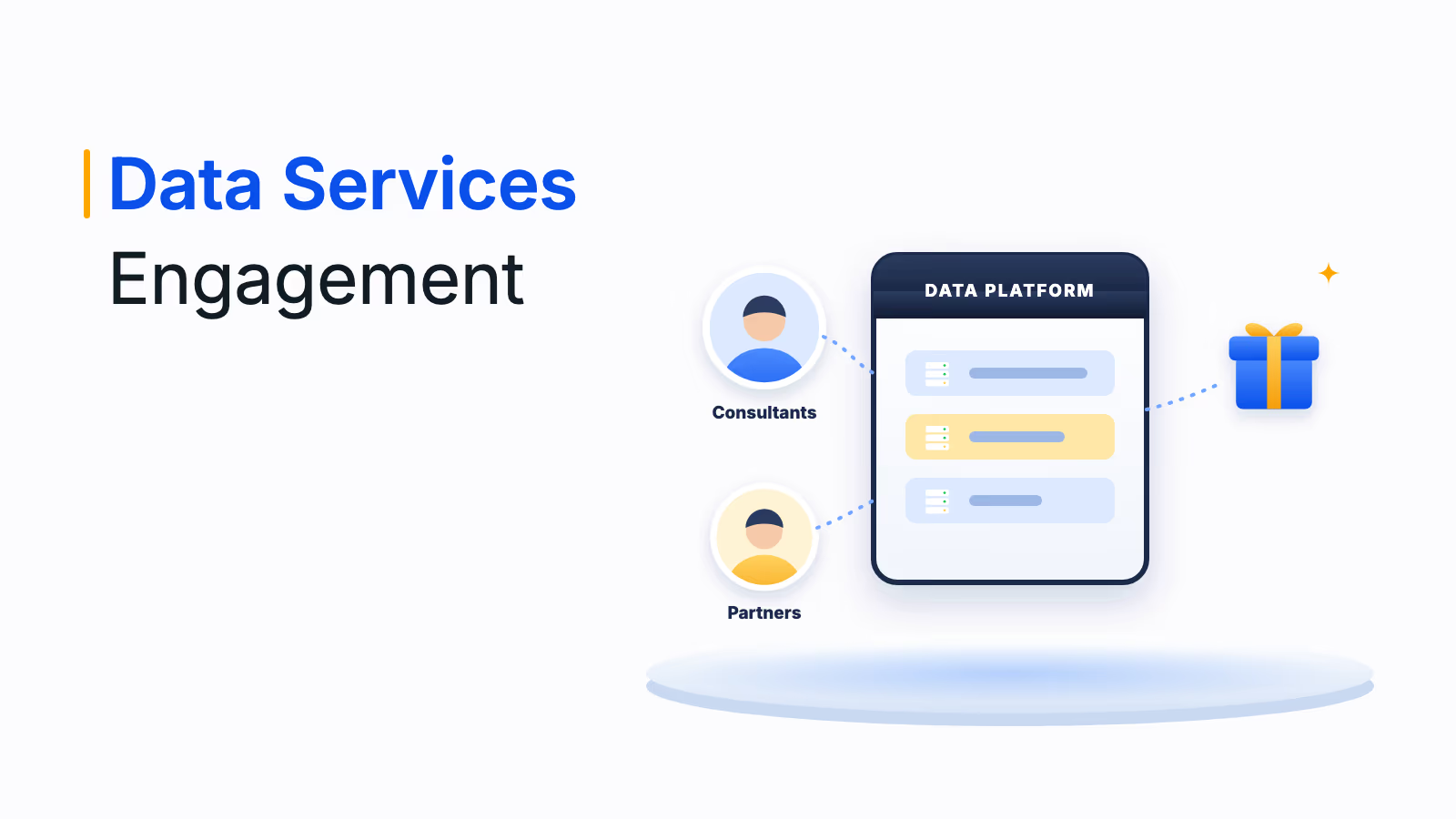
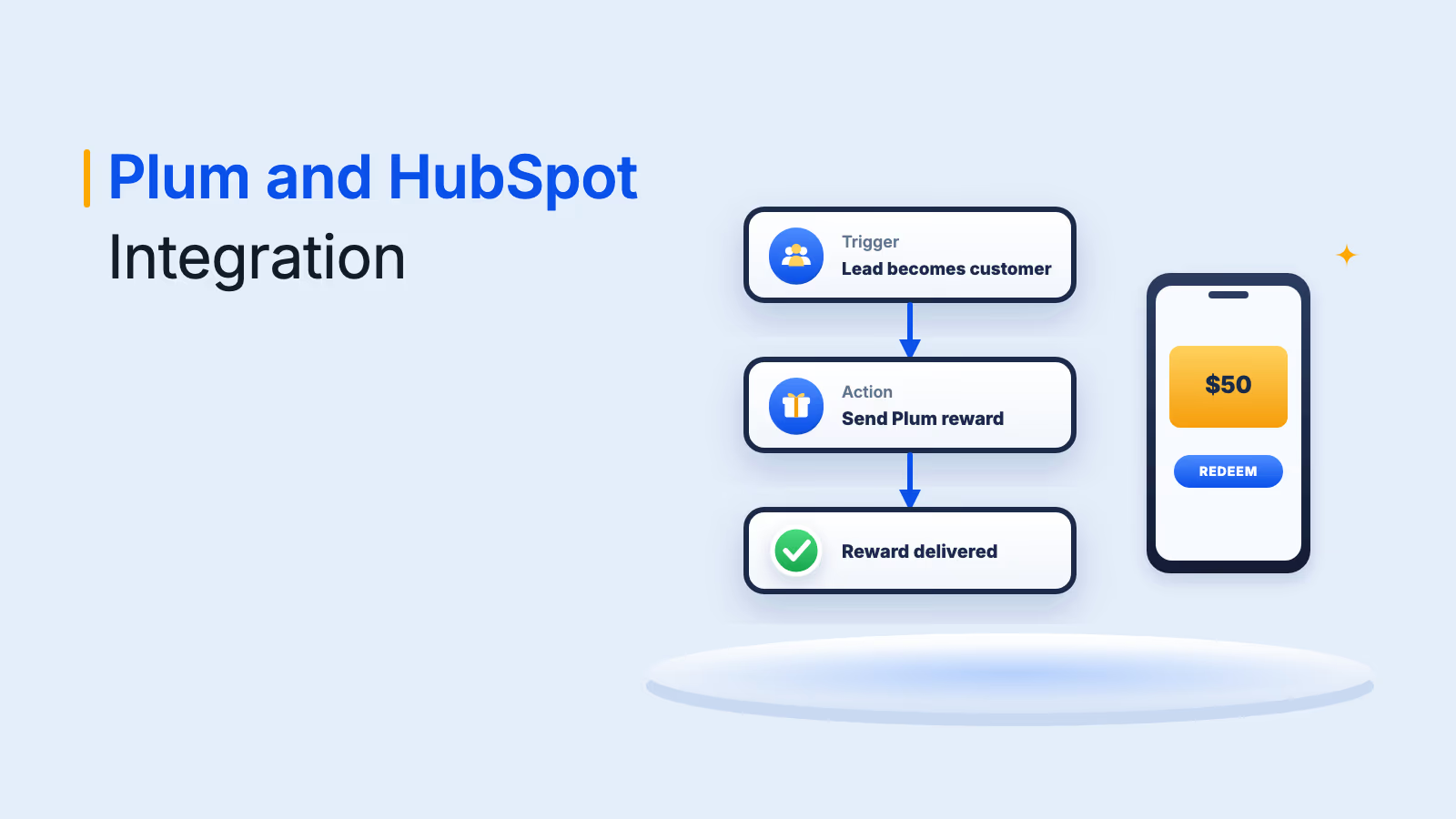
The Empuls BambooHR integration syncs employee data every 24 hours to automate birthdays, anniversaries, welcome rewards, recognition approvals and segmented surveys.
Give every integration minimum access, check which fields sync and in which direction, and confirm who resolves data mismatches.
BambooHR integrations connect your HR system to the other tools you use, such as payroll, accounting, hiring, scheduling and employee engagement, so employee data flows automatically instead of being typed in twice. For small businesses, the best BambooHR integrations remove manual admin, cut errors and give a small HR team the reach of a much bigger one. This guide covers the top 10 BambooHR integrations for small businesses, how payroll integration works and how to choose the right apps.
BambooHR is one of the leading HR platforms for small and midsize businesses, with a user-friendly interface that covers employee records, hiring, onboarding, time off and performance. Its value grows when you connect it to the rest of your stack: BambooHR's integrations marketplace offers more than 150 integrations across payroll, performance, applicant tracking, time tracking, learning and benefits administration.
What BambooHR integrations do
A BambooHR integration is a connection between BambooHR and another application that shares employee data or triggers actions automatically. When you hire someone, update a job title or record an exit in BambooHR, connected apps pick up the change, so your payroll, engagement platform, scheduling tool and identity provider all stay current.
Some integrations are built by BambooHR itself, such as its Slack app and Google single sign-on, while others are built and supported by partners. Most sync data in one direction, from BambooHR to the other app, which keeps BambooHR as your single source of truth for employee records. Integrations save small teams time in three ways:
- Less double entry: New hires, changes and exits are entered once in BambooHR instead of in five systems.
- Fewer errors: Automated syncs avoid typos in pay data, outdated org charts and leavers who still have access to tools.
- Better employee experience: Employees get paid correctly, celebrated on time and set up with the right tools from day one.
The 10 best BambooHR integrations for small businesses at a glance
The table below summarizes our picks, all listed on the BambooHR Marketplace, by category and what each one does with your BambooHR data. Detailed reviews follow, starting with employee engagement, because it is the area BambooHR's core HR tools cover least.
| Integration | Category | What it does with BambooHR | Built by |
|---|---|---|---|
| Empuls by Xoxoday | Engagement, recognition and rewards | Syncs employees daily to automate celebrations, recognition, rewards and surveys | Xoxoday |
| Zapier | Integration platform | No-code workflows between BambooHR and other apps | Zapier |
| Slack | Communication | Time off requests and coworker lookup inside Slack | BambooHR |
| BambooHR Payroll | Payroll (US only) | Native payroll that shares data with your HR records | BambooHR |
| QuickBooks Online | Accounting | Sends BambooHR Payroll general ledger data as journal entries | BambooHR |
| Deel | Global payroll and EOR | Payroll and compliant hiring for employees and contractors abroad | Deel |
| Indeed | Job boards | Sends open jobs from BambooHR to Indeed | Indeed |
| Checkr | Background checks | Runs and manages background checks inside BambooHR | Checkr |
| Deputy | Scheduling and time tracking | Syncs employee details and location for shift scheduling | Deputy |
| Google single sign-on | Identity management | Lets employees log in to BambooHR with Google credentials | BambooHR |
Put your BambooHR data to work for engagement
Automate birthdays, anniversaries, recognition and surveys from the employee data already in BambooHR.
Talk to our ExpertTrusted by 5,000+ companies
Top 10 BambooHR integrations reviewed
Each review covers what the integration does, its key features and why we recommend it. Ratings and prices change often, so check the listing and vendor page before you buy.
1. Empuls by Xoxoday
Empuls is an all-in-one employee engagement platform that brings recognition, rewards, surveys, perks and internal communication into one place, and it integrates with BambooHR so every program runs on your live employee list. BambooHR handles HR data; Empuls adds the experience layer that keeps people engaged, without asking HR to maintain a second org chart. The Empuls BambooHR integration is listed on the BambooHR Marketplace.
What the integration does:
- Keeps the directory current: Add an employee in BambooHR and they appear in Empuls on the next sync. Title changes, location moves and exits flow through the same way, with department, manager, location and title on every profile.
- Automates celebrations: Birth dates and hire dates come in with each profile, so Empuls sends the birthday or work anniversary reward on the day. Anniversary rewards can grow with each year served, such as 5, 10 and 15 years.
- Welcomes new hires: A new BambooHR profile can trigger a welcome flow, such as a day 1 introduction, a starter reward or a peer recognition prompt to a buddy.
- Routes recognition through the org chart: Manager and reporting lines come from BambooHR, so Empuls can require manager approval on high-value awards, route reward budgets by team and show recognition trends by department.
- Segments surveys automatically: Pulse and engagement surveys are segmented by the department, location and tenure fields from BambooHR, with no manual list building.
Empuls features beyond the integration:
01
Recognition and rewards
[Employee recognition](/empuls/recognition) with peer-to-peer, manager, spot and values-based awards, redeemable from a global rewards catalog of gift cards, experiences and merchandise.
02
Surveys and listening
[Employee surveys](/empuls/surveys) including pulse, eNPS and lifecycle surveys, with AI sentiment analysis of comments and action plans.
03
Social intranet
A [social intranet](/empuls/social-intranet) with company feeds, groups, polls, celebrations and leadership broadcasts that connect distributed teams.
04
Perks and benefits
[Employee benefits](/empuls/benefits) such as discounts, lifestyle accounts and financial wellness, in the same app as recognition.
Why we recommend Empuls: It turns the employee data already in BambooHR into automated recognition, celebrations and surveys, so a small HR team can run engagement programs that would otherwise take hours of manual work. BambooHR also offers its own built-in recognition and rewards add-on; Empuls suits teams that want recognition, surveys, a social intranet and perks in one platform with a broad global rewards catalog.
2. Zapier
Zapier is a no-code automation platform that connects BambooHR to thousands of other apps. It lets HR teams streamline repetitive tasks, such as syncing employee data with project management or communication tools, without engineering help.
- Key features: Build automated workflows (Zaps), such as creating onboarding tasks in your project tool when a new hire is added to BambooHR, or sending a daily summary of who is out of the office.
- Why we recommend it: No-code setup in minutes, wide app coverage and a quick way to fill gaps when no direct integration exists.
3. Slack
BambooHR's own app for Slack lets employees use some of BambooHR's most popular features without leaving Slack, which suits small teams that run their day in chat.
- Key features: Request and plan time off, and look up coworkers, directly in Slack.
- Why we recommend it: Built by BambooHR, free to connect and an easy way to lift adoption of self-service HR.
4. BambooHR Payroll
BambooHR Payroll is BambooHR's native payroll product for US-based employees. Because it shares data with your HR records, changes to pay, hours and time off flow straight into each pay run.
- Key features: Payroll runs, easy-to-read pay stubs, reporting and support from BambooHR's payroll team.
- Why we recommend it: One system for HR and US payroll means no syncing between vendors and fewer errors.
5. QuickBooks Online
QuickBooks Online is one of the most popular accounting tools for small businesses. The BambooHR integration sends BambooHR Payroll general ledger data to QuickBooks Online as journal entries.
- Key features: Automated journal entries, customizable memo line mapping and secure authentication. BambooHR offers similar general ledger integrations for Xero, NetSuite and Sage Intacct.
- Why we recommend it: Payroll accounting without manual entry, easier reconciliation and more accurate financial reporting.
6. Deel
Deel provides global payroll, employer of record (EOR) services and contractor hiring, integrated with BambooHR. It suits small businesses that hire people in other countries without setting up local entities.
- Key features: Onboarding and paying employees and contractors in 150 countries, according to its BambooHR Marketplace listing, with local compliance and tax handled by Deel.
- Why we recommend it: Lets a small team hire internationally while keeping BambooHR as the main employee record.
7. Indeed
Indeed is one of the largest job sites, and the BambooHR integration sends the jobs you open in BambooHR to Indeed, so you can recruit without posting each role by hand.
- Key features: Job postings flow from BambooHR to Indeed. Indeed decides which jobs are published, and similar jobs may need sponsoring to appear.
- Why we recommend it: Wide reach for small businesses hiring their first employees, managed from the same system as onboarding.
8. Checkr
Checkr delivers background checks inside BambooHR, so you can screen candidates without leaving your hiring workflow.
- Key features: Order and manage screenings from BambooHR, track turnaround and keep candidates informed.
- Why we recommend it: Faster, more consistent screening for roles that require it, with records kept in one place.
9. Deputy
Deputy is a scheduling, time tracking, tasking and communication tool built for shift-based teams, such as retail, hospitality and healthcare businesses.
- Key features: Syncs employee details and location from BambooHR to Deputy, and lets employees view schedules, request time off and complete tasks from a mobile app.
- Why we recommend it: Ideal for small businesses with hourly workers who need accurate schedules and timesheets.
10. Google single sign-on
Google single sign-on (SSO), built by BambooHR, lets employees log in to BambooHR with their existing Google account. Microsoft single sign-on is also available for Microsoft 365 users.
- Key features: One login for email and HR self-service, with access managed in your Google admin console.
- Why we recommend it: Fewer forgotten passwords, faster adoption and simpler offboarding when accounts are removed.
How BambooHR payroll integration works
Payroll is the integration most small businesses set up first, and there are three main options. Choose based on where your employees are located:
| Option | Best for | Examples on the BambooHR Marketplace |
|---|---|---|
| Native BambooHR Payroll | Small businesses with US-based employees | BambooHR Payroll, plus general ledger sync to QuickBooks Online, Xero, NetSuite or Sage Intacct |
| Local payroll integrations | Employees in one country outside the US | Xero payroll for the UK, Australia and New Zealand; PayFit for the UK |
| Global payroll and EOR | Teams spread across several countries | Deel, Remote, Papaya Global |
With a payroll integration, employee changes such as new hires, pay rates and addresses are made in BambooHR and reflected in the payroll system, which removes double entry. Before you switch, check which fields sync, how often, in which direction, and who fixes errors when data does not match.
How to choose the right BambooHR integrations for your small business
When selecting integrations, start from your biggest HR pain point rather than the longest list of apps. Work through these five checks for each integration you consider:
- Identify your HR pain points: Assess your processes and find where you lose the most time or make the most errors, whether that is payroll, hiring, scheduling or employee engagement. Look for integrations that fix those specific problems first.
- Check compatibility and ease of setup: Make sure the integration works with your BambooHR plan and existing tools, and find out whether setup needs technical help. Some connect in minutes with an API key, while others need help from the vendor.
- Understand the data flow: Confirm which fields sync, how often and in which direction, and limit access to only the data each app needs.
- Read user reviews: Look at feedback from businesses of a similar size or industry to understand reliability and support quality.
- Compare cost and scalability: Check the pricing model, such as per employee or flat fee, and whether the tool will still fit when your team doubles.
A BambooHR integration stack by company stage
You do not need every integration at once. Use this starter stack to add integrations as your team grows:
| Company stage | Integrations to add | Why |
|---|---|---|
| Up to 25 employees | Payroll, Google or Microsoft SSO, Slack | Pay people correctly and make self-service HR easy to adopt |
| 25 to 100 employees | Job boards, background checks, accounting, Zapier | Hire faster and remove manual payroll accounting |
| 100+ employees or fast growth | Engagement and recognition platform, scheduling, global payroll | Keep culture, recognition and feedback consistent as teams spread out |
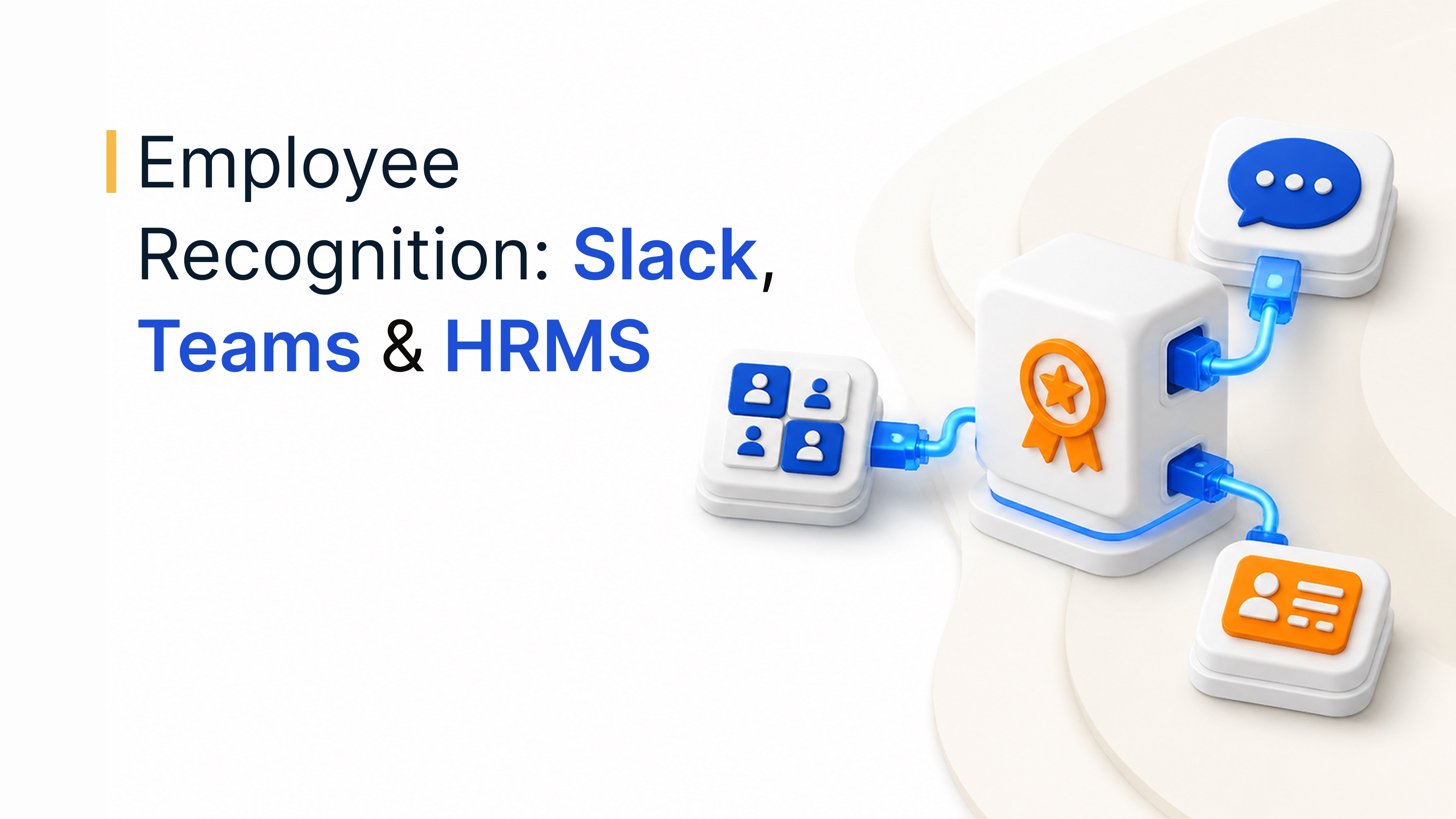
For a wider view of the HR tools these integrations connect, see our guide to the best HR software, and for engagement tools that work inside Slack, Teams and your HRMS, see our roundup of employee recognition software integrations.
How Empuls and BambooHR work together
The Empuls BambooHR integration follows four simple steps, and it reads only the fields you choose:
- Employee records sync from BambooHR: New hires, profile updates and terminations flow from BambooHR to Empuls automatically, so Empuls always reflects your current headcount.
- Celebrations trigger on the right day: Birthdays and work anniversaries are read from BambooHR, and Empuls sends the celebration on the day without manual scheduling.
- Recognition follows the org chart: Peer nominations and award approvals route through the reporting structure in BambooHR, so managers approve in the correct order.
- Rewards reach the right inbox: Reward links go to the work email stored in BambooHR, and terminated employees are deactivated before any pending reward is delivered.
The sync is one-way, from BambooHR to Empuls, and runs automatically every 24 hours, with a manual sync available from the admin console. It connects through the BambooHR custom report API using an API key and a system user with non-employee access, and setup takes under 30 minutes once an admin has BambooHR API access, with the first sync running the same day.
Standard fields include first name, last name, employee number, work email, personal email, birth date, hire date, job title, supervisor email, department, location, employment status and employment history status. Custom fields can be added on request. When an employee's exit date is reached in BambooHR, Empuls removes them from the active directory, so they stop receiving recognition prompts, surveys and reward triggers.
By connecting the right integrations, small businesses can automate routine work, keep data in one place and give employees a smoother experience, so BambooHR becomes the hub of a streamlined HR stack that supports growth.
Book your Empuls demo
Frequently asked questions
BambooHR's integrations marketplace offers more than 150 integrations across categories such as payroll, performance, applicant tracking, time tracking, learning and benefits administration. Some are built by BambooHR, such as its Slack app and single sign-on, and others by partners. You can also connect other apps through its API or integration platforms such as Zapier.
Yes. BambooHR offers its own payroll product for US-based employees, which shares data directly with your HR records. For other countries, the marketplace includes payroll integrations such as Xero payroll for the UK, Australia and New Zealand and PayFit for the UK, plus global payroll and employer of record providers such as Deel and Remote.
Yes. The BambooHR and QuickBooks Online integration sends BambooHR Payroll general ledger data to QuickBooks Online as automated journal entries, with customizable memo line mapping. It reduces manual payroll accounting and errors. BambooHR offers similar general ledger integrations for Xero, NetSuite and Sage Intacct.
BambooHR is designed for small and midsize businesses, including companies with a one-person HR team. It covers employee records, hiring, onboarding, time off and performance in an easy interface, and its marketplace lets you add payroll, scheduling, hiring and engagement tools as you grow, so you only pay for what you need.
Empuls connects through the BambooHR custom report API and syncs standard employee fields one way, from BambooHR to Empuls, every 24 hours. New hires, changes and exits flow through automatically, so Empuls can send birthday and anniversary rewards, welcome new joiners, route recognition approvals by manager and segment surveys by department, location and tenure.
Integrations are as safe as the access you grant them. Use integrations listed on the BambooHR Marketplace, give each one a dedicated system user with only the fields it needs, and review partner security certifications. Check whether the sync is one-way or two-way, and remove access promptly when you stop using a tool.
Yes. BambooHR provides an API that developers can use to build custom integrations, and the marketplace lists developer resources and integration platforms for teams that need more flexibility. Small businesses without developers can use no-code tools such as Zapier to connect BambooHR to other apps and automate common workflows.