Key Takeaways
Commission management software governs the whole commission process: plan design, calculation, approvals, disputes, payouts and the audit trail.
CaptivateIQ's 2026 report found 93% of organizations receive rep inquiries every pay period and 64% experienced payout errors in the past year.
Approvals, dispute handling and audit are the stages vendors demo least, so they deserve the most attention in an evaluation.
Testing every vendor against the same eight lifecycle stages, with your own plan and data, makes commission management tools directly comparable.
A written dispute policy with response times and root-cause reviews reduces queries whichever software you choose.
Commission management software runs the whole commission process, from plan design and calculation to approvals, disputes, payouts and the audit trail finance needs. Calculation is the easy part; the hard part is keeping dozens of plans, hundreds of payees and constant changes under control. This guide compares 10 commission management tools on exactly that, and gives you a lifecycle test sheet and a dispute policy you can use straight away.
Choosing the right tool can feel overwhelming, because almost every vendor promises automation and accuracy. The differences show up in the details: who can change a plan, how a payout gets approved, what happens when a rep disputes a number and whether finance can trace any figure back to its source. Those are the questions this guide is built around.
What commission management software does
Commission management software is a system that lets sales operations, RevOps and finance teams design commission plans, calculate earnings from source data, route them through approvals, resolve disputes, pay them out and keep an auditable record of every step. A sales commission management system differs from a simple calculator or tracker because it governs the process, not just the math.
If the right tool is in place, it helps you:
- Save time: Automate complex commission calculations and free sales and finance teams for more strategic work.
- Reduce errors: Apply the same rules every cycle, so payouts are fair and transparent for every sales representative.
- Track in real time: Monitor each representative's progress and earnings as deals close, not after the cycle ends.
- Streamline the process: Track sales data, configure commission plans and generate reports in one place.
- Improve decisions: Get insight into sales performance and plan cost, so you can refine your compensation strategy.
Why commission management gets harder at scale
Each new plan, region and role adds exceptions, and exceptions are where errors and disputes come from. Recent surveys show how common both still are, even among companies that already use software.
CaptivateIQ's 2026 State of Incentive Compensation report found that 93% of organizations receive rep inquiries every pay period and 64% experienced payout errors in the past year. Plan changes are slow too: 39% of organizations take one to two months to implement them, and only 12% can do it in under two weeks.
93%
of organizations
receive rep inquiries every pay period
64%
of organizations
experienced payout errors in the past year
39%
of organizations
take one to two months to implement plan changes
Source: CaptivateIQ, 2026 State of Incentive Compensation report
Disputes have a direct cost in people. In QuotaPath's 2024 Compensation Trends report, based on 450+ finance, RevOps and sales leaders, 22% of reps had at least one commission dispute a year and 9% eventually quit over commission errors or disputes.
The commission management lifecycle: what to test at each stage
Use this sheet to run every demo against the same eight stages. Approvals, disputes and audit are the stages most tools show least, so spend the most demo time there.
| Stage | What good looks like | Test it in the demo | Owner |
|---|---|---|---|
| Plan design | No-code builder for tiers, splits, draws, clawbacks and SPIFs, with version history | Build your hardest plan live and change one rule | Sales ops |
| Data intake | Native CRM, ERP and HRMS connectors with validation on the way in | Load a month of real data with a known error in it | RevOps |
| Calculation | Same result every run, recalculation on demand | Restate a closed month after a deal is cancelled | Sales ops |
| Approvals | Multi-level approvals with escalation when an approver is away | Set two approval levels and a timeout | Finance and sales leaders |
| Disputes | Reps raise a query on a statement line; it is tracked to resolution | Raise a dispute as a rep and resolve it as an admin | Sales ops |
| Payout | Approved amounts flow to payroll, locked once paid | Push a payout and try to edit it afterward | Finance and payroll |
| Accounting and audit | Full audit trail, accruals and ASC 606 support | Trace one payout back to source data | Finance |
| Plan change | Simulate a change on real data before it goes live | Model a lower accelerator and compare cost | Sales ops and finance |
How to find the right commission management software
Selecting the right tool takes careful consideration of six factors, so it fits your organization's specific needs. Start with the first two, because they rule out most poor fits before you sit through a demo.
- Identify your requirements: Define the functions you need. Consider the complexity of your commission structures, the number of payees and plans, and how often plans change.
- Map your controls: List who designs plans, who approves payouts, how disputes are handled today and what finance needs for audits and accruals.
- Evaluate features: Compare options on automated calculations, customizable plans, approval workflows, dispute handling, reporting and integrations with your existing systems.
- Consider user experience: The software should be easy for both administrators and salespeople to use. Intuitive design speeds adoption and reduces training.
- Check budget and scalability: Software varies in cost. Set your budget and choose a tool that scales with more payees, plans, entities and countries.
- Use trials and demos: Many vendors offer demos or pilots. Test the software with your own plan and data before you commit.
Commission management tools compared by control strength
The table compares the 10 tools in this guide on governance, the theme of this post. Every entry reflects capabilities the vendor states on its current website.
| Tool | Plan governance | Approvals and disputes | Finance and audit |
|---|---|---|---|
| Xoxoday Empuls | No-code plans, simulation, cascading plans | Multi-level approvals by stage, auto-escalation, anomaly checks | Full audit trail, clawback approvals, ASC 606 records, payroll push |
| Xactly Incent | Compensation Configurator, plan rollover | Built-in dispute resolution, AI Anomaly Detection | Audit trail, Commission Expense Accounting add-on |
| CaptivateIQ | No-code engine, scenario modeling | Enterprise Workflow Automation, payout anomaly detection | Traceability from source to payout, SOC 1 and SOC 2 |
| Salesforce Spiff | Plans recalculate when deals change | In-app comments on deals, record of who approved changes | System Activity Log, ASC 606 expense reporting |
| Varicent | Modeling of complex plans and organizations | Plan document routing, acknowledgment, inquiry workflows | Full audit trail on calculations and payouts |
| SAP SuccessFactors Incentive Management | Enterprise-scale plan design | Inquiry management with document tracking | One-click traceability, audited actions |
| Everstage | Time Machine change previews | Multi-stage approvals, queries on statement lines | Audit logs, payout auto-locking, ASC 606 reports |
| Performio | No-code components, guided workflows | Multi-level approvals | Audit trail of approvals and adjustments |
| QuotaPath | Plan modeling (Premium) | Multi-level approvals, discrepancy resolution | Ledger and ASC 606 support, payroll sync |
| Qobra | Sandbox simulation on historical data | Multi-level statement approval, tracked rep questions | Audit trail per cycle, SOC 2 Type II |
Put your approval and dispute process to the test
Bring a real plan. We will take one payout through calculation, multi-level approval and audit trail in Empuls.
Talk to our ExpertTrusted by 5,000+ companies
Top 10 commission management software
The ten tools below are ordered from enterprise platforms to options for growing teams. Each write-up focuses on how the tool governs plans, approvals, disputes and audit, rather than repeating generic automation claims.
1. Xoxoday Empuls
Empuls is built for enterprise commission and incentive management, where many plans run across roles, regions and countries. Admins design plans for any KPI in a no-code builder, handle tiers, slabs and cascading plans, and simulate payout impact before a plan goes live.
- Approvals: As many approver levels as each plan group needs, separate approvals for plan activation, reports, earnings and escalations, and automatic escalation when an approval sits too long.
- Control: Pre-payout anomaly checks, clawbacks that admins approve or deny, and participant lists that can be frozen when a plan period ends.
- Audit and finance: Every plan change, calculation run, exception, approval and payout is logged, with commission records that support ASC 606.
- Payout: Approved amounts pushed to payroll systems such as ADP, Workday and SAP SuccessFactors, in 50+ currencies.
2. Xactly Incent
Xactly Incent is an enterprise incentive compensation platform designed for tens of thousands of payees. Its Compensation Configurator manages reusable rules, quotas and rate tables, and plan rollover automates moving plans into a new year.
Governance strengths: a built-in system for logging, tracking and resolving commission disputes, AI Anomaly Detection that flags unusual payouts before processing, and a Commission Expense Accounting add-on for amortization and true-ups.
3. CaptivateIQ
CaptivateIQ lets commission admins build, customize and adapt complex plans without relying on IT, using its no-code SmartGrid calculation engine. For governance, it emphasizes auditability and traceability from source data to payout, role-based access and SOC 1 and SOC 2 compliance.
Good to know: its Catalyst machine learning layer includes payout anomaly detection, and Enterprise Workflow Automation handles the steps around each run.
4. Salesforce Spiff
Salesforce Spiff runs natively on Salesforce and recalculates commissions automatically when deals change. Reps and managers can comment in the app on the deal behind a payout, which keeps dispute conversations next to the data instead of in email.
Finance view: a record of what changed, why and who approved it, a System Activity Log, preserved historical statements and audit-ready commission expense reporting for ASC 606 and IFRS 15.
5. Varicent
Varicent is an enterprise incentive compensation and sales planning platform that models complex organizations, plans and scenarios. On the governance side, it lists prebuilt plan document routing, plan acknowledgment and eSignature, and says every calculation and payout is backed by a full audit trail.
Good to know: Varicent describes structured inquiry workflows for handling sales rep questions, which suits large teams with high query volume.
6. SAP SuccessFactors Incentive Management
SAP's incentive management product, formerly SAP Commissions, handles complex commission calculations for large organizations. Its inquiry management capability tracks disputes, stores supporting documents, routes cases through automated workflows and applies adjustments after resolution, with actions audited along the way.
Consider: best for enterprises already standardized on SAP for HR and finance.
7. Everstage
Everstage handles the commission processing workflow from plan design to payout. Admins can preview how a rule change would affect every rep's payout with Time Machine before shipping it, and route calculations through multi-stage approvals before payroll.
Control features: reps can raise a query against a specific statement line, payouts can be locked automatically by rule and schedule, and plan changes, edits, approvals and payouts are logged.
8. Performio
Performio is an incentive compensation platform for mid-market and enterprise companies with complex plans. Admins modify targets, rates and logic through no-code components and guided workflows, with multi-level approvals and audit trails that do not depend on IT.
Good to know: Performio keeps adjustments such as clawbacks inside the system, so every change has a clear audit trail.
9. QuotaPath
QuotaPath is a commission management tool for growing teams that need approvals and accounting controls without an enterprise rollout. Its Growth plan includes a basic approvals-to-payouts workflow, deal flagging, overrides and discrepancy resolution, and ledger and ASC 606 support.
Upgrade path: the Premium plan adds multi-level approvals, plan modeling and automated commission payroll sync.
10. Qobra
Qobra is a no-code commission platform used by finance and RevOps teams. It runs proposed plan changes in a sandbox on historical data before rollout, sends statements through multi-level approval before payroll and keeps a full audit trail for each cycle.
Good to know: reps raise questions directly from their statements, and requests are tracked and closed before payday. Commission letters can be signed with DocuSign, and Qobra cites SOC 2 Type II compliance.
A commission dispute policy you can adopt
Software only resolves disputes quickly if the process behind it is clear. Adapt these six steps to your team, and publish them with every compensation plan so reps know the rules before a question comes up.
- Raise it in the system: Reps log every commission question against the specific statement line or deal, never by email or chat.
- Set a window: Questions must be raised within a fixed period after the statement is published, for example 30 days.
- Assign an owner: Sales ops reviews each case first and brings in finance only when the fix changes an approved payout.
- Agree response times: Acknowledge within two business days and resolve within one pay cycle, with escalation to the next approver after that.
- Fix the source: Correct the data or rule that caused the error, then recalculate, rather than adjusting the payout by hand.
- Review the log: Each quarter, group disputes by cause and fix the plans, data feeds or rules that produce the most.
How Empuls helps manage commissions at scale
Empuls gives sales ops, finance and leadership one controlled process for commissions: no-code plans and simulation, calculations from validated CRM, ERP and HRMS data, approvals that escalate on their own, anomaly checks before payout and a full audit trail behind every number. Sales professionals see their earnings as deals close, which cuts the queries that reach finance and HR.
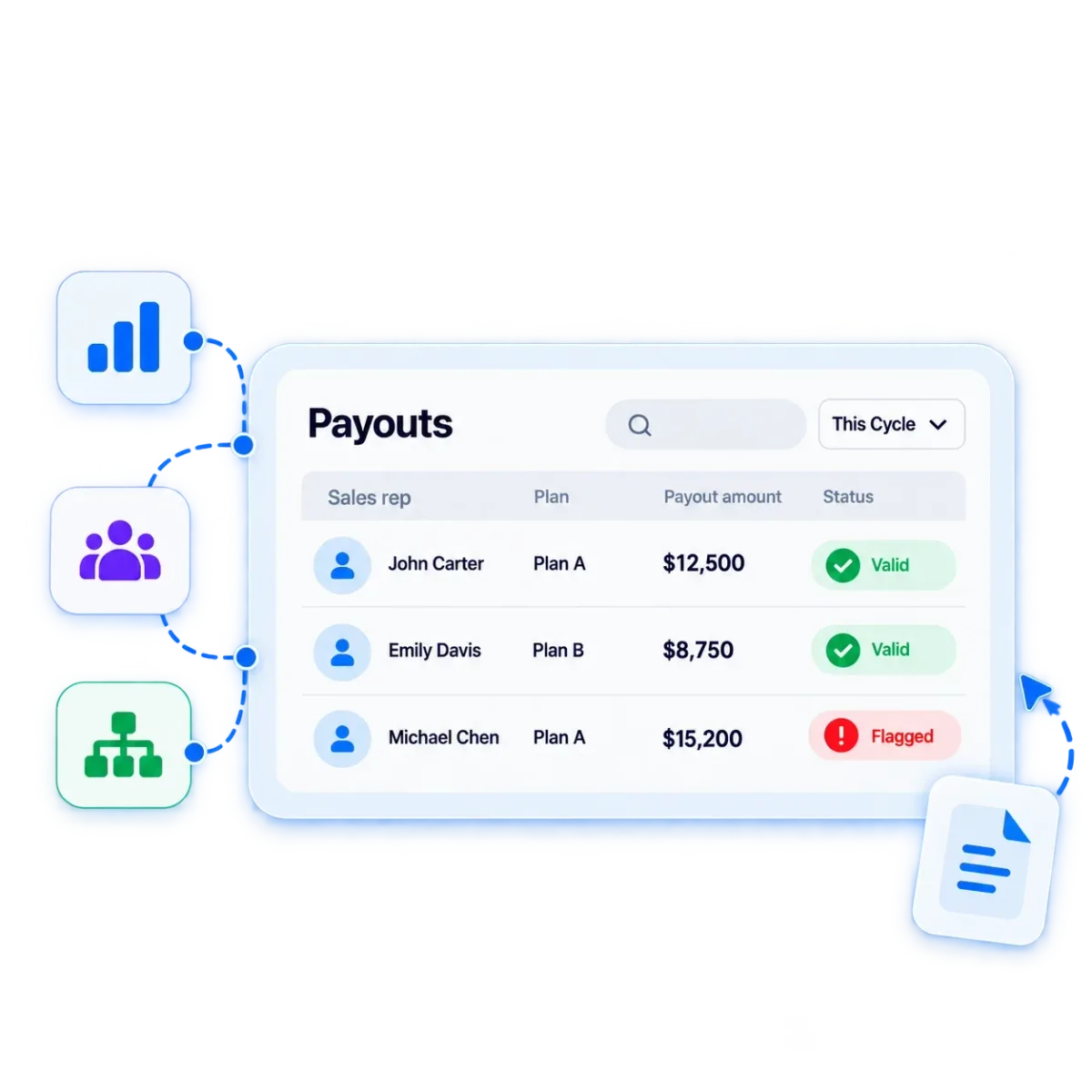
- See approvals, escalation, clawbacks and payroll disbursal in Empuls payouts.
- Catch payout errors before they reach payroll with Empuls sales intelligence.
- Build and simulate complex plans in Empuls plans and calculations.
- Read how Mercedes-Benz India automated sales incentives across 33 franchises with 99.9% calculation accuracy.
Choosing the best commission management software
The best commission management software is the one that keeps your plans, approvals, disputes and audit trail under control as you add payees, regions and plan changes. Run each shortlisted vendor through the lifecycle test sheet, score approvals, disputes and audit most heavily and adopt a written dispute policy whichever tool you pick. Commission automation software only pays off when the process around it is clear.
For a broader list across every team size, see our guide to the best sales commission software. If quota and territory planning matter most, compare sales compensation software; if rep visibility is the gap, read about commission tracking software; and for SPIFs and non-cash rewards alongside commissions, see incentive management software.
Book your Empuls demo
Frequently asked questions
Commission management software is a system that automates and governs the commission process for sales teams. It lets sales ops and finance design plans, calculate earnings from CRM and finance data, route payouts through approvals, resolve disputes, pay reps and keep an audit trail. It replaces spreadsheets, email approvals and manual reconciliation with one controlled workflow.
Commission tracking software focuses on visibility, showing reps and managers earnings and attainment as deals close. Commission management software covers the full process behind those numbers, including plan design, approvals, disputes, payouts, accruals and audit. Most enterprise platforms do both, while lighter tracking tools suit small teams with simple plans and few approval steps.
Ask reps to raise every dispute in the system against the specific statement line, within a fixed window after statements are published. Assign sales ops as the first owner, agree response times and escalate when they slip. Fix the data or rule that caused the error, then recalculate, and review disputes by cause every quarter.
There is no single best structure, but the right one aligns individual goals with company success. Reviewing annual sales goals helps you pick between flat rates, tiers, accelerators and bonuses, and you can combine structures to reach several goals at once. Keep the plan simple enough that every rep can predict what a deal will pay.
Choose a commission structure for each role, document it in a signed plan, then run calculations in software connected to your CRM and finance systems. Set approval levels, a dispute process and payout schedules, and give reps a statement for every cycle. Review plan cost and attainment regularly so you can adjust plans before they overpay.
Commission automation software calculates commissions automatically from deal and payment data using the rules in your compensation plan. It removes manual spreadsheet work and recalculates when deals change. The most useful tools also automate approvals, statements and payouts, so automation covers the whole cycle rather than only the calculation step.
Ownership is usually shared. Sales operations or RevOps typically designs and administers plans, handles data and answers rep questions, while finance approves payouts, manages accruals and owns audit and accounting. Sales leaders approve plan changes for their teams. Good commission management software gives each group its own role, permissions and approval step.
Pick a sample of payouts and trace each one back to the plan version, source data, calculation and approvals behind it. Check that adjustments and clawbacks were approved and recorded, and that totals match payroll and the general ledger. Software with a full audit trail makes this a quick report rather than a spreadsheet investigation.