Key Takeaways
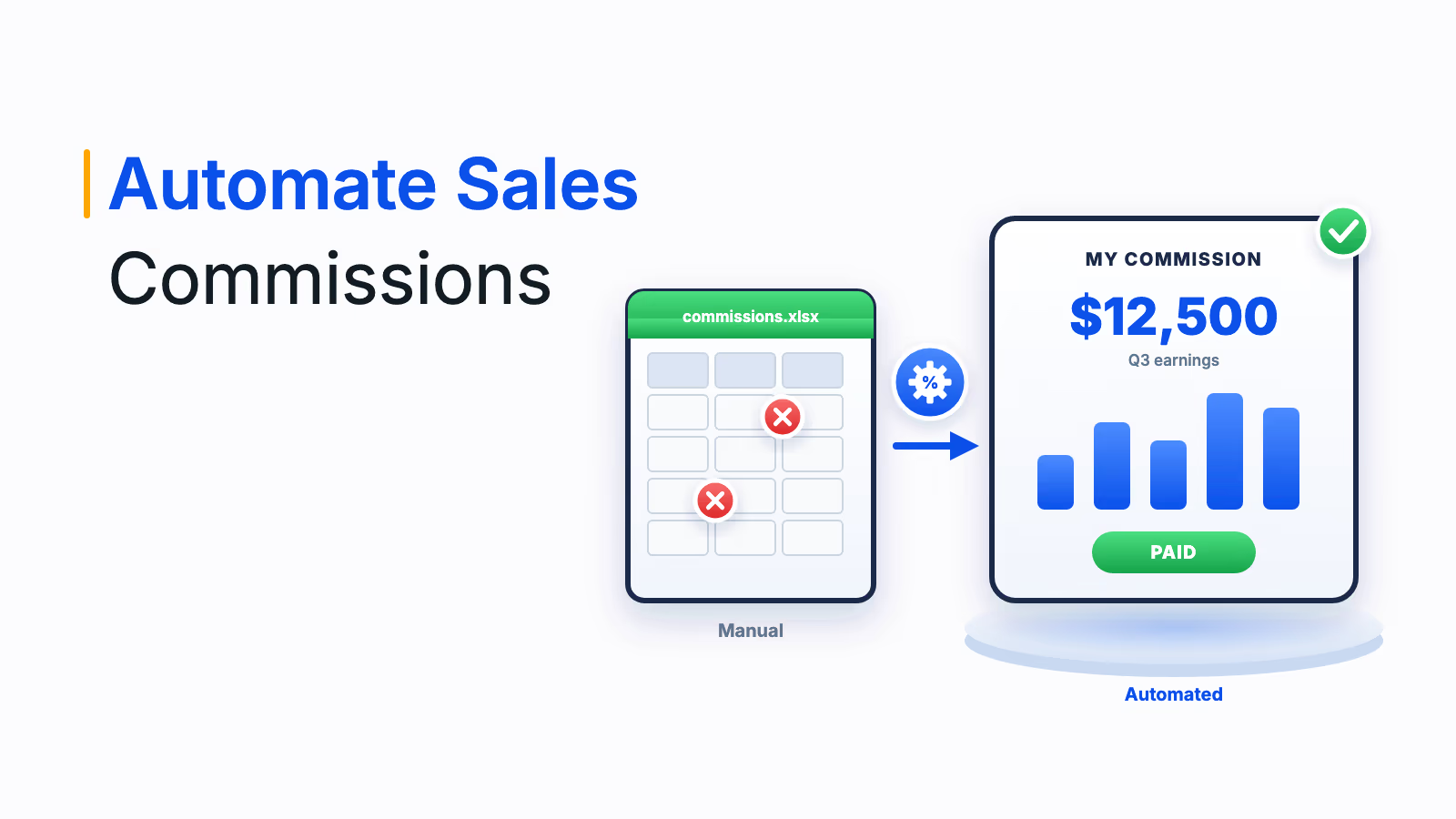
Sales commission software automates how commissions are calculated, tracked, approved and paid, using data from your CRM, ERP and HR systems.
CaptivateIQ's 2025 survey found 66% of companies overpaid or underpaid commissions in the past year, while only 27% had fully automated compensation.
Team size and plan complexity decide the best fit: enterprise platforms handle multi-country plans and payroll, while lighter tools suit small teams with simple plans.
Testing your hardest real plan and a past month of data in a demo reveals more than any feature comparison.
Rep visibility, approvals and an audit trail matter as much as calculation speed, because commissions only motivate when people trust them.
The best sales commission software calculates every commission from your CRM and finance data, shows sales reps what they have earned and sends approved payouts to payroll without a spreadsheet in the middle. Which tool is best for you depends mostly on two things: the size of your team and how complex your plans are. This guide compares 12 options by fit, explains the features that matter and gives you a demo checklist to test a shortlist.
Sales commissions are key to driving performance and rewarding top sales talent. Managing and calculating them by hand, however, is slow and error-prone, and every mistake costs time and trust. Whether you run a ten-person startup team or thousands of sellers across countries and dealerships, the right sales commission software makes the process accurate, fast and visible to everyone who depends on it.
What sales commission software is
Sales commission software is a tool that automates how a business calculates, tracks, approves and pays commissions to its sales representatives and teams. It provides a central platform for tracking sales performance, applying commission structures and calculating what each salesperson is owed based on their individual results and goals.
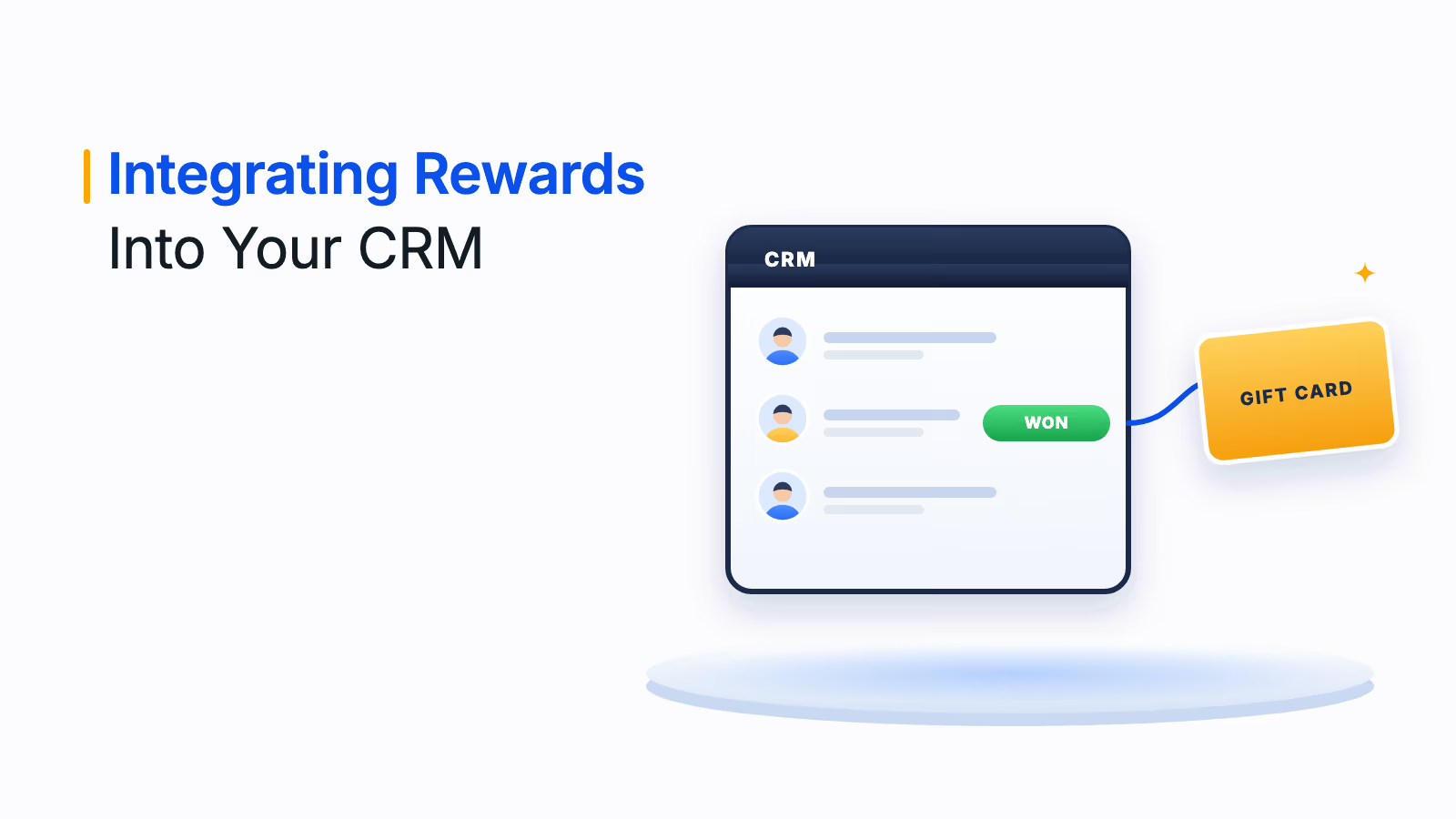
It typically integrates with your customer relationship management (CRM) system and other sales data sources to pull in revenue, deals closed and targets achieved. You define commission plans by sales volume, product type, customer segment or specific objectives, and the software applies those rules the same way every cycle, so finance, managers and reps all see the same number.
Why teams move commission calculation off spreadsheets
Spreadsheets work for one simple plan and a handful of reps. They break when you add tiers, splits, clawbacks, mid-cycle changes and several data sources, and the errors land on the people you most need to keep motivated.
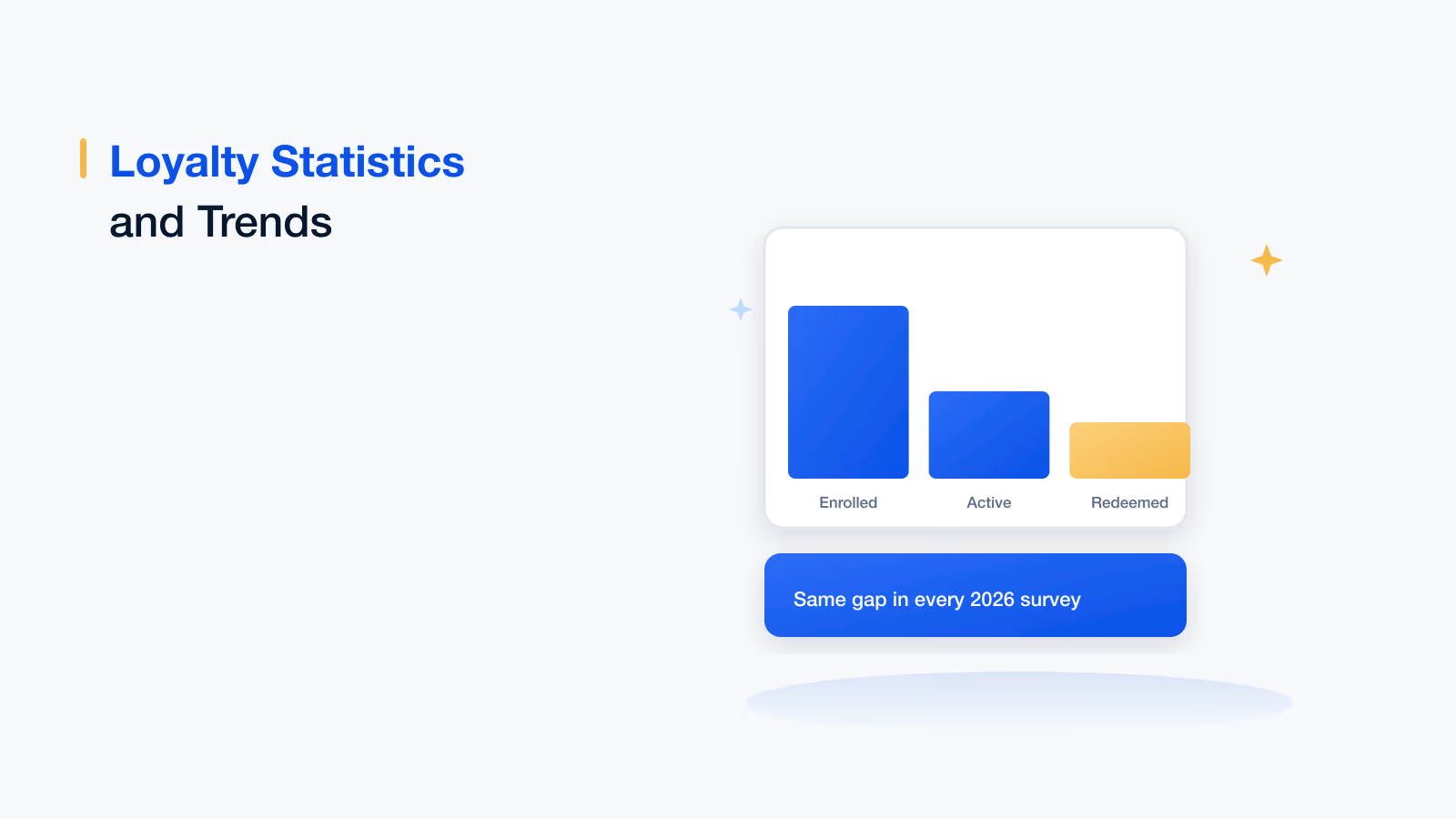
CaptivateIQ's 2025 State of Incentive Compensation Management report, a survey of more than 200 US B2B incentive compensation leaders, found that 66% of companies had overpaid or underpaid commissions in the past year. Only 27% had fully automated their compensation programs, and only 52% gave sellers real-time visibility into current and potential earnings.
66%
of companies
overpaid or underpaid commissions in the past year
27%
of companies
have fully automated their compensation programs
52%
of companies
give sellers real-time visibility into earnings
Source: CaptivateIQ, State of Incentive Compensation Management, 2025 (200+ US B2B leaders)
If you are still deciding whether to leave spreadsheets, our guide to incentive calculation in Excel sheets shows where formulas usually break, and replacing Excel for commissions lays out the business case for moving.
Features to look for in sales commission software
Eight features separate commission calculation software that works from tools that only move the spreadsheet online. The first three decide whether payouts are right; the rest decide whether people trust and use them.
- Flexible plan design: Build tiers, accelerators, bonuses, SPIFs, splits, draws and clawbacks without code, and change them mid-cycle without breaking past statements.
- Automated calculations: The engine applies the same rules every cycle from source data, which reduces the risk of errors and saves time for sales teams and commission managers.
- CRM, ERP and HRMS integration: Native connections to systems such as Salesforce, HubSpot and your ERP and HR tools, so deals, invoices and employee data flow in without re-keying.
- Rep visibility: Statements, dashboards and estimators that show reps what they earned on each deal and what the next deal is worth, on web and mobile.
- Approvals and audit trail: Sign-off steps before payout and a log of every change and calculation, so finance can trace any number.
- Payout and payroll connection: Approved amounts flow to payroll or another payout method, ideally in every country and currency you operate in.
- Reporting and analytics: Views of attainment, payout trends and plan cost, so leaders can see whether a plan is working.
- Security and scalability: Role-based access, certifications such as SOC 2, and the ability to handle more payees, plans and data as you grow.
Best sales commission software compared at a glance
The table groups the 12 tools in this guide by the team they fit best. Use it to build a shortlist of two or three, then run each one through the demo checklist further down.
| Software | Best fit | Typical team | Stands out for |
|---|---|---|---|
| Xoxoday Empuls | Complex plans across regions, roles and countries | Enterprise | Calculation, approvals, payroll payouts and gamification on one platform |
| CaptivateIQ | Teams that change plans often | Mid-market and enterprise | No-code, spreadsheet-like calculation engine |
| Xactly Incent | Large, multi-region sales forces | Enterprise | Scale, commission estimator and expense accounting add-on |
| Salesforce Spiff | Teams that run on Salesforce | Mid-market and enterprise | Runs natively on Salesforce, with published pricing |
| Varicent | Incentives tied to quota and territory planning | Enterprise | Sales planning and AI-assisted plan design |
| Anaplan | Companies already planning in Anaplan | Enterprise | Incentives connected to finance and sales planning |
| SAP SuccessFactors Incentive Management | Large SAP customers | Enterprise | Inquiry management and traceability |
| Performio | Complex plans at mid-size scale | Mid-market and enterprise | Pre-built plan components and what-if calculators |
| Everstage | Fast-growing revenue teams | Mid-market | Previews of how rule changes affect every payout |
| QuotaPath | Small and growing teams | SMB and mid-market | Published pricing and quick CRM setup |
| QCommission | Accounting-led commission processes | SMB and mid-market | 60+ business system integrations |
| Commissionly | Payments and insurance commissions | SMB and mid-market | Residuals and carrier payment reconciliation |
Bring your hardest commission plan
We will configure it in Empuls and show you the calculation, the rep view and the approved payout.
Talk to our ExpertTrusted by 5,000+ companies
The 12 best sales commission software tools
The list runs from enterprise platforms to tools built for smaller teams and specific industries. Every capability below was checked on the vendor's own current pages; ratings and unpublished prices are left out because they change too often to be reliable.
1. Xoxoday Empuls
Empuls automates commission and incentive calculations for any plan, pays out through your payroll in any country and gives sales professionals, managers and finance the view each of them needs. Admins configure plans in a no-code builder instead of spreadsheets, and the same plan data powers leaderboards and contests.
- Plan design: Commission, target and milestone plans, a formula and rule builder with slabs, tiers and lookups, and cascading plans where one plan's output feeds another.
- Complex structures: Split credits, overrides, draws and clawbacks in the same engine, plus plan simulation to see payout impact before a plan goes live.
- Payouts: Multi-level approvals, pre-payout anomaly checks and approved amounts pushed to payroll, with disbursal in 50+ currencies across 150+ countries.
- Visibility: Web and mobile views of earnings, rank and target progress for reps, and live attainment for managers.
Consider: Empuls is built for enterprise sales organizations. A small team with one flat-rate plan may not need its depth.
2. CaptivateIQ
CaptivateIQ is a no-code incentive compensation platform built around its SmartGrid calculation engine and logic-based workbooks, which feel familiar to anyone who has modeled commissions in a spreadsheet. Payees get real-time payout statements as data updates, and admins get Assist AI for formula troubleshooting and natural-language questions.
Good to know: CaptivateIQ states a launch time of two weeks to three months and pricing based on payees, plan complexity and integrations. It also sells a separate Planning module for territories and quotas.
3. Xactly Incent
Xactly Incent is one of the longest-established enterprise commission platforms, designed for tens of thousands of payees and multi-currency, multi-region plans. Xactly says it processes over $7 billion in commissions and bonuses every month.
- A Compensation Configurator with reusable rules, quotas and rate tables.
- Customized incentive statements, a commission estimator and native iOS and Android apps for reps.
- A Commission Expense Accounting add-on for ASC 606 amortization schedules.
4. Salesforce Spiff
Salesforce acquired Spiff in 2024 and now sells it as its incentive compensation management product, running natively on Salesforce. Reps get statements with drill-downs into the deals behind each payout and a Commission Estimator, while admins get tracing, audit trails and a system activity log.
Pricing: Salesforce lists the product at $75 per user per month, billed annually, on its incentive compensation pricing page. It is the natural choice if Salesforce is already your system of record.
5. Varicent
Varicent combines incentive compensation with sales planning, so quota, territory and capacity decisions sit next to the plans that pay on them. Its incentive module offers AI-assisted plan design, outcome modeling before rollout and real-time earnings visibility for sellers through Seller Insights.
Consider: Varicent suits large enterprises with dedicated sales operations teams. Smaller teams may find it more platform than they need.
6. Anaplan
Anaplan is a planning platform whose sales performance management applications include incentive compensation. It automates crediting and commission calculation and connects incentive plans to territory, quota and capacity planning, with what-if modeling and rep dashboards that compare expected and what-if payouts.
Consider: Anaplan makes most sense when finance and sales already plan in Anaplan and want commissions in the same model.
7. SAP SuccessFactors Incentive Management
Formerly SAP Commissions, this is SAP's enterprise incentive compensation product. It is designed to automate complex commission calculations at scale, and SAP highlights inquiry management, which tracks disputes, stores supporting documents and routes them through workflows, plus one-click traceability to answer compensation questions.
Consider: a strong fit for organizations standardized on SAP. Outside the SAP ecosystem, lighter tools are usually faster to deploy.
8. Performio
Performio is an incentive compensation platform for mid-market and enterprise companies; it describes its ideal customer as having 70 or more commissionable employees and complex plans. Admins build plans from no-code components and guided workflows, and sellers get dashboards, leaderboards and what-if calculators on any device.
Good to know: an embedded AI Admin Assistant helps admins as plans change.
9. Everstage
Everstage is a no-code commission platform popular with fast-growing revenue teams. Its Time Machine feature shows how a rule change would affect every rep's payout before the plan ships, and payout forecasting from live pipeline shows reps what they could earn.
Good to know: Everstage includes ASC 606-ready reporting and now also sells planning and CPQ modules alongside commissions.
10. QuotaPath
QuotaPath is a sales commission tool built for small and growing teams, with connections to CRMs such as HubSpot, Salesforce, Zoho and Pipedrive and to spreadsheets. Its Growth plan includes deal flagging and discrepancy resolution, leaderboards and contests, and ledger and ASC 606 support.
Pricing: According to QuotaPath's pricing page, Growth costs $35 per user per month plus a $525 monthly platform fee covering the first five users, and Premium costs $50 per user per month plus an $800 platform fee, billed annually.
11. QCommission
QCommission, from CellarStone, is a long-running commission tool for companies of all sizes that calculate pay from accounting as well as CRM data. It states 60+ business system integrations, including Salesforce and QuickBooks, real-time statements and more than 1,700 customers across 50+ countries.
Consider: a practical option when commissions depend on invoices, payments or margins held in your accounting system.
12. Commissionly
Commissionly is a UK-based cloud commission tool that Fullcast acquired in June 2025; it continues as part of Fullcast's sales performance suite. It stands out for industry needs: payments companies can consolidate residuals and split a merchant's commission among agents, and insurance businesses can track commissions by policy and reconcile carrier payments.
Good to know: agents log in to view their own commissions and reports, and plans and quotas change through a no-code interface.
Demo checklist: 10 questions to ask before you buy
Bring one real plan and one month of real data to every demo, then ask these ten questions in order. The first four expose most weak fits, because they test your actual edge cases instead of the vendor's script.
- Your hardest plan, live: Ask the vendor to configure your most complex tier, split or clawback during the demo, without a services team.
- Deal changes after payout: Watch how the tool handles a cancelled deal, a clawback and a restated past statement.
- Data sources: Confirm native connectors for your CRM, ERP, HRMS and payroll, and how often they sync.
- The rep view: Open the rep view on mobile and check whether a rep can trace a payout back to each deal.
- Approvals: Check how many approval levels you can set and what happens when an approver is away.
- Disputes: Ask how a rep raises a question, who sees it and how fixes flow into the next payout.
- Payouts: Confirm the payroll systems, countries and currencies supported, and how tax is handled.
- Finance reporting: Ask for the audit trail, accrual reports and ASC 606 support if you capitalize commissions.
- Time to go-live: Get a dated plan for data setup, plan build, parallel runs and training.
- Full cost: Ask for licenses, platform fees, implementation, support and integration costs over three years.
How Empuls helps sales teams automate commissions
Empuls replaces spreadsheet commission work with one platform for plans, calculations, approvals and payouts. Admins configure even complex plans in a no-code builder, finance approves through multi-level workflows backed by a full audit trail, and every sales professional sees earnings and target progress as deals close.
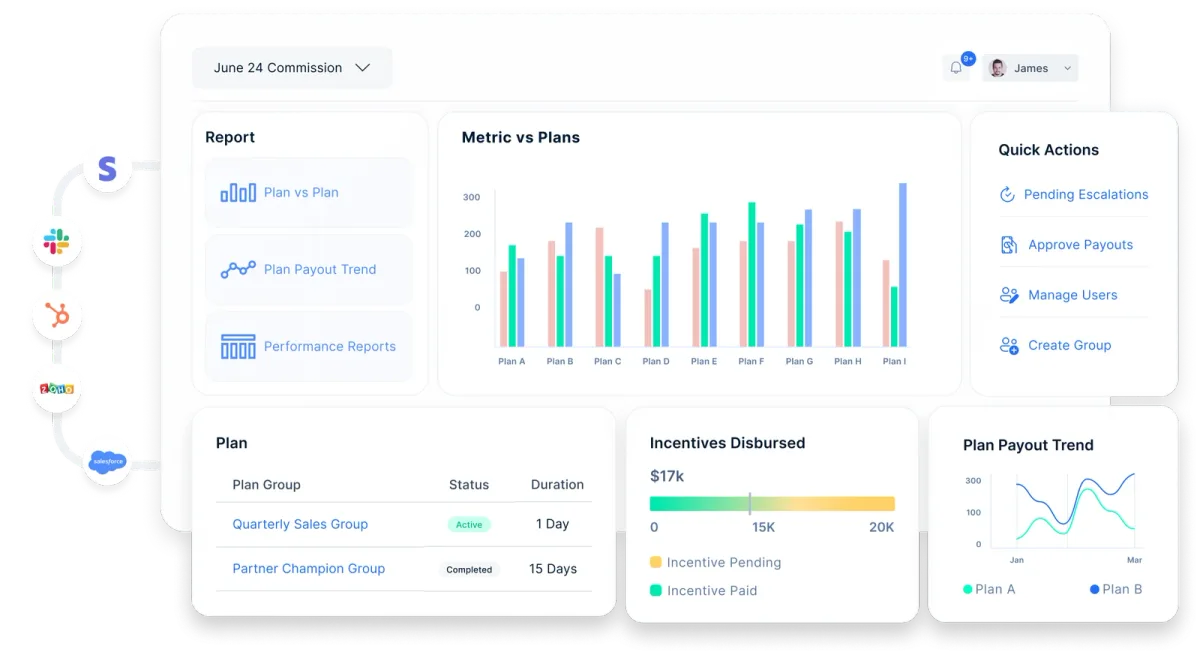
- See how plans are built and calculated, from slabs and lookups to cascading plans, in Empuls plans and calculations.
- Explore approvals, anomaly checks and payroll disbursal in Empuls payouts.
- Read how CarDekho replaced 15 years of manual commission calculations with real-time incentive visibility.
- Estimate what manual commission processing costs you with the sales incentive ROI calculator.
Choosing the top sales commission software for your team
The top sales commission software for your business is the one that calculates your real plans correctly, connects to the systems you already run and earns the trust of reps and finance. Shortlist two or three tools from the table, run each through the demo checklist and test a past month of data before you commit.
If your priority is narrower, our sibling guides go deeper. For approvals, disputes and audit at scale, compare commission management software. For quota, territory and plan modeling, see sales compensation software. For rep-facing earnings visibility, read our guide to commission tracking software, and for platforms that also run SPIFs and non-cash incentives, see incentive management software.
Book your Empuls demo
Frequently asked questions
There is no single best tool for every team. Enterprise organizations with complex, multi-country plans usually need a platform such as Empuls, Xactly or Varicent, while small teams with simpler plans often start with tools like QuotaPath. The best choice is the one that calculates your real plans correctly, integrates with your CRM and payroll, and gives reps clear visibility.
Most enterprise vendors quote custom prices based on the number of payees, plan complexity and integrations. A few publish prices: Salesforce lists Spiff at $75 per user per month billed annually, and QuotaPath's Growth plan costs $35 per user per month plus a $525 monthly platform fee. Budget for implementation and support, not only licenses.
You can track commissions manually, in spreadsheets or with dedicated software. Software is the most reliable option once you have more than a few reps or any tiers, splits or clawbacks, because it pulls deal data from your CRM, applies the plan rules automatically and gives each rep a statement that ties every payout back to the deals behind it.
Yes, for a small team on a simple flat-rate plan. Excel struggles as soon as you add tiers, accelerators, split credits, clawbacks or mid-cycle plan changes, because formulas break, versions multiply and nobody can audit changes easily. Most teams move to commission software when manual reconciliation starts taking days each cycle or disputes start rising.
Look for no-code plan design that handles tiers, splits, draws and clawbacks, automated calculations from integrated CRM and finance data, rep statements and estimators, multi-level approvals, a full audit trail and a connection to payroll. Reporting on attainment and plan cost, plus security certifications such as SOC 2, round out a strong platform.
Simple setups with standard CRM connectors can go live in days or a few weeks. Enterprise rollouts with many plans, data sources and countries usually take several weeks to a few months, including data setup, plan configuration, parallel runs against your old process and training. Ask each vendor for a dated implementation plan before you sign.
Most tools integrate with major CRMs such as Salesforce and HubSpot to pull deal data, and many connect to ERP, HRMS and accounting systems too. Payroll integration varies more widely, so confirm which payroll providers, countries and currencies are supported if you want approved commissions to flow into payroll without exports or re-keying.
A CRM manages leads, accounts and deals and records what was sold. Sales commission software takes that deal data and applies your compensation plan rules to calculate what each rep earns, then handles approvals, statements and payouts. Some CRMs offer basic commission fields, but dedicated software is needed for tiers, splits, clawbacks and audit trails.