Key Takeaways
Sales commission tracking records every commissionable deal, the rate and credit applied, and its approval and payout status in one trusted place.
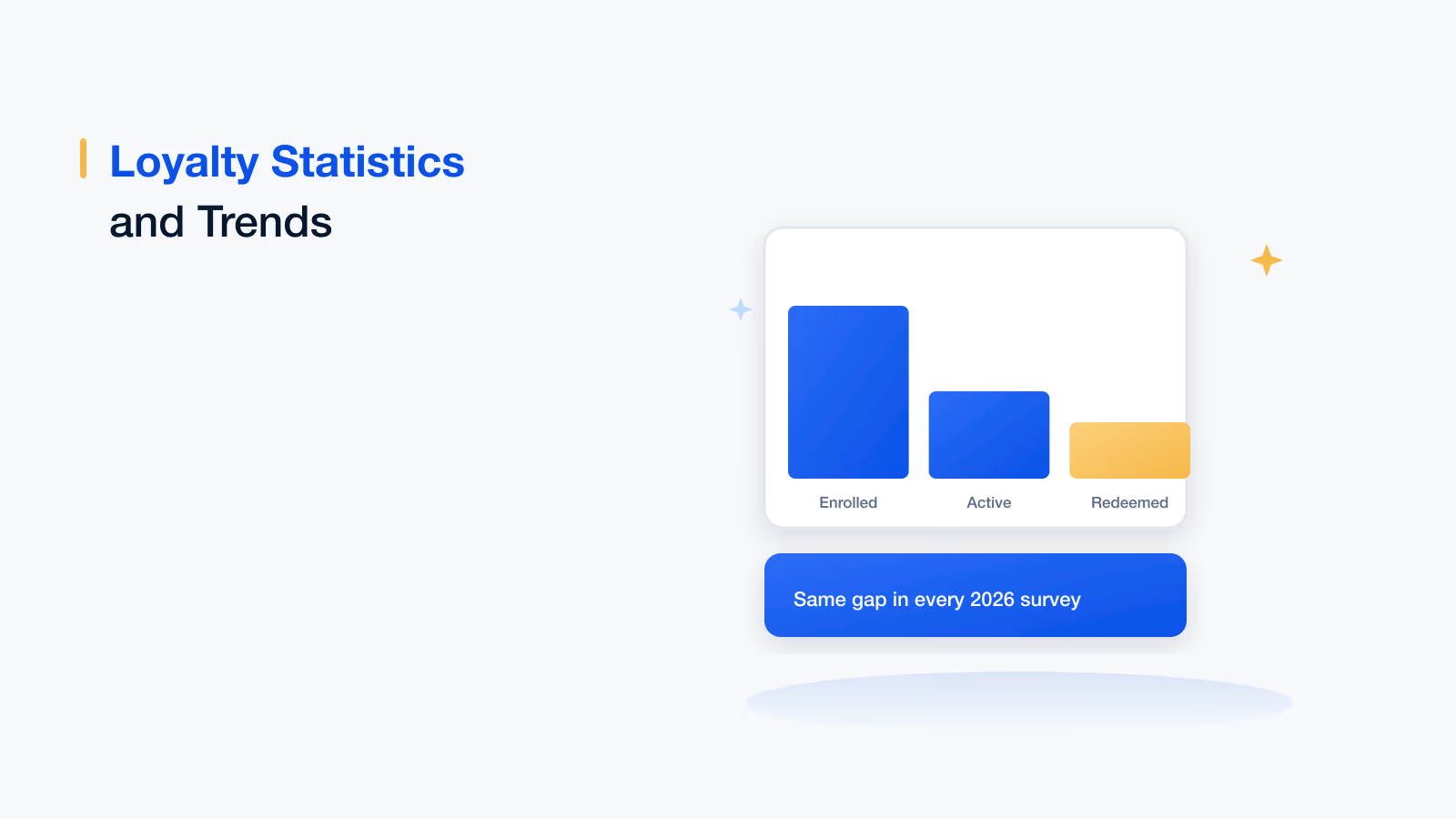
In a 2026 survey, 77% of sales professionals had experienced a payout error and 31% had left or considered leaving a role over recurring pay errors.
Track the same ten fields for every deal, from deal ID and credit split to payment trigger, status and payout reference.
Reconcile in both directions every period: every CRM deal should be in the tracker, and every tracker line should map to a real deal.
Real-time, self-serve earnings views remove the reason reps rebuild their commissions in personal spreadsheets.
Effective sales commission tracking means recording every commissionable deal, the rate and credit applied to it, and its payout status in one place that reps, managers and finance all trust. The simplest way to do it well is to track the same fields for every deal, reconcile against your CRM each period and give reps a real-time view of their earnings, which is what automated tracking software does by default.
Sales commission tracking is the process of monitoring sales transactions, the commission calculated on each one and whether it has been approved and paid, at the rates and intervals set out in each rep's plan. Sales commissions are incentives paid to reps on top of their regular salary for the sales they make. They lift morale and motivation, but only if reps can see that they are tracked and paid correctly. This guide covers why tracking matters, the three ways to track, the fields to record, a six-step process, a worked example and the tips that keep tracking accurate.
Why sales commission tracking matters
Not every organization has a proper commission tracking system, and sellers notice. CaptivateIQ's 2026 State of Sales report, a survey of 500 US sales professionals in December 2025, and Salesforce's 2026 Trends in Sales Compensation report show what poor tracking costs:
77%
of sales professionals
have experienced a commission payout error (CaptivateIQ)
31%
of commissioned sellers
have left or considered leaving a role over recurring pay errors (CaptivateIQ)
74%
of sales professionals
want more transparency in how pay is calculated (Salesforce)
1.6 hours
a week
spent by the average seller calculating their own payouts (CaptivateIQ)
The cost of weak sales commission tracking, 2026
Every hour a rep spends rebuilding their commission in a personal spreadsheet is an hour not spent selling. CaptivateIQ estimates that for an organization with 500 sellers, that adds up to more than 40,000 hours of lost selling time a year. Good tracking removes the reason to double-check.
3 ways to track sales commissions
There are three ways to track sales commissions, and most companies move through them in order as the team grows. Manual tracking suits only the smallest teams; software is the only option that tracks commissions automatically at scale.
01 · 1
Manual tracking
Commission data is recorded and calculated by hand. It is slow, takes productive time and is prone to errors, so it suits only very small teams with a handful of deals a month.
02 · 2
Spreadsheets
Deal data goes into a spreadsheet with preset formulas, which speeds up calculation. There is still no automation, and keying in data takes a lot of time once the team or deal volume grows.
03 · 3
Commission tracking software
Software pulls deal data from your CRM, calculates in real time and shows each rep their earnings. It reduces inaccuracies and makes tracking transparent. Choose a tool that fits your plans and size.
For a comparison of tools, from SME options to enterprise platforms, see this guide to commission tracking software.
What to track for every deal: a commission tracking template
Whichever method you use, track the same fields for every commissionable deal. Use this template as the column list for a spreadsheet tracker, or as a checklist when you evaluate sales commission tracking tools:
| Field | Why it matters | Example |
|---|---|---|
| Deal ID and close date | Ties the commission to one CRM record and the right plan period | OPP-10482, closed March 14 |
| Rep and credit split | Shows who earns and what share, including overlays | Priya 50%, Sam 50% |
| Commissionable amount | The value the rate applies to, after discounts or exclusions | $30,000 first-year contract value |
| Plan and rate or tier | Records which rule produced the number | Q1 AE plan, 8% |
| Commission earned | The calculated amount for this deal | $1,200 |
| Payment trigger | When the commission becomes payable: booking, invoice or collection | On customer payment |
| Status | Pending, approved, paid, disputed or clawed back | Approved |
| Approver and date | Who signed off and when, for audit | Sales manager, April 2 |
| Payout date and reference | Links the amount to the payroll run | April payroll, batch 04 |
| Notes and adjustments | Explains any manual change, so it can be audited later | Discount above 15%, rate reduced per plan |
Want reps to stop tracking commissions in their own spreadsheets?
See Empuls track every deal from your CRM and show each rep live earnings, status and next milestone.
Talk to our ExpertTrusted by 5,000+ companies
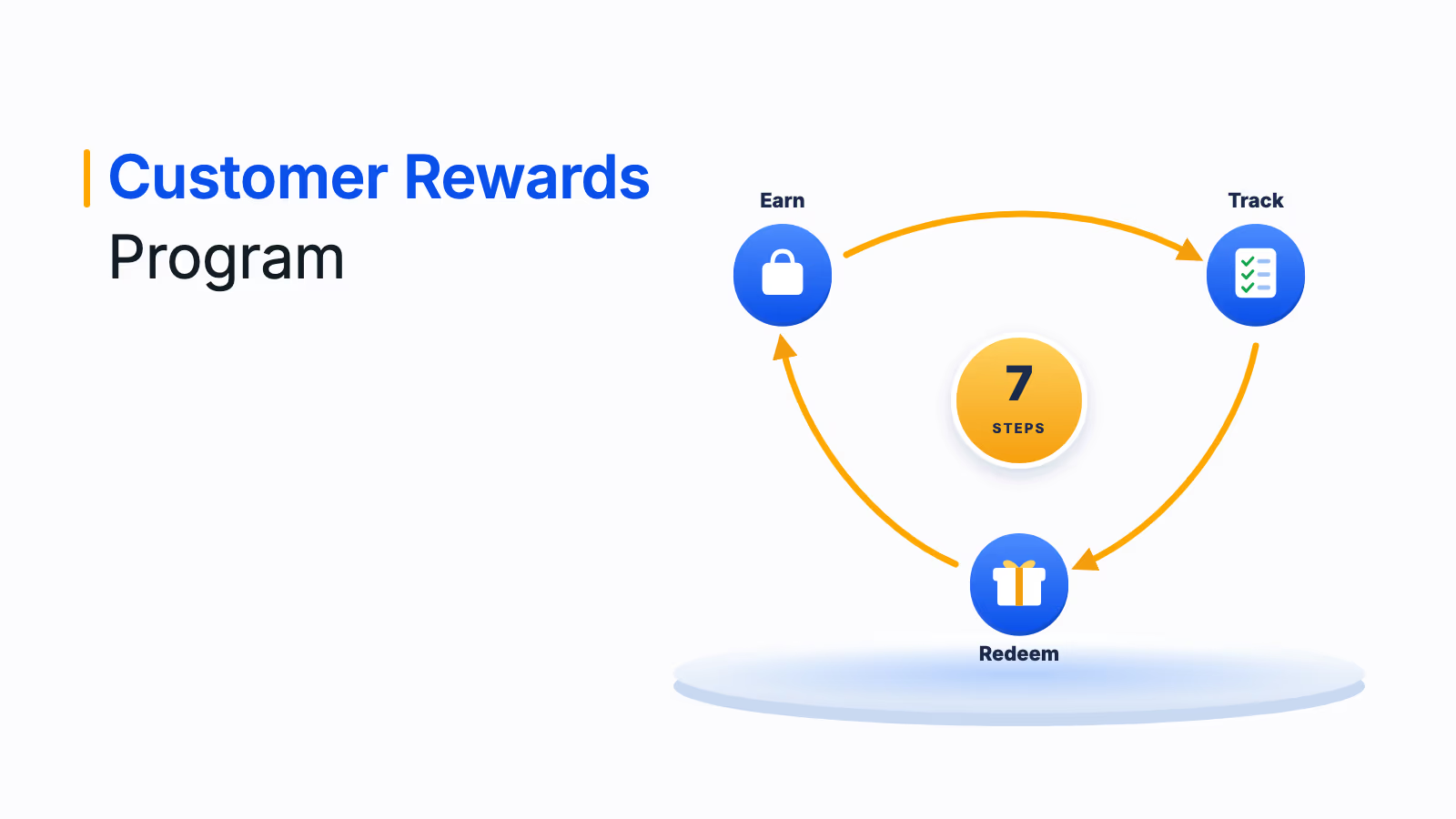
How to track sales commissions in 6 steps
The six steps below turn the template into a repeatable cycle. Steps 1 and 5 matter most: a clear plan prevents most disagreements, and reconciliation catches the errors that slip through.
- Document each plan: Write down rates, tiers, splits, payment triggers and clawback rules, with a worked example, and share it with every rep.
- Connect one source of deal data: Use your CRM as the record of closed deals and your finance system for invoices and collections, not personal copies.
- Record every deal with the same fields: Capture the template fields above as soon as a deal closes, including splits and exclusions.
- Calculate and update status: Apply the plan rules, then move each line through pending, approved and paid as conditions are met.
- Reconcile every period: Match tracked deals to the CRM and finance ledger, and payout totals to payroll, before statements go out.
- Share statements and track disputes: Give each rep a statement or live view of their own deals, and log every question with its resolution.
Commission tracking example: one rep, one month
Here is how the template works in practice for one account executive on a plan that pays 8% of first-year contract value once the customer pays, with split credit and a 90-day clawback:
| Deal | Commissionable amount | Credit | Commission at 8% | Status this month |
|---|---|---|---|---|
| A: new customer, paid | $40,000 | 100% | $3,200 | Approved, in this payout |
| B: new customer, invoiced | $25,000 | 100% | $2,000 | Pending until the customer pays |
| C: shared deal, paid | $30,000 | 50% | $1,200 | Approved, in this payout |
| D: earlier deal, cancelled in 60 days | $10,000 | 100% | minus $800 | Clawed back |
| Payout this month | $3,600 | $3,200 + $1,200 minus $800 |
The rep can see that $2,000 more is on the way once deal B is paid, and exactly why $800 was recovered. That visibility is what stops a statement from turning into a dispute. For the formulas behind each plan type, see how to calculate sales commissions.
Tips to make sales commission tracking effective
Three principles make commission tracking effective: standardize it, automate it and keep it simple. Standardizing comes first, because you cannot automate or simplify a process that runs differently for each team.
1. Standardize the process
A standard process sets policies that every team member follows. It removes confusion about the steps and the documentation, helps new team members adapt quickly and reduces the chance of errors.
- Keep a logical flow of data: Data that moves in the same order every cycle, from deal to calculation to approval to payout, shows the team where each item stands.
- Customize reports for each rep: Reps should see only their own data, filtered by team or region, not browse a sheet with everyone's numbers. Tracking tools do this automatically and keep pay data private.
- Label data properly: Clear labels for plans, statuses and adjustments make the dashboard easy to read and the process easy to adopt.
2. Automate the process
Automation saves time, reduces errors and makes large calculations simple. By removing inconsistencies, it builds trust with reps, which motivates them to contribute more. Automated tools also absorb plan changes without rebuilding formulas. To go further, read how to automate the sales commission process.
3. Simplify the process
- Simplify the calculations: Fewer measures per plan mean fewer places for errors and statements reps can check in seconds.
- Update in real time: Integration with your CRM keeps tracked earnings current, so payouts are not delayed even with large data volumes.
- Make the rep view self-serve: Let reps check credited deals, status and expected payout themselves instead of emailing operations.
Spreadsheet tracking vs automated commission tracking software
Spreadsheets are where most teams start, and they work until errors, delays and questions grow faster than the team. The table shows where the two approaches differ:
| Feature | Spreadsheets and legacy systems | Automated commission tracking software |
|---|---|---|
| Setup and use | Manual setup and upkeep | No-code plan designer |
| Calculation | Error-prone manual formulas | Automated, consistent calculation |
| Real-time tracking | Updated when someone edits the file | Live updates as deals close |
| Flexibility | Rigid structures that are hard to change | Configurable plans and templates |
| Data integration | Manual entry from several systems | Connected to CRM and other tools |
| Reporting | Limited insight | Plan effectiveness, quota attainment and payout trends |
| Scale | Slows as the team grows | Handles large teams and many plans |
| Audit trail | Little or no record of changes | Every change, approval and payout logged |
If the left column sounds familiar, these reasons to replace Excel for commission calculation will help you build the case.
How Empuls automates sales commission tracking
Empuls includes sales incentive and commission software that tracks commissions automatically, from the CRM deal to the payroll run, and shows every role the view it needs.
- Automatic tracking from source data: Empuls connects to CRM, ERP and HRMS systems and validates data on the way in, then calculates every plan the same way each cycle in the plans and calculations engine.
- Real-time earnings for reps: Sales professionals see attainment, earnings and their next milestone on web and mobile, can ask earnings questions in plain language and see their earning potential based on their current trajectory.
- Approvals, clawbacks and payouts: Multi-level approvals, anomaly checks before approval and calculated clawbacks run before money moves, and approved amounts go to payroll.
- Reporting for managers and finance: Attainment by team, region and plan, payout trends and a full audit trail of every change, in sales intelligence.
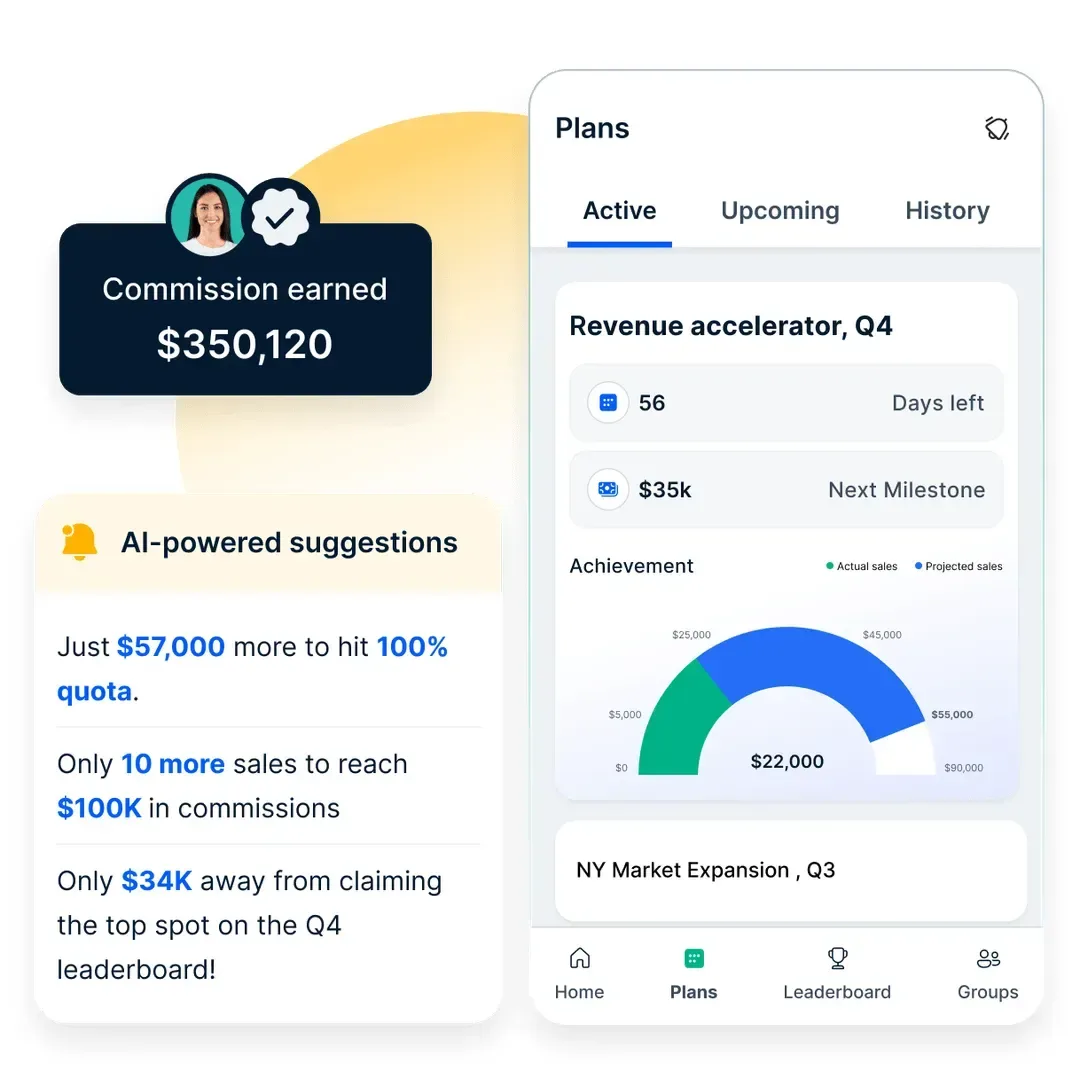
Visibility changes behavior. Chaipoint replaced manual commission tracking with real-time incentive visibility for 120+ sales users across 43 cities and saw a 115% increase in incentive qualifiers in under six months, as the Chaipoint case study describes.
Book your Empuls demo
Frequently asked questions
Record each commissionable deal with its deal ID, rep and credit split, commissionable amount, plan rate, commission earned, payment trigger and status. Update the status as the commission is approved and paid, and note any manual adjustment with a reason. A commission tracking system does this automatically from CRM data; in a spreadsheet, use one row per deal.
The best way is commission tracking software connected to your CRM, because it records deals automatically, applies the plan the same way every time and gives reps a live view of their earnings. Small teams with one simple plan can use a well-structured spreadsheet, as long as formulas are locked and totals are reconciled each period.
Yes. Create one row per deal with columns for rep, credit split, amount, rate, commission, payment trigger and status, and use locked formulas for the calculation. Excel works for small teams with simple plans. It becomes risky with splits, clawbacks, frequent plan changes or many reps, because errors are hard to spot.
Commission expense is recorded in your accounting system, usually as a selling expense, with accrued commissions as a liability until paid. Under US GAAP (ASC 340-40), commissions that are incremental costs of obtaining a contract are generally capitalized and amortized. Integrating commission software with finance keeps these records consistent.
Reps should be able to see their credited deals, the rate applied, status and expected payout, either on a commission statement each period or on a live dashboard. If they cannot, they usually rebuild the numbers in a personal spreadsheet. Self-serve visibility in commission software removes that work and most payout questions.
Reconcile every pay period before statements go out. Match tracked deals against the CRM and finance ledger, check that every closed deal is included and every tracked line is a real deal, and confirm payout totals match payroll. A quarterly review of disputes and manual adjustments helps fix recurring causes.
Most errors come from manual data entry, deals credited to the wrong rep or period, missed splits, outdated rates after a plan change and clawbacks that are not applied. Working from one source of data, documenting every plan rule and reconciling each period prevents most of them. Automation removes the manual entry step entirely.