Key Takeaways
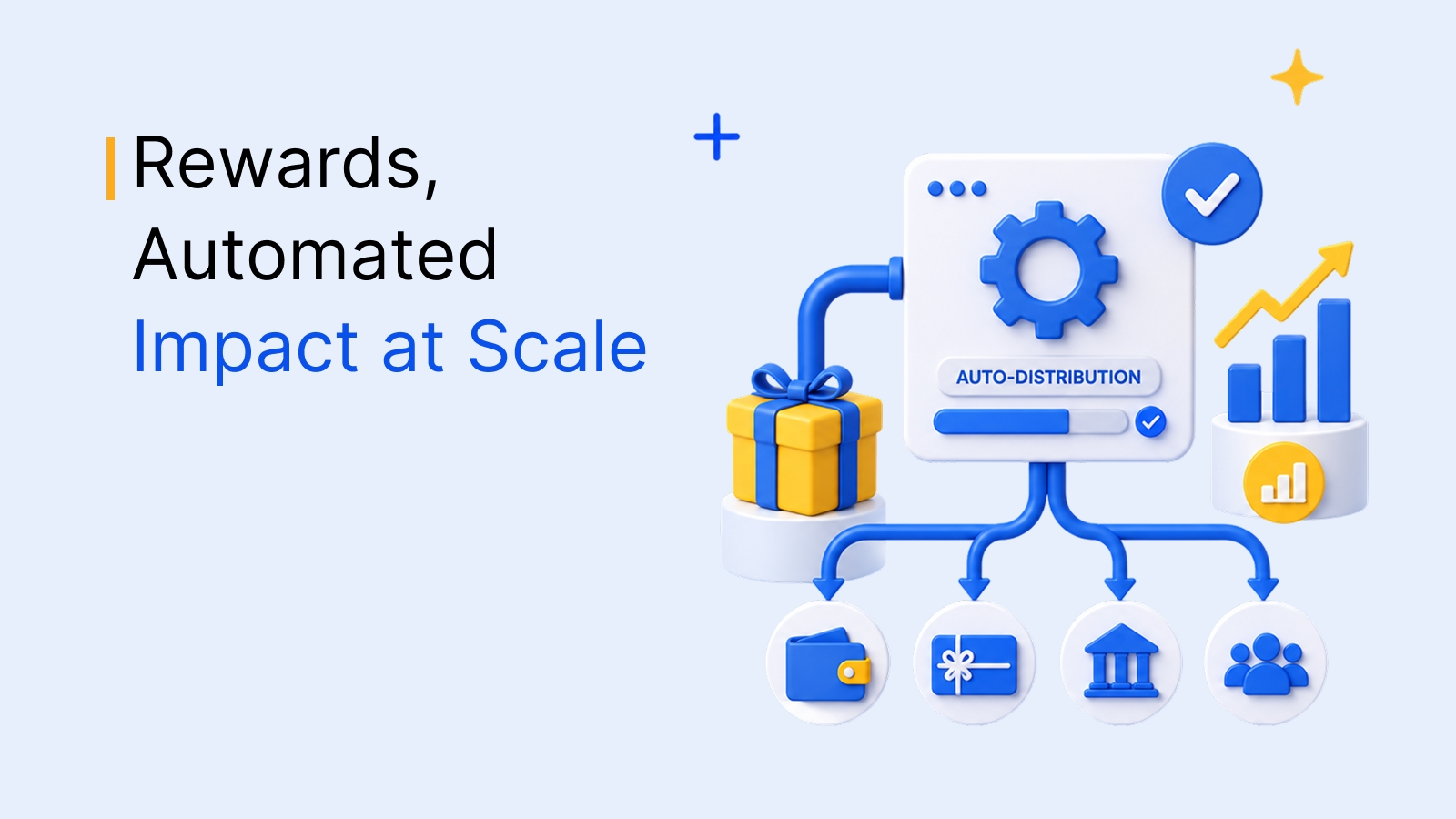
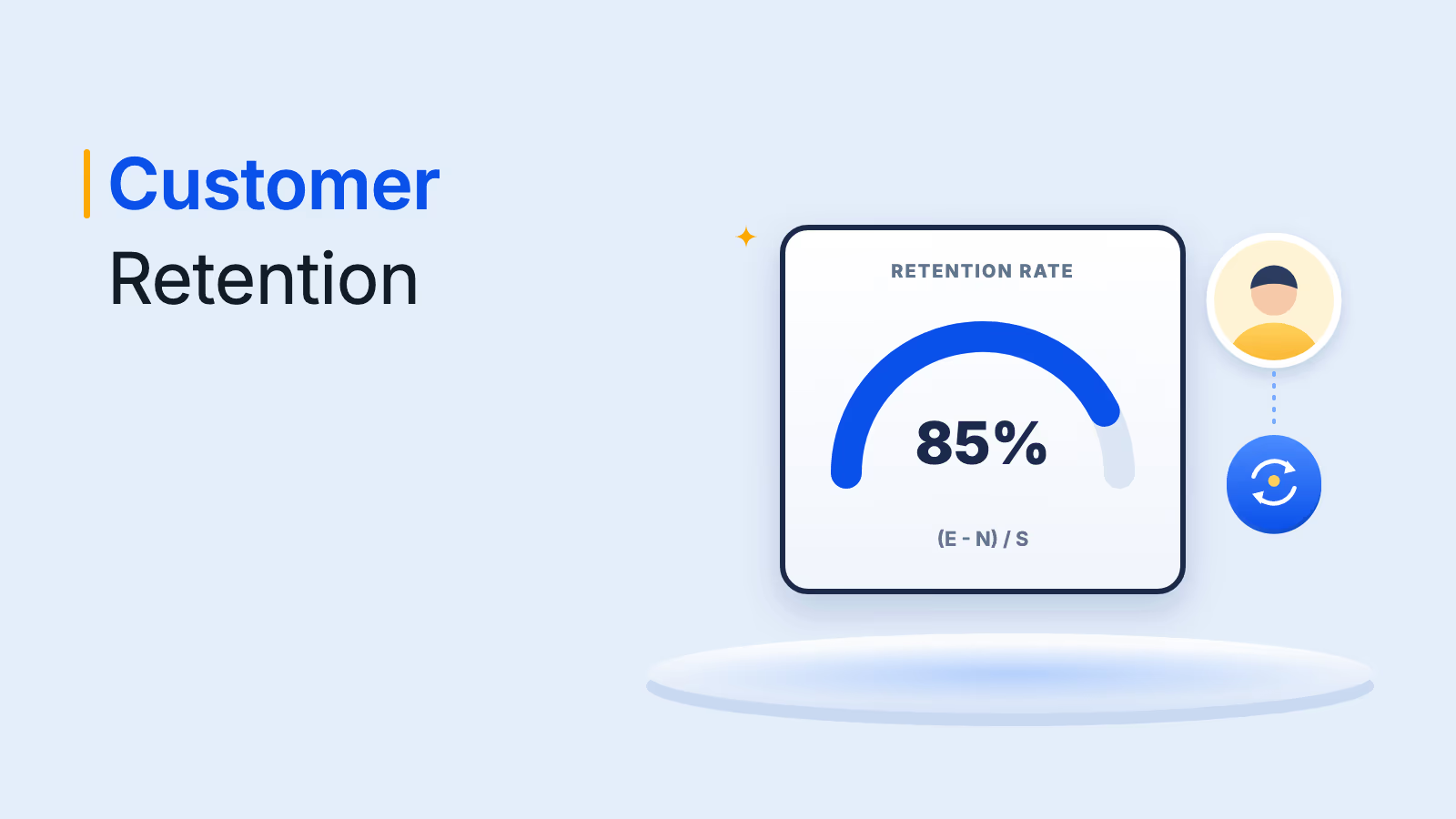
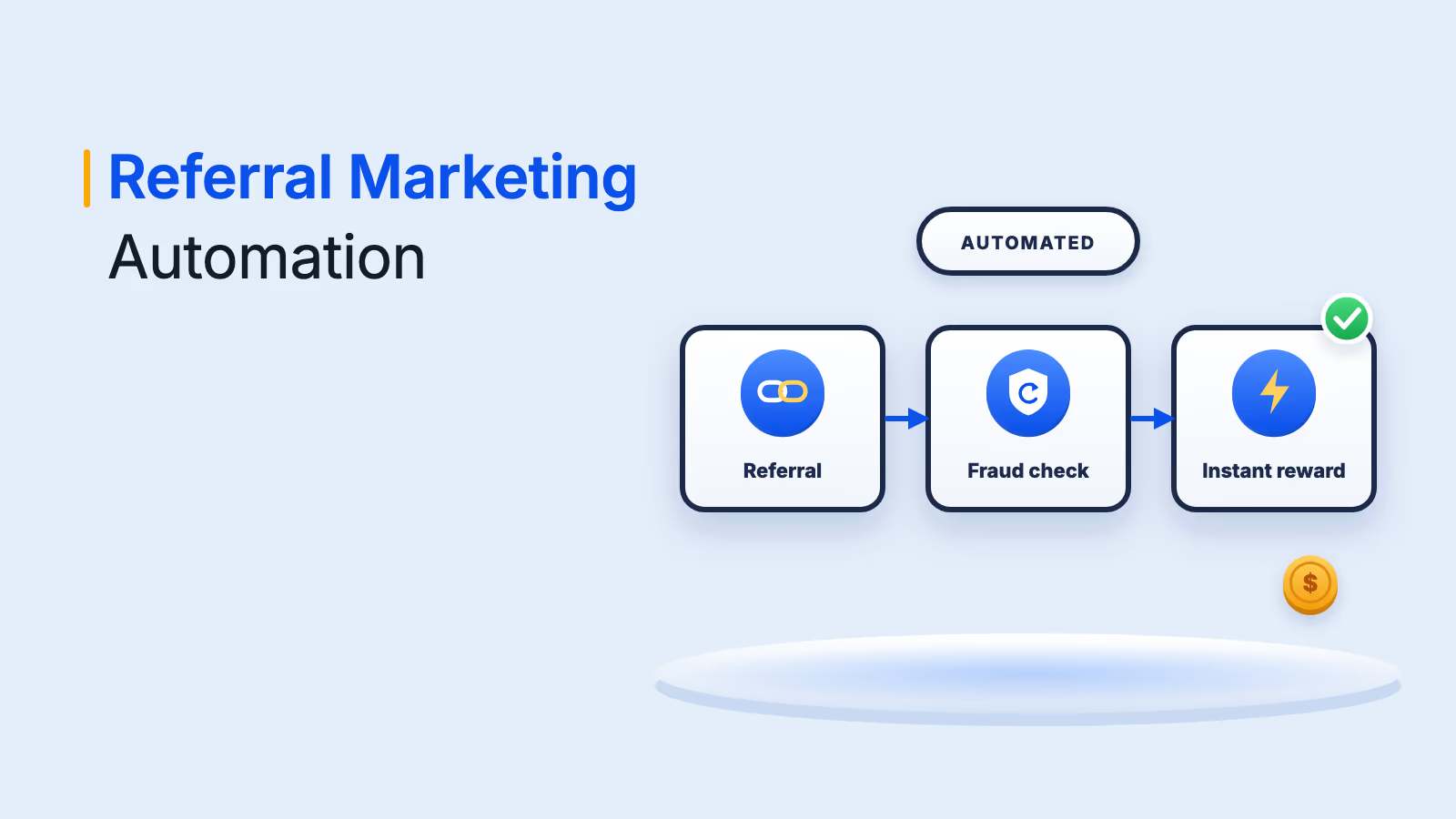
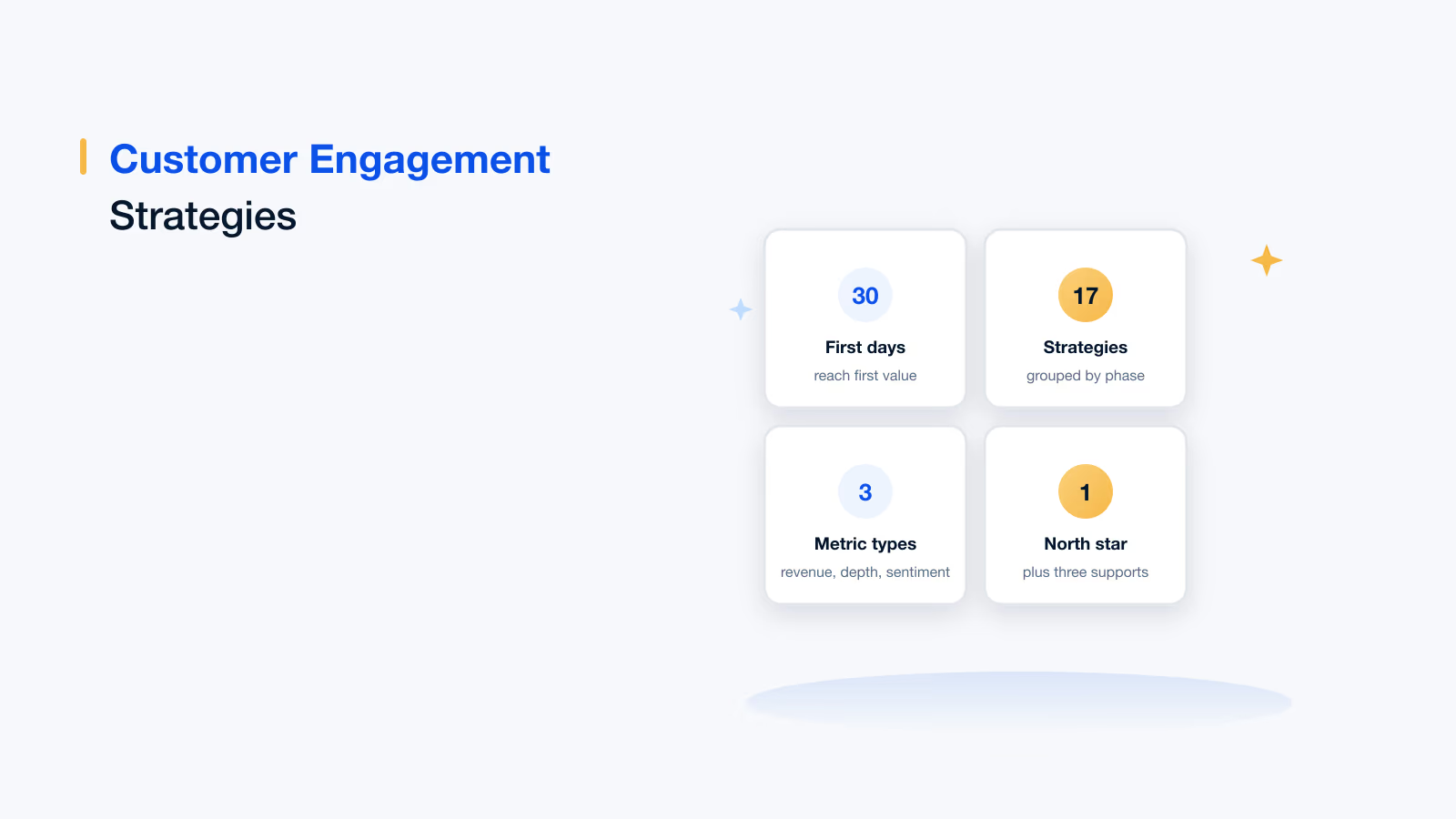
The Empuls UKG integration is a native, read-only, one-way sync from UKG Pro or UKG Ready to Empuls that runs every 24 hours.
Employee adds, changes and exits, birthdays, work anniversaries and reporting lines flow from UKG and drive recognition, celebrations and approvals automatically.
Setup needs read-only UKG API credentials, takes under 30 minutes and includes a CSV check before the first sync.
Empuls owns its rewards catalog, charges no markup on redemptions and bills rewards when employees redeem them.
AI features such as a recognition coach, skill mapping and fairness rules help UKG customers keep recognition frequent and equitable.
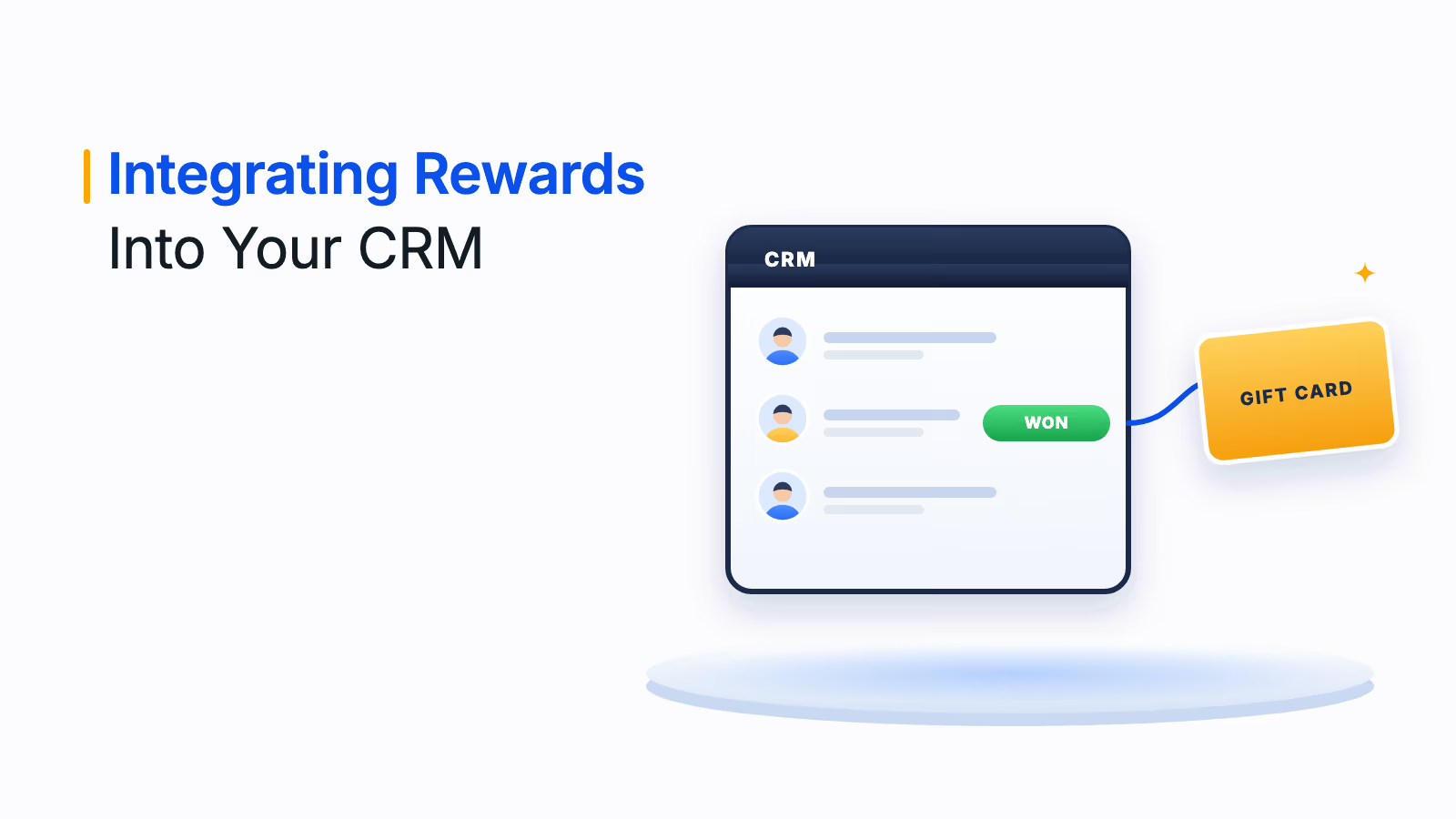
The Empuls UKG integration connects UKG Pro or UKG Ready to Empuls, so employee records, birthdays, work anniversaries and reporting lines flow in automatically and power recognition, celebrations and rewards. It is a native, read-only, one-way sync that runs every 24 hours and takes under 30 minutes to set up once you have UKG API credentials. Rewards come from an owned catalog with no markups, billed when employees redeem.
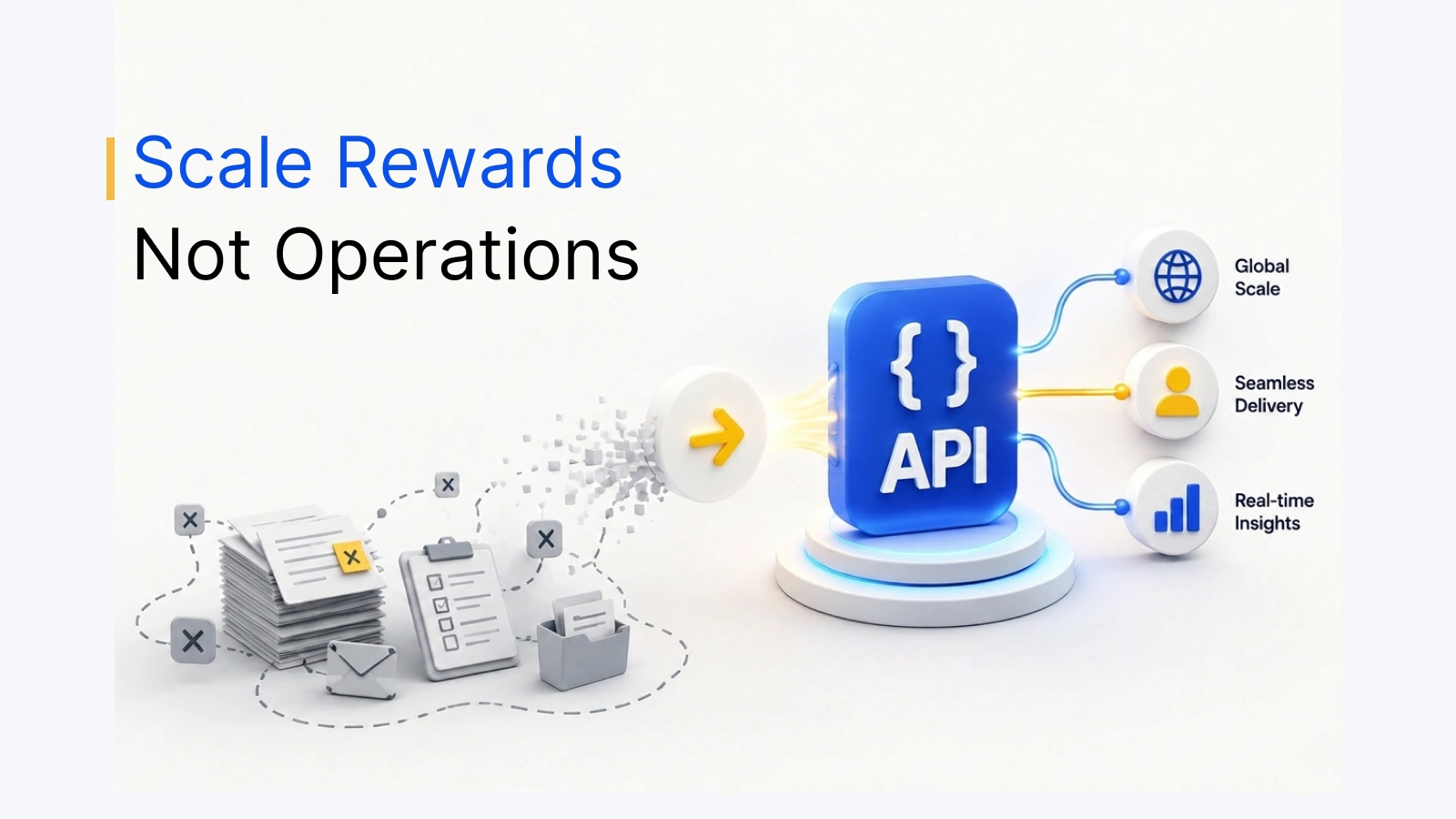
A UKG recognition and rewards integration links your UKG HR system to a recognition platform so the employee data you already keep in UKG drives who gets recognized, when milestones are celebrated and how rewards are approved and delivered. Without it, HR maintains a second employee list, misses birthdays and anniversaries, and spends time on manual uploads instead of on the program itself.
For many UKG customers, recognition and rewards programs are weighed down by markups on rewards, manual admin work and disconnected systems. Empuls removes those inefficiencies with three things: zero-markup rewards from an owned catalog, a native UKG integration for automatic data sync, and AI-powered recognition that makes appreciation timely, inclusive and measurable.
What the UKG recognition and rewards integration does
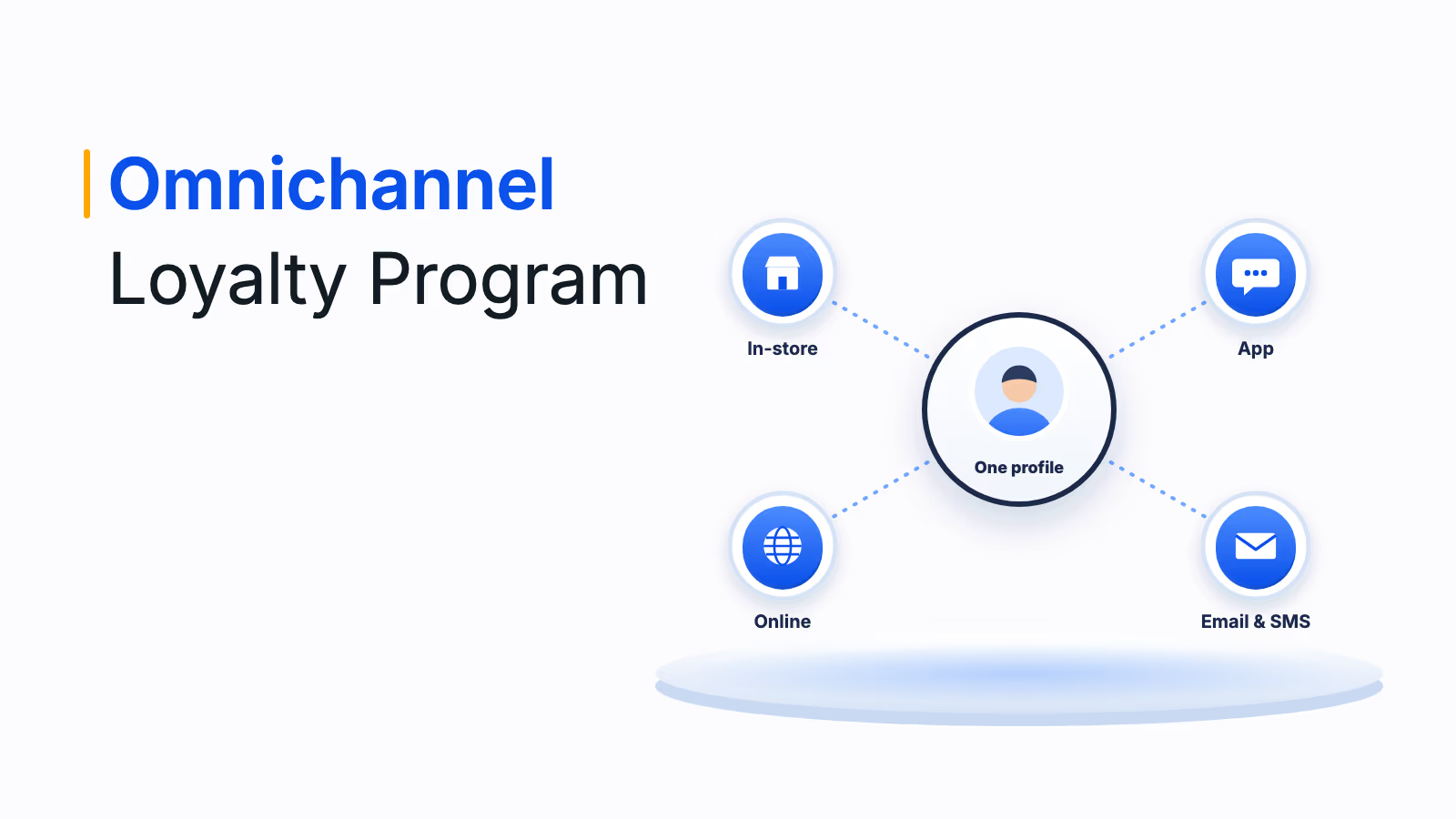
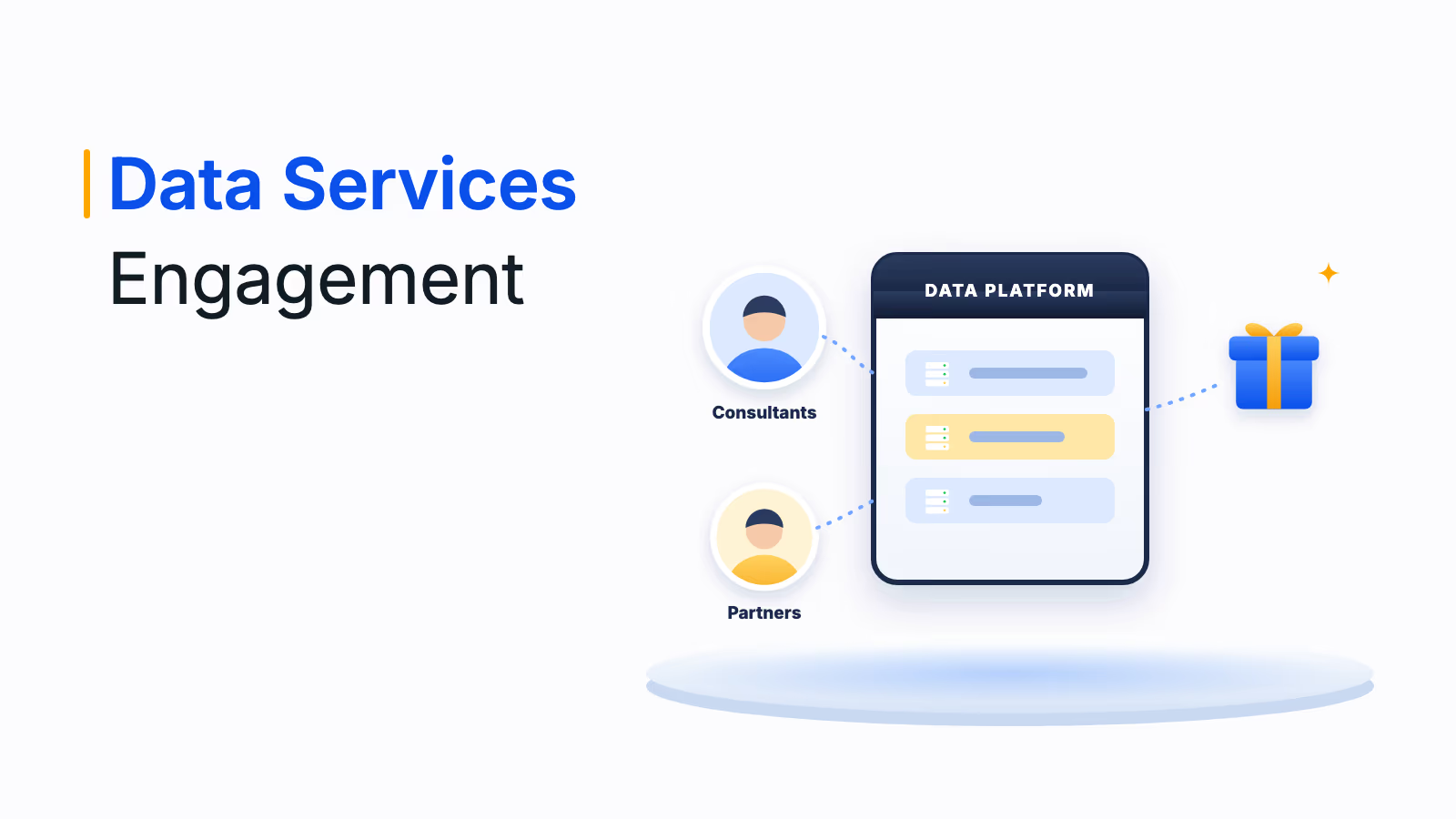
Once UKG is connected, Empuls uses the employee data already in UKG to run recognition and rewards without a second admin platform. The integration covers four areas, and the first, keeping one employee list, is the one HR teams feel immediately:
- No second employee list to maintain: Add an employee in UKG and they appear in Empuls on the next sync. Title changes, location moves and exits flow through the same way, and department, manager, location and title come with every profile.
- Celebrations and welcome moments on their own: Birth dates and joining dates come in with each profile, so birthday and anniversary messages and gifts go out on the day. Anniversary rewards can grow with each year served, and a new UKG profile can trigger a welcome flow with a Day 1 message, a starter reward or a peer-recognition prompt to a buddy.
- Recognition with the right approvers: Manager and reporting line come from UKG, so Empuls can require manager approval on high-value awards, route reward budget by team and show recognition trends by department.
- Rewards and surveys in one place: Peer-to-peer recognition, manager awards, milestone gifts, perks and a company feed all run on the same UKG-fed list, and pulse and engagement surveys segment by the department, location and tenure fields from UKG.
Full details are on the Empuls UKG integration page.
How the UKG integration works in four steps
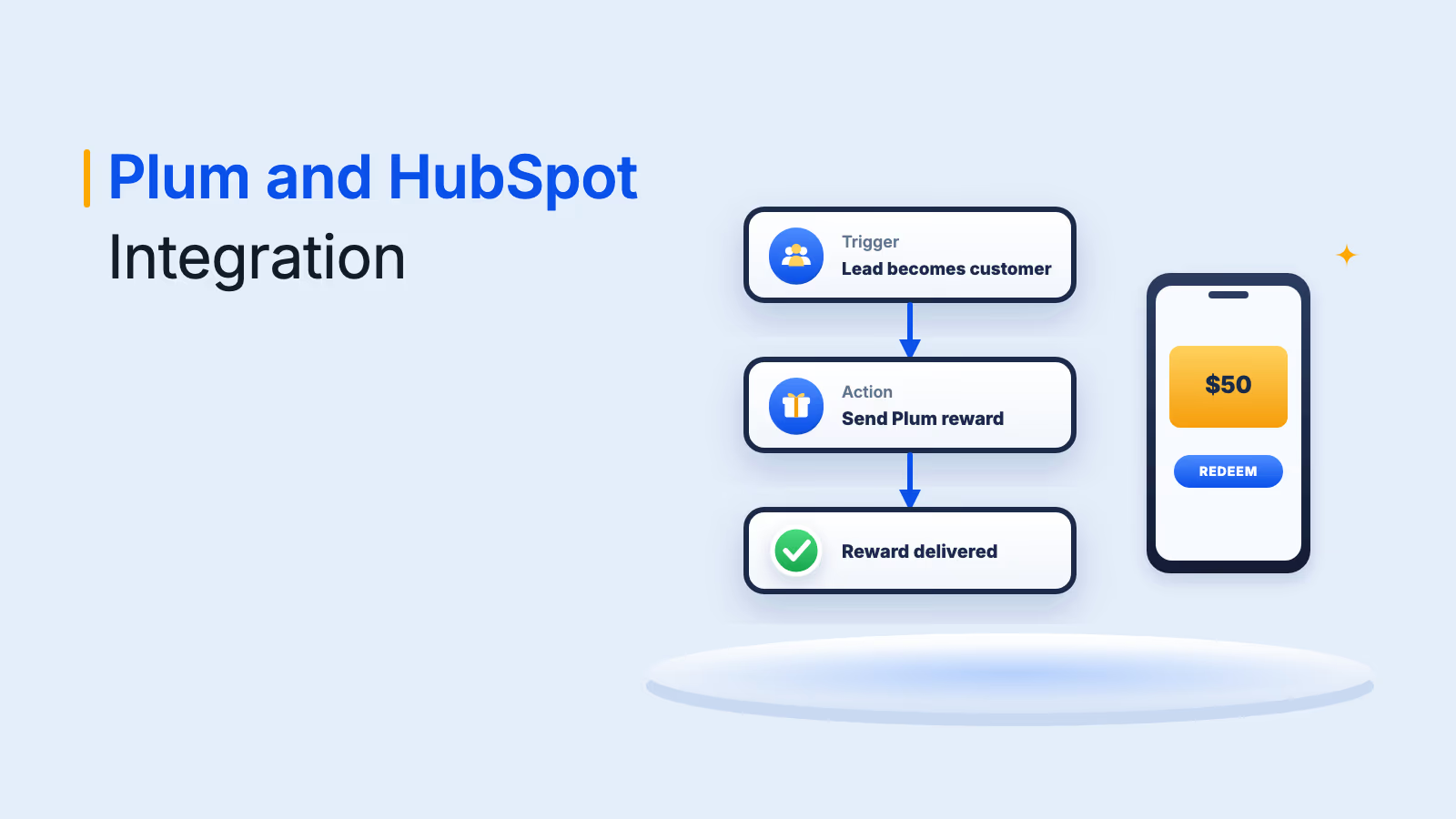
The integration follows the employee from the UKG record to a delivered reward in four steps. UKG stays the primary HR system throughout, and Empuls reads from it rather than writing back.
- Employee records sync from UKG: New hires, transfers and terminations flow from UKG to Empuls automatically, keeping Empuls profiles aligned with UKG.
- Celebrations trigger on the right day: Birthdays and work anniversaries are pulled from UKG, and Empuls sends the celebration without HR managing a separate calendar.
- Recognition follows the org hierarchy: Peer nominations and award approvals route through the reporting structure in UKG, and multi-level approvals are respected at each step.
- Rewards reach the right inbox: Reward links go to the email on record in UKG, and leavers are deactivated before any pending reward can be claimed.
UKG integration setup checklist
Use this checklist to prepare the UKG rewards integration with your HRIS and IT teams. Most of the work is gathering credentials and agreeing on field mapping, after which go-live typically takes under 30 minutes.
| Item | UKG Pro | UKG Ready |
|---|---|---|
| Integration type | Native, read-only, one-way (UKG to Empuls) | Native, read-only, one-way (UKG to Empuls) |
| Credentials needed | API username, password, key and your UKG Pro URL | API username, password, key and your Company Short Name |
| Read-only permissions | Company configuration, employee fields, person, contact, employment info, termination, export and details | Employee Information, Account and Personal Information, and Reports |
| Sync frequency | Every 24 hours, plus scheduled initial sync or manual sync from the admin console | Every 24 hours, plus scheduled initial sync or manual sync from the admin console |
| Mandatory fields | First name, official email and status | First name, official email and status |
| Optional fields | Last name, employee code or ID, grade, department, designation, date of birth, date of joining, mobile number, business unit, cost center and location | Same as UKG Pro |
| Validation | Download a CSV of the data Empuls will pull and check it before the first sync | Same as UKG Pro |
| Leavers | Removed from the active list on the next sync after the termination date or status changes | Same as UKG Pro |
Before go-live, run through these five checks so the first sync has no surprises:
- Confirm your UKG product: UKG Pro or UKG Ready decides which credentials you need.
- Create a read-only API user: Grant only the permissions listed above.
- Agree on field mapping: Map date of birth and date of joining correctly, including date format, since celebrations depend on them.
- Validate the CSV: Compare the downloaded dataset with UKG, especially emails and statuses.
- Schedule go-live with your launch: Time the first sync to match the program announcement, and use this guide to communicating the launch of an employee recognition program.
Connect UKG to recognition in under 30 minutes
See how your UKG Pro or UKG Ready data can power celebrations, approvals and no-markup rewards in Empuls.
Talk to our ExpertTrusted by 5,000+ companies
The cost advantage: no markups and pay on redemption
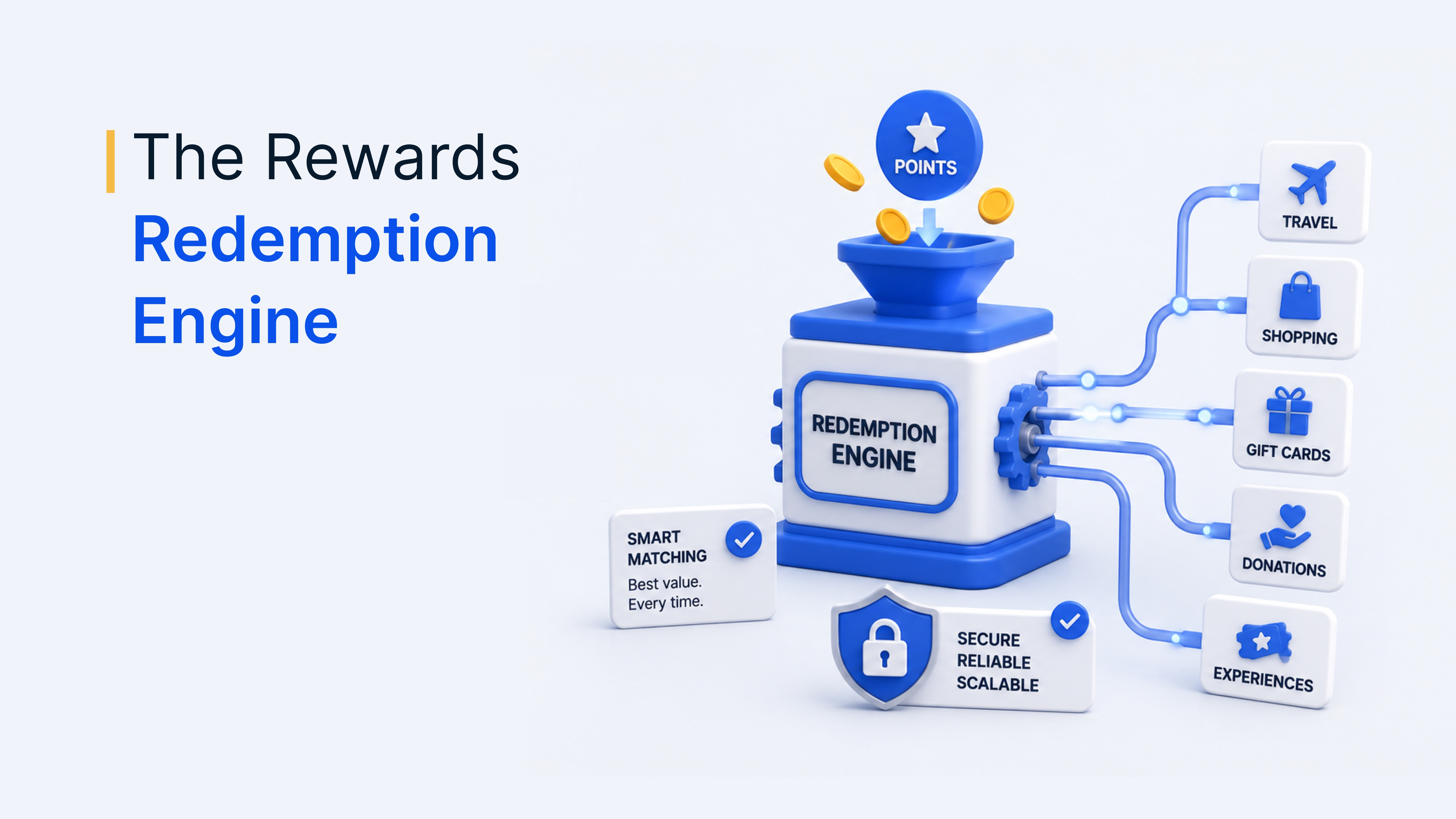
Some recognition and rewards platforms add a markup on top of the face value of rewards, which inflates program cost without improving the employee experience. Empuls takes a different approach: it owns and operates its rewards catalog directly, with no middlemen and no markup on redemptions.
Savings grow with Empuls's pay-on-redemption model. Instead of pre-purchasing rewards or points that may go unused, reward spend is tied to actual employee redemptions, so budget is not locked away and unused points do not quietly disappear. For UKG customers, that means:
- Zero markups: Rewards from the owned catalog at no markup on redemptions.
- Pay on redemption: You pay for rewards when employees redeem them, not upfront.
- Transparent, modular pricing: You pay for what you use. See Empuls pricing for plan details.
Recognition in the flow of work, beyond UKG
The UKG sync keeps data current, and Empuls's other integrations make sure employees can recognize each other wherever they already work. That combination reduces friction for employees and frees HR from repetitive admin tasks.
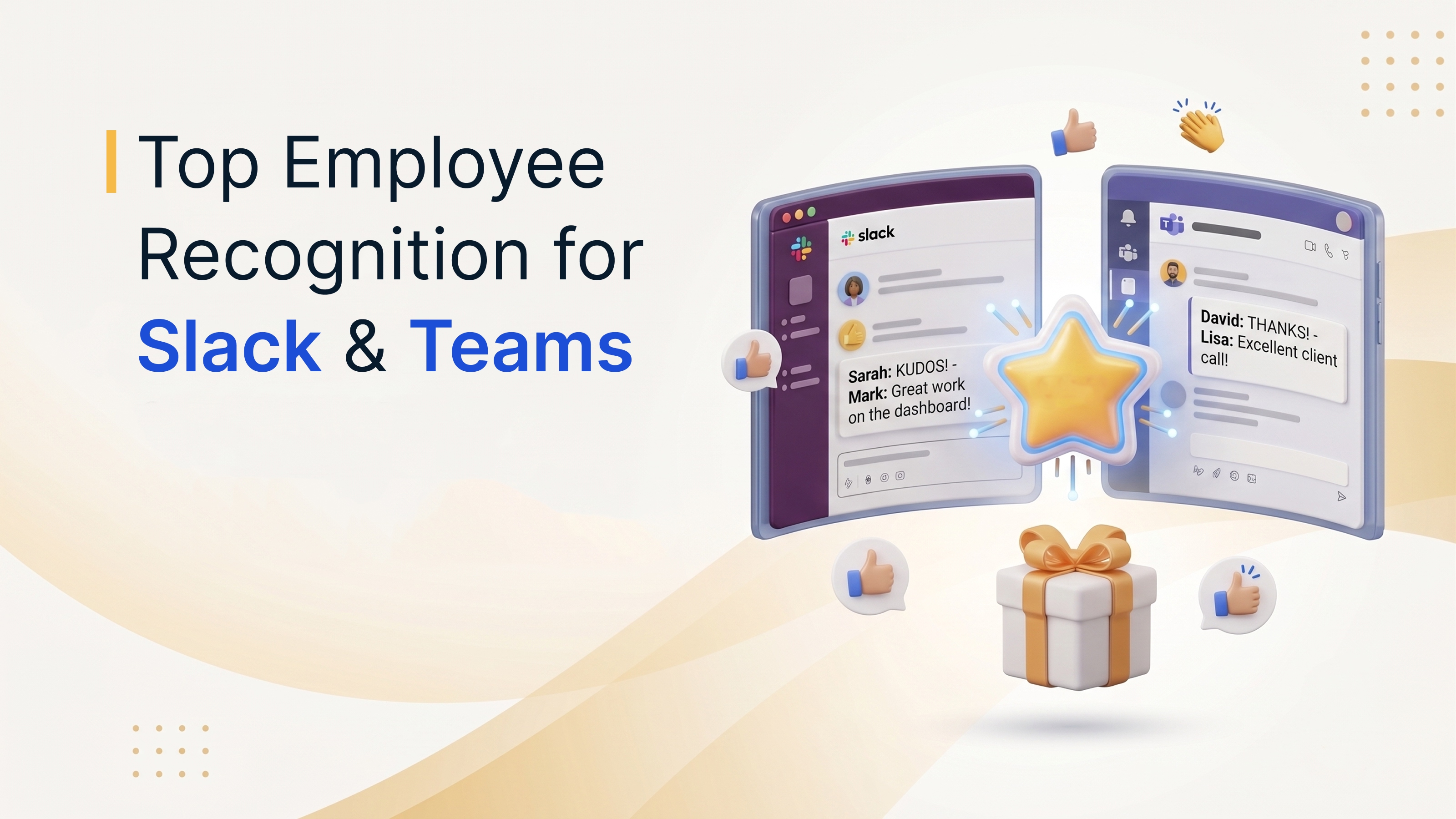
- Slack and Microsoft Teams: Recognize, reward and engage without leaving your collaboration tools. Read more about Empuls for Microsoft Teams.
- Single sign-on: Employees access Empuls with the same credentials they use for other corporate apps.
- Mobile app for iOS and Android: Recognition, redemption and engagement on the go, including for deskless employees.
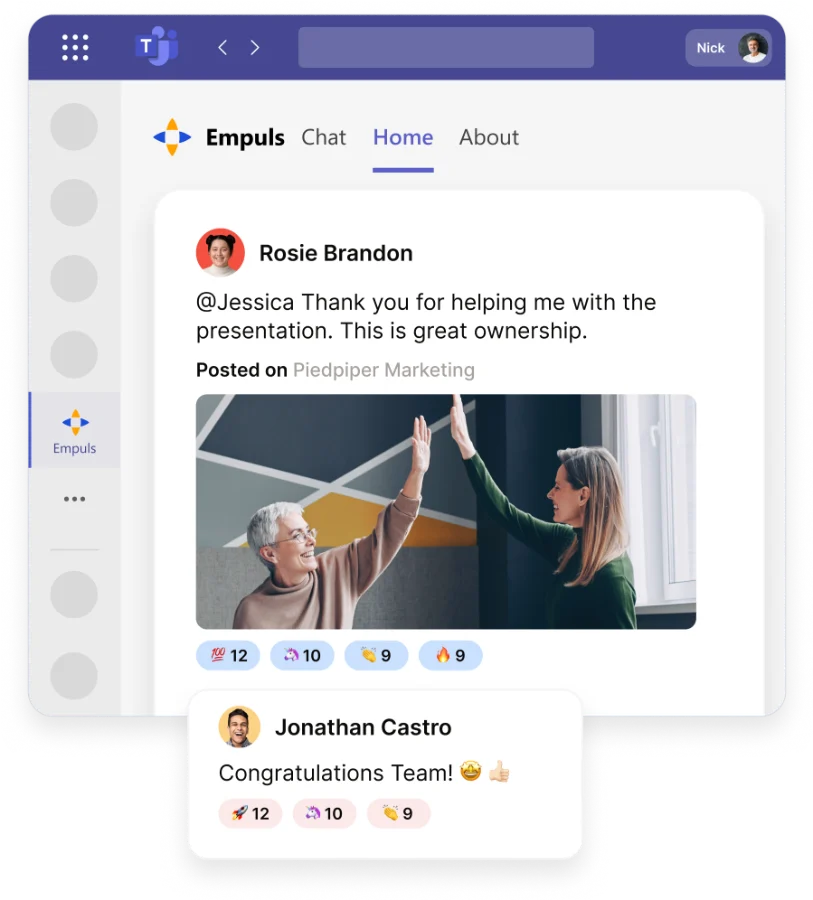
For a wider view of how recognition tools connect to chat and HR systems, see this guide to employee recognition software integrations with Slack, Teams and HRMS.
UKG employee recognition for every occasion
Empuls helps UKG customers deliver meaningful, structured recognition across the organization, from welcoming a new hire on day one to celebrating a 20-year career milestone. These are the award formats and celebration tools that run on your UKG data:
- Multiple award types: Monetary and non-monetary awards, spot awards, peer-to-peer and manager recognition, team and individual awards, and milestone and service awards.
- Award campaigns and jury programs: Structured award campaigns with nominations, evidence, jury panels and fairness rules make bigger awards consistent and transparent.
- Service awards and Yearbook: Service awards honor each work anniversary, and Empuls auto-generates a personalized Yearbook with the employee's profile, peer wishes and the recognition they received.
- Wishboards: Collaborative boards collect welcome messages, congratulations, GIFs and videos for start dates and other milestones.
- Wall of Fame: Spotlight achievers across departments on the social feed, in real time.
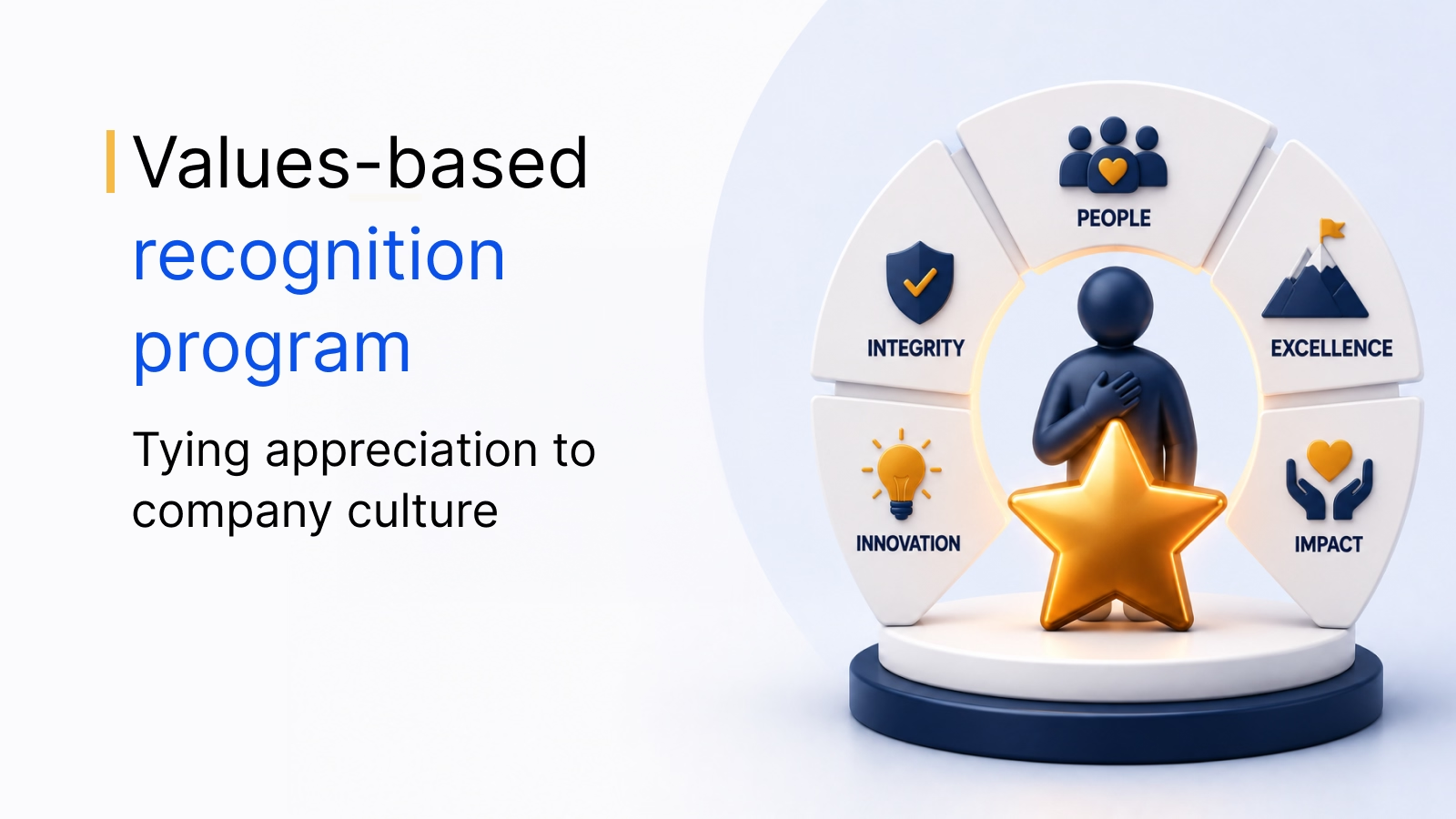
To decide what each award should reinforce, use this list of employee behaviors to recognize.
AI-powered insights that keep recognition fair
Empuls goes beyond recording recognition and actively analyzes it so no one is left behind. That matters because good recognition is rare: in 2024 Gallup and Workhuman research, only 22% of employees said they get the right amount of recognition, while well-recognized employees were 45% less likely to have left after two years.
- AI recognition coach: Recommends who to appreciate next, surfacing teammates you have not recognized in a while, with context for why each is worth appreciating now.
- AI-assisted messages: Turns a few words into a polished recognition message in the tone you choose.
- AI skill mapping: Turns the language of everyday recognition into a soft-skills map for your organization, with no extra surveys or assessments.
- Fairness rules and anomaly alerts: Award governance blocks reciprocal awards, duplicates and over-recognition, and admins get proactive alerts on unusual award activity.
- AI insights chat: Ask for recognition trends, team reports, budget usage and redemption stats in plain language.
Explore these capabilities on the Empuls AI page, and read how to prevent bias in recognition programs.
A global rewards experience for UKG customers
With Empuls, UKG customers can offer rewards that match the scale and diversity of their workforce, without managing multiple vendors or geographies. Employees in Boston, Bangalore or Berlin get the same experience with rewards that are relevant where they live.
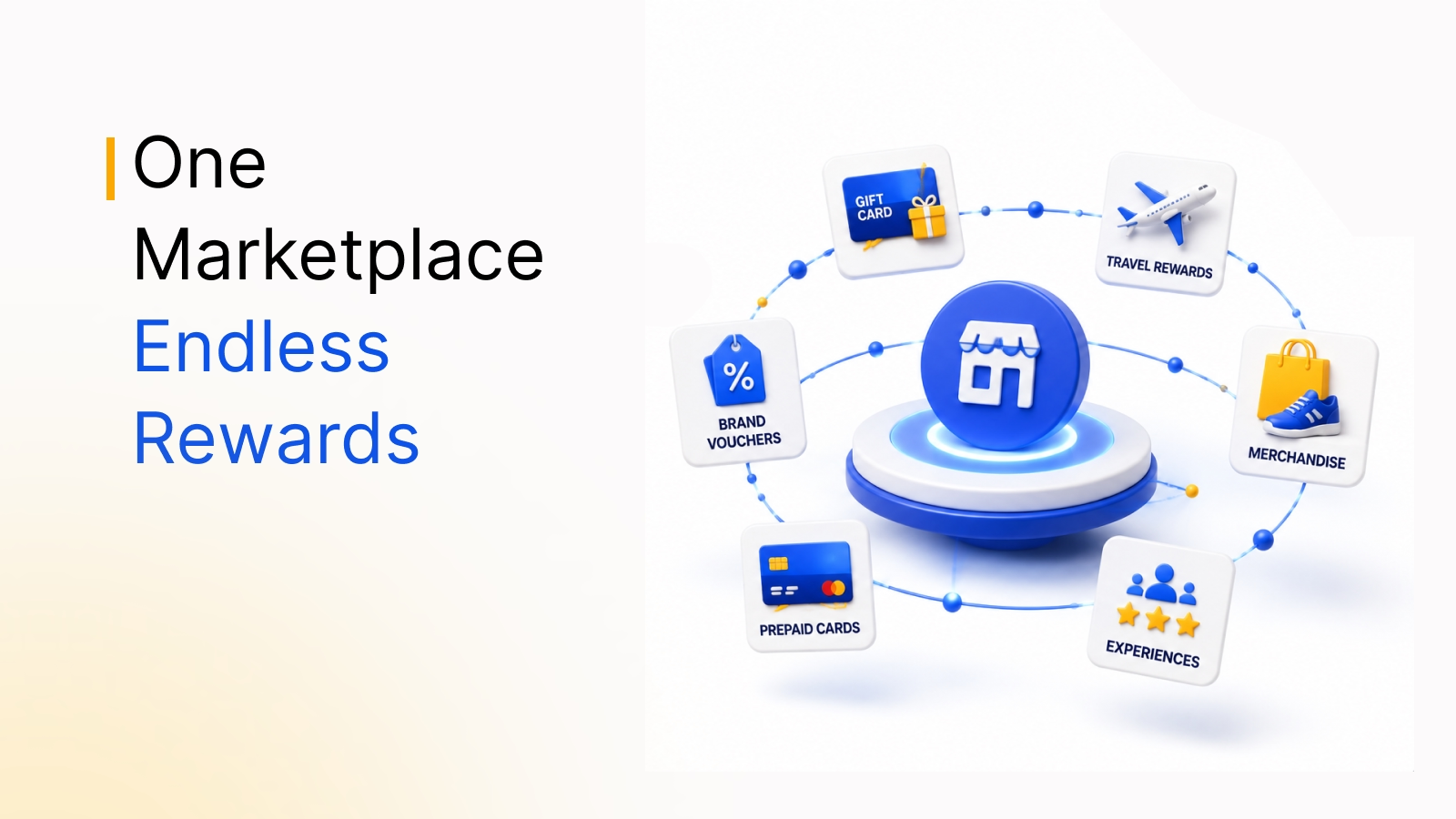
- Global catalog: 10M+ reward options across 100+ countries, including gift cards, experiences, merchandise, travel and charitable donations, in local currencies.
- Localized experience: The platform supports 20+ languages.
- Enterprise-grade security: Empuls is SOC 2 Type II certified and ISO 27001:2022 compliant, and supports GDPR.
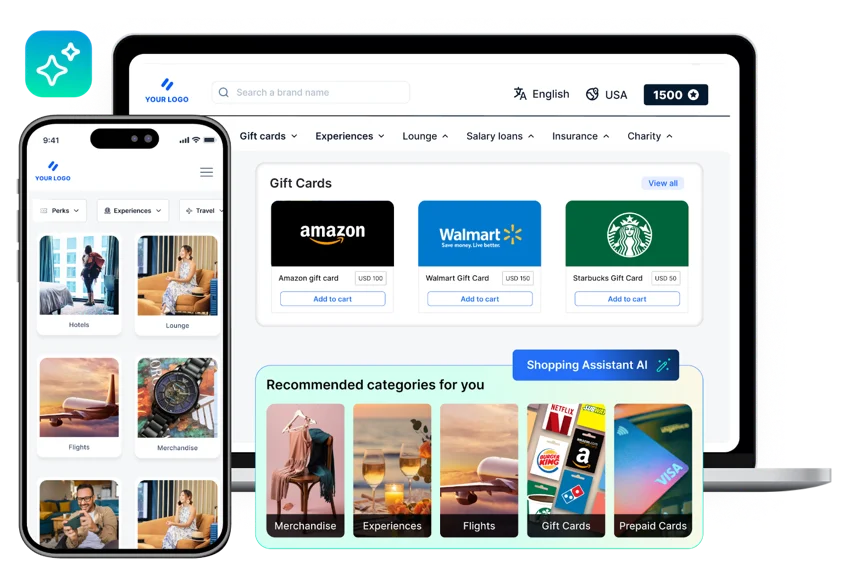
How Empuls helps UKG customers build a recognition culture
For UKG customers, Empuls is more than a recognition platform. It is a complete, AI-powered engagement layer on top of the HR data you already trust, with zero-markup rewards, a native UKG Pro and UKG Ready integration, AI-driven fairness insights and a global rewards catalog.
If you are comparing recognition software for UKG, check how each option handles sync, approvals, reward markups and fairness. For HR leaders, Empuls means less admin and more time for strategy. For employees, it means feeling seen, valued and rewarded. Explore Empuls recognition, see every Empuls integration and, for the habits that make recognition last, read about creating a culture of recognition.
Book your Empuls demo
Frequently asked questions
Yes. Empuls has a native integration with both UKG Pro and UKG Ready. They use slightly different credentials, since UKG Pro uses your UKG Pro URL and UKG Ready uses your Company Short Name, but the integration model, sync cadence and capabilities are the same for both products.
UKG data syncs with Empuls automatically every 24 hours. You can also schedule the initial sync or trigger a manual sync from the admin console. New hires, transfers, title and location changes and exits are picked up on the next sync, so employee profiles in Empuls stay aligned with UKG.
The integration syncs first name, last name, official email, employee code or ID, grade, department, designation, date of birth, date of joining, mobile number, business unit, cost center and location. First name, email and status are mandatory. Date of birth and date of joining drive automatic birthday and work anniversary celebrations.
No. The sync is one-way, from UKG to Empuls. UKG remains where employee data lives and Empuls reads from it using read-only permissions. Recognition, reward and survey activity captured in Empuls stays in Empuls and is not written back to UKG.
The integration needs only read-only UKG permissions. For UKG Pro, that covers company configuration, employee fields, person, contact, employment info, termination, export and details. For UKG Ready, it covers Employee Information, Account and Personal Information, and Reports, along with an API username, password and key.
Setup takes under 30 minutes once your UKG API credentials are available. After field mapping, you download a CSV of the data Empuls will pull and validate it against UKG before the first sync. Go-live can be scheduled to match your recognition program announcement.
When the termination date or status changes in UKG, Empuls removes the employee from the active list on the next sync. Leavers are deactivated before any pending reward can be claimed, so you do not have former employees showing as active or redeeming rewards after they leave.