Key Takeaways
Replace Excel for commission calculation when complex plans, sharing needs, stale data, nested formulas or team size outgrow what a spreadsheet can control.
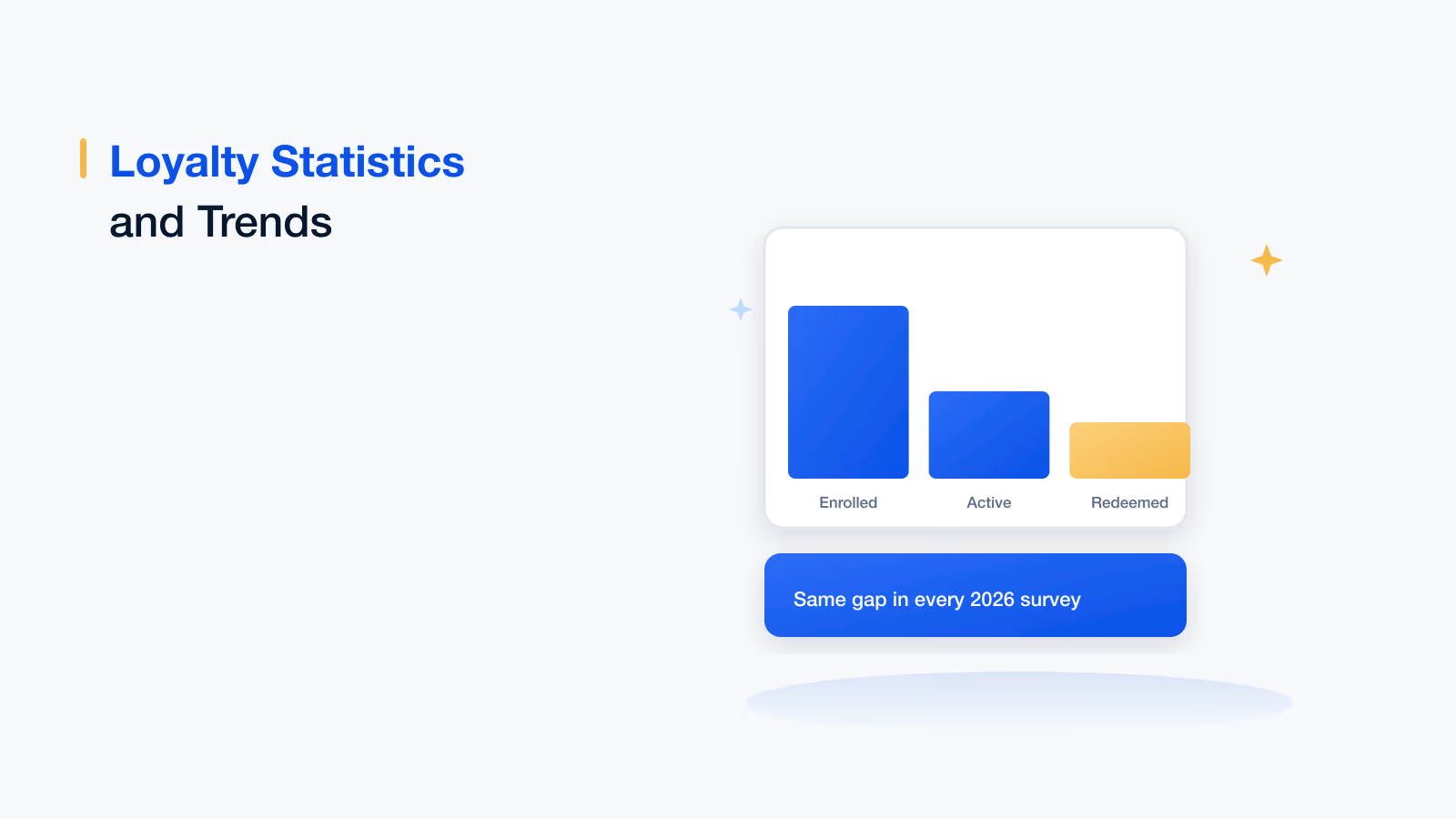
In 2026, 60% of B2B software companies still ran commissions on homegrown spreadsheets, and 64% of companies reported a payout error in the past year.
ASC 606 commission accounting requires each commission to stay tied to its contract and amortization schedule, which is fragile in a spreadsheet.
The true cost of Excel includes operations and finance hours, unrecovered payout errors and time spent answering rep questions.
A parallel run of at least one full cycle is the safest way to move commissions from Excel to software without disrupting payouts.
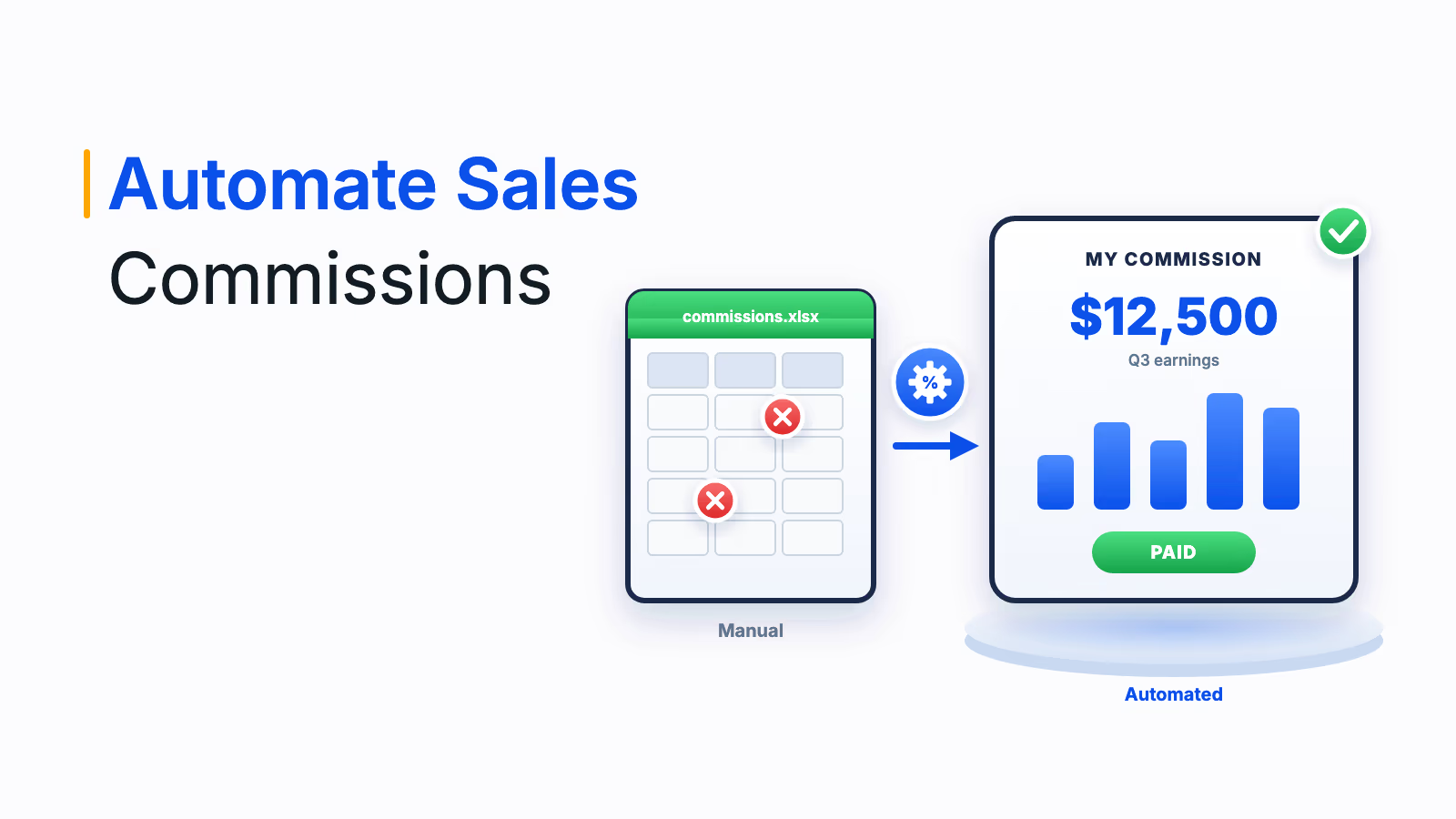
You should replace Excel for commission calculation when your plans, team or data sources grow beyond what one spreadsheet can control. The five clearest reasons are complex SaaS and ASC 606 scenarios, files that cannot be shared safely, no real-time visibility, plan logic that turns into nested formulas, and workbooks that do not scale. Commission software solves all five by reading deal data from your CRM, applying every rule the same way and routing each payout through approval to payroll.
Replacing Excel for commission calculation means moving commission data, plan rules, calculations, approvals and payouts out of spreadsheets and into dedicated commission calculation software connected to your CRM, HR and payroll systems. This post explains the Excel commission calculation problems that matter most, compares Excel with commission software, gives you a worksheet to estimate what Excel really costs, and shows how Empuls takes over the job.
The real cost of running commissions in Excel
When Microsoft launched Excel in 1985, it changed how businesses handled calculations and record-keeping, and it is still the most flexible analysis tool most teams own. But flexibility is not control. Many companies, SaaS businesses in particular, still run commissions worth millions a year in spreadsheets, and the results are often a mix of errors and confusion that leaves reps, managers and finance unsure how a number was reached.
Recent research puts numbers on the problem. Everstage's 2026 study of 400+ RevOps and sales compensation leaders at US and UK B2B software companies found that 60% still run commissions on homegrown spreadsheets, that 25% to 40% of senior operations and finance time goes to the commission cycle, and that only 1 in 5 commission numbers in an organization is the official one; the rest live in shadow trackers. CaptivateIQ's 2026 State of Incentive Compensation Management Report, a survey of 200 compensation leaders, adds the accuracy side:
60%
of companies
still run commissions on homegrown spreadsheets (Everstage)
64%
of companies
had a payout error in the past year (CaptivateIQ)
40%
of companies
doubt commissions are calculated accurately or on time (CaptivateIQ)
25% to 40%
of senior ops and finance time
goes to the commission cycle (Everstage)
Excel commission calculation problems by the numbers, 2026
Reps feel it too. Salesforce's State of Sales research, a 2024 survey of 5,500 sales professionals in 27 countries, found reps spend 70% of their time on non-selling tasks. Rebuilding your own commission in a personal spreadsheet to check the official one is exactly the kind of work that should not exist.
5 reasons to replace Excel for commission calculation
The five reasons below are ordered from the problems that appear first, as plans get more complex, to the structural limit that eventually stops every spreadsheet: scale. If even two of them describe your team, the spreadsheet is already costing more than it saves.
1. SaaS and ASC 606 commission scenarios are hard to manage in Excel
Sales compensation in a SaaS business is complicated. Spreadsheets offer flexibility, but they fall short when you need to track multi-year deals, renewals, upsells, ramped contracts and commission structures across many reps and hierarchy levels. Mid-term plan changes, bonuses and overlapping incentive programs make it nearly impossible to keep the detail commission management needs.
Accounting raises the stakes. Under ASC 606 and its cost guidance, ASC 340-40, US companies generally capitalize the incremental costs of obtaining a contract, such as sales commissions, and amortize them over the period the contract benefits, unless that period is a year or less. That means tying every commission to its contract, amortization schedule and any later clawback, which is fragile in a spreadsheet that someone edits every month.
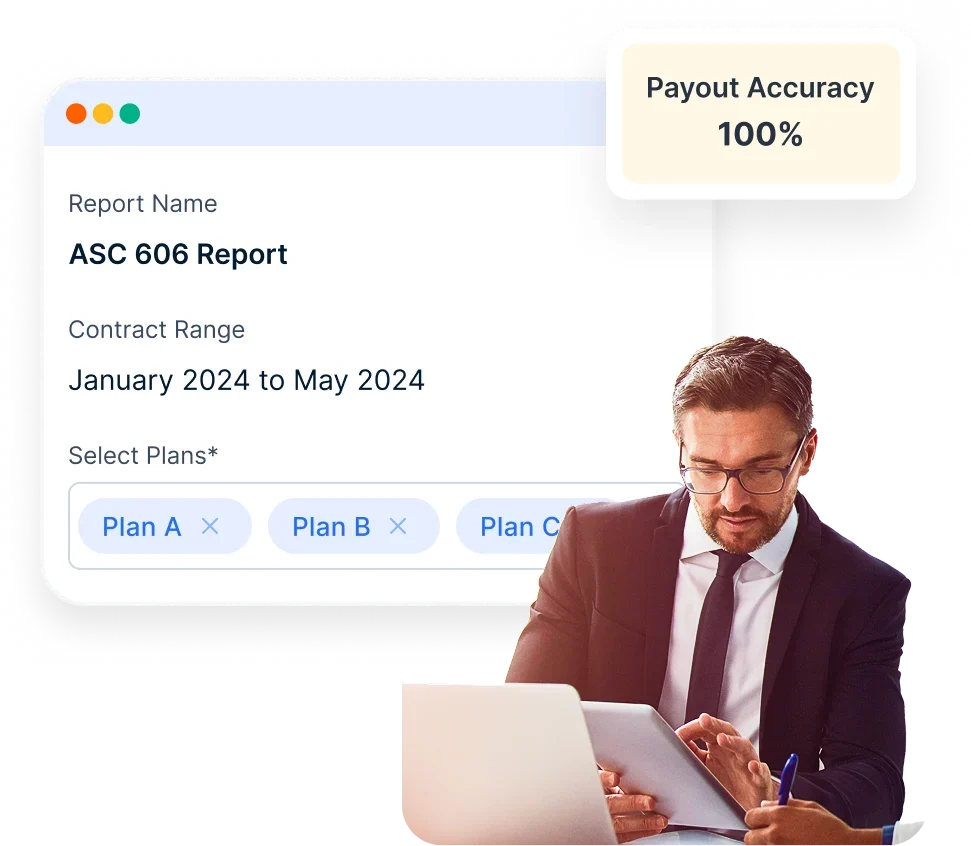
Commission software keeps those links intact. Empuls, for example, keeps commission records and a full audit trail that support ASC 606 commission accounting, so finance can trace every amount to its contract and plan. Paying commission in line with recognized or collected revenue also helps prevent overpayment, and reps can see their earnings, and any clawbacks, in real time.
2. Commission spreadsheets are not sharable
What do you mean it is not shareable? Just attach it to an email. That works for a small team, but not when hundreds or thousands of employees need the same data. Imagine your sales force mapped against 15 different incentive plans, with team leaders who should see their own team's incentives and no one else's. A spreadsheet cannot be divided so that each person sees only what they should, and emailing pay data around is a privacy risk in its own right.
Commission software solves this with role-based access. Reps see their own earnings, managers see their teams, and finance and leadership see the whole picture, all from one source of truth instead of dozens of file copies.
3. Excel has no real-time visibility
Microsoft has made Excel more connected, but for commission work it remains a disconnected system. Companies need current data from CRM, ERP, HRMS and payroll, and pulling all of it into one spreadsheet for real-time updates is close to impossible.
In practice, teams cut and paste data from each system into Excel, then clean and normalize it before running commissions. The process is slow and error-prone, and by the time statements go out, the numbers are weeks old. Reps cannot see where they stand mid-cycle, so they cannot act on it, and they fill the gap with shadow spreadsheets and payout questions.
4. Excel is not built for incentive logic
Excel is a two-dimensional blank canvas. It handles arithmetic well, but commission plans are layers of logic: tiers, accelerators, splits, overrides, draws, clawbacks, caps and eligibility rules. To get one payout you end up with 10, 20 or more nested IFs and lookups, and if one of those 20 is wrong, the payout is wrong, often without anyone noticing until a rep does.
Commission software turns that logic into configuration. Each rule is defined once, in plain terms, and applied the same way to every rep and every cycle. For the common Excel fixes that buy time before you switch, see this guide to incentive calculation in Excel.
5. Excel is not designed for scale
Even with cloud storage and co-authoring, Excel is not a commission system. It is effectively a functional programming language and a small database in one, which works when data sets are small and the logic is mostly math. As complexity grows, teams start building software inside a spreadsheet, and that creates technical debt: workbooks no one fully understands, slow recalculation and fixes that break something else.
Scale also creates key-person risk. Everstage's 2026 research found that one or two senior operators typically hold the entire compensation operating model. When the person who built the workbook goes on leave or leaves the company, the payout process is at risk. Excel remains a strong tool for analysis and simple calculations, but it cannot safely support large commission programs or complex structures.
Ready to retire your commission spreadsheet?
See your own plan running in Empuls, from CRM data to payroll, with no formulas to maintain.
Talk to our ExpertTrusted by 5,000+ companies
Excel vs commission software: a side-by-side comparison
The table compares how Excel and dedicated commission calculation software handle the jobs that matter in a commission cycle. It is the quickest way to show finance and sales leadership why the switch pays off:
| Job in the commission cycle | Excel | Commission software such as Empuls |
|---|---|---|
| Getting deal data | Exports, copy and paste, manual cleanup | Direct connections to CRM, ERP and HRMS, validated on the way in |
| Applying plan rules | Nested formulas maintained by one or two people | No-code rules for tiers, splits, overrides, draws and clawbacks |
| Changing a plan mid-cycle | Edit formulas and re-test the workbook | Edit the plan and run the calculation again; metrics in live plans are protected |
| Approvals | Email threads and sign-off columns | Multi-level approvals with escalation when an approval stalls |
| Audit trail | Limited version history, no approval record | Every plan change, calculation run, approval and payout logged |
| Rep visibility | Statements weeks after period close | Real-time earnings and attainment on web and mobile |
| Payouts | Re-keyed into payroll or bank files | Pushed to payroll, or paid by bank transfer, UPI or rewards in 50+ currencies |
| ASC 606 records | Separate schedule maintained by hand | Commission records and audit trail that support ASC 606 |
| Scale and continuity | Slows down and depends on the workbook's author | Runs for large sales teams and many plans, without depending on one person's workbook |
Excel commission cost worksheet
Before you build the business case, estimate what running commissions in Excel costs you today. Fill in your own numbers in the right-hand column; the example uses a team of 40 reps with $2,000,000 in annual commission spend:
| Cost line | How to calculate it | Example | Your number |
|---|---|---|---|
| Operations and finance time | Hours per month × loaded hourly cost × 12 | 60 hours × $75 × 12 = $54,000 | ______ |
| Payout errors not recovered | Annual commission spend × share paid in error and not recovered | $2,000,000 × 2% (assumed) = $40,000 | ______ |
| Handling rep questions | Reps × questions per rep per month × hours per question × hourly cost × 12 | 40 × 1 × 0.5 × $75 × 12 = $18,000 | ______ |
| Total annual cost of Excel | Sum of the lines above | $54,000 + $40,000 + $18,000 = $112,000 | ______ |
The worksheet leaves out harder-to-price costs, such as reps leaving over payout distrust, slower plan changes and the risk of losing the one person who understands the workbook. For a fuller estimate with benchmarks, use the sales incentive ROI calculator.
Why Empuls is the right replacement for Excel
Empuls includes enterprise sales incentive and commission software that covers the whole cycle Excel cannot: data, plans, calculations, approvals, payouts and visibility for every role. Five strengths make it a practical replacement for commission spreadsheets.
1. Robust maintainability
Large commission platforms often bring high setup and maintenance costs, and many customers end up depending on the vendor for every change. With Empuls, admins build and edit plans themselves in the no-code plan builder; only a few advanced setups, such as cascading plans, are switched on by the Empuls team on request. Metrics already used in a live plan are protected from edits, so past results stay consistent, and most enterprise teams go live in 4 to 8 weeks.
2. Scalability
Empuls connects to CRM, ERP and HRMS systems such as Salesforce, HubSpot, SAP SuccessFactors and Oracle, as well as data lakes and file uploads, and turns each connection into the metrics your plans run on. Multi-tier, multi-rule logic runs at enterprise scale: Mahindra Finance runs incentives for 20,000+ sales professionals across 12 lines of business on the platform, with 99% faster incentive processing, as shown on the Empuls sales incentives overview. Calculations run in local currency, and payouts go out in 50+ currencies across 150+ countries.
3. No-code is the right move
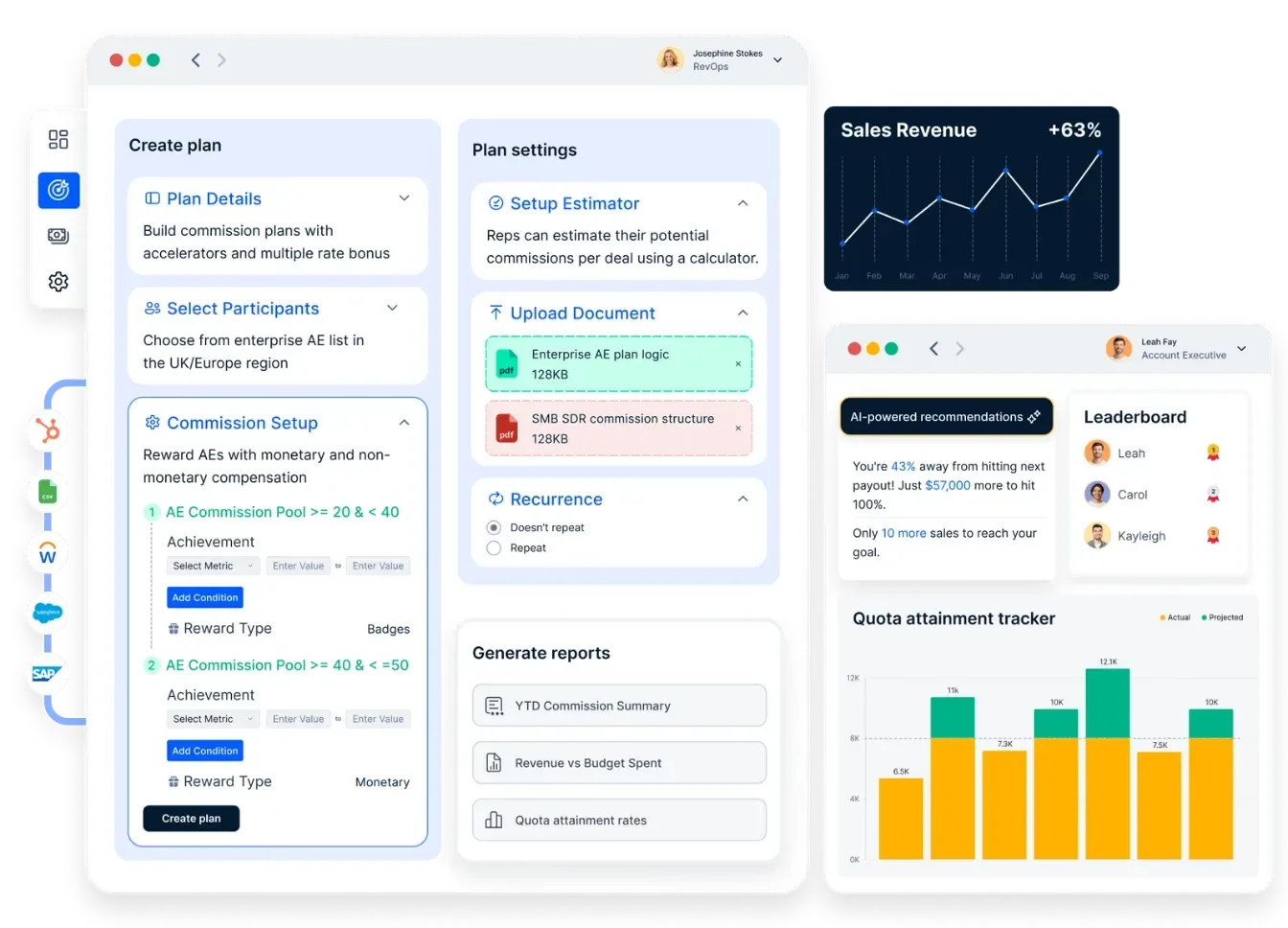
The low-code and no-code movement lets knowledge workers build powerful solutions without engineering resources, the same shift that made workflow automation and business apps mainstream. Empuls brings it to commissions. Sales operations configure commission, target and milestone plans with fields, functions such as MAX, FLOOR and ROUND, and IF, THEN and ELSE logic, and an estimator shows the payout impact before a plan goes live. Splits, roll-ups, overrides, draws and clawbacks run in the same engine as every other plan.
4. Approvals, payouts and compliance in one flow
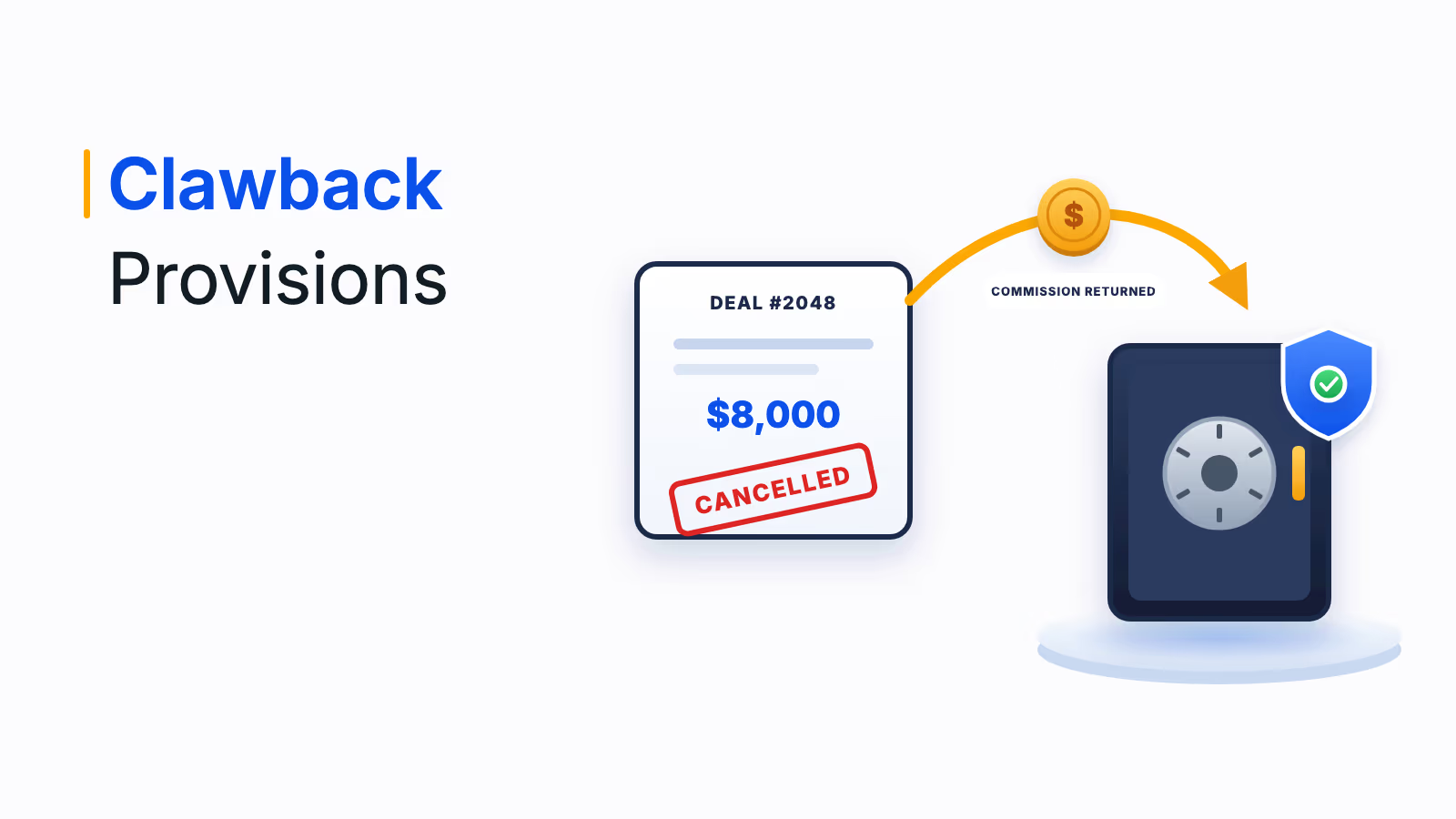
Approved commissions flow straight into payroll systems such as ADP, Workday and SAP SuccessFactors, with no exports, re-keying or reconciliation. Approval levels can be set separately for plan activation, reports, earnings and escalations, anomaly checks run before any approval, and clawbacks are calculated from incentives already paid and sent to admins to approve or deny. Regional tax logic is applied in the payout, and every step is logged for audit.
5. Visibility and AI for every role
Sales professionals see attainment and earnings in real time, with plain-language answers to earnings questions and nudges that show how close they are to the next milestone. Administrators get AI for sales incentives that recommends plan changes and flags overpayment risk before a payout batch, while managers and leadership see attainment, payout trends and incentive spend by team, region or plan.
The results are visible within a quarter. CarDekho replaced 15 years of manual commission calculations and email-based reporting with real-time incentive visibility and saw gains in program adoption, qualifiers and payouts in under 100 days, as the CarDekho case study describes. Mercedes-Benz India reached 99.9% calculation accuracy across 33 franchises, as described in the Mercedes-Benz India case study.
How to move commissions from Excel to Empuls
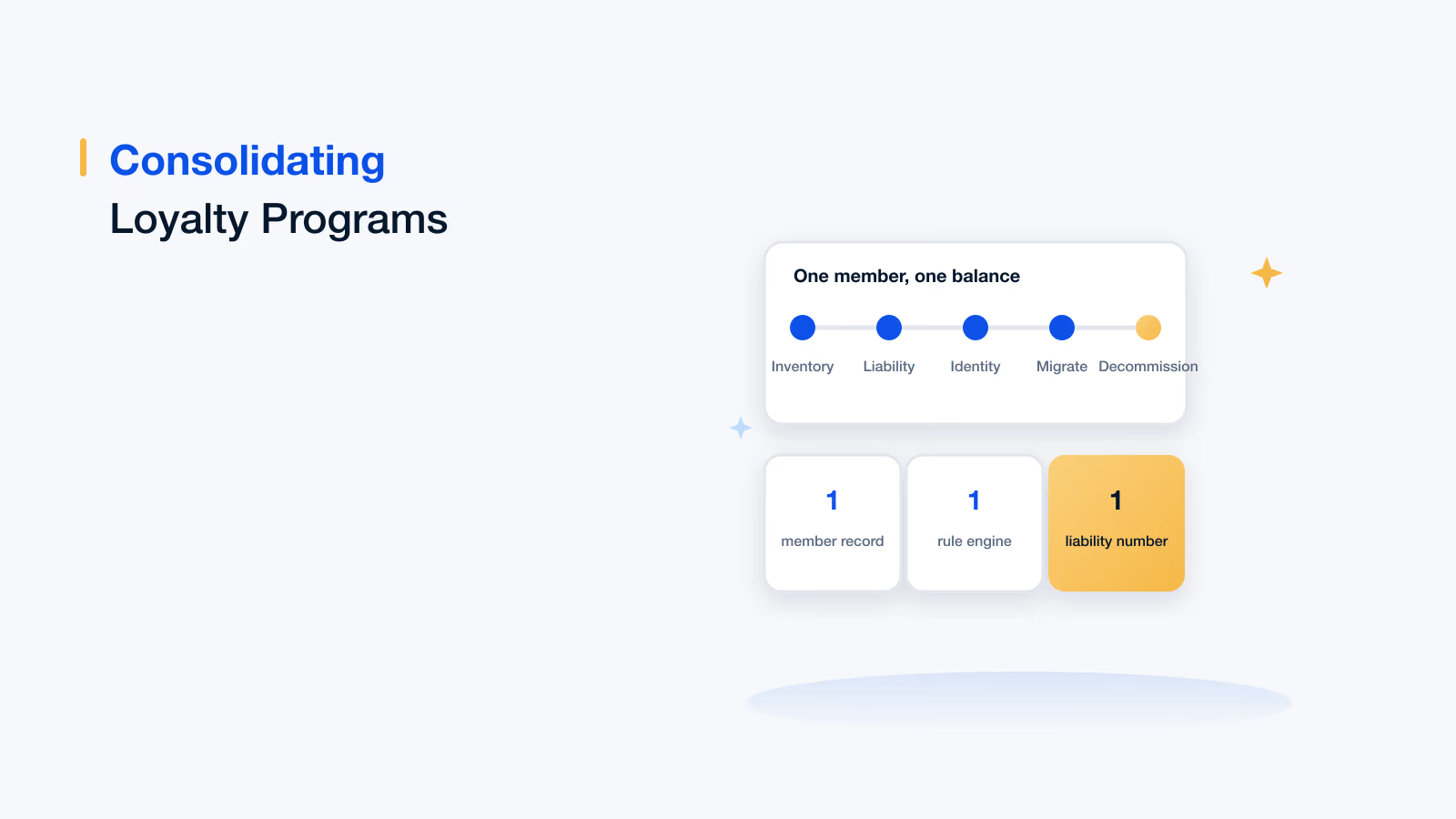
Moving off Excel does not mean a risky big-bang switch. The Empuls rollout follows four steps, and the parallel run in step 3 is what protects your first live payout:
- Connect your data: Link your CRM, ERP and HRMS, or upload files, so plans run on validated source data instead of exports.
- Rebuild your plans: Configure each commission plan in the no-code builder, using your current spreadsheet logic as the specification.
- Run in parallel: Calculate at least one cycle in both Empuls and your spreadsheet, compare results line by line and resolve every difference.
- Go live: Switch on approvals, payroll integration and rep dashboards, and retire the spreadsheet.
If you are still comparing tools, these guides to the best sales commission software and commission tracking software set out what to look for. For the commission math itself, start with how to calculate sales commissions and how to calculate sales incentives.
Book your Empuls demo
Frequently asked questions
Excel is good enough for a small team on a simple flat or tiered plan, with one person running the file and a second checking it. It becomes risky once you add splits, clawbacks, mid-cycle plan changes, many reps or several data sources, because errors are hard to spot and changes are hard to audit.
The best alternative is dedicated commission calculation software that connects to your CRM and payroll, supports your plan types without code, gives reps real-time visibility and logs every change for audit. Compare tools on plan flexibility, integrations, approvals, payout options and how quickly your own team can change a plan without the vendor.
Connect your CRM, ERP and HR data to commission software, configure each plan's rules once, and let the system calculate payouts every cycle. Add approval levels, push approved amounts to payroll and give reps a live dashboard. Run the new system alongside your spreadsheet for one cycle before going live so you can resolve any differences.
It depends on the number of plans and data sources, but most enterprise teams go live on Empuls in 4 to 8 weeks. The time goes into connecting data, rebuilding plans and running them alongside the existing spreadsheet before the first live payout. Smaller teams with simple plans can usually move faster.
Under ASC 606 and its cost guidance, ASC 340-40, US companies generally capitalize the incremental costs of obtaining a contract, including sales commissions, and amortize them over the period the contract benefits. A practical expedient lets companies expense them when that period is a year or less. Each commission must stay linked to its contract and schedule.
Keep one source of truth that links every deal to its rep, plan, rate, credit split and payout status. In commission software, that record updates from the CRM automatically and reps can see it on a dashboard. In a spreadsheet, use one row per deal, lock formulas and reconcile totals against the CRM every period.
Disputes come from numbers reps cannot check. Spreadsheet statements usually arrive weeks after period close, show the result but not the logic, and depend on manual data entry. When reps cannot see which deals were credited and at what rate, they rebuild the math themselves, and any difference becomes a dispute.
Yes, good commission software handles them as configuration rather than formulas. In Empuls, splits, roll-ups, overrides, draws and clawbacks run in the same calculation engine as every other plan. Clawbacks are calculated from incentives already paid and sent to admins to approve or deny, so recoveries are consistent and recorded.