Key Takeaways
An MS Teams integration connects Microsoft Teams to another app through tabs, bots, message extensions, notifications or directory sync, so people can work in that app without leaving Teams.
Choose integrations by relevance first, then compatibility, ease of use, security and admin control, and how well you can control notifications.
Strong Microsoft Teams integrations include Empuls, Jira Cloud, Trello, Zapier, Power BI, GitHub, Adobe Creative Cloud, Signeasy, Xurrent IMR and Typeform.
HR integrations for recognition, surveys and directory sync reach nearly every employee in Teams and tend to deliver the quickest adoption wins.
Roll out Teams apps with a pilot, central deployment from the Teams admin center, clear notification rules and a monthly review to remove unused apps.
MS Teams integrations connect Microsoft Teams to the other apps your people use, so they can recognize a colleague, update a ticket, sign a contract or check a dashboard without leaving the chat. The best Microsoft Teams integrations remove app switching for the tasks your team repeats every day, and this guide covers 10 of them, grouped by the job they do, with a checklist to choose your own stack.
Microsoft Teams has become one of the main collaboration hubs at work, but out of the box it covers chat, meetings and files. To get full value, most organizations add tools that bring their own workflows into Teams. That matters because attention is scarce: Microsoft's 2025 Work Trend Index found employees are interrupted by a meeting, email or chat about every two minutes during the workday. Every extra tab and login adds to that load.
What is an MS Teams integration
An MS Teams integration is a connection between Microsoft Teams and an external application or service that lets people use that app's features inside Teams, through a tab, a bot, a message extension, notifications or a personal app. By combining Teams with specialized tools, you can centralize information, automate routine activities and improve collaboration, which raises productivity across the team.
Integrations come in a few common forms, and most apps use more than one:
- Tabs: Embed an app's page, such as a report or board, inside a channel or chat.
- Bots and agents: Let people ask questions or take actions in a one-on-one chat or a channel.
- Message extensions: Search an app or create items, such as tickets, from the message box.
- Notifications and connectors: Post updates from another system into a channel automatically.
- Directory and sign-in sync: Use your Microsoft 365 directory and single sign-on so people do not create new accounts.
How to choose the right stack of MS Teams integrations
Choosing the right Microsoft Teams integration tools matters more than adding many of them. The five criteria below are in order of importance: relevance first, because an integration nobody needs only adds noise.
- Relevance: Choose integrations that match your team's real workflows and pain points. Start with the tasks people already do every day and currently leave Teams to complete.
- Compatibility: Make sure the app works with Teams and with the other systems you use, such as your HRIS, ticketing tool or CRM, so data stays in sync.
- User-friendliness: Favor apps that are intuitive and quick to set up. A steep learning curve or complicated setup hurts adoption and wastes the integration.
- Security and admin control: Check the permissions an app requests, whether it supports Microsoft single sign-on and whether your IT admin can approve, deploy and pin it centrally from the Teams admin center.
- Notification discipline: Prefer apps that let you choose which channel gets which updates. An integration that floods channels with alerts makes the interruption problem worse.
Bring recognition and surveys into Microsoft Teams
Let employees appreciate colleagues, answer pulse surveys and redeem rewards without leaving Teams.
Talk to our ExpertTrusted by 5,000+ companies
10 best Microsoft Teams integrations to boost productivity
The 10 integrations below cover engagement, project and code work, automation, data, creative work, documents, incidents and forms. Each one has an official Teams app or integration documented by its vendor; we list what it does inside Teams rather than ratings or prices, which change often, so check the vendor's current plan before you buy.
1. Empuls: employee recognition, rewards and surveys
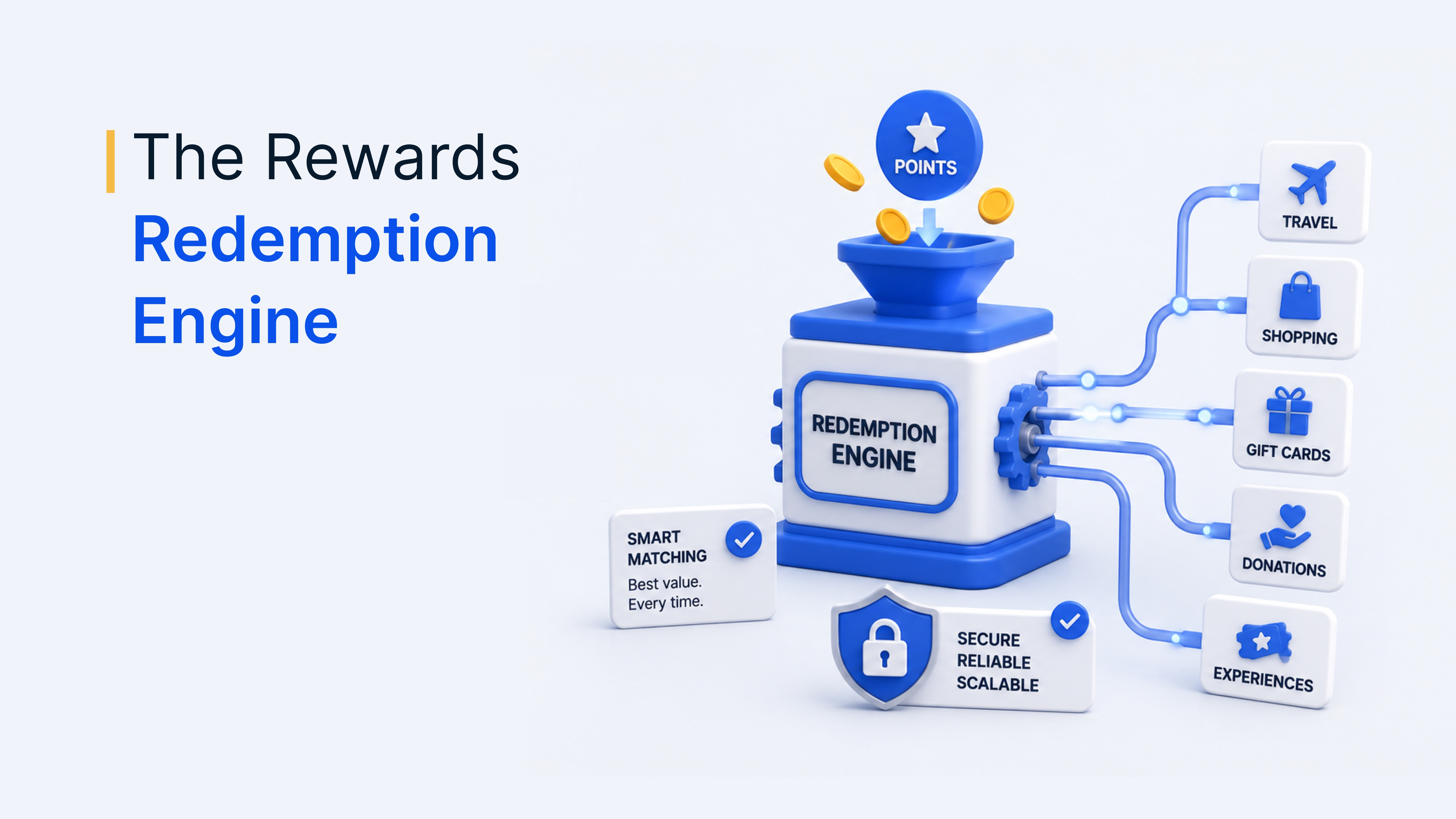
Empuls is an employee engagement platform that brings recognition, rewards and surveys into Microsoft Teams so employees do not need another app. It is listed on Microsoft AppSource and, according to the Empuls Microsoft Teams integration page, is free to integrate and can be live in under 10 minutes.
- Recognize: Celebrate great work from any Teams channel, group chat or one-on-one conversation, with recognition appearing instantly in Teams.
- Celebrate: Birthdays, work anniversaries and new joiners are celebrated automatically inside Teams without manual reminders.
- Survey: Launch pulse surveys, engagement surveys and eNPS through Teams, and employees respond without leaving the app.
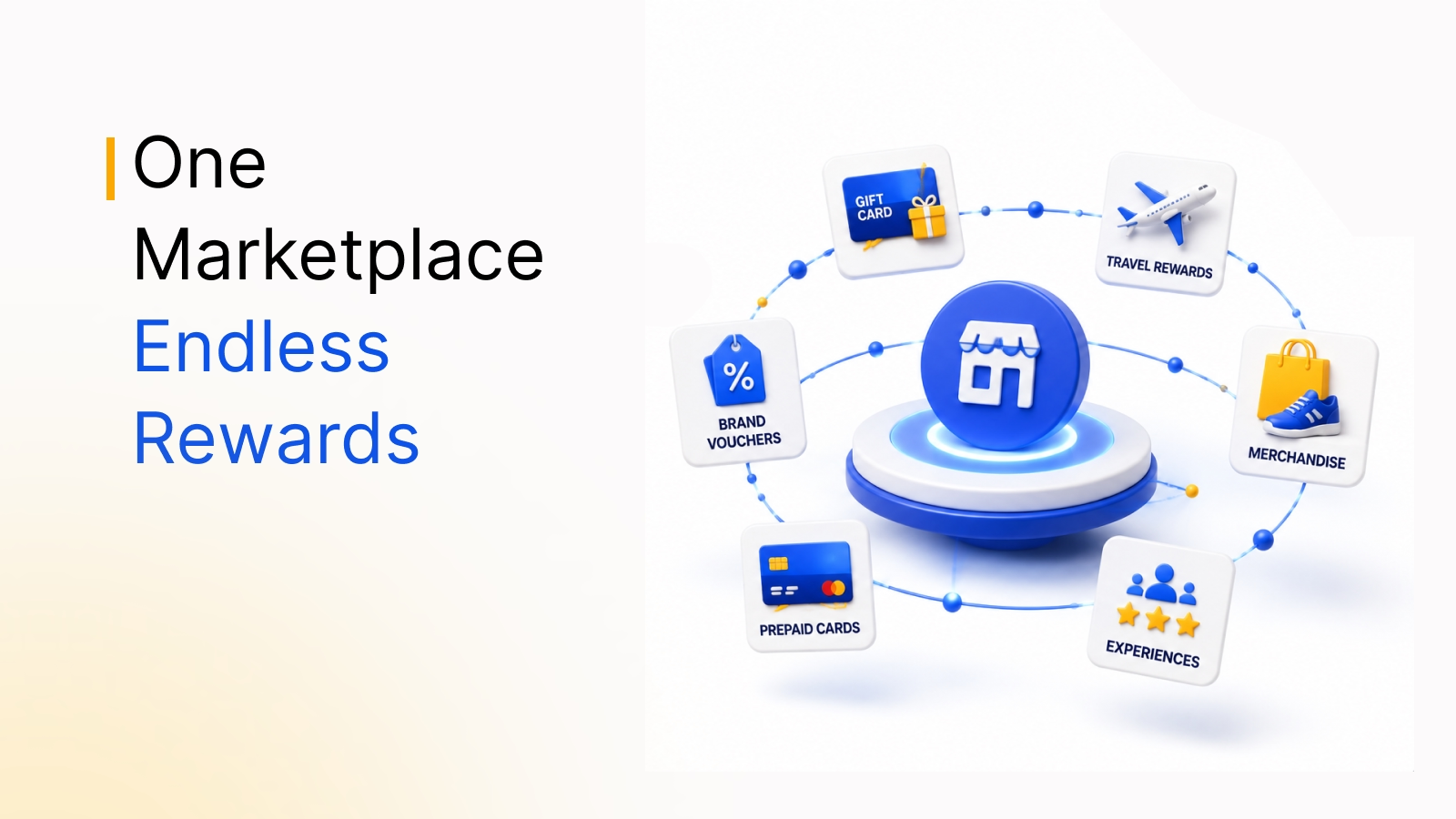
- Rewards: Employees redeem from 10 million+ reward options across 100+ countries, with localized catalogs and multiple currencies.
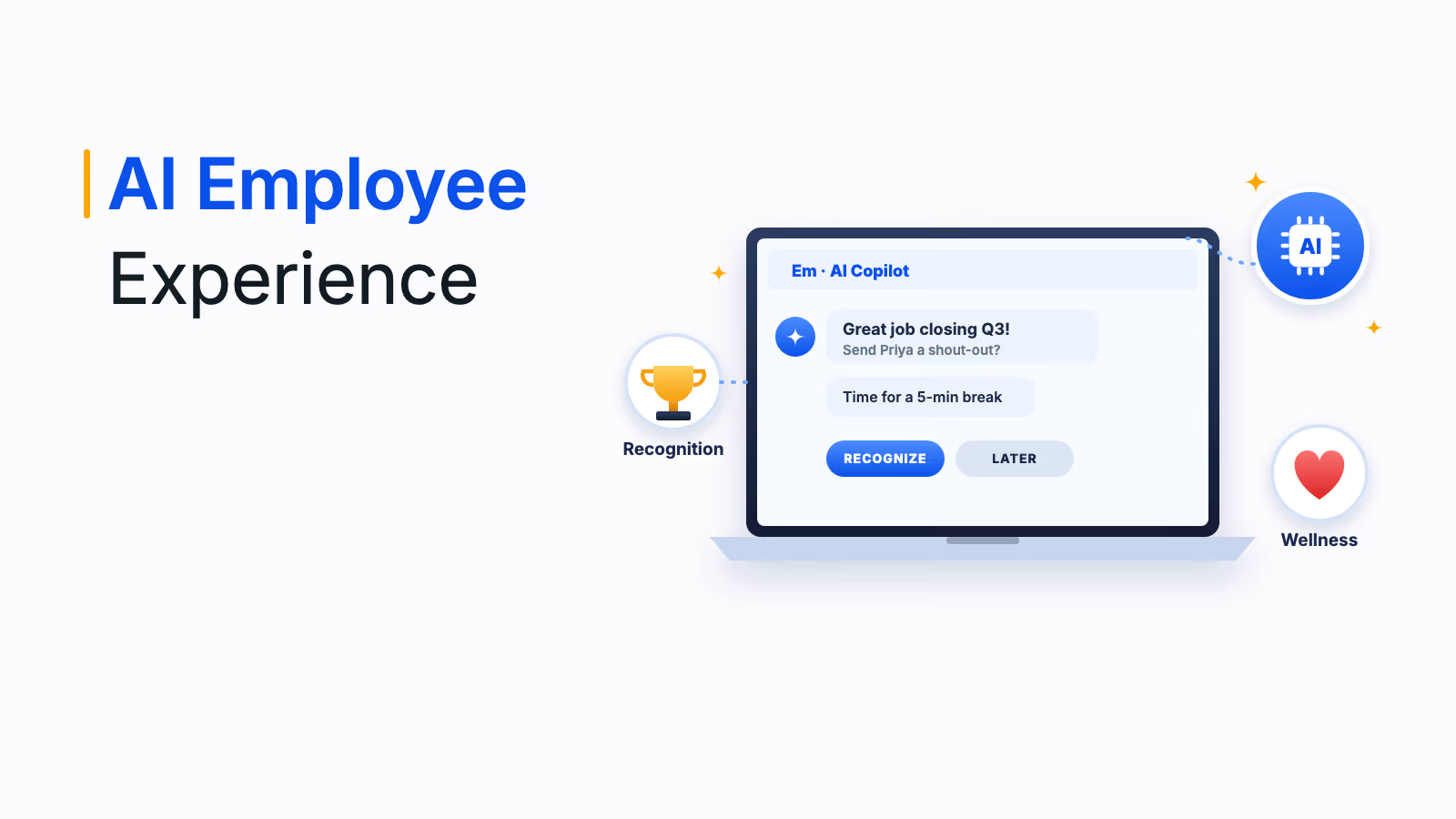
- AI Agent: A conversational assistant in a one-on-one Teams chat helps employees redeem points, check balances, view recognition history and get answers to common questions.
- Admin control: IT can deploy Empuls through the Teams admin center and pin it org-wide, authentication uses Microsoft 365 single sign-on, and admins choose which Teams channel receives award posts, appreciations, birthdays and anniversaries.
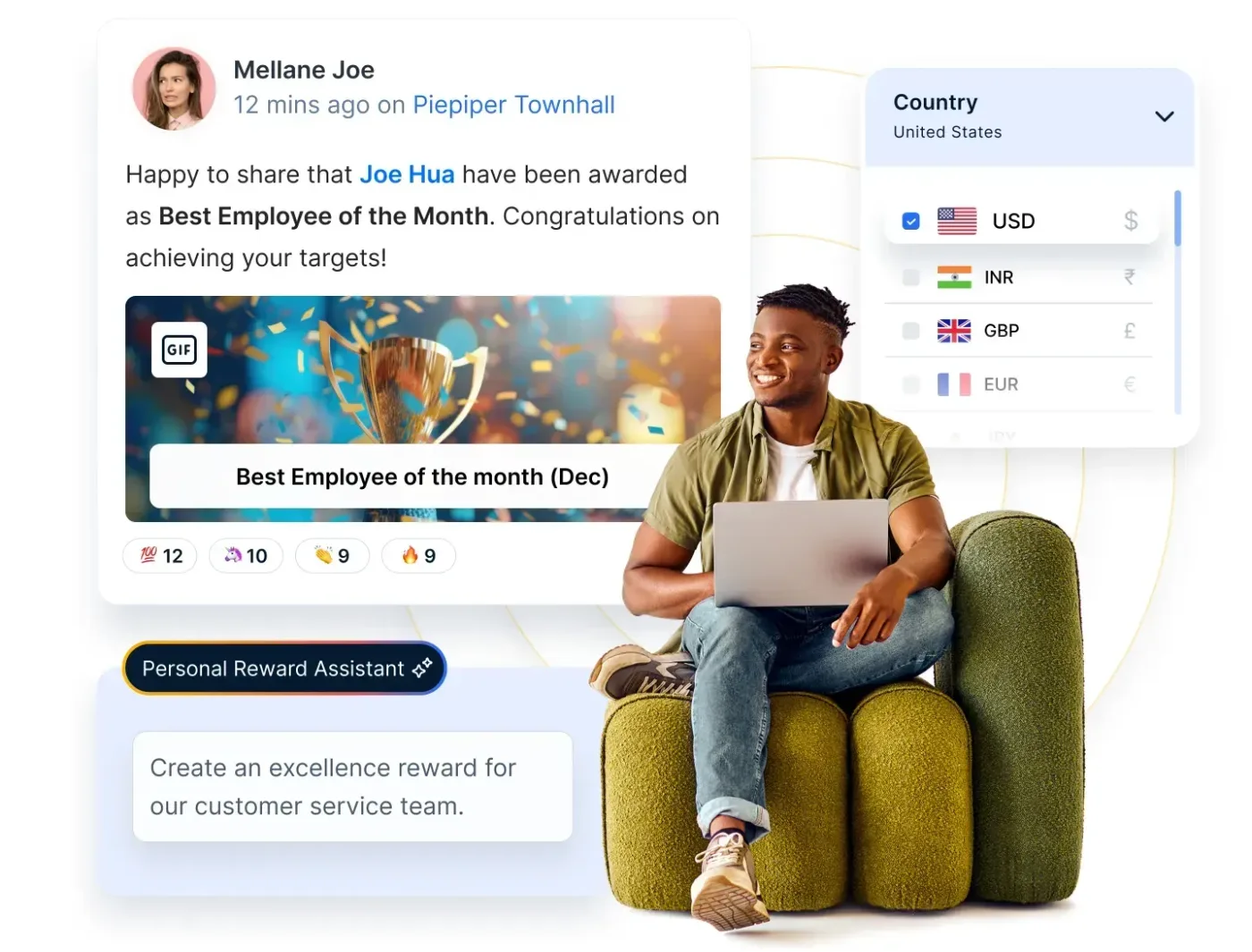
In one Empuls customer story, a distributed engineering company with 3,000+ employees grew total recognition activity 108% after integrating Empuls into Microsoft Teams.
2. Jira Cloud for Microsoft Teams: project and issue tracking
Jira is a project management tool used by software, IT and business teams. Atlassian's official Jira Cloud app for Microsoft Teams lets you search Jira and view recent issues from a chat, create issues, comment on existing ones and receive customizable Jira notifications in Teams. It is built for Jira Software and also works with Jira Service Management.
3. Trello: visual task boards
Trello is a visual, Kanban-style tool for organizing projects and tasks. The Trello app for Microsoft Teams lets you and your team create, update and view upcoming work in Trello from inside Teams, which suits marketing, operations and small project teams that plan on boards.
4. Zapier: no-code workflow automation
Zapier connects Microsoft Teams with thousands of other apps without code. You can post a Teams message when a form is submitted, create a task when a channel message matches a keyword or build multi-step workflows across tools. It is the fastest way to link Teams to an app that has no native integration.
5. Power BI: dashboards and reports in channels
Power BI is Microsoft's business intelligence tool. Inside Teams, you can add the Power BI app, embed interactive reports in channels and chats as a tab, get link previews when you paste report links, share a filtered view of a report to start a conversation and receive Power BI notifications in the Teams activity feed, as described in Microsoft's Power BI documentation.
6. GitHub: code activity and developer collaboration
GitHub hosts source code and supports version control for development teams. The official GitHub app for Teams lets you subscribe a channel to repository events, receive notifications, run GitHub commands, see link previews and, with Copilot, hand off tasks from a notification, according to GitHub's documentation.
7. Adobe Creative Cloud: creative assets in Teams
Adobe Creative Cloud includes tools such as Photoshop, Illustrator and Premiere Pro for design, media and marketing teams. The Creative Cloud app for Teams lets people access Creative Cloud files and libraries from a Teams workspace and share assets in channels, so feedback on designs happens next to the conversation about them.
8. Signeasy: e-signatures without leaving Teams
Signeasy is an e-signature tool for contracts and other documents. Its Teams app lets you sign documents and request signatures from inside Teams: add recipients, set the signing order, include a message and track document status. It suits HR, sales and legal teams that send offer letters, agreements and approvals.
9. Xurrent IMR (formerly Zenduty): incident alerts and response
Xurrent IMR, formerly Zenduty, is an incident management platform for DevOps, IT and support teams. Its Teams integration posts incident notifications to a channel when an incident is assigned to a connected service, and a separate incoming integration lets people create incidents from Teams, so responders coordinate where they already talk.
10. Typeform: forms and survey responses in channels
Typeform is a form and survey builder known for conversational, one-question-at-a-time forms. Its Microsoft Teams integration automatically sends completed form responses to a chosen team channel. Note that it posts to channels only, not to personal or group chats, and it sends only responses received after you set it up.
Quick comparison of the top MS Teams integrations
Use this table to match each integration to the team that benefits most and the way it shows up inside Teams. Start with the row that removes the most daily app switching for your largest team.
| Integration | Category | Best for | How it works in Teams |
|---|---|---|---|
| Empuls | Employee engagement and recognition | HR and people teams, all employees | Recognition in chats and channels, automatic celebrations, surveys, rewards, AI Agent chat |
| Jira Cloud | Project and issue tracking | Software, IT and service teams | Search, create and comment on issues; notifications |
| Trello | Visual task management | Marketing, operations, small projects | Create, update and view board work |
| Zapier | No-code automation | Ops and any team without a native app | Automated messages and multi-step workflows |
| Power BI | Data and analytics | Leaders, analysts, finance | Report tabs, link previews, shared views, activity notifications |
| GitHub | Code collaboration | Engineering teams | Repository subscriptions, notifications, commands, Copilot handoff |
| Adobe Creative Cloud | Creative assets | Design and marketing teams | Access and share files and libraries |
| Signeasy | E-signatures | HR, sales, legal | Sign, request and track signatures |
| Xurrent IMR (formerly Zenduty) | Incident management | DevOps, IT, support | Incident alerts to channels; create incidents |
| Typeform | Forms and surveys | Marketing, research, ops | Form responses posted to a channel |
MS Teams HR integrations worth adding first
HR teams get more out of Teams integrations than most functions, because almost every employee is already in Teams while HR tools often sit in a separate portal nobody opens. These are the four MS Teams HR integrations that tend to deliver the quickest wins, starting with recognition because it reaches every employee every week.
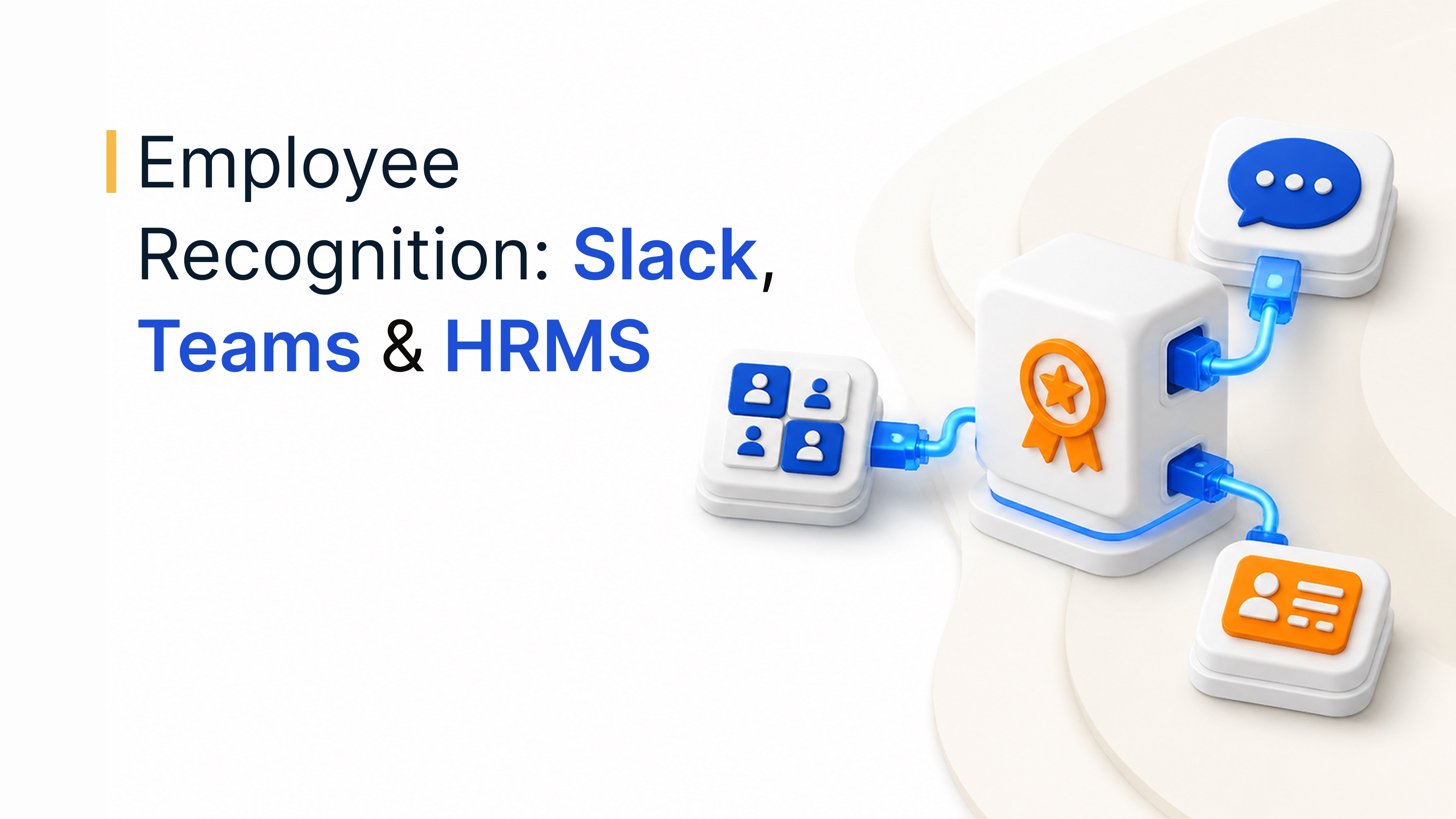
- Recognition and celebrations: Put appreciation, birthdays and work anniversaries in the channels where teams already talk. See how the top tools compare in our guide to the best employee recognition software for Slack and Microsoft Teams.
- Surveys and feedback: Run pulse surveys and eNPS inside Teams to lift response rates, then share what changed as a result.
- Directory sync: Connect your Microsoft 365 directory so new hires, leavers and team changes update automatically, for example with the Empuls Microsoft 365 integration.
- Company-wide social feed: Publish recognition moments to a wider audience with the Empuls Viva Engage integration, and send reminders by email with the Outlook integration.
For a deeper look at how recognition tools connect with Slack, Teams and HR systems, read this guide to employee recognition software integrations. Remote and hybrid teams lean on these integrations most; our guide on how to engage remote employees covers the rituals that go with them.
How to roll out Teams apps for productivity
Even the best Teams apps for productivity fail if people do not know they exist. Follow these five steps, starting with a small pilot, because real usage data from one team is the best evidence for a wider rollout.
- Pilot with one team: Pick a team with a clear pain point and run the integration for two to four weeks.
- Deploy centrally: Have IT approve the app in the Teams admin center, set permissions and pin it for the right users so nobody has to install it.
- Decide where updates go: Set which channel receives which notifications so alerts stay useful.
- Show people how: Share a short walkthrough or a two-minute demo in the channel where the app will be used.
- Measure and prune: After a month, check usage. Keep what people use, fix what they find confusing and remove apps nobody opens.
Make Microsoft Teams the place where work gets done
The right MS Teams integrations can change how efficiently your organization works. Whether you want to automate tasks, track projects, manage incidents, sign documents or build a stronger culture, connect the tools your people use every day and bring them into Teams.
Start with the integrations that solve a real daily problem, keep notifications under control and review your stack regularly. If employee engagement is on your list, explore how Empuls works inside Microsoft Teams or browse the full list of Empuls integrations.
Book your Empuls demo
Frequently asked questions
Select Apps in the Teams sidebar, search for the app you want and select Add, or add it to a specific channel or chat. If your organization restricts apps, your IT admin approves and deploys it from the Teams admin center, and can pin it for everyone. Some apps also ask you to sign in with your Microsoft 365 account.
Yes. Microsoft Teams is part of the Microsoft Graph API, which lets developers build apps, bots and integrations that work with chats, channels, meetings and files. Using it, you can automate workflows, manage teams and channels, send messages and schedule meetings. The Teams developer platform also supports tabs, message extensions and bots.
Many Teams apps are free to install, but most need a paid account with the vendor for full features. For example, the Jira Cloud app for Teams is free but requires a Jira site, and Power BI features depend on your Power BI license. Empuls states its Teams integration is free to integrate for Empuls customers.
Your IT admin deploys Empuls through the Teams admin center and can pin it org-wide, so employees do not install anything themselves. Sign-in uses Microsoft 365 single sign-on. Admins then choose which Teams channel receives award posts, appreciations, birthdays and anniversaries from the Empuls admin dashboard. Empuls says setup can be live in under 10 minutes.
The most useful HR integrations for Microsoft Teams cover recognition and celebrations, pulse and engagement surveys, directory sync with Microsoft 365 and e-signatures for offer letters and approvals. Together they bring everyday HR moments into the tool employees already use, which lifts participation without asking people to open a separate HR portal.
Most reputable Teams apps use Microsoft single sign-on and request specific permissions that your admin can review before approving. To stay secure, let IT control which apps are allowed in the Teams admin center, check each app's requested permissions and data handling, remove apps nobody uses and review the list regularly as vendors update their apps.
There is no fixed number, but fewer well-used integrations beat many ignored ones. Start with two or three that remove the most daily app switching, such as project tracking and recognition, then add more only when a team has a clear need. Review usage every quarter and remove apps that create noise without value.