Key Takeaways
Most loyalty programmes die at the till, when a colleague with four people waiting decides not to ask.
A loyalty tablet beside the till is the most common failed implementation in this category. It adds time, so it gets skipped, then unplugged.
Item-level basket data exists only at the POS, and almost everything useful in loyalty analytics requires it.
Design the offline behaviour deliberately. One error at a busy till teaches staff the feature is unreliable, permanently.
Prompt rather than train. With high turnover, a prompt on the screen outperforms any amount of briefing.
Report enrolment by site and shift. Variation is almost never about customers; it is about whether the ask happened.
Most loyalty programmes die at the till. Not dramatically: the mechanics work, the app exists, the emails go out, and then at a counter with four people waiting a colleague decides not to ask, and that decision repeats a few thousand times a week until the programme quietly stops enrolling anybody.
A POS loyalty programme is one built around that moment rather than around it. Identification, earning, member pricing and redemption all happen inside the transaction the staff member is already doing, which means the programme costs them no extra time and cannot be skipped.
This guide covers what POS loyalty is, how it differs from app-based programmes, how it works, the features it needs, how to implement it, and what usually goes wrong.
What a POS loyalty program is
A POS loyalty programme runs inside the point of sale system. The member is identified during the transaction, points or stamps accrue automatically from the basket, member pricing applies to the items on screen, and rewards can be redeemed against the bill in front of both parties. Nothing happens in a separate system and nothing requires the customer to have installed anything.
How it differs from app-based loyalty
| POS loyalty | App-based loyalty | |
|---|---|---|
| Where it happens | Inside the transaction | Alongside it, on the customer's phone |
| Enrolment rate | High, because staff ask in the flow | Low, because installing takes minutes |
| Works without a smartphone | Yes | No |
| Data captured | Full basket at item level | Whatever the app is told |
| Speed cost at the counter | Near zero if integrated | Significant if the customer must open an app |
| Depends on | POS integration quality | Install base and engagement |
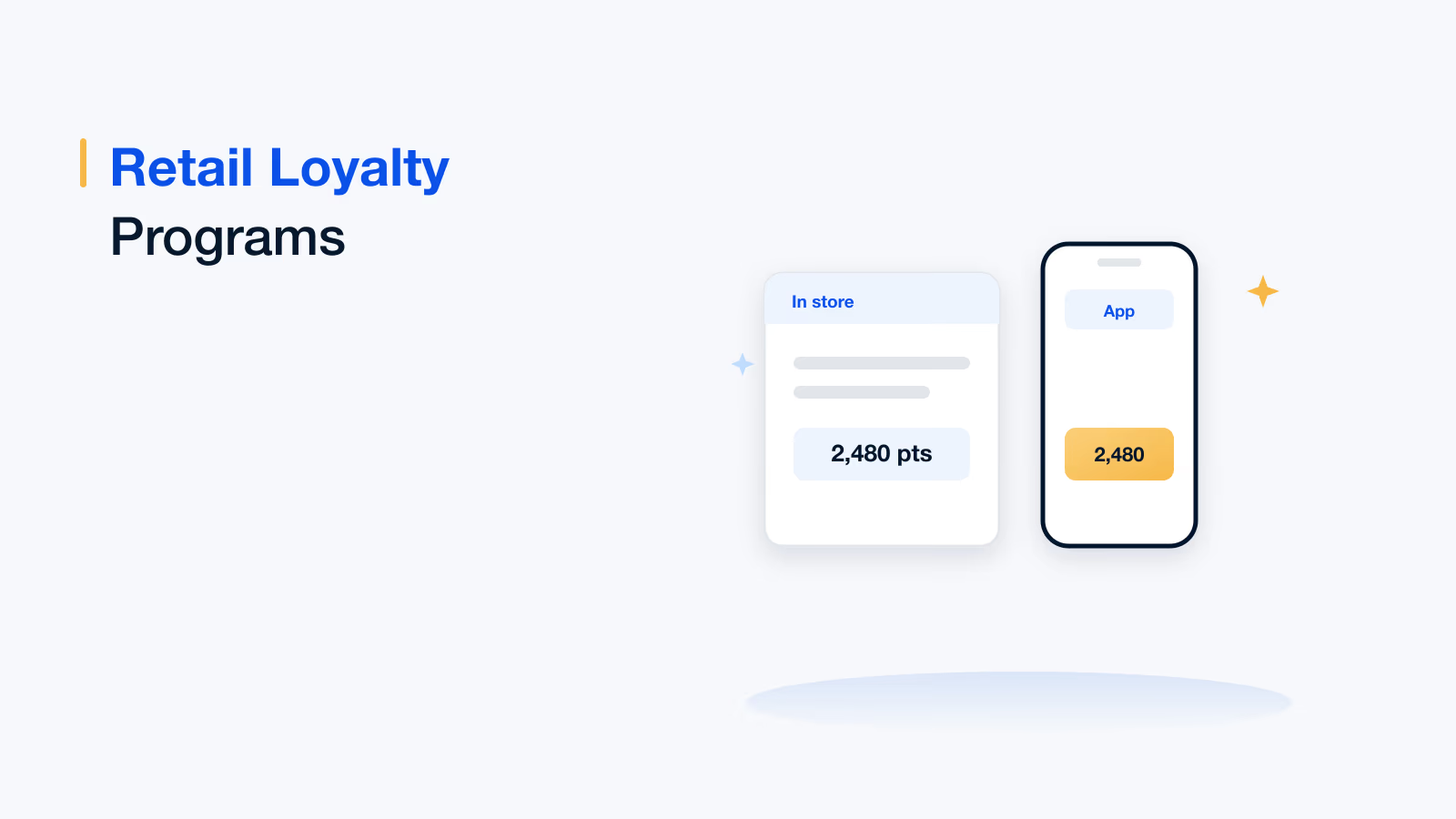
The two are not alternatives in practice. The POS is where members are enrolled and recognised; the app or wallet pass is where engaged members manage their relationship. A programme that has the second without the first enrols a fraction of the people it could.
1
Moment that decides enrolment
the ask at the counter
0
Extra seconds the staff member has
when four people are waiting
2
Things POS gives you
enrolment and item-level data
How POS loyalty works
- Identification: The customer gives a phone number, scans a code or taps a card at the start of the transaction, or a card-linked payment identifies them at the end.
- Recognition: The POS retrieves their status and applies member pricing to qualifying items immediately, so the saving appears on screen and on the receipt.
- Accrual: Points, stamps or qualifying spend are calculated from the basket at item level, including any category or promotion exclusions.
- Redemption: Available rewards appear in the transaction and can be applied to the bill without a code, a voucher or a second system.
- Synchronisation: The transaction, the accrual and the redemption are written back to the loyalty platform, immediately or on reconnection.
- Follow-up: The identified basket feeds personalisation, triggers and win-back for everything that happens after the customer leaves.
Why the item-level data matters
A loyalty programme reading basket totals knows that someone spent a sum of money. A programme reading the basket knows what they bought, what they stopped buying, which categories they have never tried and which promotions they respond to. Almost everything useful in loyalty analytics requires the second kind of data, and the POS is the only place it exists.
Loyalty inside the transaction
Identification, member pricing, accrual and redemption in the till flow, with offline tolerance.
Book a demoTrusted by 5,000+ companies
Features a POS loyalty program needs
- Native integration with your POS, not a parallel app: A loyalty tablet next to the till is the single most common failed implementation in this category. It adds time, so it gets skipped.
- Enrolment inside the transaction flow: Two fields at most, completed by the colleague in seconds, without leaving the sale.
- Offline operation with later reconciliation: Retail connectivity fails. A programme that errors when the link drops will be disabled by staff and never re-enabled.
- Item-level accrual rules: Category exclusions, promotional item handling, multipliers and basket conditions applied correctly in real time.
- Member pricing at the line level: The saving visible on screen and printed on the receipt, because that is what makes membership feel real.
- Redemption against the bill: No codes, no vouchers, no second device.
- Return and void handling: Accruals reversed cleanly when an item is returned, including partial returns.
- Staff-facing prompts: The till telling the colleague what to say, so the ask does not depend on memory or training in a high-turnover environment.
- Multi-site and franchise support: Different estates, different funding arrangements, one member identity.
Where POS loyalty is used
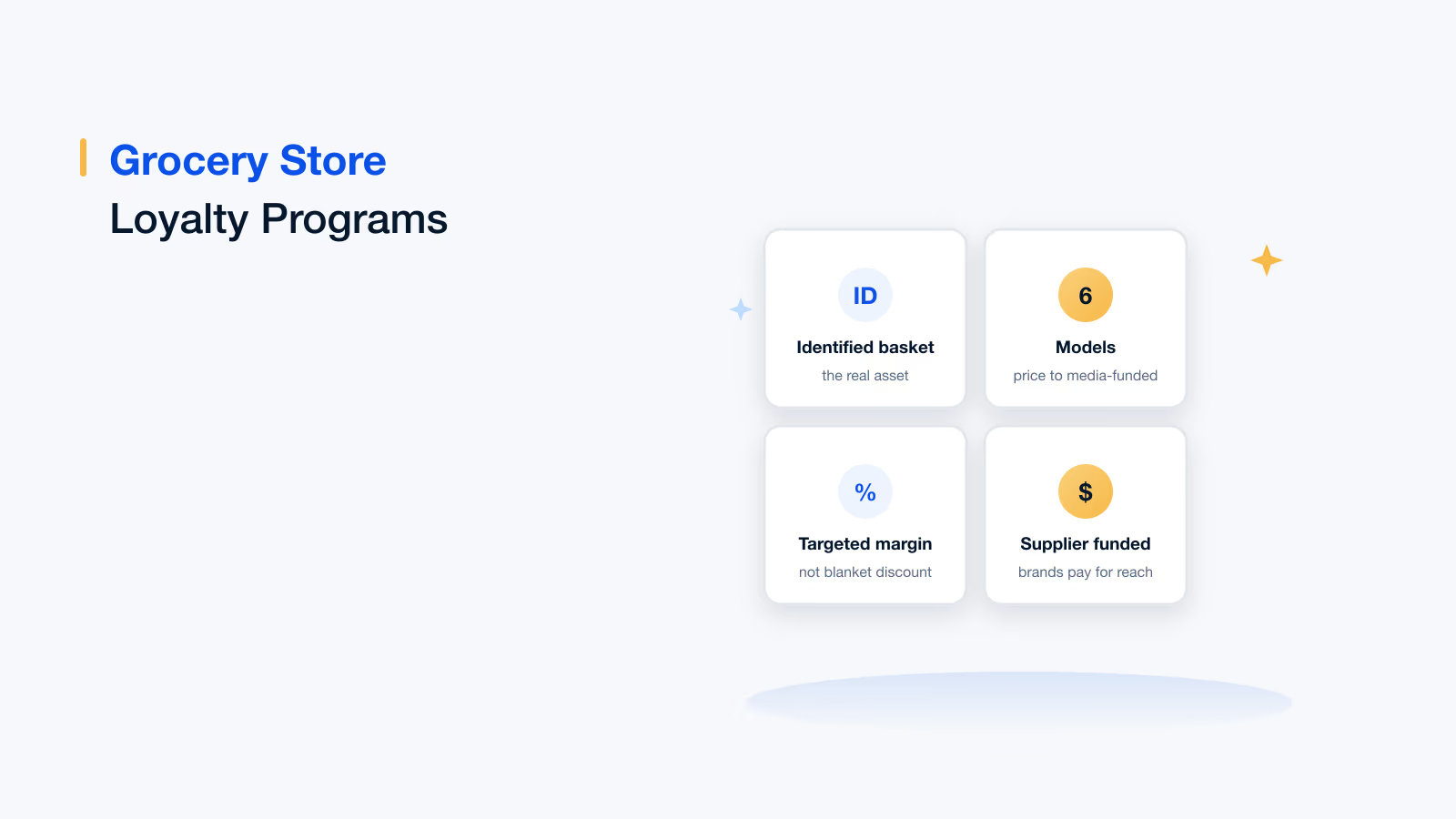
- Grocery and convenience: Where queue speed is critical and item-level data funds the whole programme through supplier offers.
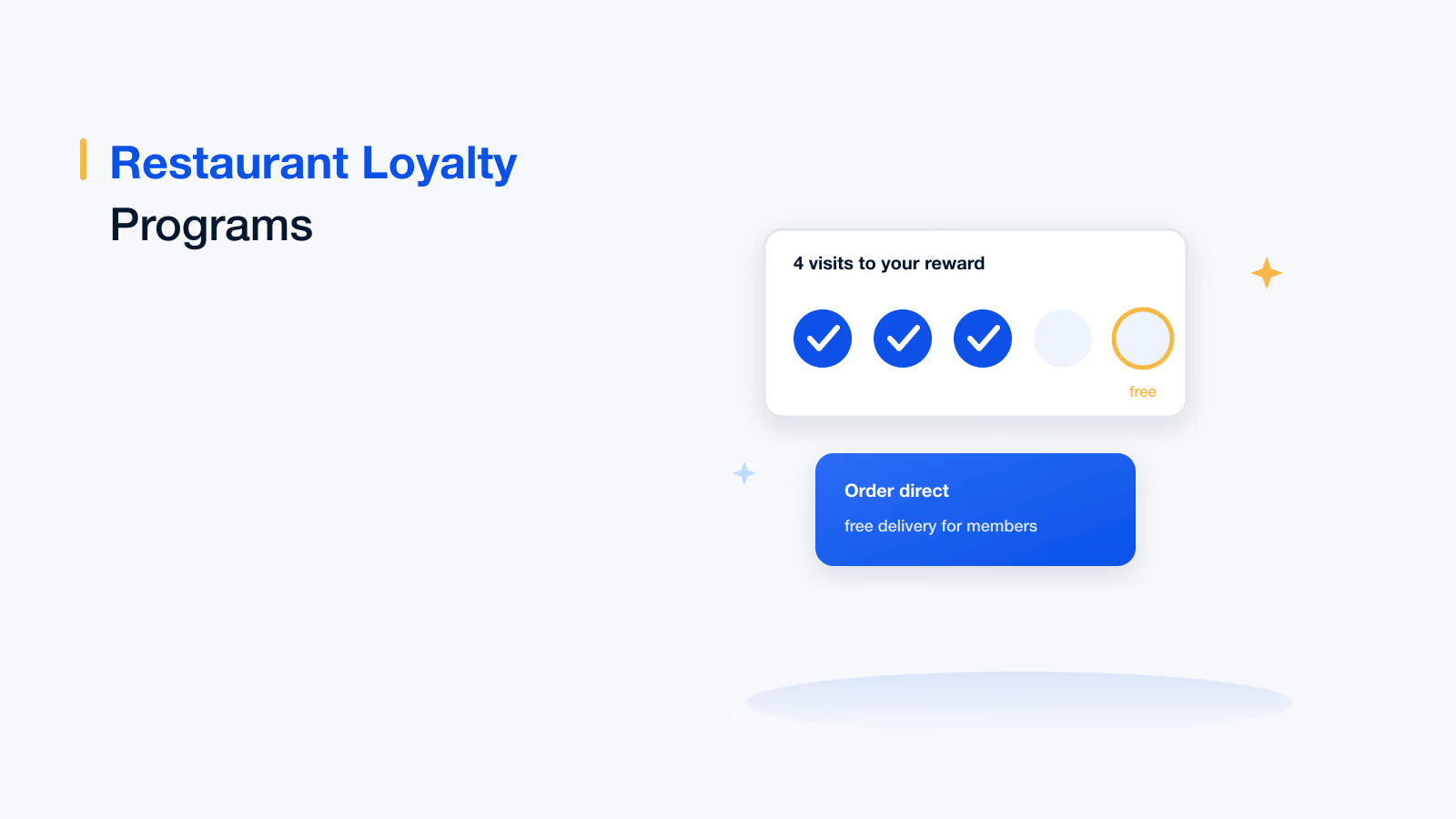
- Food and beverage: Where a stamp or visit reward has to be applied in seconds by whoever is on shift.
- Pharmacy and health retail: Where the basket matters, the customer base skews away from apps, and the data is sensitive enough to need careful consent.
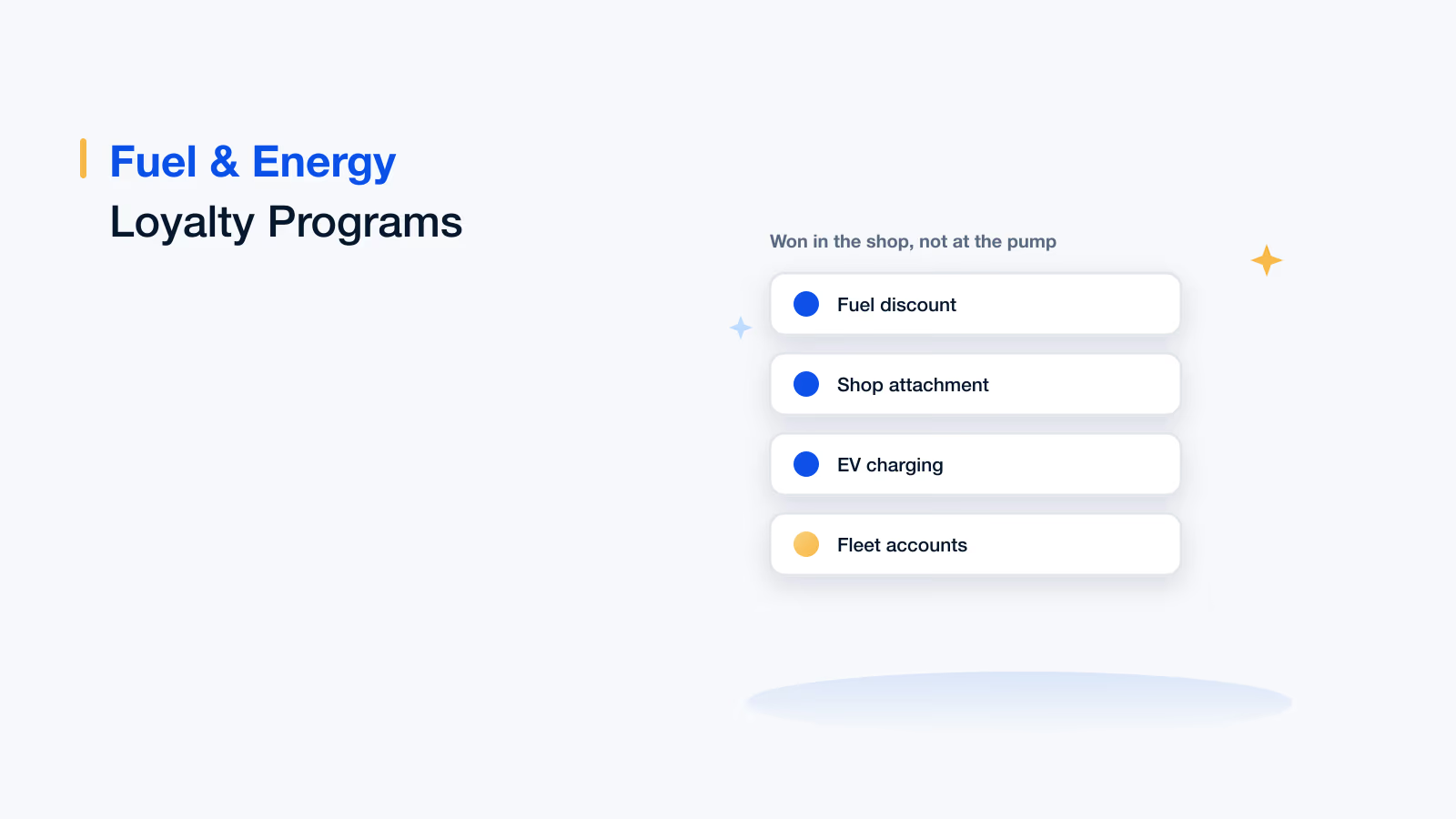
- Fuel and forecourt: Where earning spans the pump and the shop, and connectivity is unreliable.
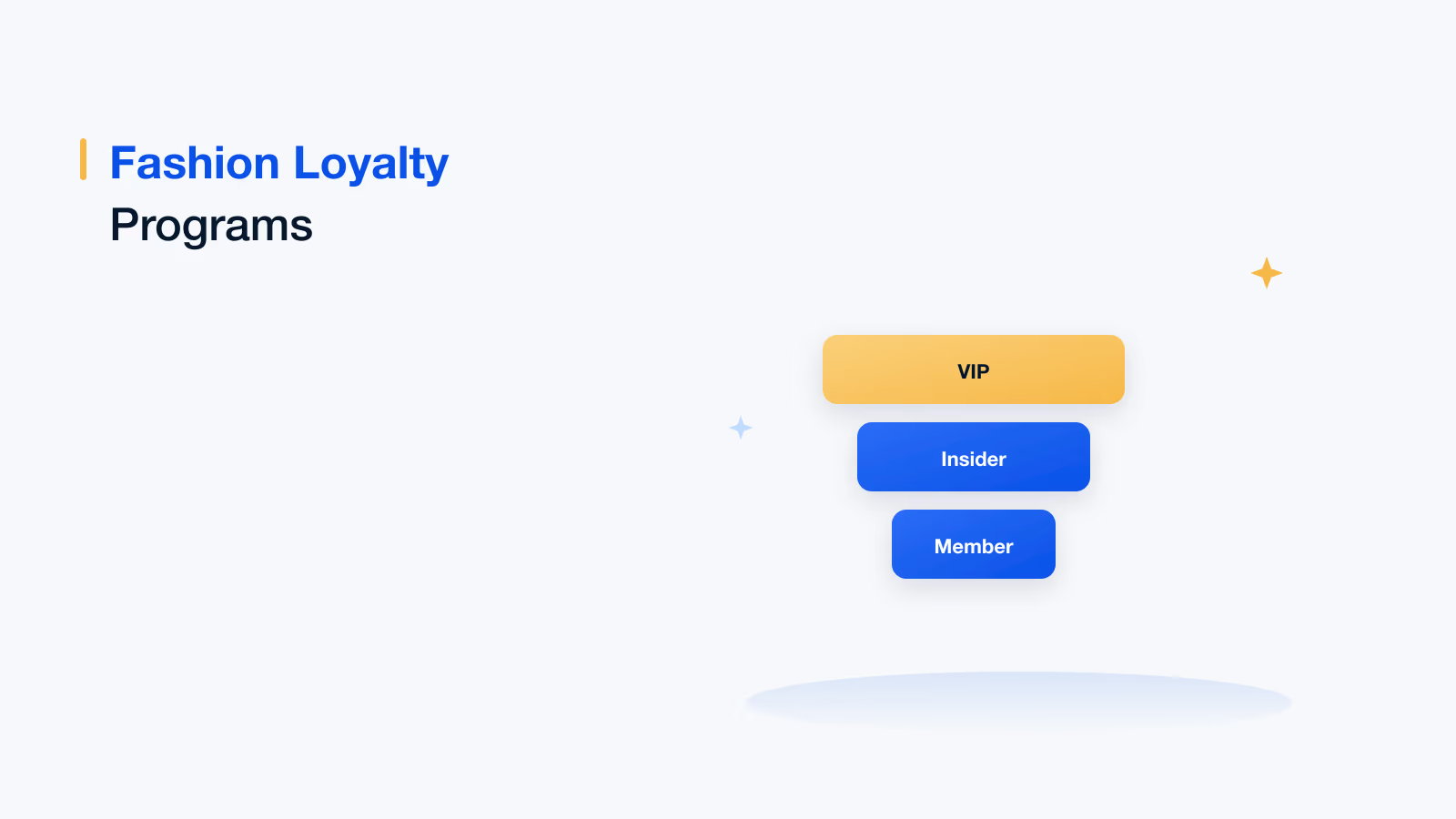
- Fashion and specialty retail: Where the colleague's recognition of a returning customer is part of the service, not just the transaction.
- Hospitality: Where the member is identified at booking or at the table rather than at a counter.
How to implement a POS loyalty program
Eight steps, almost all operational. The constraints of your till and the reality of a busy counter shape this programme more than any design decision does.
1. Start with the POS, not the programme
Establish what your POS can actually do: does it support third-party loyalty at line level, can it apply dynamic pricing, does it work offline, and who controls the release cycle. The answers constrain every design decision that follows, so get them first.
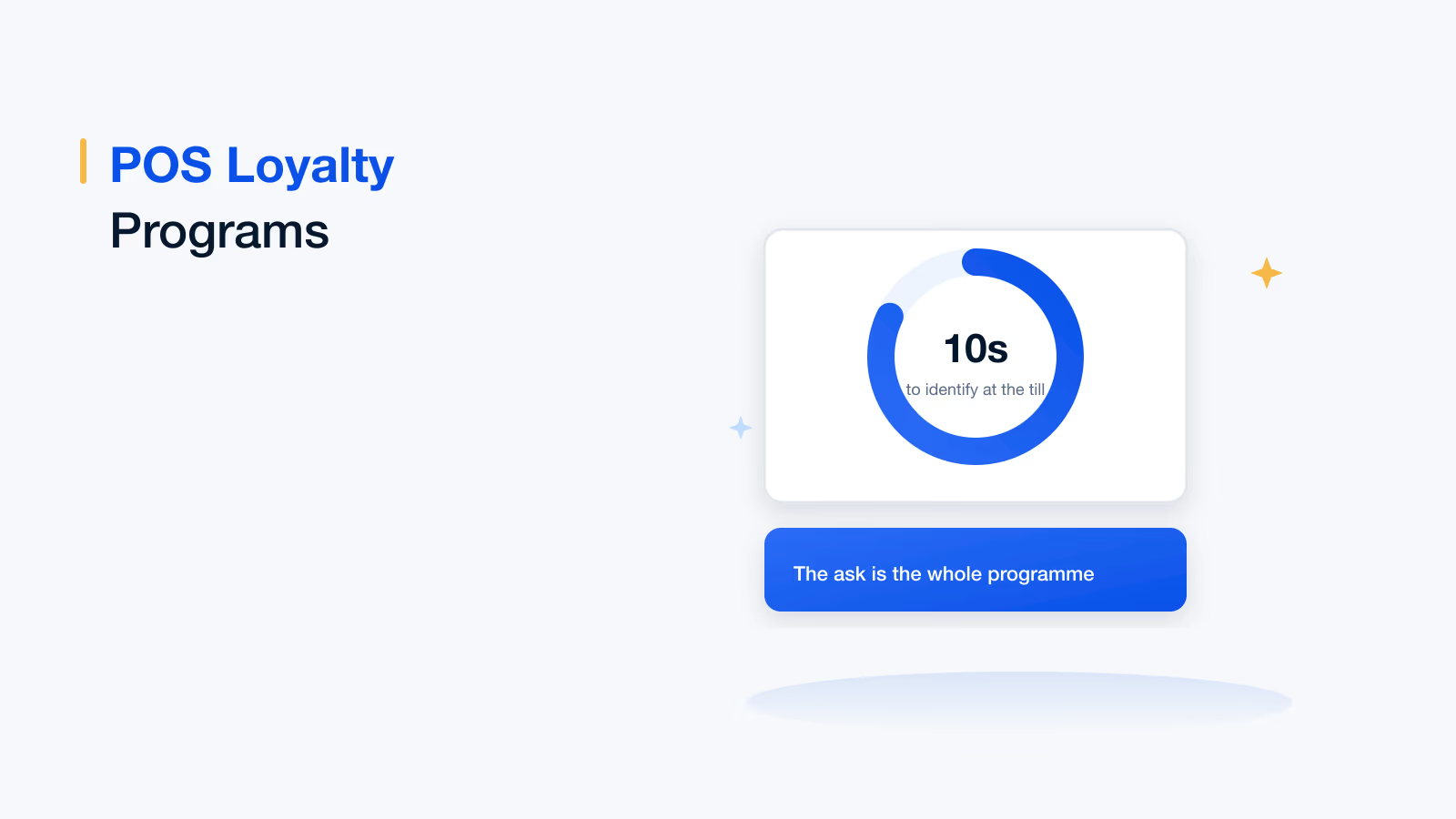
2. Make identification take under ten seconds
Phone number is usually fastest. A scannable code works if your customers reliably have one. Anything requiring the customer to find, unlock and open something will be skipped during busy periods.
3. Build the ask into the till flow
A prompt on the screen that the colleague has to acknowledge, rather than a sign and a hope. The enrolment difference between prompted and unprompted tills is usually large enough to settle any debate about whether it is worth doing.
4. Design the offline behaviour deliberately
Decide what happens when the loyalty service is unreachable: accrue locally and sync later, accept the identification and backfill, or degrade silently. Any of those is better than an error message at a busy till, which results in the feature being turned off.
5. Get returns and voids right before launch
Partial returns, exchanges and voided transactions all need defined accrual behaviour. This is the most common source of both member complaints and fraud in POS programmes, and it is far cheaper to design than to fix in production.
6. Pilot on a small number of sites
Measure enrolment rate per shift, transaction time delta and staff feedback. Problems in POS loyalty are operational and show up in the first week, which is why a pilot is worth more here than in almost any other kind of programme.
7. Train for the ask, not the system
Colleagues do not need to understand the earn rules. They need one sentence to say and a button to press. Everything beyond that will be forgotten by the second week.
8. Report enrolment by site and shift
Variation between sites is almost never about customers. It is about whether the ask is happening, and the report is what makes that visible and fixable.
Common challenges and how to handle them
| Challenge | What it looks like | How to handle it |
|---|---|---|
| Queue pressure | Staff skip the ask when it is busy | Build the prompt into the flow and keep identification under ten seconds |
| Staff turnover | The programme degrades as experienced colleagues leave | Make it work with no explanation; prompt rather than train |
| Legacy POS | No support for third-party loyalty at line level | Middleware or a card-linked approach that works after the transaction |
| Unreliable connectivity | Errors at the till during outages | Offline accrual with reconciliation on reconnect |
| Franchise estates | Inconsistent participation and funding disputes | Per-site rules and funding, with participation reporting |
| Returns abuse | Earn on purchase, return the item, keep the points | Accrual tied to the completed sale with clean reversal logic |
Measuring a POS loyalty program
| Metric | Why it matters |
|---|---|
| Identified transaction share | The headline. What proportion of trade is attached to a known member |
| Enrolment rate by site and shift | Whether the ask is happening, which is where programmes fail |
| Transaction time delta | The operational cost of the programme, which decides whether staff cooperate |
| Member pricing applied correctly | An error rate here destroys trust at the counter fast |
| Redemption at POS vs elsewhere | Whether redemption is happening where it is easiest |
| Offline transaction reconciliation rate | Whether anything is being lost during outages |
| Basket size and frequency vs control | The behaviour change, measured properly |
| Return-related accrual reversals | The fraud and error signal in this channel |
Common mistakes
- A separate loyalty tablet beside the till: It adds time, so it gets skipped, and then it gets unplugged.
- Requiring an app at the counter: The slowest possible identification method at the busiest possible moment.
- No offline mode: One outage teaches staff that the feature is unreliable, and they stop using it permanently.
- Undefined return behaviour: Simultaneously a fraud vector and a daily service argument.
- Training instead of prompting: With high turnover, a prompt on the screen outperforms any amount of briefing.
- Reporting enrolment in aggregate: Site and shift level is where the actionable variation lives.
- Ignoring transaction time: If the programme costs the queue ten seconds a customer, operations will eventually kill it, and they will be right.
POS loyalty on Loyalife
01 · Till
Native POS integration
Identification, accrual, member pricing and redemption inside the transaction rather than on a second device.
02 · Speed
Enrolment in seconds
Phone number or code capture built into the flow, with an on-screen prompt so the ask does not rely on memory.
03 · Resilience
Offline with reconciliation
Local accrual when the link drops and clean sync on reconnect, so an outage never trains staff to switch it off.
04 · Rules
Item-level accrual
Category exclusions, promotional handling, multipliers and basket conditions applied correctly in real time.
05 · Returns
Clean reversal logic
Partial returns, exchanges and voids handled predictably, closing the channel's main fraud vector.
06 · Estate
Multi-site and franchise
Per-site rules, funding and participation reporting across company-owned and franchised locations.
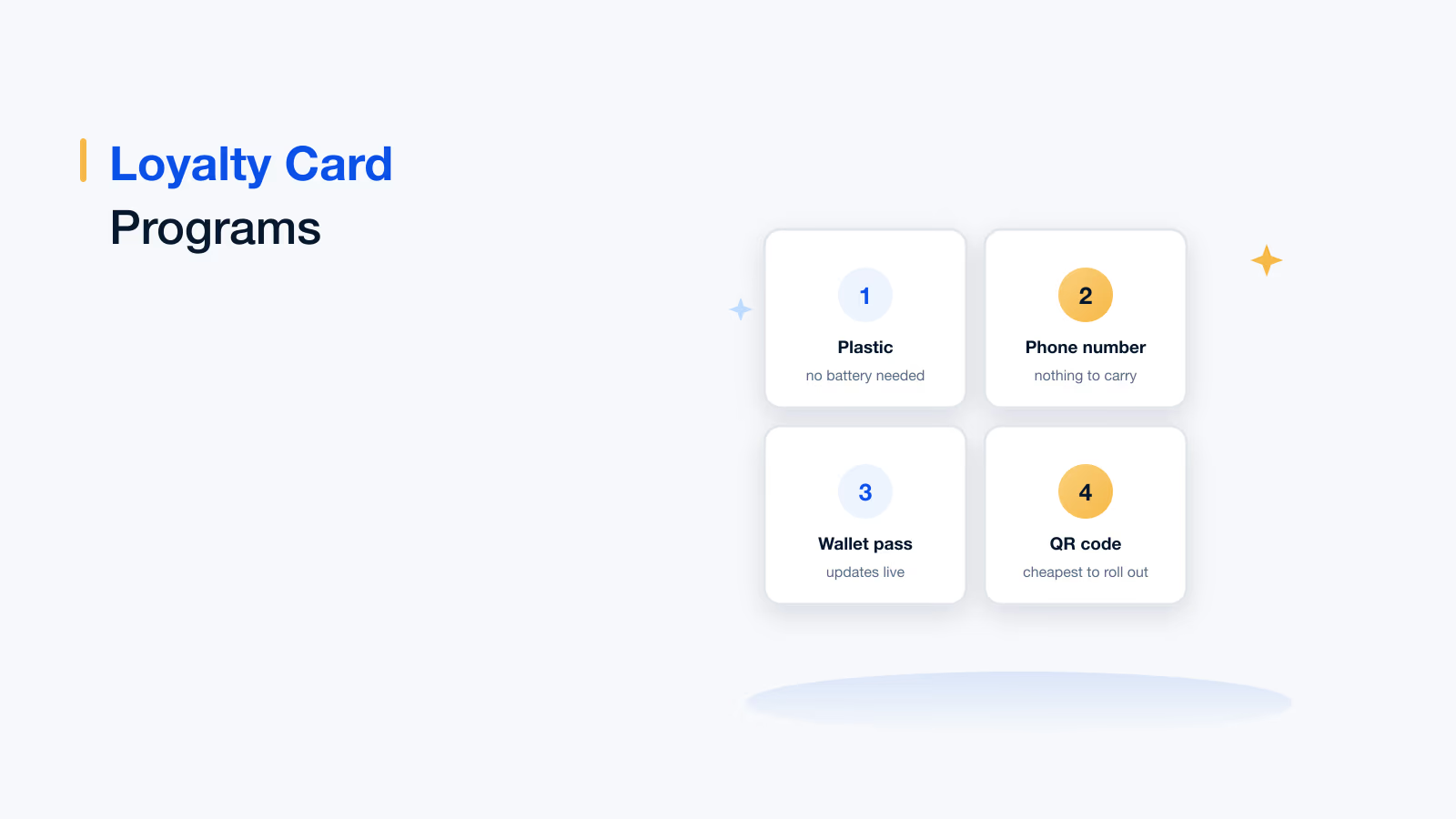
You can also explore loyalty card programs and the Loyalife platform.
Every other part of a loyalty programme can be fixed later. The ten seconds at the till cannot, because if the colleague does not ask, there is no member, no basket data and nothing for the rest of the programme to work with.
Book your Loyalife demo
Frequently asked questions
A loyalty programme that runs inside the point of sale system. The member is identified during the transaction, accrual is calculated from the basket at item level, member pricing applies to the items on screen, and rewards are redeemed against the bill. Nothing happens in a separate system and the customer does not need to have installed anything.
POS loyalty happens inside the transaction, so enrolment is high because staff ask in the flow, it works for customers without smartphones, and it captures the full basket at item level. App-based loyalty happens alongside the transaction and depends on install base. In practice they are complements: the POS enrols and recognises, the app serves engaged members.
Almost always for operational reasons at the counter. The ask does not happen when it is busy, identification takes too long, the system is on a separate device, it errors during a connectivity outage so staff stop using it, or high turnover erodes any training that was given. These are fixable, but only if they are measured by site and shift.
Native integration at line level rather than a parallel app, enrolment inside the transaction flow, offline operation with later reconciliation, item-level accrual rules including exclusions and multipliers, member pricing visible on screen and receipt, redemption against the bill, clean return and void handling, staff prompts, and multi-site or franchise rules.
Because a programme reading basket totals only knows that somebody spent money. A programme reading the basket knows what they bought, what they stopped buying, which categories they have never tried and which promotions they respond to. Personalisation, range decisions and supplier-funded offers all require that second kind of data, and the POS is where it exists.
That has to be designed deliberately. The options are accruing locally and syncing on reconnect, accepting the identification and backfilling the accrual later, or degrading silently. Any of those is better than an error at a busy till, because a single visible failure teaches staff the feature is unreliable and they stop using it permanently.
Build the prompt into the till flow so it has to be acknowledged, rather than relying on signage and memory. Keep identification under ten seconds. Train for the one sentence they need to say rather than for the earn rules. And report enrolment by site and shift, because wide variation nearly always means the ask is not happening rather than that customers are refusing.
Identified transaction share is the headline. Then enrolment rate by site and shift, transaction time delta as the operational cost, member pricing error rate, redemption at POS versus elsewhere, offline reconciliation rate, basket size and frequency against a control group, and return-related accrual reversals as the fraud signal for this channel.