A researcher finishes eight interviews on a Thursday. The sessions went well. Then comes the part nobody planned for: five participants want a bank transfer, two asked for a gift card, and one is in a country the incentive tool does not cover.
Participants notice a slow or confusing payout before the researcher does. A late reward is often the reason someone ignores the next study invite.
Money is the incentive that moves participation most. A 2023 meta-analysis of 46 randomized trials found it was the most efficient incentive type, with a risk ratio of 1.25 against no incentive. The hard part is getting it to the right person, in the right currency, without a spreadsheet.
We compared 10 tools for paying UX research participants, grouped by how each one fits a research workflow. Some recruit and pay. Some test and pay. One does nothing but pay. That way a team can match the tool to how it actually runs studies.
Disclosure: Xoxoday publishes this guide and Plum is one of the 10. All are judged on the same criteria.
The best UX research participant incentive tools
- Xoxoday Plum for paying participants from any panel, in any country, from one platform
- User Interviews for qualitative teams that recruit and compensate interview participants in one workflow (G2 4.6/5)
- Great Question for teams that run research on their own customer panel and want recruiting, scheduling and payments in one place (G2 4.7/5)
- Respondent for B2B and professional participants who are hard to find through a consumer panel (G2 4.6/5)
- Ethnio for research ops teams that manage a long-term participant panel (G2 4.5/5)
- Userlytics for moderated and unmoderated usability tests run on a global panel or your own users
- UserTesting for enterprise teams that want a managed panel and handled incentives
- Lyssna for quick unmoderated tests and surveys on a ready panel (G2 4.5/5)
- dscout for diary studies and in-the-moment research that needs video and photo input (G2 4.5/5)
- Prolific for fast surveys, experiments and AI evaluation tasks that need vetted participants (G2 4.6/5)
What makes a participant incentive tool worth choosing?
A good tool gets the right reward to the right participant quickly, in a form they can use, and lets the researcher show who was paid.
1.25
Risk ratio for money
most efficient incentive in a meta-analysis of 46 trials
26.3%
Response with $1 cash
up from 11.8% with no incentive, 29,980 households
1 in 9
Usability participants no-show
11% average in a Nielsen Norman Group survey of practitioners, 2003
Source: PLoS One meta-analysis of 46 randomized controlled trials, 2023; Gallup methodology experiments on prepaid cash incentives in mail surveys; Nielsen Norman Group, "Recruiting Test Participants for Usability Studies," 2003.
We judged every tool on five tests:
- Payout formats. Cash, wallet, gift card and points suit different participants. Check how many formats one study can offer.
- Global reach. Look at the countries and currencies where your participants actually live, not the headline number.
- Workflow fit. A completed session should trigger the payout without anyone exporting a list.
- Fraud and compliance controls. Duplicate claims, identity checks and tax forms decide whether a program survives an audit.
- Reporting. Research and finance teams both need to see who was paid, how much and when.
We weighted workflow fit and fraud controls most, because manual payouts and duplicate claims are where research teams lose time and budget. Feature claims come from each vendor's public pages, written in our own words. Ratings come from G2 and Capterra as of October 2026 and change over time. Where a score rests on fewer than 20 reviews, we show the count.
The best UX research participant incentive tools at a glance
- Xoxoday Plum
- Type
- Standalone incentive layer
- Best for
- Paying participants from any panel, in any country, from one platform
- Rating
- G2 Leader 2026 (Xoxoday)
- User Interviews
- Type
- Recruit and pay
- Best for
- Qualitative teams that recruit and compensate interview participants in one workflow
- Rating
- G2 4.6 · Capterra 4.3 (32 reviews)
- Great Question
- Type
- Recruit and pay
- Best for
- Teams that run research on their own customer panel and want recruiting, scheduling and payments in one place
- Rating
- G2 4.7 (22 reviews)
- Respondent
- Type
- Recruit and pay
- Best for
- B2B and professional participants who are hard to find through a consumer panel
- Rating
- G2 4.6 (519 reviews)
- Ethnio
- Type
- Recruit and pay
- Best for
- Research ops teams that manage a long-term participant panel
- Rating
- G2 4.5 (30 reviews)
- Userlytics
- Type
- Test and pay
- Best for
- Moderated and unmoderated usability tests run on a global panel or your own users
- Rating
- No public G2 or Capterra rating
- UserTesting
- Type
- Test and pay
- Best for
- Enterprise teams that want a managed panel and handled incentives
- Rating
- Capterra 4.5 (132 reviews)
- Lyssna
- Type
- Test and pay
- Best for
- Quick unmoderated tests and surveys on a ready panel
- Rating
- G2 4.5 · Capterra 4.7
- dscout
- Type
- Test and pay
- Best for
- Diary studies and in-the-moment research that needs video and photo input
- Rating
- G2 4.5 (184 reviews)
- Prolific
- Type
- Panel marketplace
- Best for
- Fast surveys, experiments and AI evaluation tasks that need vetted participants
- Rating
- G2 4.6 (237 reviews)
Pay research participants the moment a session ends
Send cash-like and gift card rewards to participants from any recruiting source across 150+ countries, with fraud controls built in.
Book a free 30-min demoTrusted by 5,000+ companies
1. Xoxoday Plum
Type: Standalone incentive layer. Plum does not recruit participants or run sessions. It pays them. A research team keeps its recruiting source and testing tool, and Plum handles the reward once a session is marked complete, by API call, CSV upload or a rule tied to a survey tool such as Qualtrics, Typeform, SurveyMonkey or SurveySparrow.
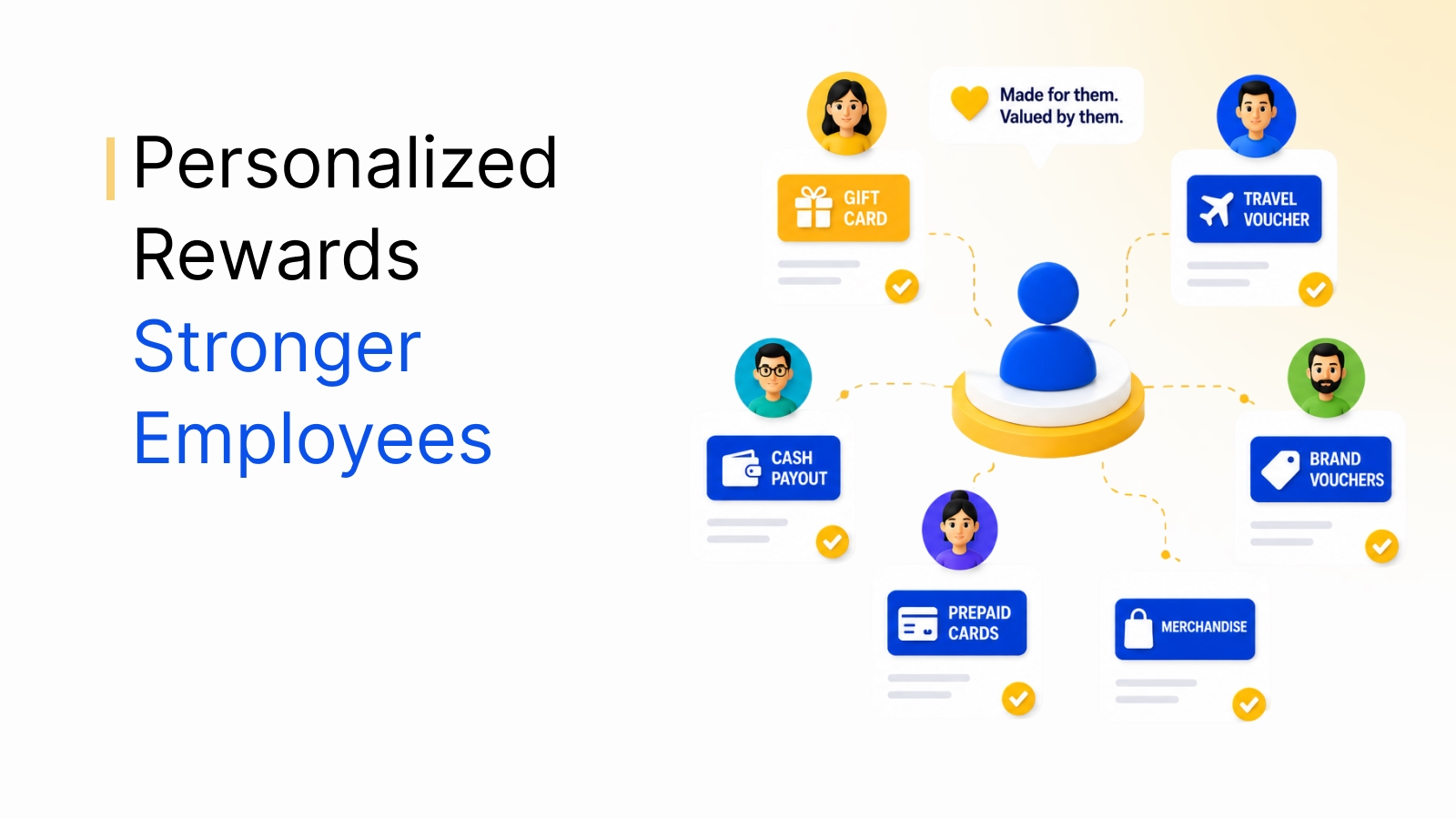
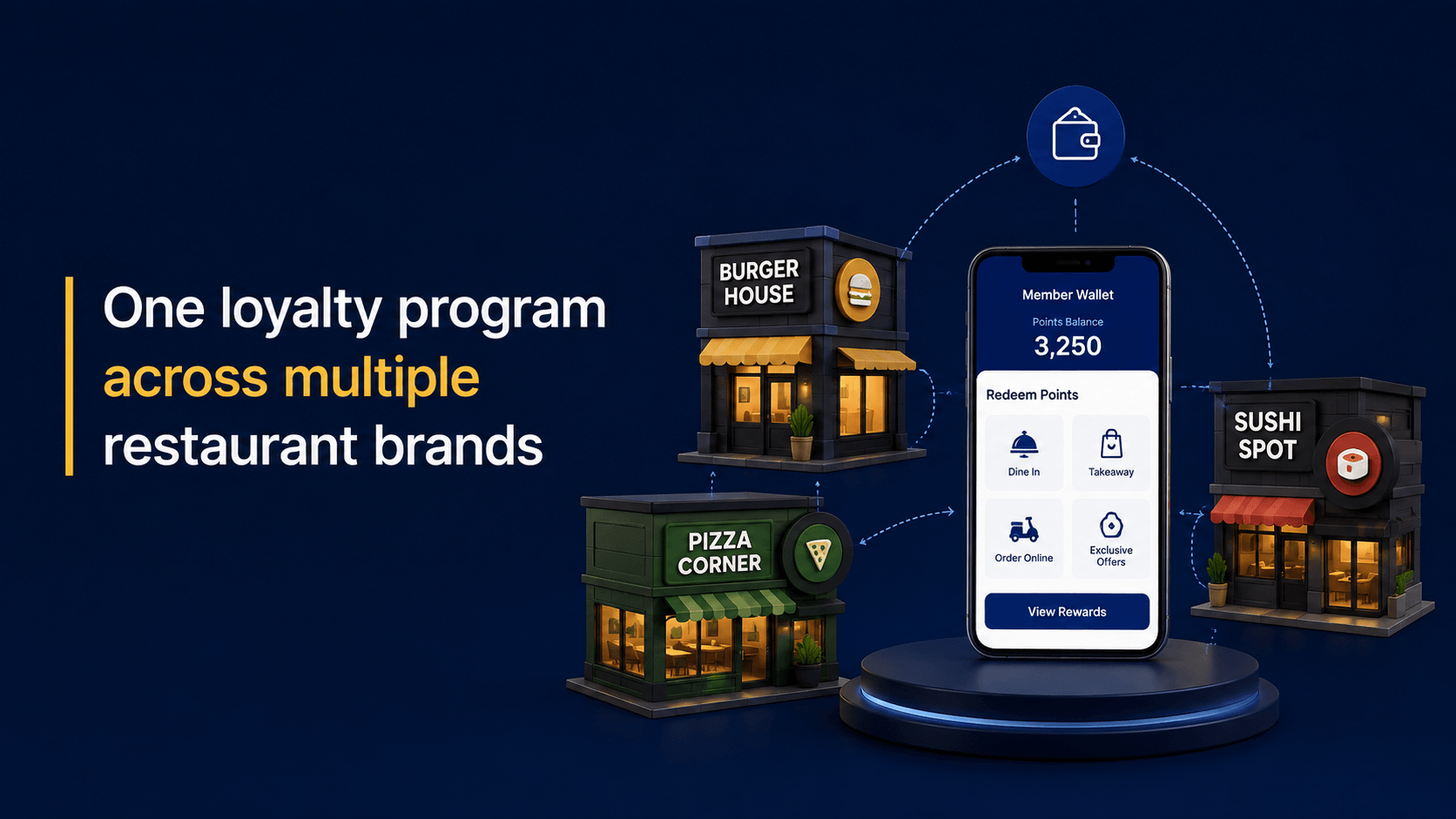
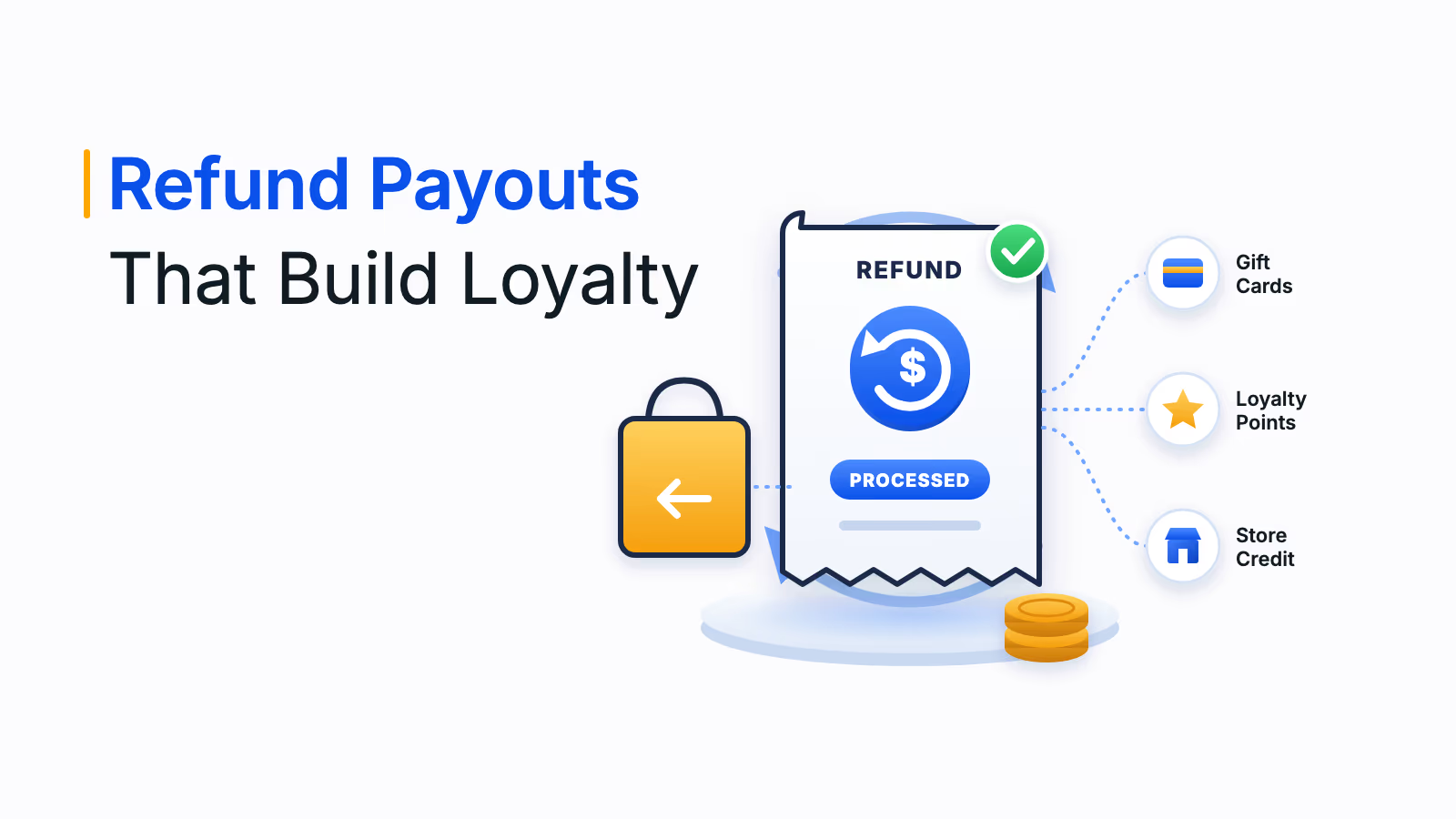
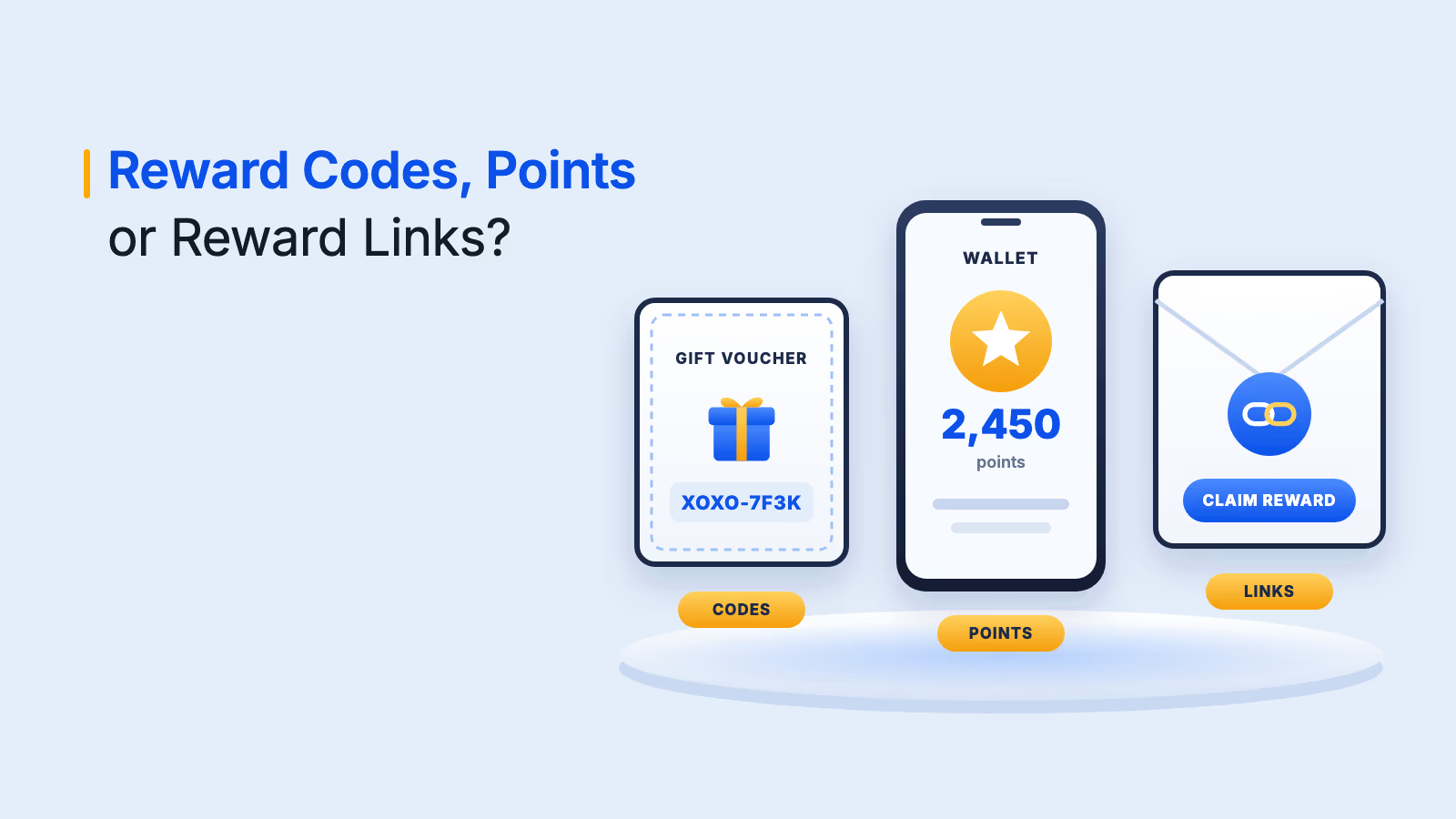
Participants choose how to be paid from 10M+ reward options across 150+ countries, including cash-like routes such as PayPal, Venmo, bank transfer and push-to-debit, plus gift cards. A bulk run can reach up to 10,000 recipients at once, so a 40-person interview round and a 4,000-person study use the same workflow.
Budget limits, role-based access, redemption thresholds and velocity controls keep repeat claims in check, and tax form collection (W-9, 1099) sits inside the payout flow. Plum is a rewards platform, not a research suite, so teams still need a place to find and schedule participants.
- Works with any recruiting source or testing tool
- Cash-like, gift card and point options in one campaign
- Fraud controls and tax form collection built into payouts
- Does not recruit or schedule participants, so it pairs with your recruiting source
2. User Interviews
Type: Recruit and pay. User Interviews is a participant recruitment platform that builds incentive payments into the recruiting workflow. A team targets an audience, writes a screener, schedules sessions automatically and pays participants without leaving the product.
Participants choose how to redeem, with prepaid cards, gift cards and charitable donations among the options. The company says it supports recruiting in 200+ countries.
- Recruiting, scheduling and payment in one workflow
- Participants choose how to redeem
- Large review base on G2
- More than you need when participants come from your own customer list
3. Great Question
Type: Recruit and pay. Great Question works as a research CRM. Teams manage a panel of customers or prospects, screen and schedule them, run interviews, focus groups, surveys and prototype tests, and send incentives from the same account.
The company says it connects to 5,000+ tools through Zapier, and it lists Qualtrics among its named integrations. That helps when recruiting happens in one system and payment approvals in another.
- Panel, scheduling and incentives in one CRM
- Supports interviews, focus groups, surveys and prototype tests
- Zapier and Qualtrics integrations
- Fewer than 25 G2 reviews, so ratings are an early signal
4. Respondent
Type: Recruit and pay. Respondent specializes in recruiting professional participants. A researcher filters by job title, industry, skills and demographics, screens candidates, and the platform handles scheduling and secure video conferencing.
The platform marks attendance and issues the incentive afterward, using a third-party reward provider for virtual gift cards. Its panel is strongest for US-based professional audiences.
- Targets participants by job title, industry and skills
- Automated reminders to reduce no-shows
- Large review base on G2
- Strongest in the US, so global consumer studies need another source
5. Ethnio
Type: Recruit and pay. Ethnio is a research recruiting and panel management tool built for UX research teams. It combines screener surveys, automated scheduling, incentive management and CRM integration so a team can recruit participants and keep a participant database.
Its guidance ties the incentive to the study type, such as one-on-one interviews versus unmoderated surveys. That makes it a practical fit for ops teams that run a steady flow of studies instead of a one-off project.
- Panel database and recruiting in one tool
- Incentive guidance by study type
- CRM integration
- Reviewers say some features sit behind higher plans
6. Userlytics
Type: Test and pay. Userlytics runs moderated and unmoderated usability tests, card sorting and tree testing, and adds AI-assisted insights and highlight reels. Teams recruit from the company's panel or bring their own users.
The company says its panel holds 2 million participants across 150+ countries, with a multilingual tester interface. It manages incentives and consent as part of each study.
- Moderated and unmoderated testing in one platform
- Bring your own users or use the panel
- Multilingual tester interface
- Public pages say little about payout formats and countries, so confirm both before committing
7. UserTesting
Type: Test and pay. UserTesting runs a Contributor Network of participants across more than 30 countries. The platform handles audience management, demographic data, privacy and compliance, and participant support, and it manages contributor incentives.
Researchers rate each contributor on a five-point scale, which feeds back into panel quality. Tests longer than 20 minutes earn larger incentives.
- Audience management and incentives handled by the platform
- Researchers rate contributors after each test
- Compliance and privacy handled centrally
- Reviewers report panel quality concerns, including fraudulent screener answers
8. Lyssna
Type: Test and pay. Lyssna covers unmoderated testing, a survey builder, A/B tests and Figma prototype testing, with session recording, heatmaps and real-time analytics. A panel manager targets participants by demographic attribute.
The company says its panel has 690,000+ participants across 124 countries and 395+ targeting attributes. Its demographics skew toward the US, which matters for global studies.
- Unmoderated tests, surveys and A/B tests in one tool
- Figma prototype testing
- Detailed demographic targeting
- Panel skews toward US participants
9. dscout
Type: Test and pay. dscout supports diary studies, usability testing, concept testing, field studies, media-rich surveys, interviews and card sorting. Participants record video and photos during a mission, and researchers add dynamic follow-up questions.
Participants are paid through PayPal once a study is complete, and payments typically arrive seven to 10 business days after they are requested. For long diary studies, bulk payment at the end of the mission is the recommended approach.
- Strong fit for diary and field studies
- Video and photo input from participants
- Dynamic follow-up questions
- Single payout route and a seven to 10 business day wait
10. Prolific
Type: Panel marketplace. Prolific connects researchers with a vetted pool of participants worldwide. Researchers set the pay rate for a study, and the platform enforces a minimum hourly rate so participants are paid fairly.
Attention checks and participant verification support data quality. It suits quantitative studies and quick tasks better than long moderated interviews.
- Vetted participant pool
- Enforced minimum hourly pay
- Attention checks and verification
- Built for surveys and tasks, not moderated interview scheduling
How to match a tool to your research workflow
Most teams do not need every capability. Start with where participants come from and how they expect to be paid.
- You already have a panel or customer list: a standalone incentive layer such as Plum pays any source, in any country, without changing your research stack.
- You need to find interview participants: User Interviews, Respondent and Ethnio recruit and pay in the same workflow.
- You run research on your own customers: Great Question keeps the panel, scheduling and incentives together.
- You run usability tests at volume: Userlytics, UserTesting and Lyssna combine testing and a participant panel.
- You run diary or field studies: dscout is built for video and photo missions.
- You run fast surveys and experiments: Prolific provides vetted participants with enforced pay rates.
For a deeper look at formats, see types of survey incentives with examples and how to choose survey reward formats.
What to ask before you choose a tool
Demos make every tool look the same. These four questions separate the real differences.
- Which countries and currencies can we pay today? Get a list for your top 10 participant markets, not a global claim.
- Can we pay participants we recruited elsewhere? Many tools only pay people they sourced themselves.
- How do you stop duplicate claims? Look for velocity limits, redemption thresholds and approvals on budget.
- Who handles tax paperwork and identity checks? Confirm who collects forms for cash payments.
Which participant incentive tool should you choose?
If you recruit through several sources or pay participants across many countries, start with Plum as the payout layer. For interview recruiting with payment built in, compare User Interviews, Respondent and Ethnio, and use Great Question when the panel is your own customers. For usability testing on a ready panel, look at Userlytics, UserTesting and Lyssna. For diary studies, dscout, and for fast surveys, Prolific.
To see how participant rewards fit your stack, read how to add incentives to SurveyMonkey and Qualtrics, then see how Xoxoday Plum runs it.
Book your Plum demo
Frequently asked questions
It is software that pays people for taking part in research such as interviews, usability tests and diary studies. Some tools recruit participants and pay them. Others only handle the payout.
Offer a choice. Cash-like options such as PayPal or bank transfer suit professionals, while gift cards work for consumers. Letting each participant pick a format they can actually use reduces failed payouts.
Screen participants before sessions, set per-person limits and redemption thresholds, and require approval on budget. Tools with velocity controls flag unusual claim patterns before money leaves the account.
In some countries, yes. In the US, cash payments to individuals can trigger W-9 collection and reporting, while gift cards often carry different rules. Confirm who handles forms before a paid study starts.
Only with some tools. Recruiting platforms usually pay people they sourced, while a standalone incentive layer such as Plum pays participants from any source through API, CSV or survey-tool triggers.