A manager opens the recognition app on a Friday afternoon, looks at the blank message box and types "Great job on the launch." The employee reads it in four seconds and moves on.
Every recognition vendor now says it has AI, and the claim covers very different things. One tool rewrites a sentence. Another reads a year of recognition data and answers questions about it. A third lives inside Microsoft Copilot.
Adoption is still early. SHRM's 2025 survey found 43% of organizations use AI in HR, up from 26% a year earlier, but only 14% use it in employee experience.
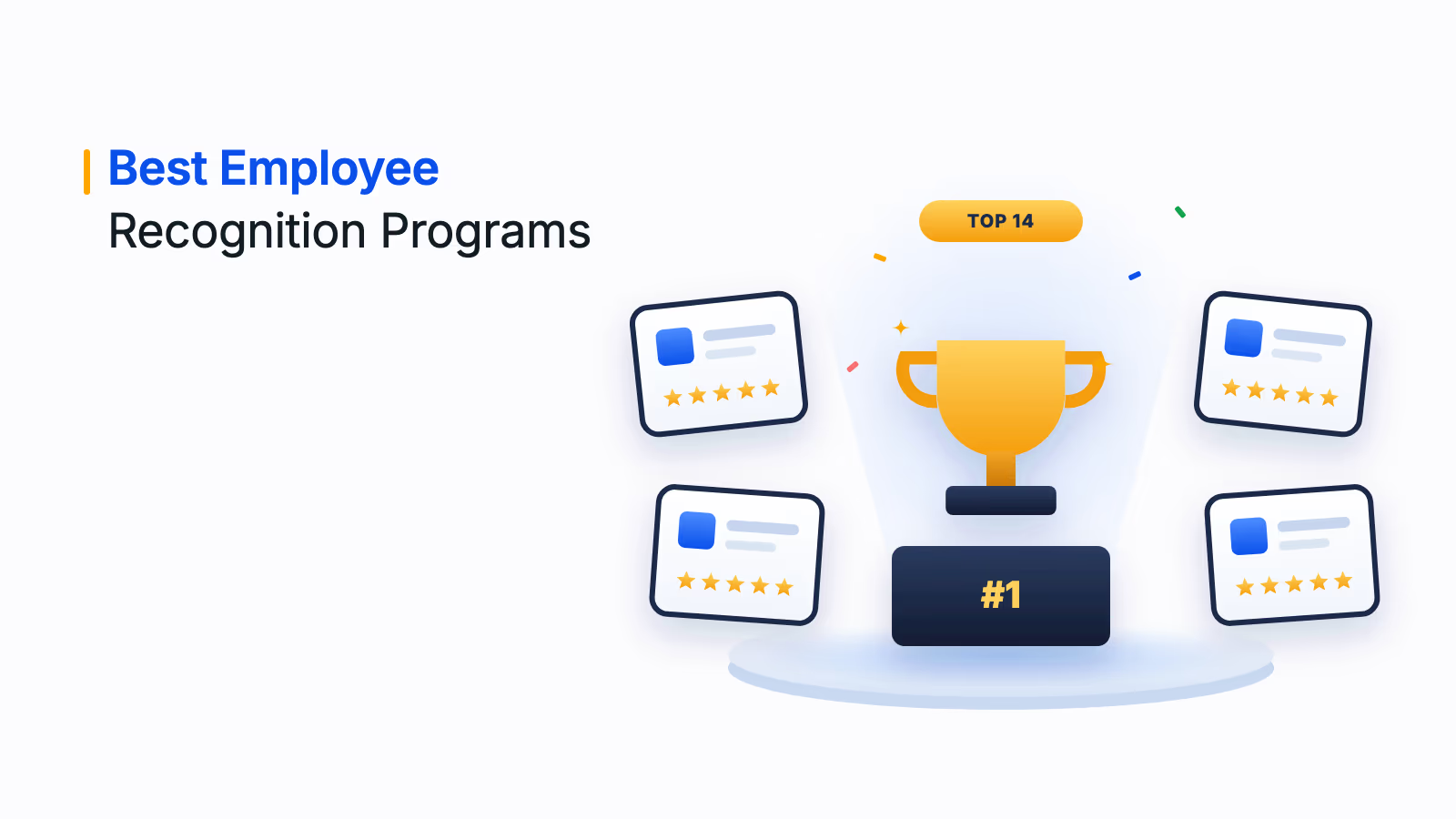
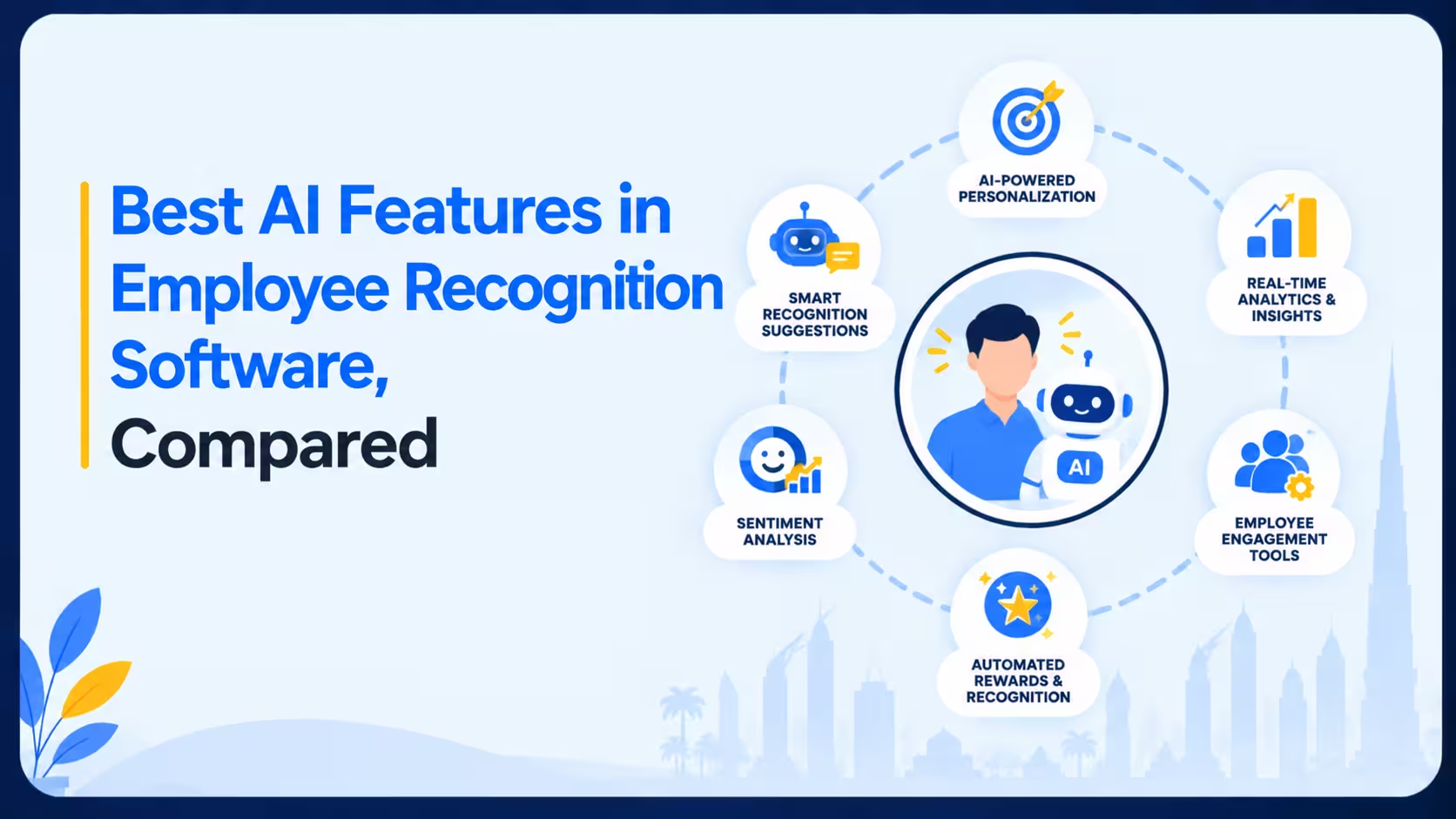
We compared the AI features of 10 employee recognition platforms, grouped by what the AI actually does: coaching, moderation, analytics, assistants and early-warning signals. Each entry says what is live, what is in beta and what is only announced.
Disclosure: Xoxoday publishes this guide and Empuls is one of the 10. All are judged on the same criteria.
The Best AI Features in Employee Recognition Software
- Xoxoday Empuls for AI across recognition, listening and assistants in one platform (G2 4.6/5)
- Bonusly for coaching message quality as people write (G2 4.7/5)
- Kudos for simple message drafting with admin control (G2 4.8/5)
- Terryberry for screening messages before they publish
- Workhuman for analytics built on recognition data (G2 4.7/5)
- Achievers for inclusive writing and reward recommendations (G2 4.6/5)
- Motivosity for assistants inside Slack, Teams and chat tools (G2 4.7/5)
- Awardco for moderation, translation and an MCP server (G2 4.9/5)
- Vantage Circle for recognition suggestions inside Microsoft 365 Copilot (G2 4.7/5)
- Nectar for early warning on disengagement (G2 4.7/5)
What Makes AI in Recognition Software Worth Paying For?
Most recognition AI falls into a few jobs. The useful question is which job your program needs done.
43%
Use AI in HR
of organizations in 2025, up from 26% in 2024
14%
Use AI in employee experience
of organizations, well behind recruiting at 27%
22%
Feel rightly recognized
of employees strongly agree they get the right amount of recognition
Source: SHRM, State of AI in HR 2026 (2025 survey of 2,040 HR professionals); Gallup, 2024 workplace survey.
We judged every platform on five tests:
- Writing support. Does the AI coach or draft the message, and does the sender stay in control? A message that sounds generated defeats the point of recognition.
- Fairness and safety. Look for bias flagging, content moderation and checks for sensitive data before a recognition is shared.
- Insight from the data. Sentiment summaries, trend reports and plain-language questions turn recognition into something HR can act on.
- Assistants in the tools people use. Slack, Teams, Copilot, Claude and ChatGPT access means managers do not need another login.
- Maturity and control. Separate what is live from what is beta or roadmap, and check approval steps, data permissions and whether customer data trains models.
Maturity and control carried the most weight, because announced features do not change how a program runs. Feature claims come from each vendor's public pages and press releases, written in our own words. Ratings come from G2 and Capterra as of October 2026 and change over time. Where a score rests on fewer than 20 reviews, we show the count.
See Empuls AI in action
Recognition Coach, Citation Studio, Approver Intelligence and Ask Anything on one platform.
See Empuls in actionTrusted by 5,000+ companies
The Best AI Features in Employee Recognition Software at a Glance
- Xoxoday Empuls
- Best for
- AI across recognition, listening and assistants in one platform
- Standout feature
- Coaching, drafting, nominee shortlisting and sentiment in one platform
- Rating
- G2 4.6 (Xoxoday)
- Bonusly
- Best for
- Coaching message quality as people write
- Standout feature
- Real-time coaching on specificity and values alignment
- Rating
- G2 4.7
- Kudos
- Best for
- Simple message drafting with admin control
- Standout feature
- Drafts a message from a few basic inputs
- Rating
- G2 4.8
- Terryberry
- Best for
- Screening messages before they publish
- Standout feature
- Tone and length options on drafted messages
- Rating
- No public G2 or Capterra rating
- Workhuman
- Best for
- Analytics built on recognition data
- Standout feature
- Answers drawn from the program's own recognition data
- Rating
- G2 4.7 · Capterra 4.8 · Everest Group Leader, 2026 PEAK Matrix
- Achievers
- Best for
- Inclusive writing and reward recommendations
- Standout feature
- Inclusion Coach flags biased language with suggested rewrites
- Rating
- G2 4.6 · Capterra 4.8
- Motivosity
- Best for
- Assistants inside Slack, Teams and chat tools
- Standout feature
- Assistant reachable from Slack, Teams, Claude and ChatGPT
- Rating
- G2 4.7
- Awardco
- Best for
- Moderation, translation and an MCP server
- Standout feature
- Checks tone and sensitive data before a recognition is shared
- Rating
- G2 4.9 · Capterra 4.9
- Vantage Circle
- Best for
- Recognition suggestions inside Microsoft 365 Copilot
- Standout feature
- Copilot agent suggests who, why and how to recognize
- Rating
- G2 4.7
- Nectar
- Best for
- Early warning on disengagement
- Standout feature
- Signals flag early disengagement from recognition and survey activity
- Rating
- G2 4.7
1. Xoxoday Empuls
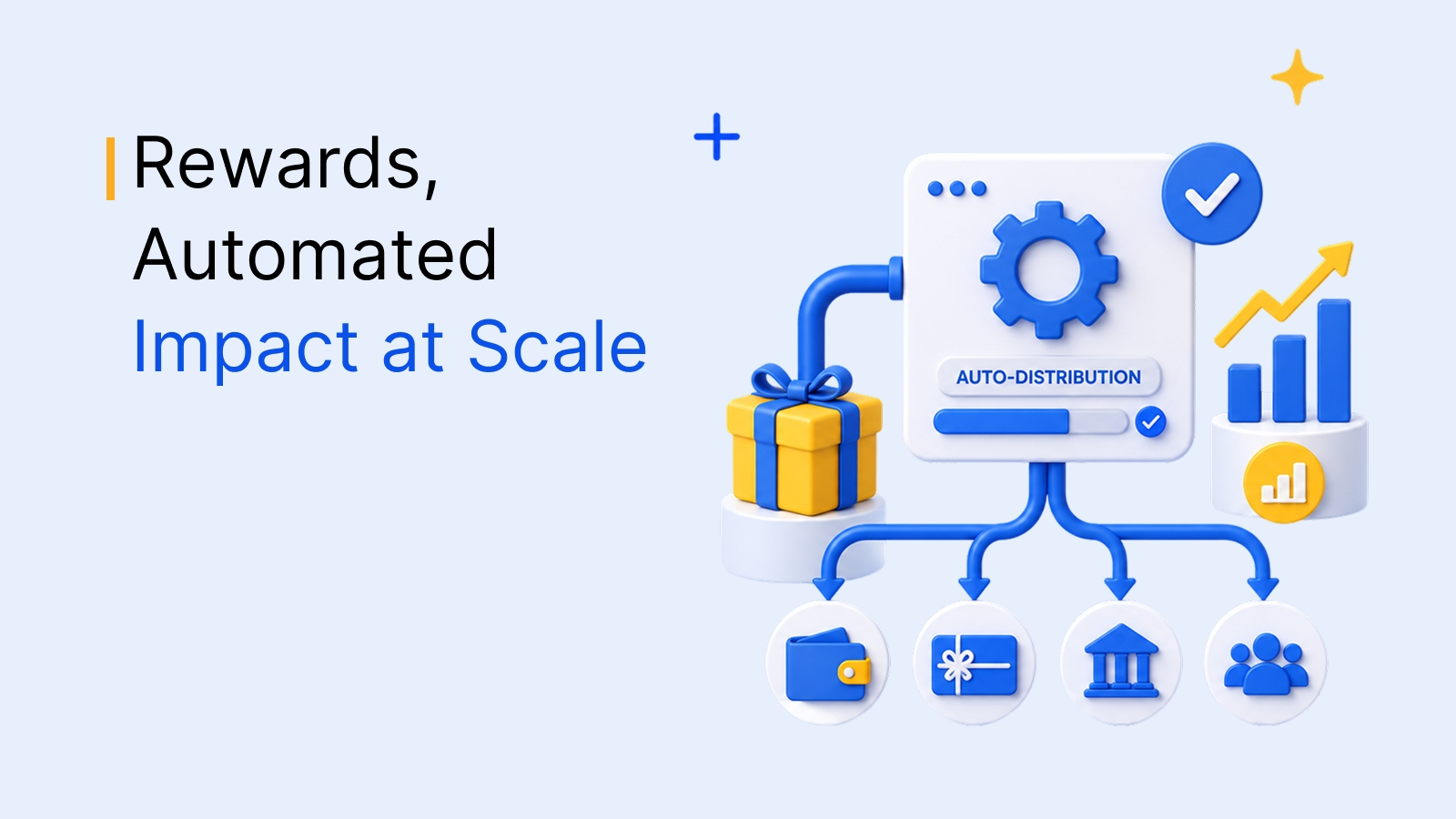
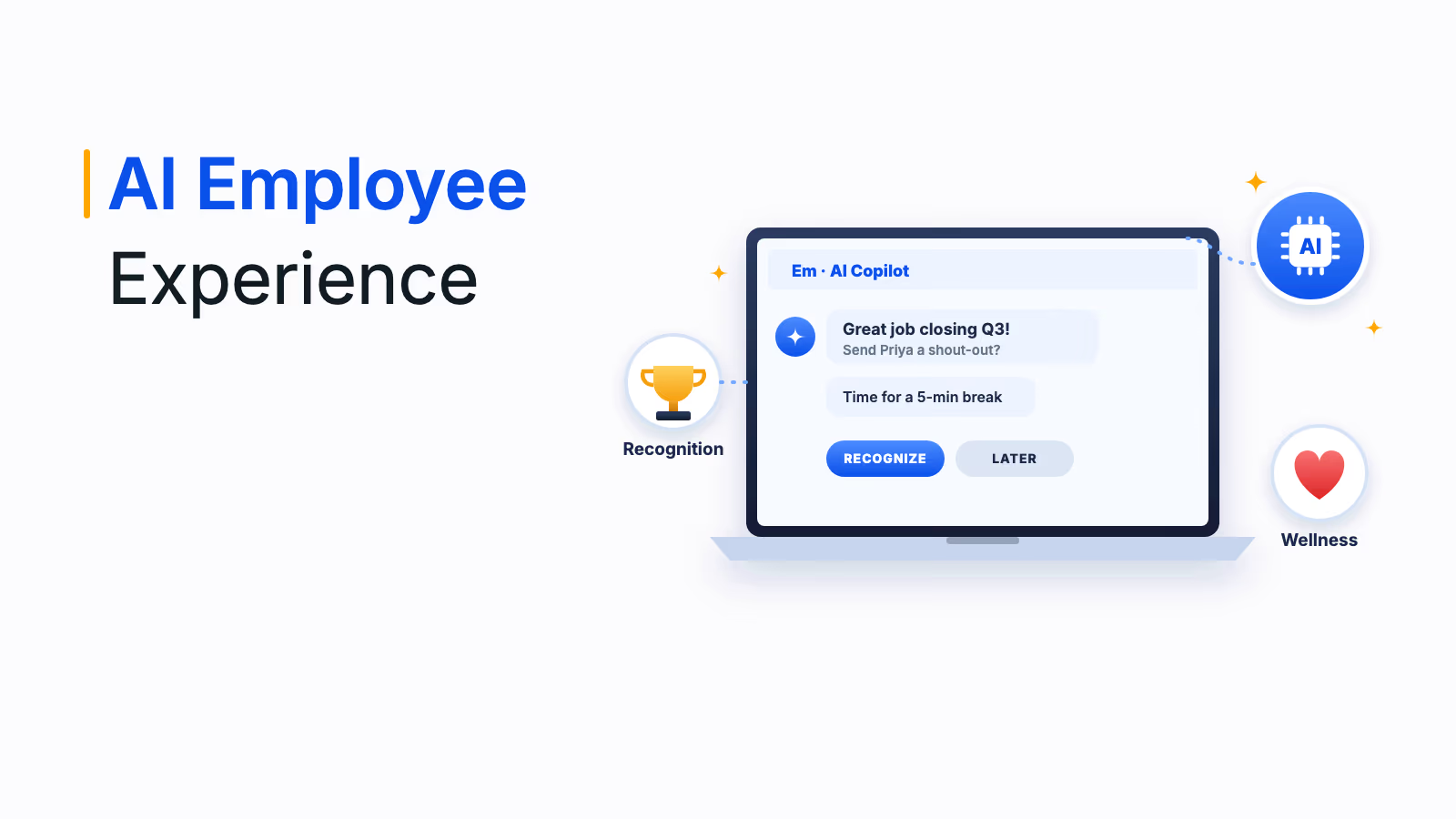
Empuls builds AI into each step of recognition instead of adding one assistant on top. Recognition Coach suggests who to appreciate, with context, and flags employees who have not been recognized in a while. Citation Studio drafts award messages in the tone a manager picks, and an Improve with AI option polishes a draft before it goes out.
Approver Intelligence recommends nominees with a stated rationale, so high-volume awards are decided faster and more consistently. On the listening side, a sentiment engine summarizes open-ended feedback in 20+ languages and shows which cohorts need attention.
Ask Anything answers engagement questions in plain English, and Xoxoday Empuls MCP lets people pull reports, redeem points and approve nominations from Microsoft Copilot, Claude or ChatGPT. Trust and Safety checks content before it publishes, and AI Skill Mapping reads recognition language to surface skills for learning and mobility decisions.
- Coaching, drafting, nominee shortlisting and sentiment in one platform
- Answers limited to each role's data permissions
- Reachable from Microsoft Copilot, Claude and ChatGPT through MCP
- More platform than you need if you only want AI message drafting
2. Bonusly
Bonusly's AI assistant, Bizy, drafts and edits recognition, prepares managers for 1:1s and summarizes team activity. The company says Bizy needs a user's approval before anything reaches another person, and that it does not train models on private data.
Gratitude Gauge coaches a message on specificity and values alignment as the user types, and a thank-you generator suggests replies in the recipient's voice. Smarter 1:1s transcribe meetings and surface moments worth recognizing.
- Real-time coaching on specificity and values alignment
- 1:1 transcripts surface recognition moments
- User approval before AI output reaches others
- AI features center on peer messages and manager 1:1s, with less emphasis on formal award workflows
3. Kudos
Kudos added an AI Recognition Assistant in April 2024. It turns a few inputs into a personalized message for an achievement or occasion, and users can accept the suggestion or edit it.
Admins can switch the assistant off. The company says it does not train the assistant on customer data and does not keep original or rewritten messages.
- Drafts a message from a few basic inputs
- Admins control whether the assistant is on
- No model training on customer data, per the company
- Public AI pages describe message drafting only, with no analytics or assistant layer
4. Terryberry
Terryberry's AI Recognition Assistant turns a user's notes into a recognition message, with tone and length options. The company announced it in March 2025.
AI Content Monitoring screens messages for inappropriate content before they are published, including in multiple languages. That makes it a fit for programs where a moderator would otherwise read every post.
- Tone and length options on drafted messages
- Screening runs before a message publishes
- Multilingual content monitoring
- Public pages show drafting and moderation only, with no insight or assistant tools
5. Workhuman
Workhuman builds its AI on Workhuman iQ, its analytics layer. The AI Assistant answers questions from a customer's own recognition data, using what the company describes as a recognition-specific language model. Recognition Advisor coaches the quality of a recognition as it is written. It coaches, and does not write the message for the user.
Inclusion Advisor flags potentially biased wording and suggests alternatives. Talent Intelligence and Culture Hub extend the same recognition data into skills and culture views.
- Answers drawn from the program's own recognition data
- Coaching at the moment of writing
- Flags potentially biased wording
- A broad analytics suite is more than a team needs for message help alone
6. Achievers
Achievers Intelligence, announced in September 2026, is the AI layer across its recognition and rewards platform. It offers AI-assisted recognition writing, reward recommendations, and insights into skills and strengths drawn from recognition data. The company says customer data is not used to train models.
Inclusion Coach, launched in 2024, uses generative AI to flag biased language on gender, race, age, sexuality and ability and to suggest alternatives. A Rewards Recommender uses machine learning to suggest rewards to members, and Workday offers a recognition solution provided by Achievers.
- Inclusion Coach flags biased language with suggested rewrites
- Reward recommendations for members
- Connections to Microsoft Copilot and Workday
- Achievers Intelligence is new as of September 2026, so ask for reference customers using it
7. Motivosity
Motivosity launched Appreciation Intelligence in beta in May 2026, with general availability planned later in 2026. Appreciation Coach suggests improvements to a message in real time, and Insights AI answers questions in plain language and builds reports from Motivosity data.
Motivosity Assistant works inside Slack, Teams, Claude or ChatGPT, and Motivosity Agents automate tasks such as creating recognition programs and reports. The company says every insight is grounded in recognition data, scoped to the user's permissions and traceable to its source.
- Assistant reachable from Slack, Teams, Claude and ChatGPT
- Plain-language reports from recognition data
- Insights traceable to source data, per the company
- Appreciation Intelligence is in beta, so confirm what is live for your plan
8. Awardco
Awardco Intelligence, launched in May 2026, includes a Recognition Assistant that suggests messages from company values and prompts. Content checks look at tone, language and sensitive data such as personal information before a recognition is shared, and real-time translation covers 50+ languages.
An Awardco MCP Server, in beta, lets people query program data in natural language from ChatGPT, Claude or Copilot. Sentiment analysis, smart nudges and Program Autopilot are on the company's roadmap and are not live features.
- Checks tone and sensitive data before a recognition is shared
- Real-time translation
- MCP server for natural-language queries, in beta
- Several announced features, including sentiment analysis, are still on the roadmap
9. Vantage Circle
Vantage Circle launched Intelligent Recognition in November 2025. A Microsoft 365 Copilot agent suggests who to recognize, why and how, and managers keep control of what gets sent. The company describes its AI as coaching rather than automated decision-making.
Recognition Guide and Smart Comment suggest messages and reactions. Ask AI, speech-to-text recognition and smart sticker generation are announced as upcoming.
- Copilot agent suggests who, why and how to recognize
- Managers keep control of what is sent
- Smart Comment suggestions for messages and reactions
- Ask AI and speech-to-text recognition are announced, not yet released
10. Nectar
Nectar One, announced in August 2026, adds an intelligence layer across the platform. Nectar Signals flags early disengagement from recognition patterns, message opens and survey participation, and Nectar Flows automates workflows for milestones.
Nectar Agents are in early access for fall 2026, and Nectar Perform is on a waitlist. Its public pages show no AI message drafting, so it fits teams that want signals more than writing help.
- Signals flag early disengagement from recognition and survey activity
- Flows automate milestone workflows
- Works with Microsoft Teams, Slack and Outlook
- No AI message drafting found, and Agents are in early access
What to Ask Before You Choose a Platform
AI demos look alike. These four questions separate shipped features from slideware.
- Which AI features are live today, and which are beta or roadmap? Ask for a customer already using each one, and a date for anything not yet released.
- Does customer data train your models? Get the answer in the contract, along with how long drafts and prompts are kept.
- Who approves AI output before an employee sees it? The sender should always review a drafted message, and admins should be able to switch features off.
- Do answers respect data permissions? A manager asking an assistant for a report should see only their own team's data.
Which Platform Should You Choose?
If you want coaching, nominee shortlisting, sentiment and assistants on one platform, start with Empuls. For message coaching and 1:1 support, look at Bonusly. For simple drafting with admin control, compare Kudos and Terryberry. If your priority is analytics built on years of recognition data, look at Workhuman and Achievers. For assistants inside chat and Copilot, compare Motivosity, Awardco and Vantage Circle. If early-warning signals matter more than writing help, look at Nectar.
For background, see our guides to the best employee recognition software in 2026, AI in employee engagement and how to prevent bias in recognition programs.
Book your Empuls demo
Frequently asked questions
Look for message coaching or drafting, bias and content checks, sentiment and trend insights, and assistants in the tools people already use. Then check which of those are live, because many vendors list beta and roadmap items beside shipped ones.
It can draft them, but the sender should review and edit before sending. Messages work best when they name a specific action, so use AI to prompt for detail and tone, not to replace the personal note.
Some platforms flag potentially biased wording as a message is written and suggest alternatives. Others report who gets recognized so HR can see gaps by team or role. Both help, and neither replaces a clear nomination policy.
It depends on the vendor. Several say they do not train models on customer data, so ask for that commitment in the contract, along with how long prompts and drafts are retained.
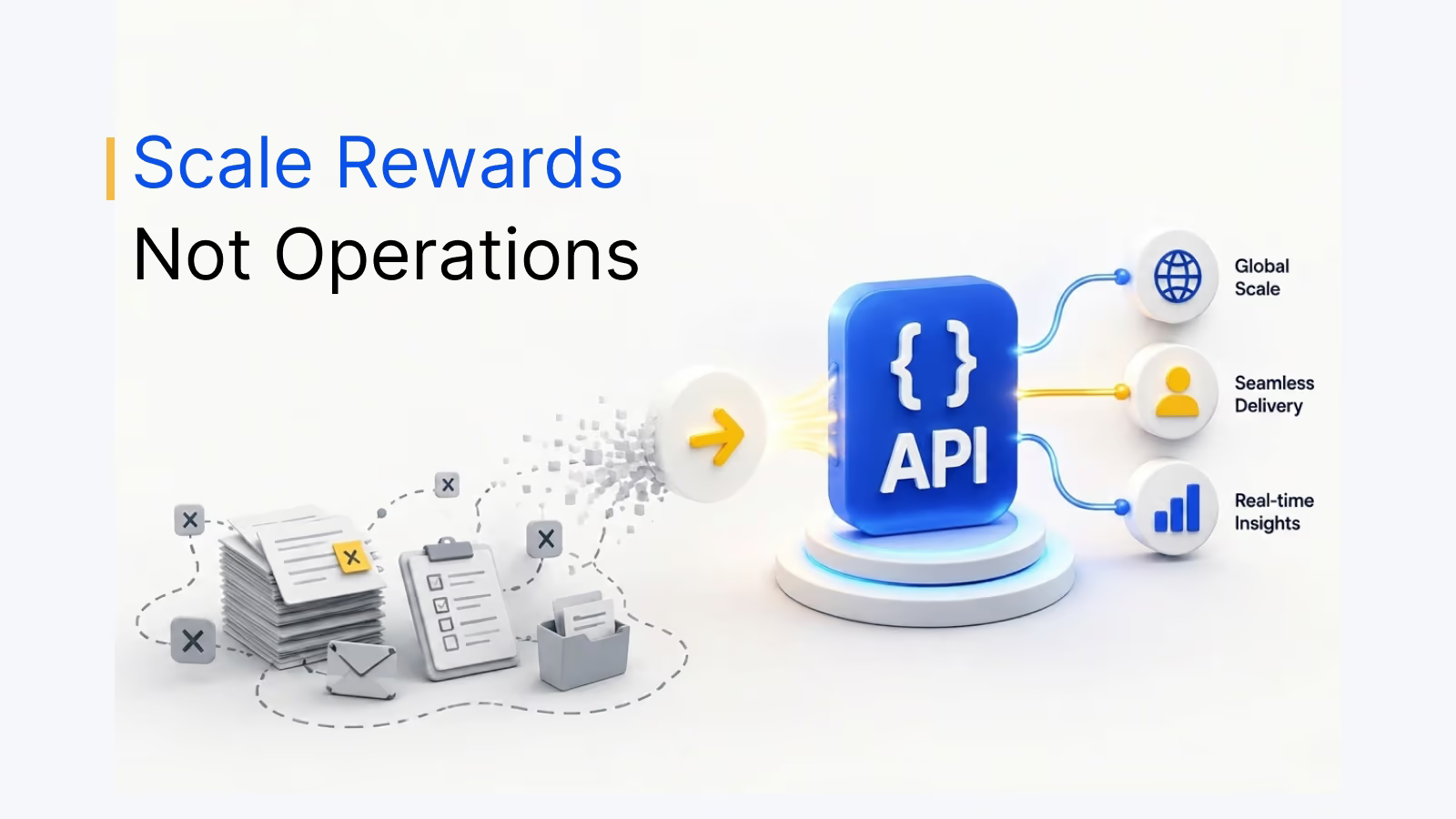
MCP is a standard that lets AI tools such as Microsoft Copilot, Claude and ChatGPT connect to a platform's data. With Xoxoday Empuls MCP, people can pull reports, redeem points and approve nominations from those tools, within their own data permissions.