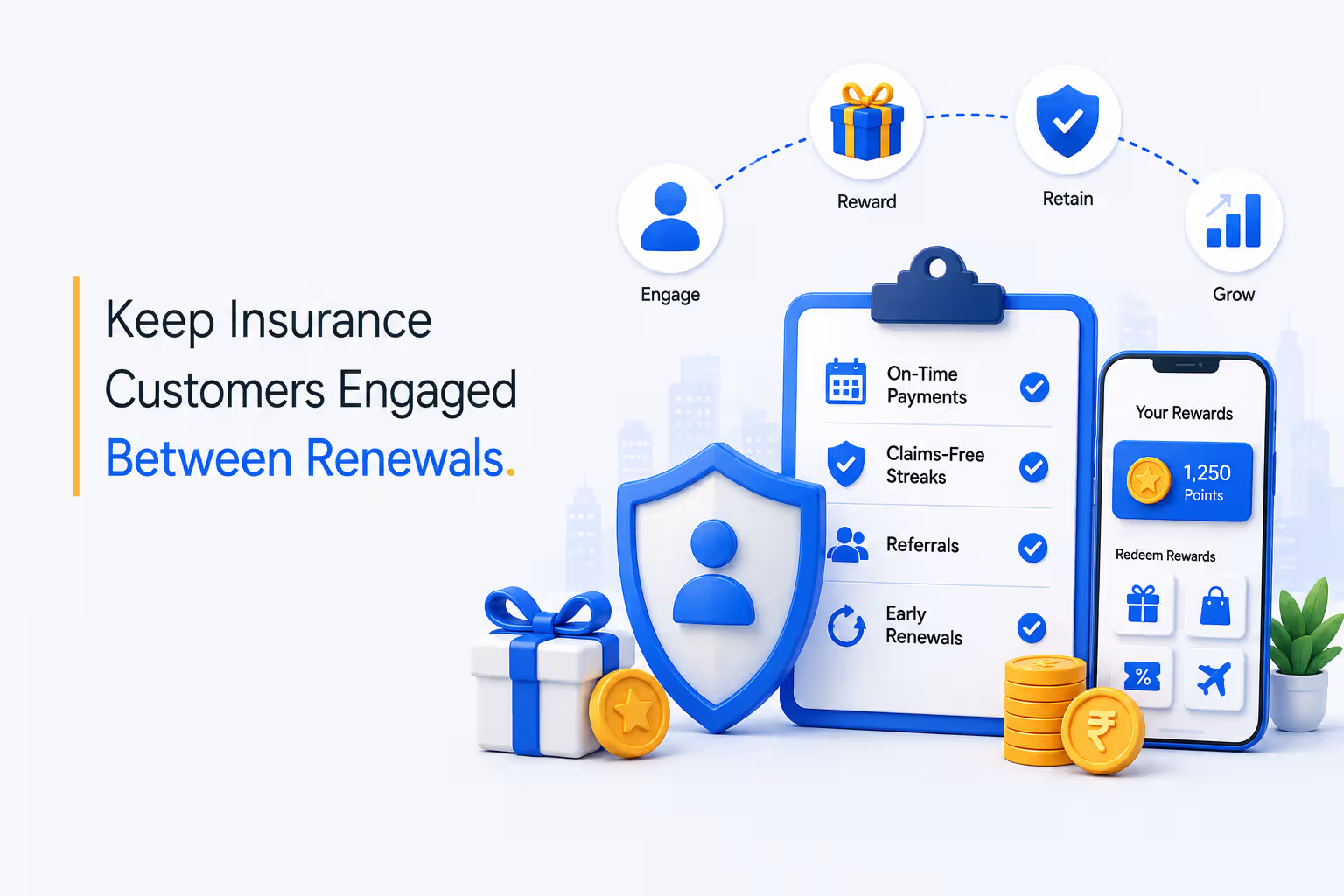
Ask a sales rep when their last SPIFF arrived and you'll get a date, then a complaint. The deal closed on a Tuesday. The reward landed after finance reconciled a spreadsheet, one pay cycle later.
Salesforce's State of Sales research found reps spend about 28% of their week selling. Nobody should spend the rest of it explaining why a bonus is late.
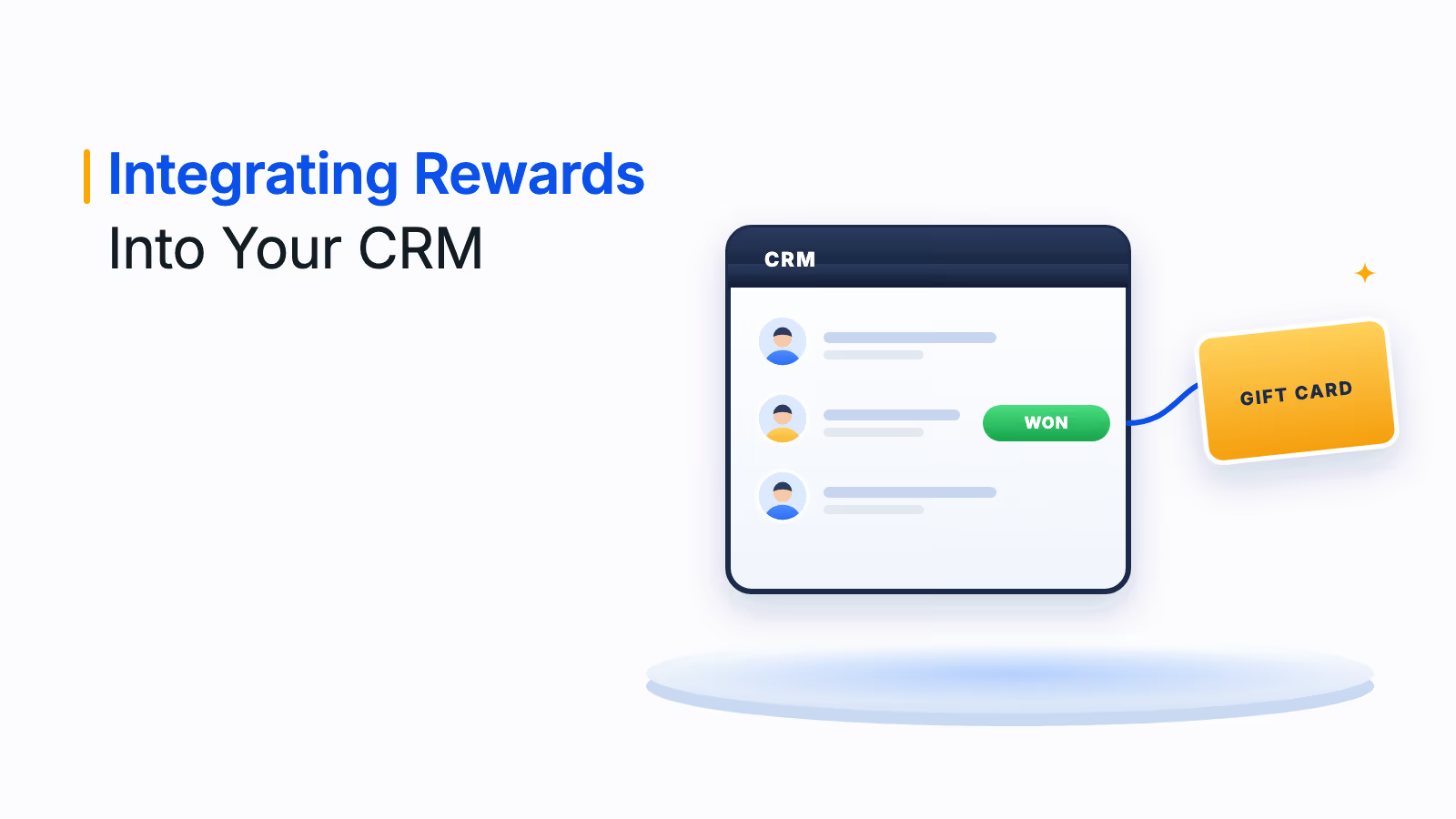
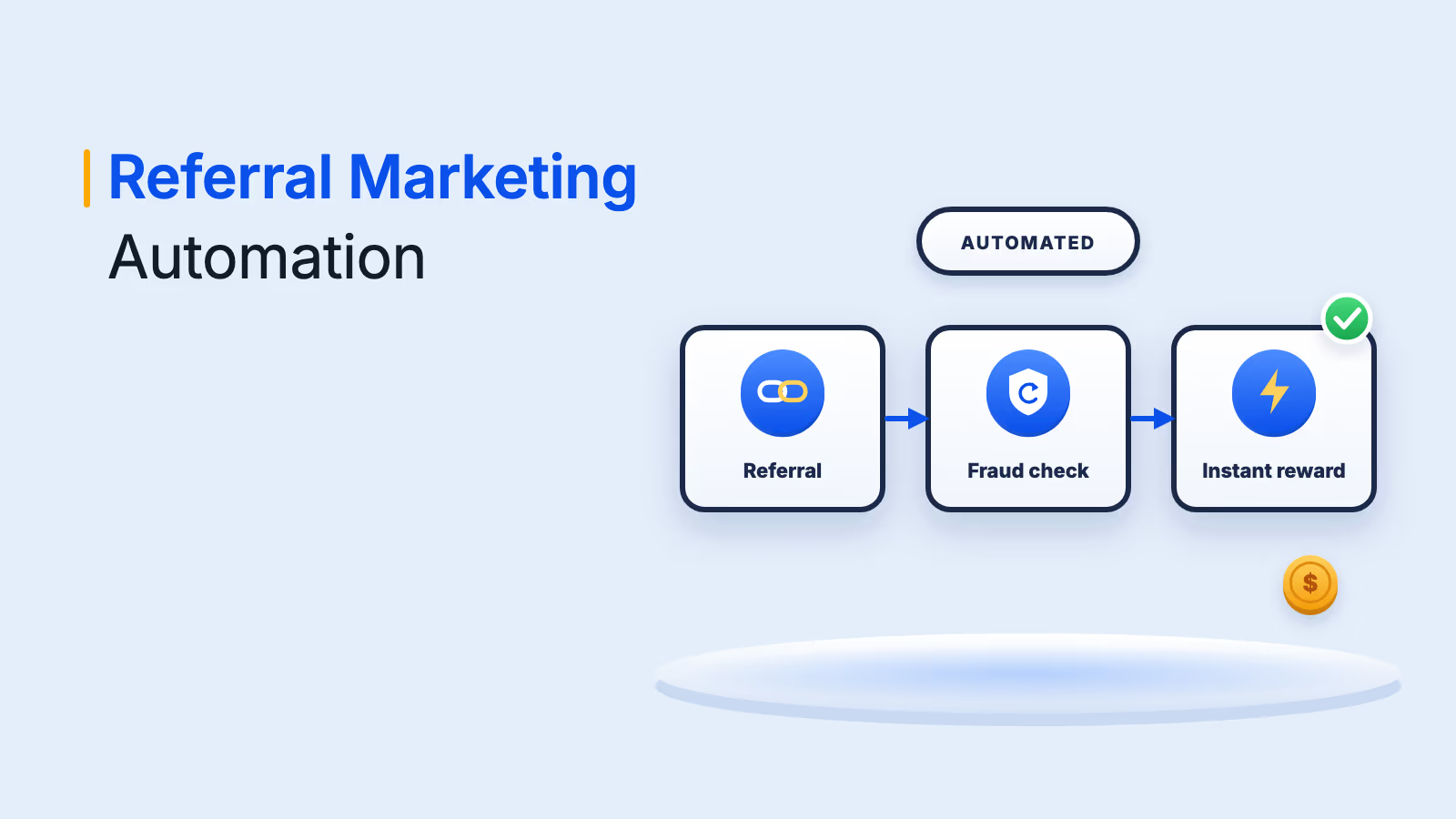
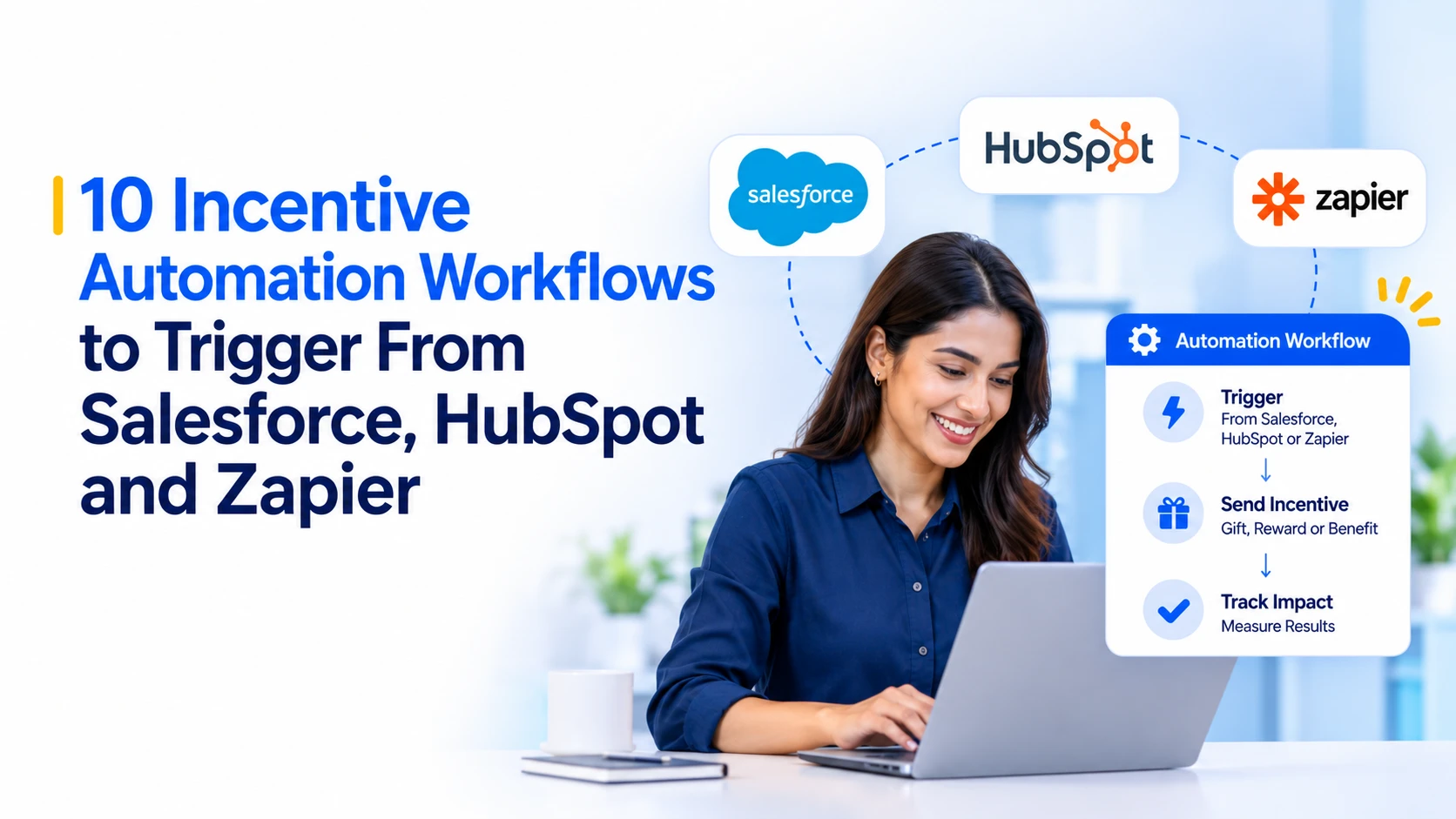
The fix is to wire the reward to the event that earned it. When a CRM record changes, a reward sends itself. Below are 10 workflows across Salesforce, HubSpot and Zapier, each with a trigger, an action and one thing to check before you switch it on.
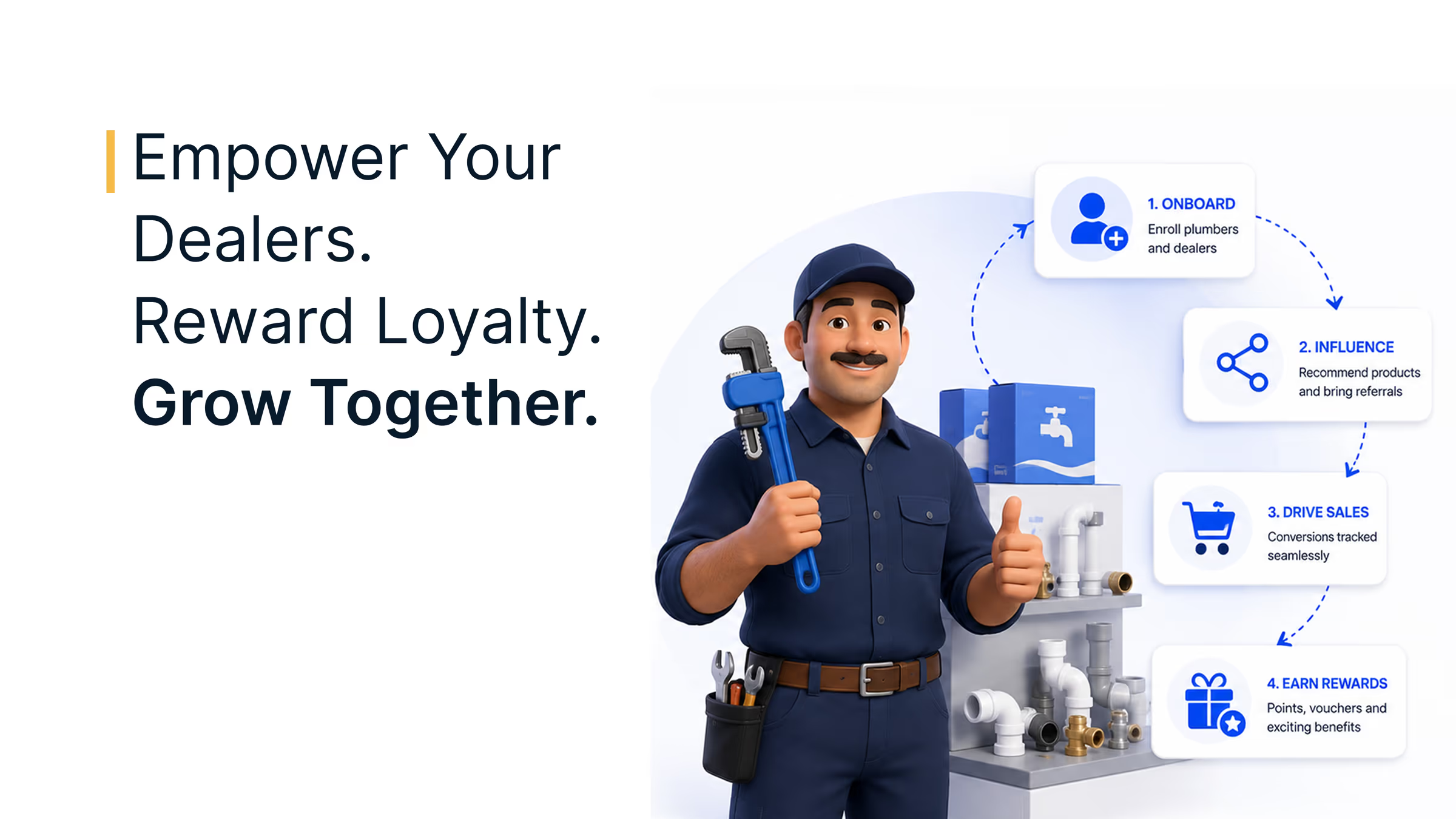
Disclosure: Xoxoday publishes this guide, and every workflow uses Xoxoday Plum as the reward layer.
The 10 incentive automation workflows
- Closed-won deal reward (Salesforce)
- Pipeline stage SPIFF (Salesforce)
- Partner lead referral reward (Salesforce)
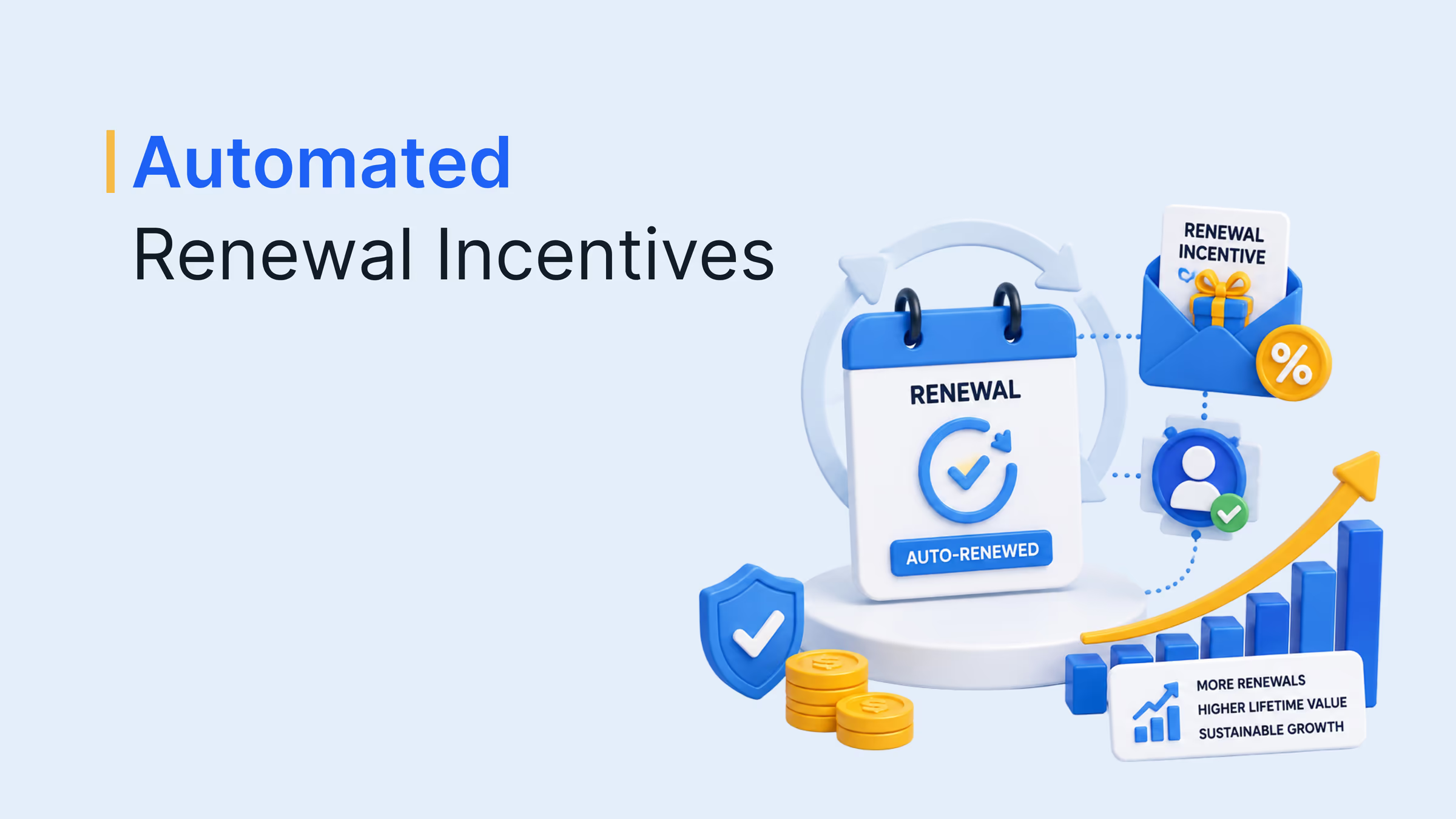
- Renewal closed reward (Salesforce)
- Webinar follow-up reward link (HubSpot)
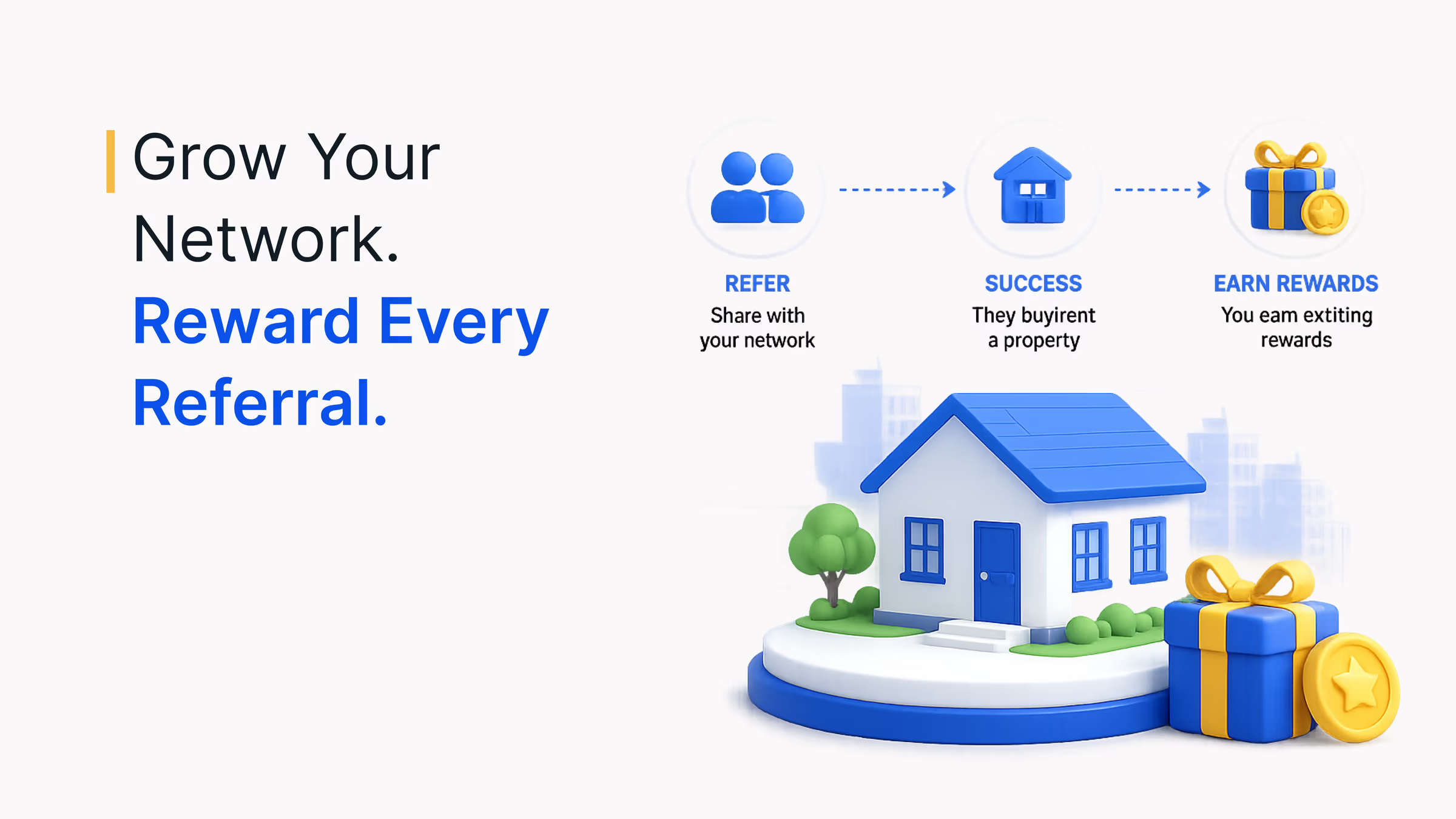
- Customer referral campaign (HubSpot)
- Dormant contact re-engagement (HubSpot)
- Survey completion gift card (SurveyMonkey)
- Booked meeting reward (Outreach)
- Spot bonus from a spreadsheet (Google Sheets)
What makes a good incentive trigger?
A trigger is only as good as the event behind it. Plum's reach sets the ceiling on what each one can send.
10M+
Rewards options
in the Plum catalog
150+
Countries
where rewards can be delivered
50+
Currencies
supported for redemption
Source: Xoxoday Plum.
We held every workflow to four tests:
- One event, one reward. The trigger is a verifiable record change, not a manager's memory.
- A cap. Every automation has a maximum reward value.
- An approval route. High-value rewards wait for a human, and small ones don't.
- A funded balance. A reward can't send from an empty account.
The 10 workflows at a glance
- Closed-won deal reward
- Trigger
- Opportunity reaches Closed Won
- Reward
- E-gift card
- Connection route
- Zapier
- Pipeline stage SPIFF
- Trigger
- Opportunity moves to a chosen stage
- Reward
- E-gift card
- Connection route
- Zapier
- Partner lead referral reward
- Trigger
- New lead created
- Reward
- E-gift card
- Connection route
- Zapier
- Renewal closed reward
- Trigger
- Renewal opportunity reaches Closed Won
- Reward
- E-gift card
- Connection route
- Zapier
- Webinar follow-up reward link
- Trigger
- Contact clicks a CTA in a HubSpot email
- Reward
- Reward link
- Connection route
- Native
- Customer referral campaign
- Trigger
- Contact clicks a CTA in a HubSpot email
- Reward
- Reward link
- Connection route
- Native
- Dormant contact re-engagement
- Trigger
- Contact clicks a CTA in a HubSpot email
- Reward
- Reward link
- Connection route
- Native
- Survey completion gift card
- Trigger
- Survey submission completed
- Reward
- E-gift card
- Connection route
- Zapier
- Booked meeting reward
- Trigger
- Prospect books a meeting from a sequence
- Reward
- E-gift card
- Connection route
- Zapier
- Spot bonus from a spreadsheet
- Trigger
- New row added
- Reward
- E-gift card
- Connection route
- Zapier
See Plum in action
Connect Salesforce, HubSpot or Zapier to one reward layer with caps, approvals and delivery in 150+ countries.
See Plum in actionTrusted by 5,000+ companies
1. Closed-won deal reward (Salesforce)
A closed deal is the cleanest event in sales: a stage changes, a number is final, and nobody argues about whether it happened. That makes it the best first workflow to automate.
In Zapier, use the Salesforce opportunity trigger and filter on the Closed Won stage. Plum sits on the action side and sends the rep an e-gift card the moment the record flips.
- No request form: the reward fires when the stage flips
- The rep is paid while the deal is still fresh
- Decide whether large deals need finance sign-off before the Zap runs
2. Pipeline stage SPIFF (Salesforce)
Closed-won pays out after the quarter is already decided. A small reward on an earlier stage, such as a proposal sent or a discovery call held, changes what reps do while the pipeline can still move.
Point the same opportunity trigger at a different stage and keep the amount small. The goal is a nudge, not a second commission plan.
- Steers behavior while the quarter is still open
- Reuses the opportunity trigger from workflow 1
- Stage rewards invite gaming, so cap them per rep per period
3. Partner lead referral reward (Salesforce)
Partners who send you leads and hear nothing back have little reason to send more. If partners submit leads through a form that creates Salesforce leads, each new lead can trigger a thank-you e-gift card.
The design questions are covered in our guide to a partner incentive program.
- Partners are acknowledged the moment a lead lands
- No manual thank-you step for partner managers
- Filter to qualified leads, or duplicates and junk records will drain the budget
4. Renewal closed reward (Salesforce)
Customer success wins renewals, yet most comp plans only pay for new business. A reward on the renewal opportunity tells the account owner that retention counts.
We cover the mechanics in automated renewal incentives.
- Pays customer success for retention
- Mirrors the closed-won setup
- Filter on opportunity type so one deal can't pay out as both new business and renewal
5. Webinar follow-up reward link (HubSpot)
Attendance is the easy part. Getting a second action from the attendee is where a reward earns its cost.
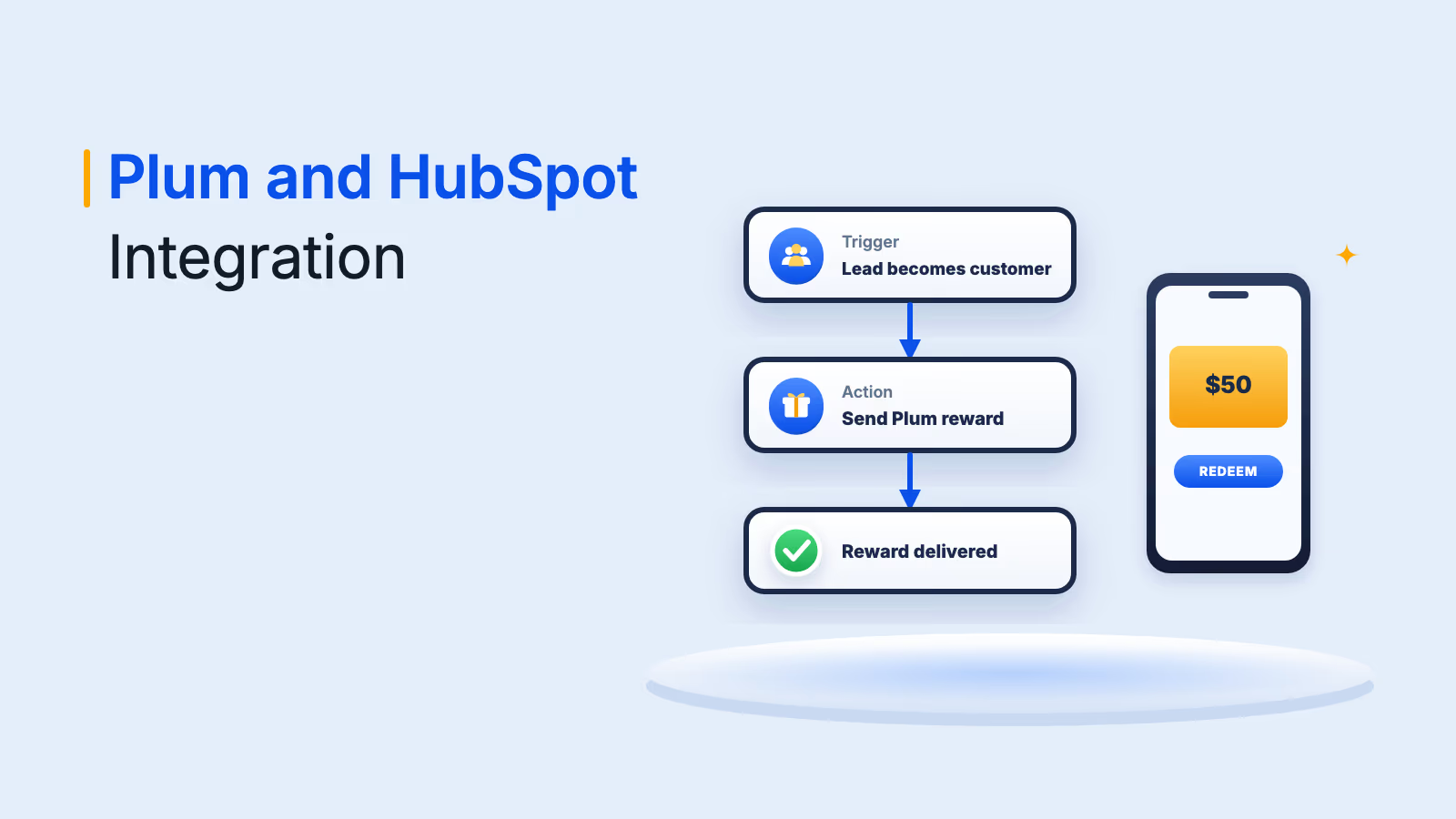
Plum's HubSpot integration generates one shared Xoxolink for a whole contact list. Hyperlink it to the CTA in your follow-up email. The recipient enters an email address, Plum checks it against your HubSpot contacts, and a match gets a redemption email to pick a reward.
- One shared link covers the whole contact list
- Recipients are checked against HubSpot contacts
- Only contacts already in HubSpot can redeem, so build the list before you send
6. Customer referral campaign (HubSpot)
Put the referral ask and the reward in the same email. Set the automation to manual approval, so your team confirms each referral before anything is released.
See referral reward ideas for how to size the offer.
- The referral ask and the reward travel in one email
- Manual approval confirms each referral first
- Repeat rewarding is disabled, so plan one reward per contact per campaign
7. Dormant contact re-engagement (HubSpot)
Contacts who haven't opened anything in months ignore ordinary subject lines. A reward with a hard expiry date gives them a reason to act this week.
Set the end date on the campaign and send the link only to the dormant segment.
- The expiry date creates urgency
- A reward cap limits overspend on a large list
- Set a maximum reward cap, because the automation keeps running until that cap is reached
8. Survey completion gift card (SurveyMonkey)
Response rates fall when thanking respondents means someone exporting a CSV a week later. Pair the SurveyMonkey submission trigger with Plum's e-gift card action and respondents are paid when they finish.
For incentive sizing, see survey incentive ideas.
- Respondents are paid when they finish
- Nothing to export or reconcile
- Map the recipient email field correctly, because the action can't run without it
9. Booked meeting reward (Outreach)
Outreach connects to Plum through Zapier, so an outbound sequence can carry a reward for the prospect. Tie it to a booked meeting, never to an email open.
Our guide to API-based rewards vs manual fulfillment explains why this scales better than hand-sending.
- Rewards a real action, not an open
- Runs from the sequence tool reps already use
- Confirm the trigger in Outreach's Zapier connection, and check your gifting rules before sending anything of value to prospects
10. Spot bonus from a spreadsheet (Google Sheets)
Plenty of teams still run spot bonuses from a shared sheet and a monthly "send me the list" email. Google Sheets is a supported Zapier trigger, so each approved row can send its own reward.
It is the lowest-effort workflow here and a fair first step for teams without a CRM.
- Retires the monthly send-me-the-list email
- Works without a CRM or code
- Lock the sheet so only approvers can add rows
Which connection route fits your workflow?
Three routes cover every workflow above. Pick by where the trigger lives.
- HubSpot native
- Best for
- Campaign rewards to a contact list
- Trigger source
- A CTA link in a HubSpot email
- Limit to know
- Only contacts already in HubSpot can redeem
- Zapier
- Best for
- Any tool without a native link
- Trigger source
- Salesforce, SurveyMonkey, Slack, Google Sheets
- Limit to know
- Plum is an action only, and it sends e-gift cards by email
- API
- Best for
- Custom logic and your own systems
- Trigger source
- Any event you can code against
- Limit to know
- Needs developer time
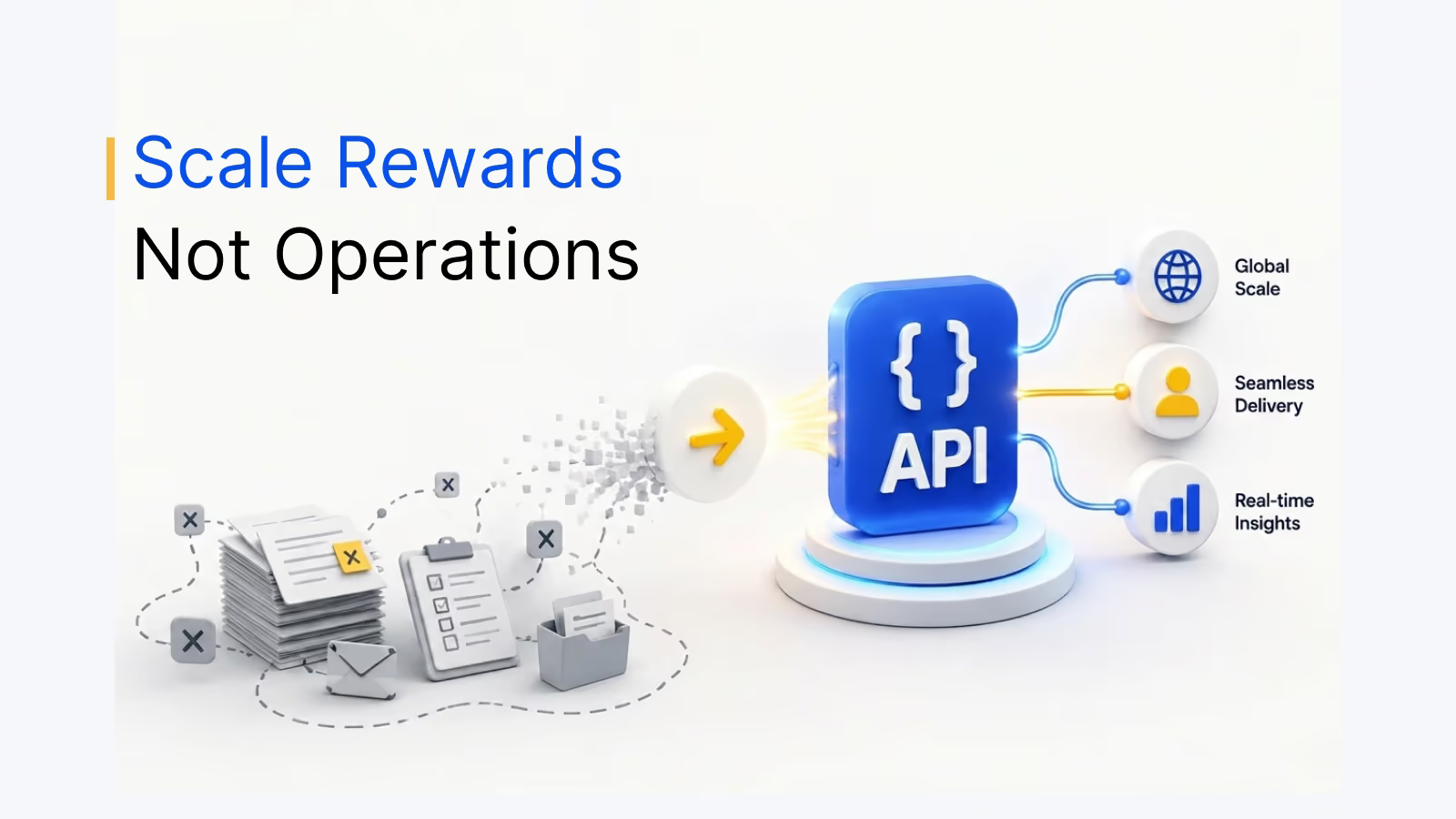
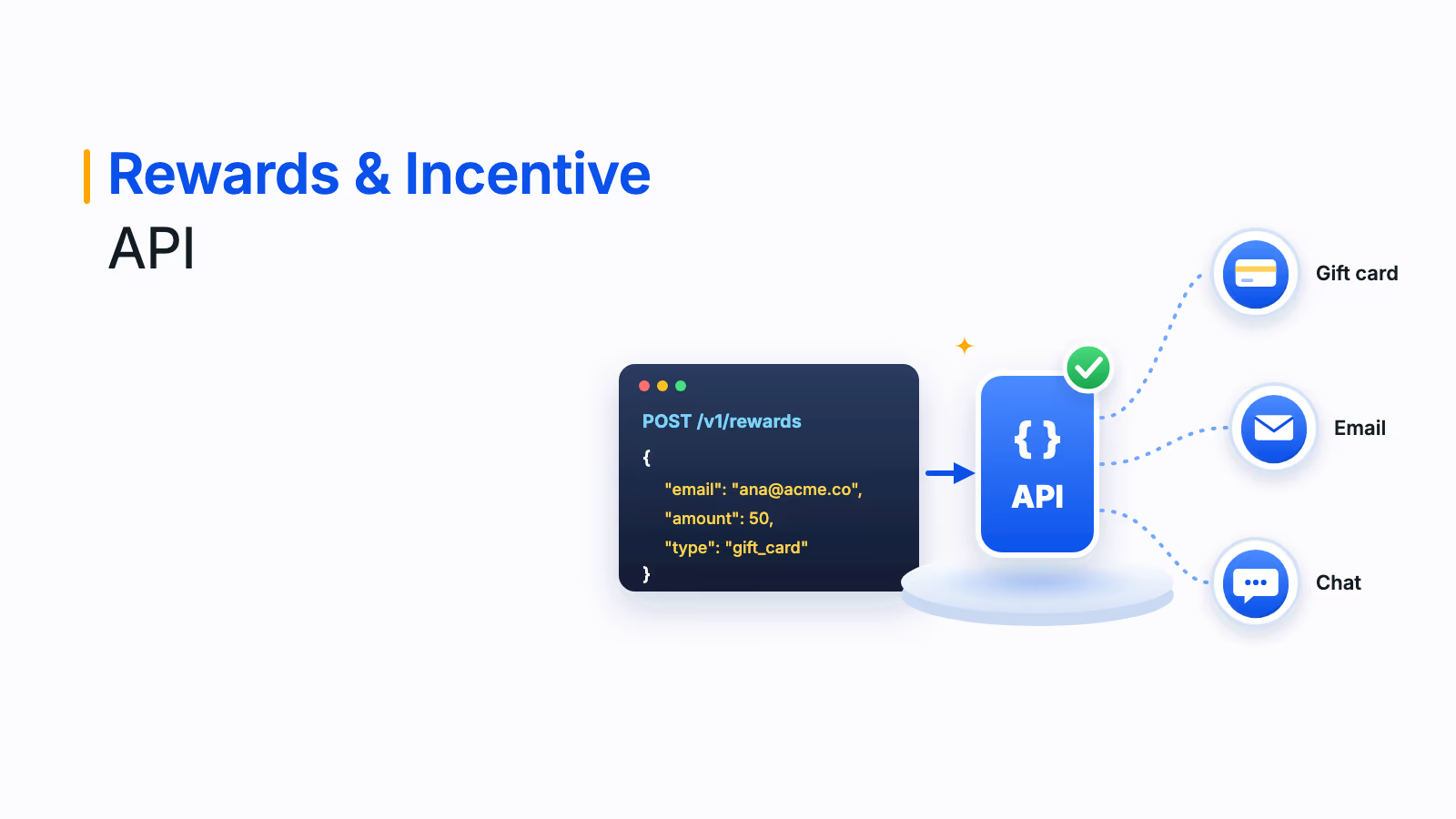
If none of these fit, the rewards and incentive API is the fallback. Salesforce also has a native Plum integration for sales milestones, listed in the Plum integration catalog.
What Plum does under every workflow
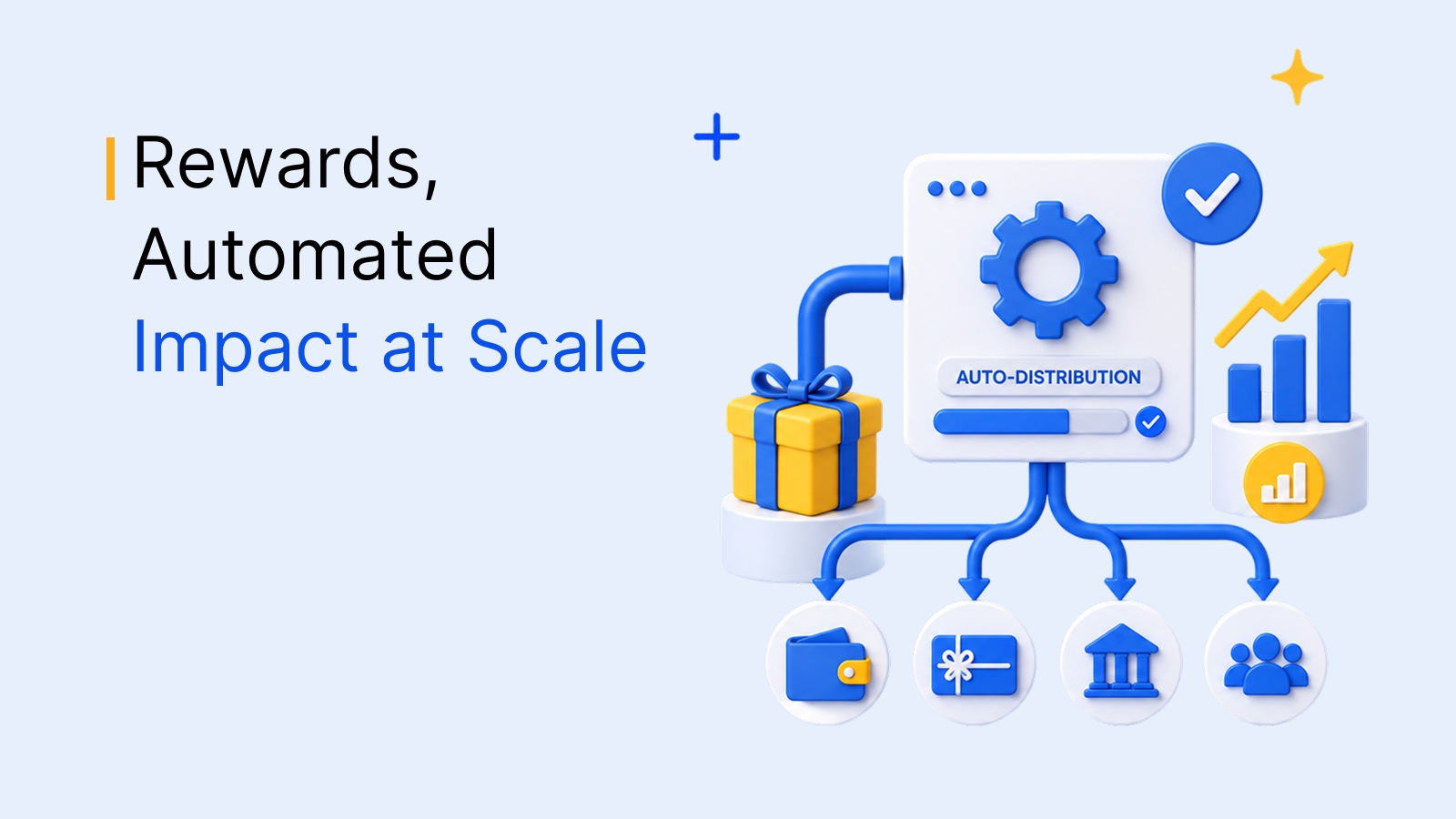
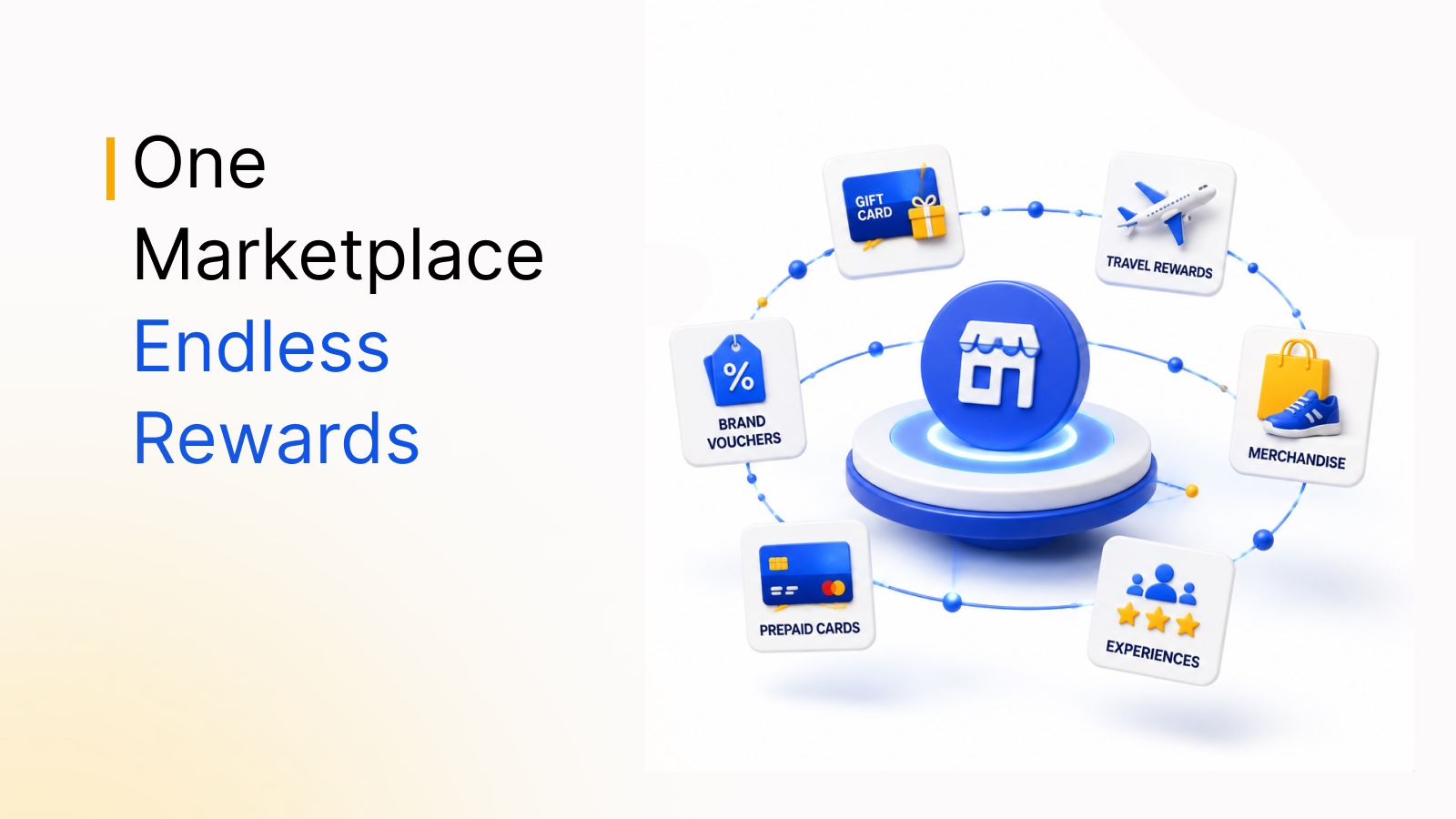
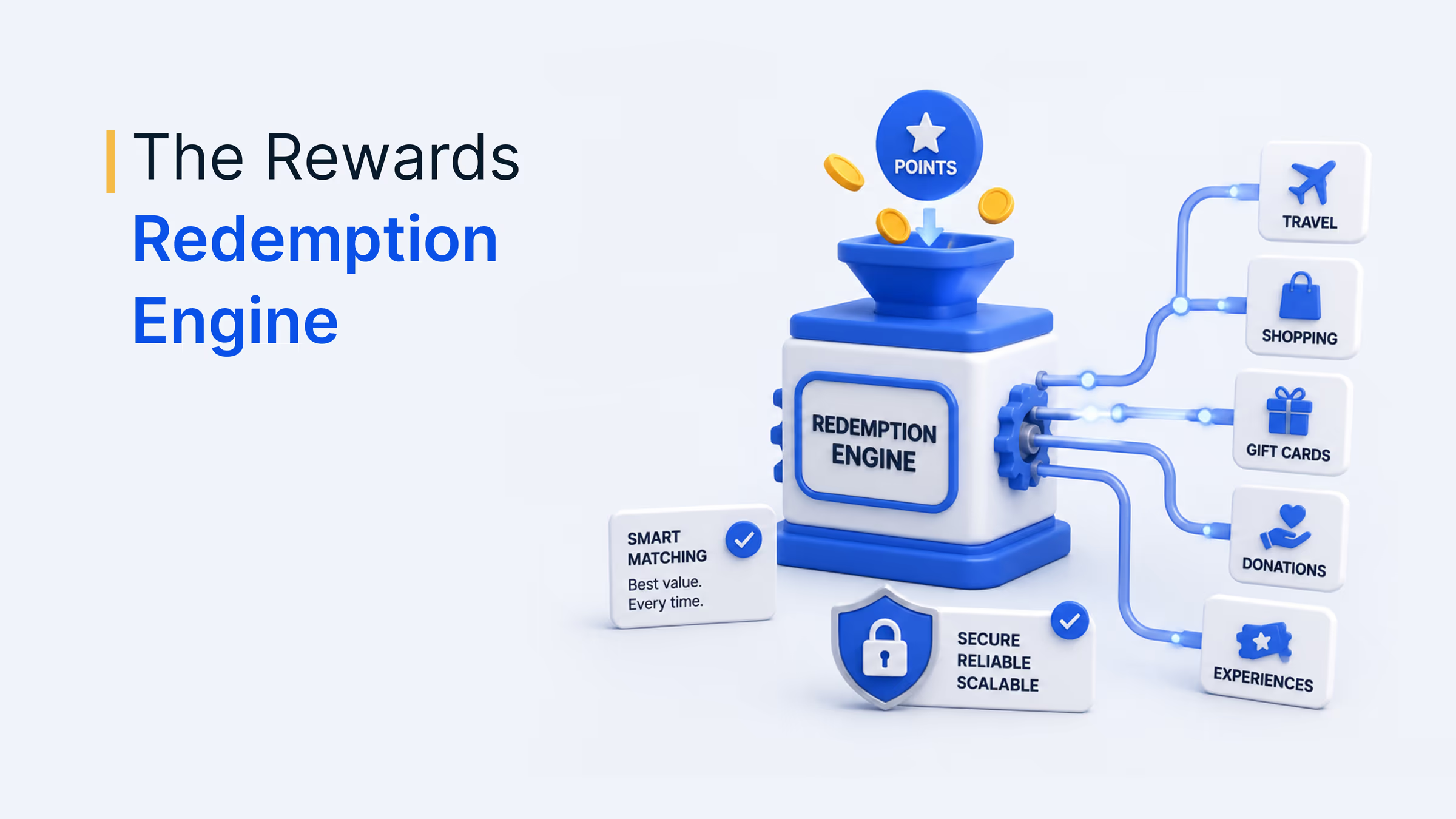
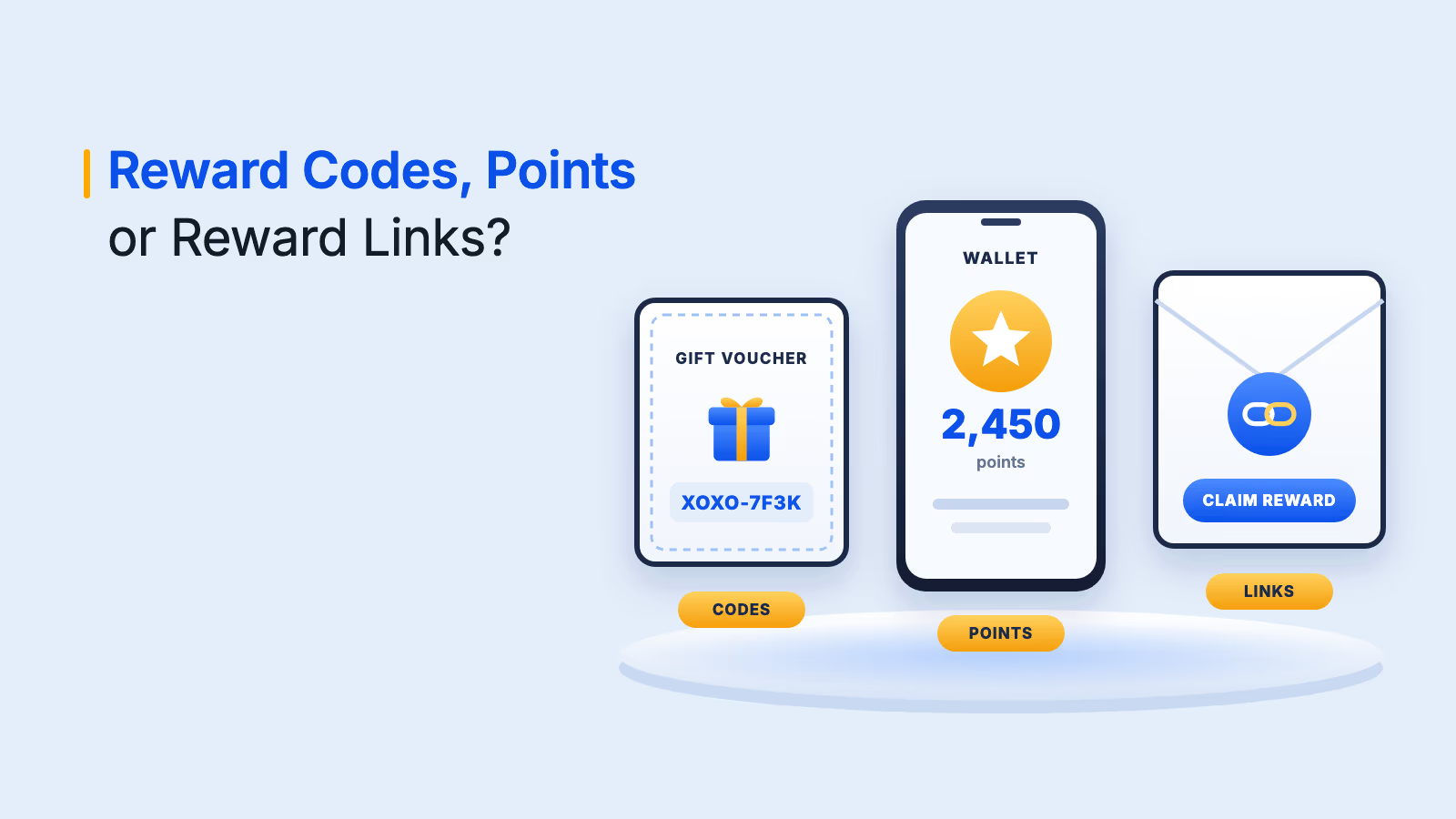
Each trigger hands off to the same reward layer: a pre-funded balance and delivery by link, code or points across 150+ countries. HubSpot link campaigns add approval type, caps and expiry dates. For Zapier workflows, set your limits with filters on the Zap.
To see how teams run this at volume, read how to automate reward distribution.
What to check before you automate a reward
- Fund the account. Add money through Recharge in Plum before you activate a Zap.
- Test with a dummy contact. Run every Zap and automation once before it touches real records.
- Cap and expire. Use per-automation caps and link expiry dates.
- Name an owner. Someone should own each trigger for when a CRM field changes.
Which workflow should you start with?
Start in the tool your team already lives in. Sales-led teams get the fastest win from workflow 1 in Salesforce. Marketing teams should start with workflow 5 in HubSpot. Everyone else can start with workflow 10, which needs no CRM and no code.
Book your Plum demo
Frequently asked questions
It means a reward sends itself when something happens in your systems, like a deal closing or a survey finishing. The trigger, approval and delivery run without a request form or a spreadsheet in between.
Yes. Zapier's Salesforce triggers, such as new lead or an opportunity reaching Closed Won, can start a Plum e-gift card with no code. Plum also lists a native Salesforce integration, and the API covers custom logic.
You build a Zap with your trigger app and event, choose Plum as the action app, and map the recipient email. The action sends an e-gift card to that address.
Yes. Add funds through Recharge in Plum before you activate a Zap, then customize the reward fields and test it with a dummy contact.
On HubSpot link automations, set a maximum reward cap and choose manual approval for higher-value rewards. Repeat rewarding is disabled. On Zapier workflows, add filters so only qualifying records fire the Zap.