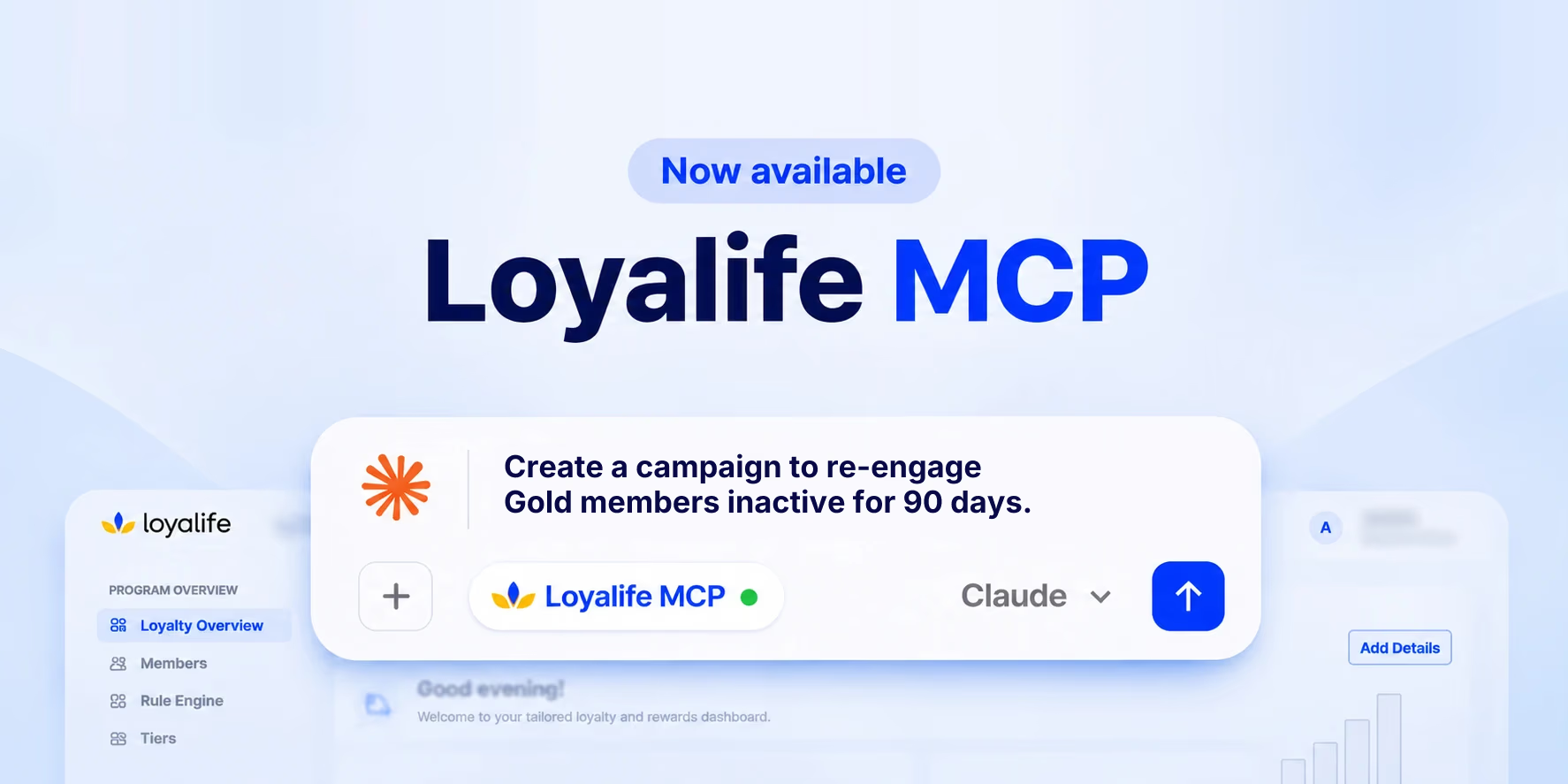
Loyalty teams manage thousands of moving parts. From building campaigns and configuring reward rules to analysing member behaviour and tracking program performance, every decision involves navigating multiple workflows.
But what if your team could do all of this simply by asking?
We have introduced Loyalife MCP, which brings your loyalty program directly into Claude, ChatGPT and Microsoft 365 Copilot. If you run your program on Loyalife, your program administrator can connect it in a few steps.
Once connected, your team can create campaigns, review configurations, analyse program data and get answers using natural language, while existing permissions and approval workflows remain in place.
What is MCP?
Your loyalty program, now reachable by AI assistants
MCP (Model Context Protocol) is an open standard that lets AI assistants like Claude, ChatGPT and Microsoft 365 Copilot work inside Loyalife on your behalf. They can search members, read transaction history, check rule configurations or walk through a points enquiry, all using the same role and permissions you already have as an admin.
Nothing the AI does bypasses your access control. It simply acts as you, inside the chat.
How does Loyalife MCP work?
A typical request looks like this:
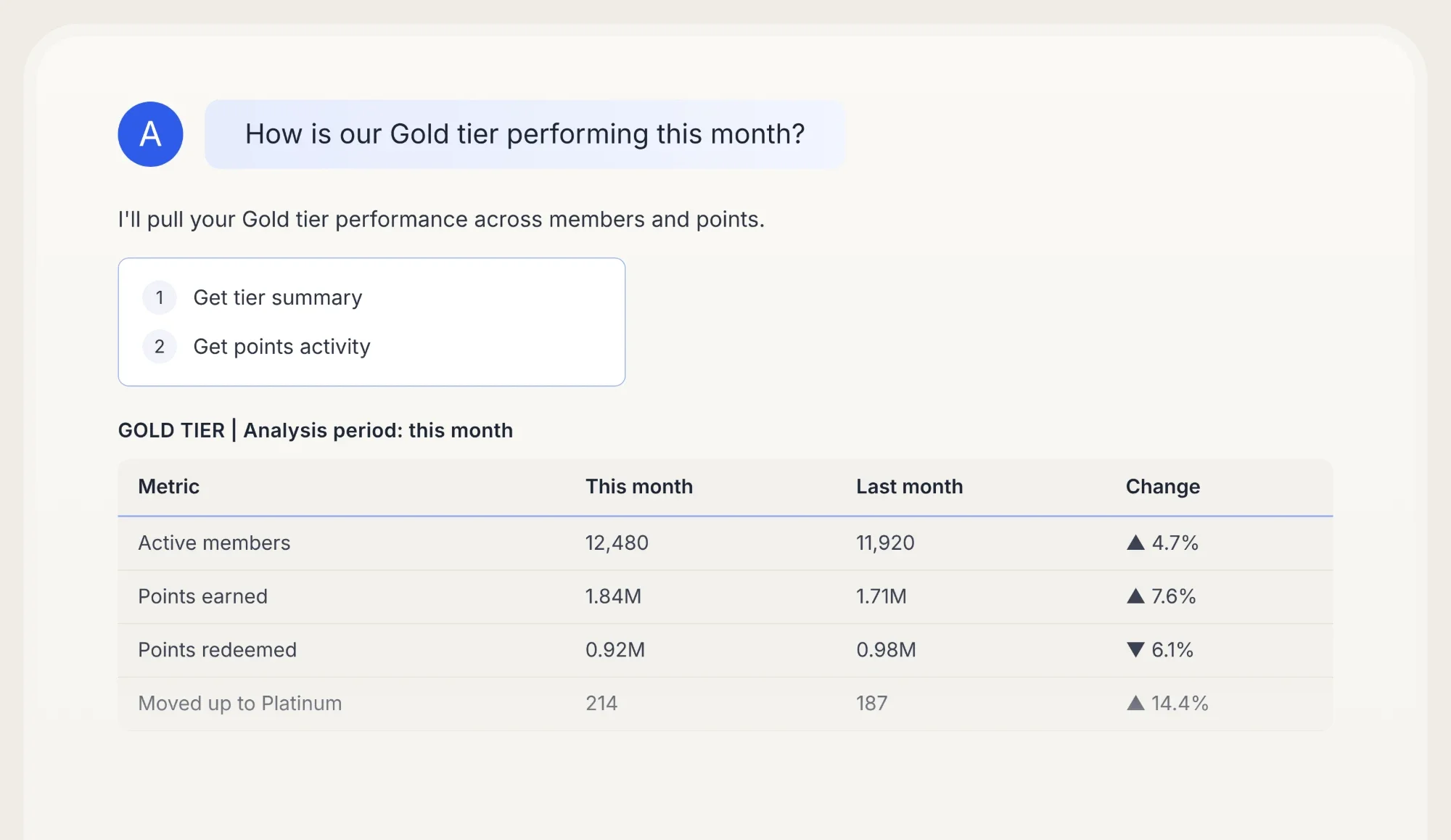
- You ask. A team member types a question or goal into their AI assistant, such as "How is our Gold tier performing this month?"
- The AI picks the right tools. It calls the Loyalife MCP tools it needs, such as tier summaries, points activity or rule creation.
- You get the answer. Results come back in the chat as a clear summary or table.
- Changes go for approval. If the request involves a change, Loyalife MCP prepares it and sends it through your maker-checker review. Nothing goes live from the chat.
How Loyalife MCP helps every team
A loyalty program touches many teams, and Loyalife MCP makes work faster for each of them.
- Loyalty and marketing managers move from idea to launch without waiting on configuration queues.
- Program administrators spend less time on manual setup and launch with fewer errors.
- Customer support teams resolve points queries in a single conversation instead of escalating them.
- Business leaders get answers about program performance whenever they need them, not when a report is ready.
Use cases across every loyalty program
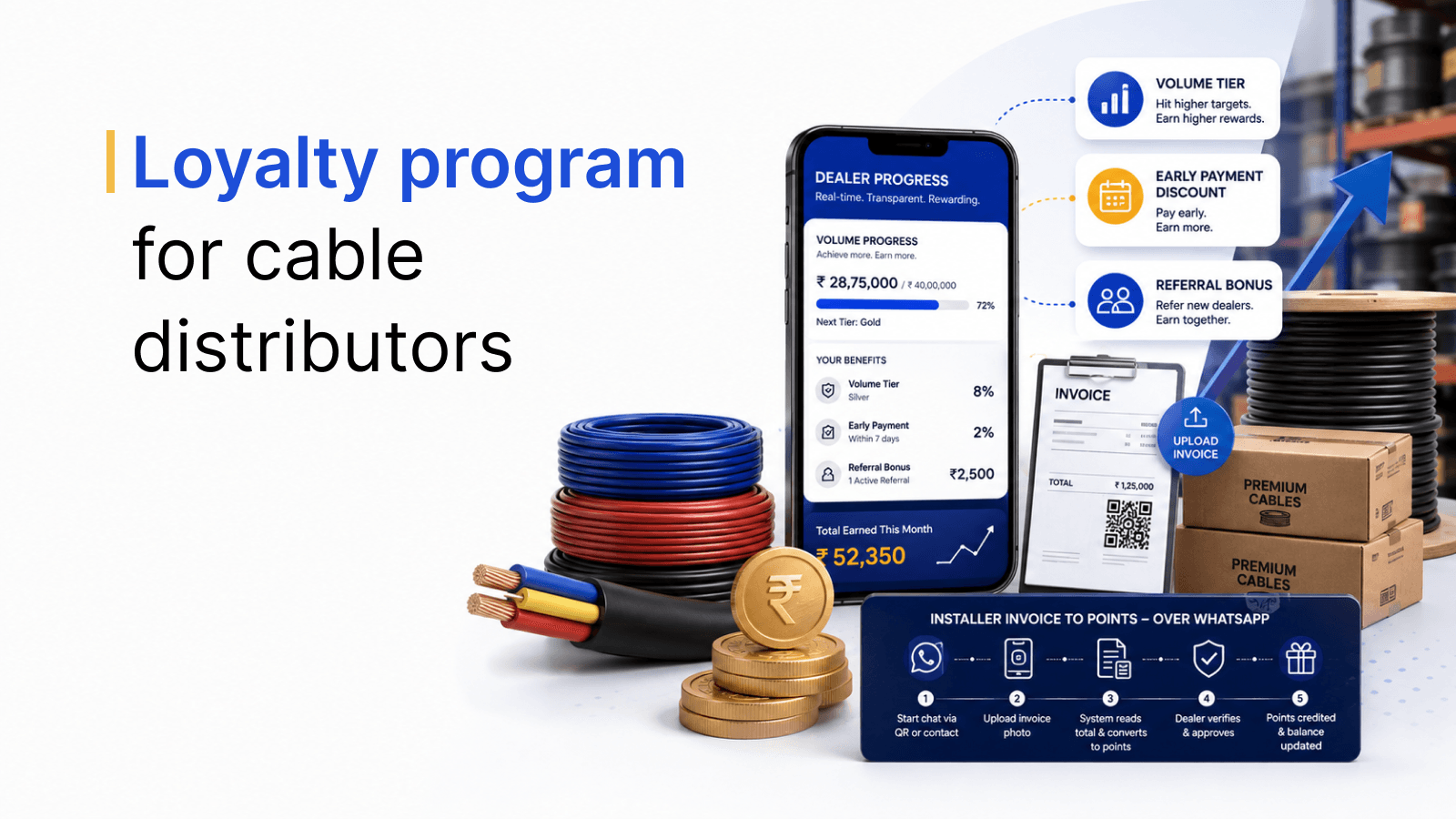
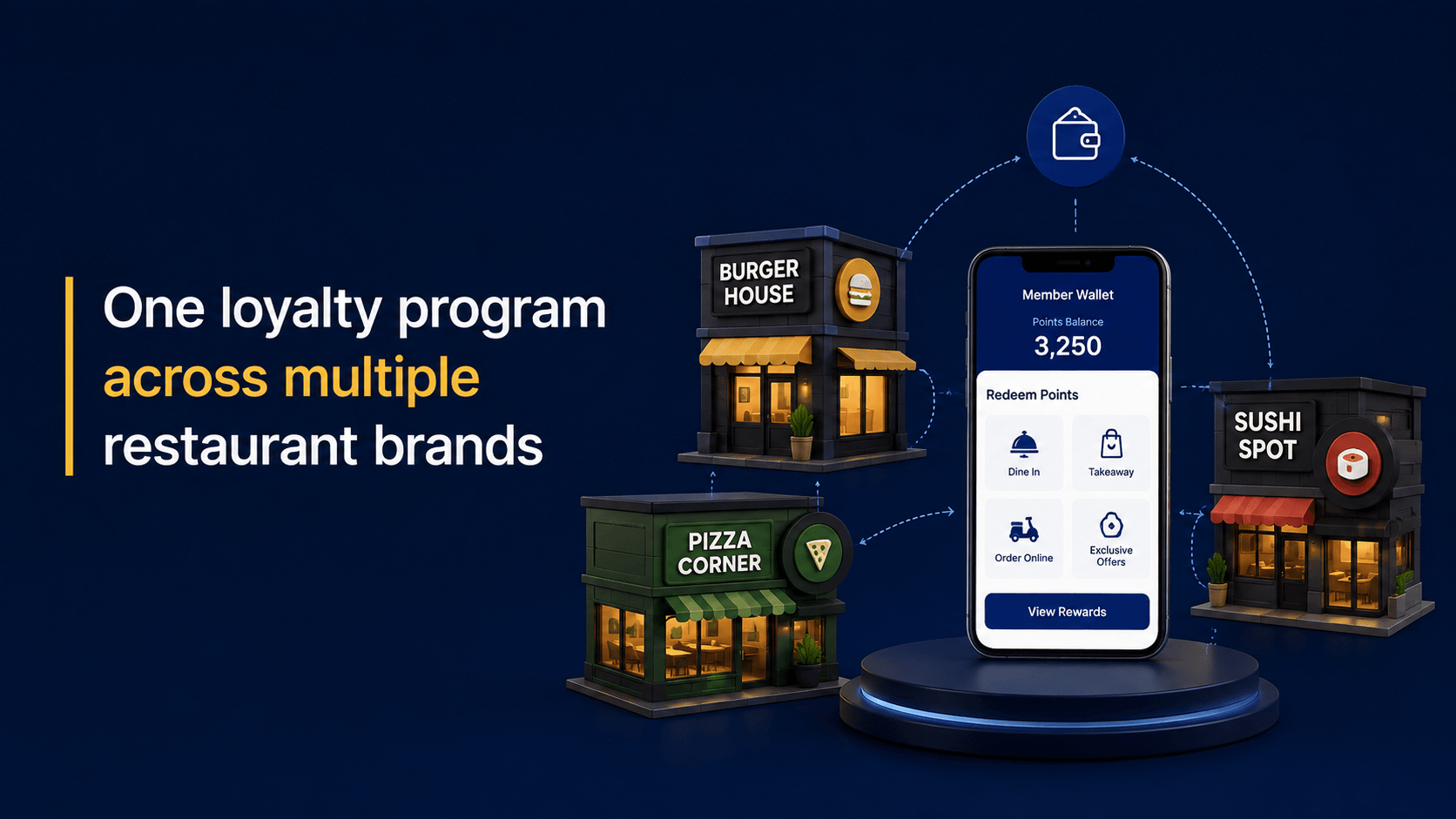
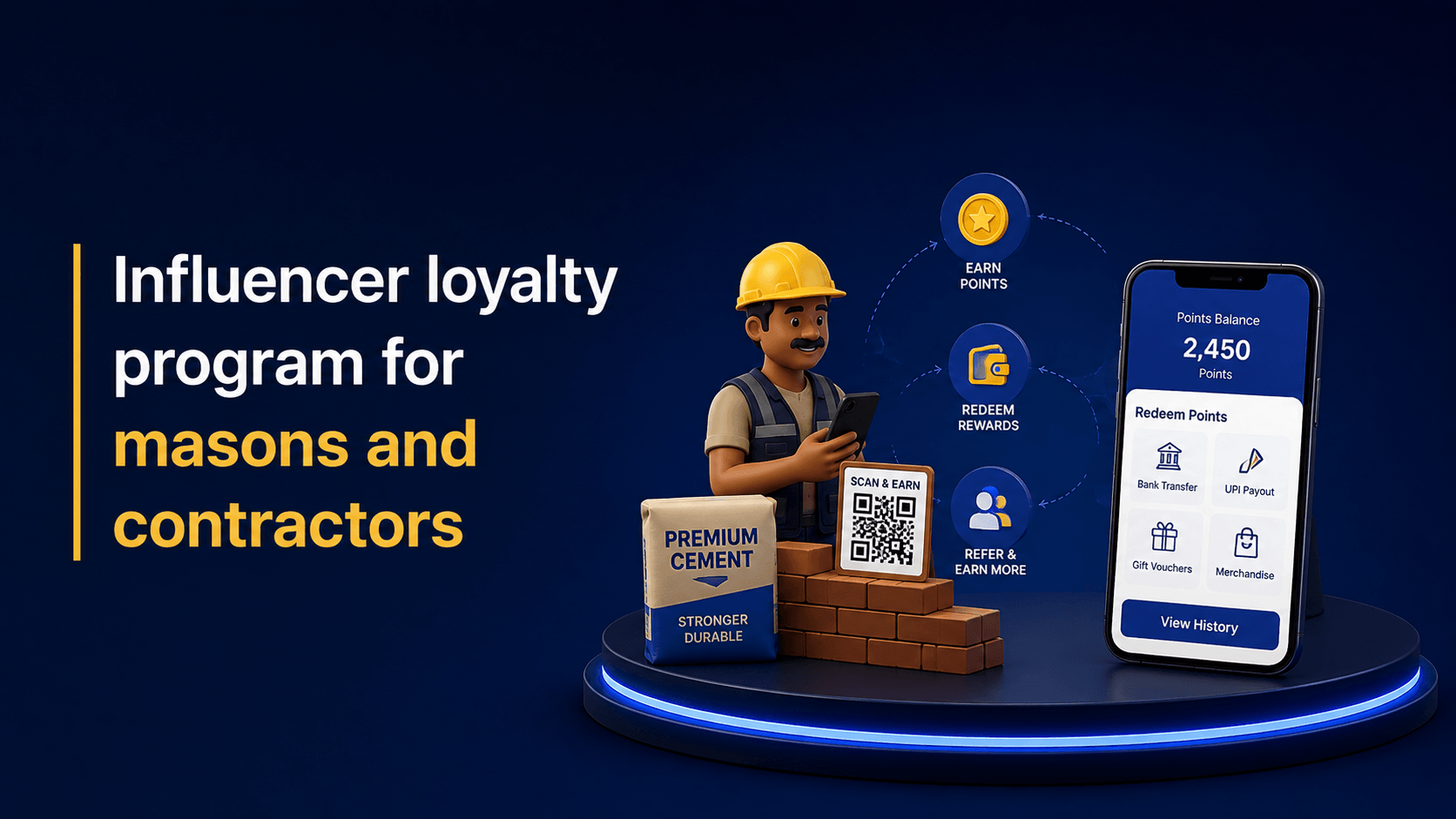
Loyalife MCP works across consumer, channel and trade influencer programs. Here's what teams can ask:
Consumer loyalty
- How many Gold members haven't earned points in the last 30 days?
- Create a campaign to re-engage inactive members since last 90 days.
- Audit our credit card program before go-live and flag any risks.
Channel and partner loyalty
- Which dealers had the lowest activity this quarter?
- Create a rule that rewards distributors for every 10 units sold.
- Create a bonus points campaign to get low-activity dealers ordering again.
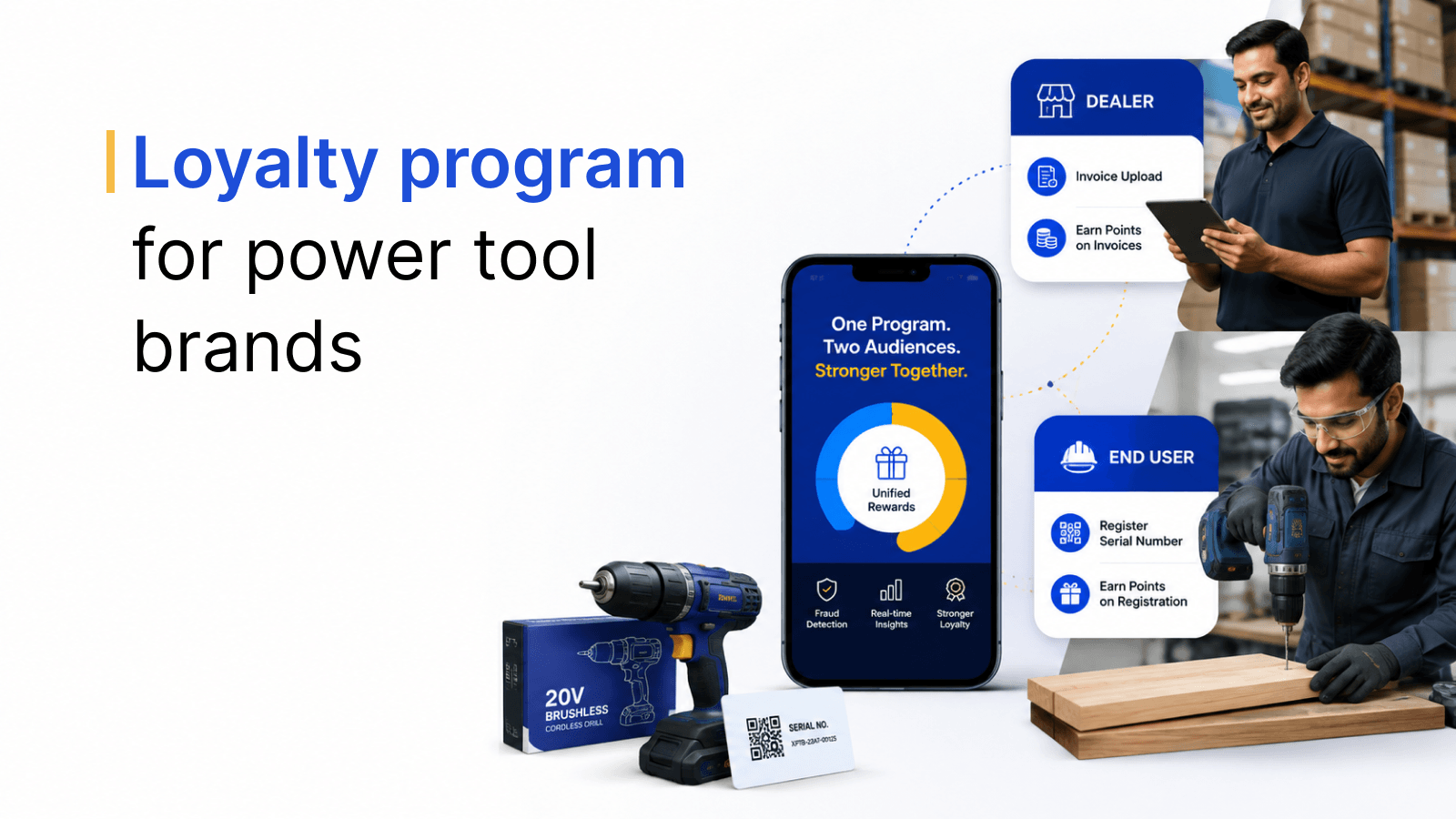
Trade influencer loyalty
- How many painters joined this month but haven't made their first claim?
- Create a welcome bonus rule for new electricians on their first purchase.
- Check that our contractor tier rules have qualifying criteria.
These are example prompts. The actions and data available depend on your program configuration.
Secure by design: governance at every step
Loyalty programs carry real money and real member trust. Loyalife MCP is built on one principle: connecting an AI assistant should never widen what anyone can see or do.
- It acts as you. Loyalife MCP uses your existing Loyalife login, role and permissions. If you can't see or change something in Loyalife, the AI can't either. Operations are scoped to your tenant.
- Maker-checker on every change. Rules, campaigns and points changes go in as approval requests. A second person approves them before anything reaches a live program or a member's balance.
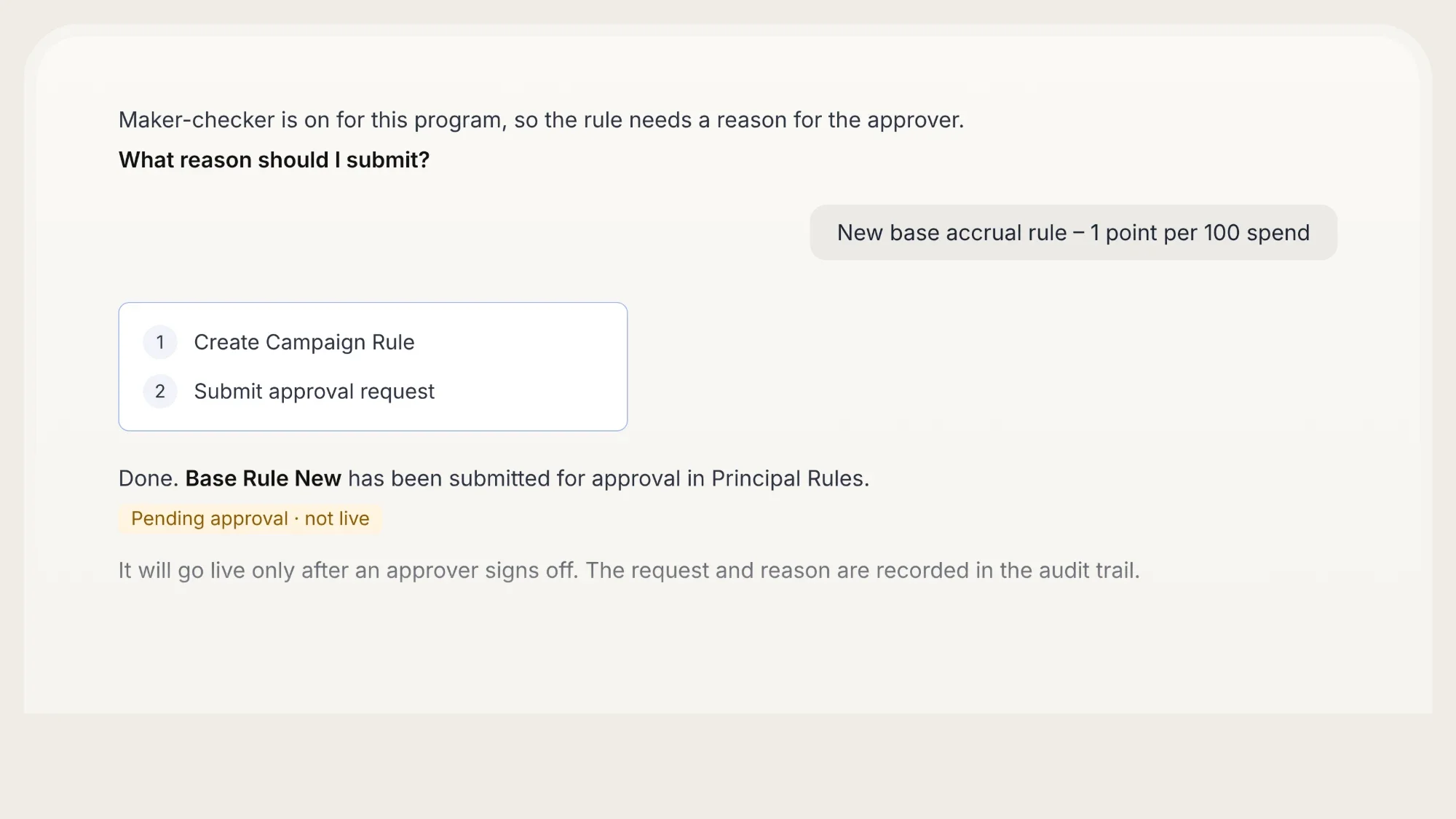
- Every change carries a reason. The AI asks for a reason the approver will see, so every decision is made with context.
- A full audit trail. Each request gets its own ID, and every MCP action is logged, so you always know what was accessed, what changed and who approved it.
- No bypassing your controls. Loyalife MCP works through your existing rules and approval workflows, never around them.
Which AI assistants can connect to Loyalife MCP?
Loyalife MCP works with Claude, ChatGPT and Microsoft 365 Copilot. Your team isn't locked into a single assistant. They can use the one they already work in, with scoped access to loyalty workflows and the same role and permissions they already have in Loyalife.
See it in action: creating an earning rule
Check out the interactive demo here.
Say a loyalty manager wants members to earn 1 point for every 100 they spend. Instead of opening the rule engine, they type:
Loyalife MCP walks them through the setup. It asks which rule group the rule belongs in and what to call it. It builds the condition with them, checking Transaction Amount and choosing how to compare it, then sets the reward and offers optional settings like tier multipliers.
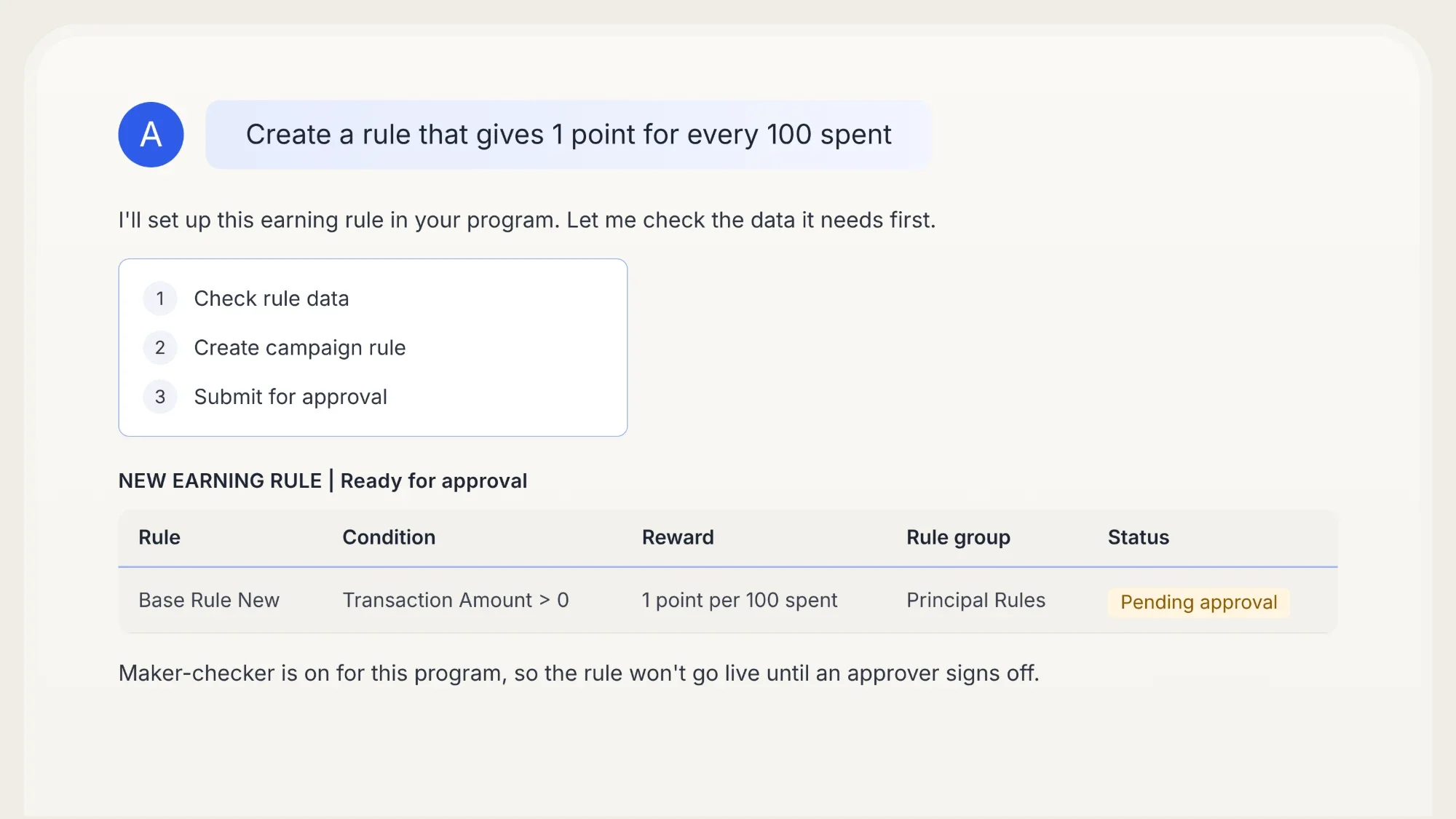
Before anything is submitted, the maker sees a full summary of the rule. It then goes in as an approval request with its own request ID, and waits for a checker to sign off.
Getting started with Loyalife MCP
Book your Loyalife demo
Frequently asked questions
Loyalife MCP connects your Loyalife loyalty program to AI assistants through the Model Context Protocol, so your team can search members, analyse program data and create rules or campaigns using natural language.
Loyalife MCP works with Claude, ChatGPT and Microsoft 365 Copilot, so your team can use the assistant they already work in.
No. Rules, campaigns and points changes go in as approval requests through your maker-checker review. A second person approves them before anything reaches a live program or a member's balance.
No. Loyalife MCP uses your existing Loyalife login, role and permissions, scoped to your tenant. If you can't see or change something in Loyalife, the AI can't either.
Connect Loyalife MCP to Claude, ChatGPT or Microsoft 365 Copilot, sign in with your Loyalife account, and start with one high-value use case such as a new earning rule or a pre-launch program audit.